 PluginStats
adplane listing history
By Adplane · ChatGPT Plugins · Business & Operations
Manage Google Ads and Meta Ads
ChatGPT Plugins does not publish install or usage counts, so PluginStats tracks adplane's listing placement instead.
It currently appears at position #1814 in the marketplace's popularity-sorted listing.
Category positions: #93 in Business & Operations
About adplane
Adplane connects your Google Ads and Meta Ads accounts to ChatGPT so you can analyze performance and make changes in the same conversation.
Ask questions in plain language and get answers from your live account data, on either platform or both at once. Compare campaigns across any date range, find where spend is going, pull search terms, put Google and Meta results side by side, or write raw GAQL when you need something the report builder does not cover. Money is returned in your account currency, already converted, so numbers can be read as-is.
Adplane also builds and changes campaigns. On Google it can create Search campaigns, ad groups, keywords, and responsive search ads, and add negative keywords. On Meta it can create campaigns, ad sets, ads, and creatives built from images and video you provide, with live previews. On both platforms it can update names, budgets, bids, and status on things that already exist.
Everything Adplane creates starts paused. A new campaign cannot serve or spend until you explicitly ask to turn it on, and turning something on is a separate, deliberate step through a single tool per platform. Negative keywords only restrict where ads show and can never spend. Deleting is limited to removing a campaign that has never spent, for cleaning up a draft you abandoned; there is no bulk delete. Every change is read back from the platform after it is applied, so what you see reported is what the platform actually stored.
Connecting takes one click. Sign in with the Google account you already use for Google Ads and every account you have access to is connected at once. Meta ad accounts connect from your accounts page with a Facebook sign-in.
Requires a Google Ads or Meta ad account and an Adplane account at adplane.ai.
Description from the ChatGPT Plugins listing.
Charts
Images: 30d · 1y · all time · 1600×900 dark
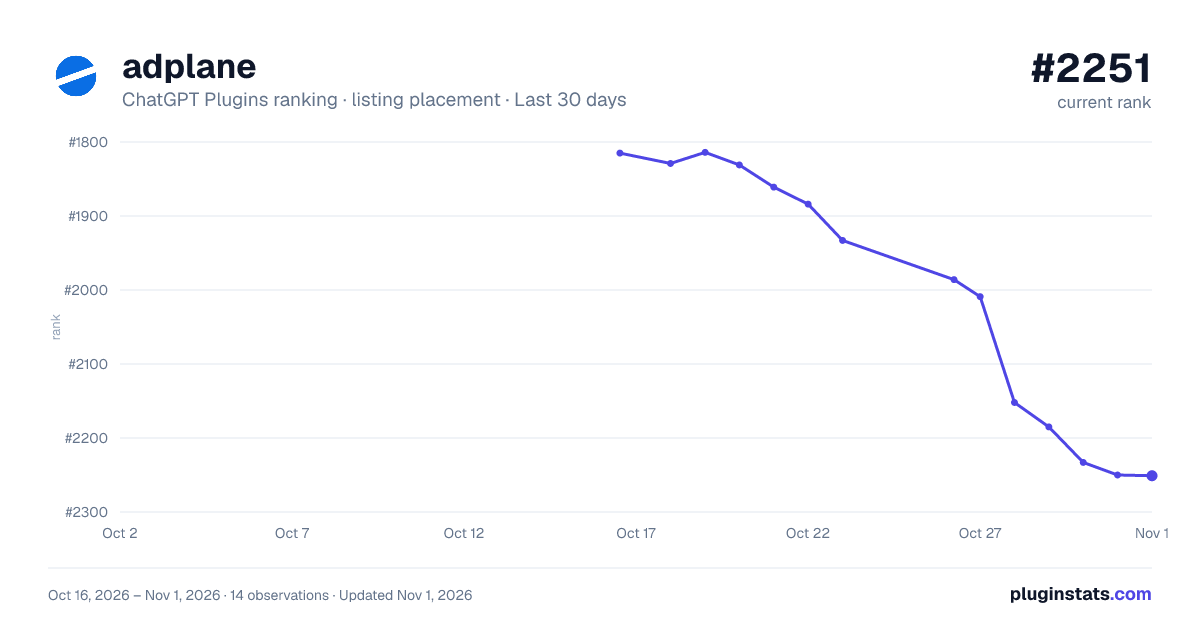
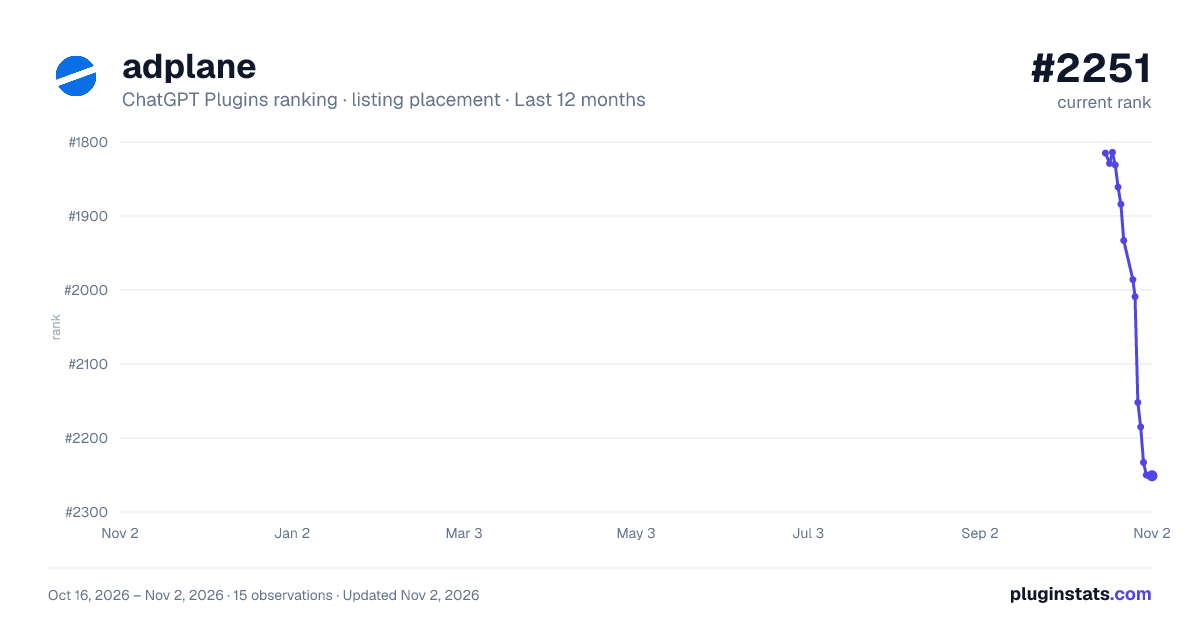
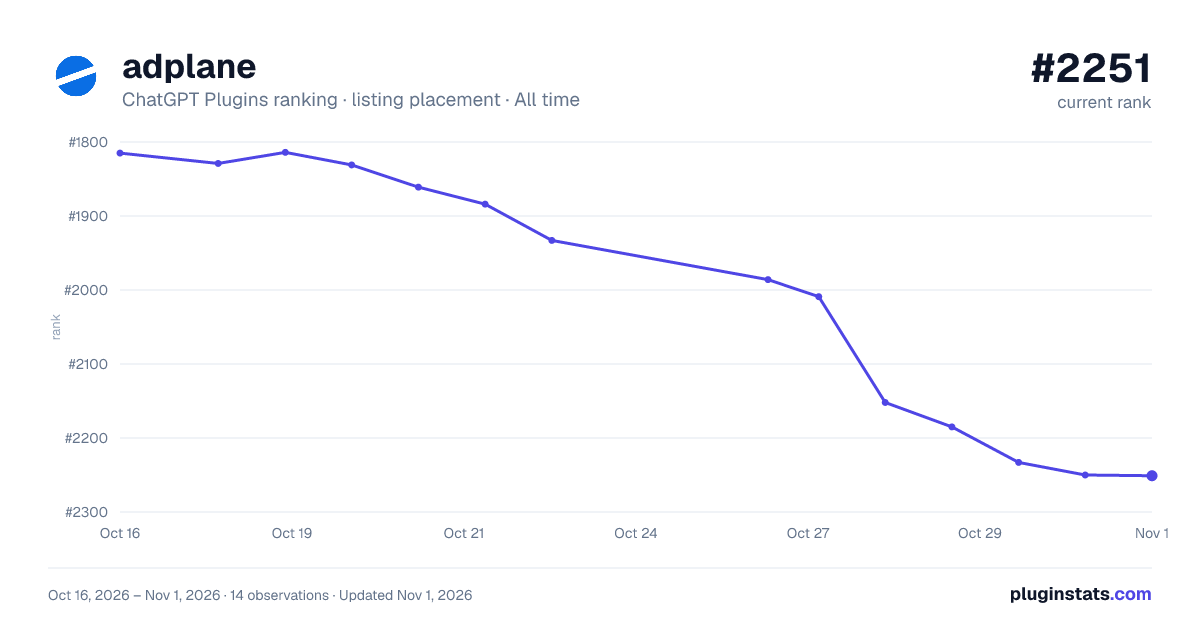


Filled points are observed values; hollow points come from Internet Archive snapshots of the listing page. Dashed segments span periods with no observations — values between points are not interpolated.
Similar ChatGPT Plugins Business & Operations plugins
All 20 adplane alternativesData source
OpenAI does not publish install counts or ratings for ChatGPT plugins. PluginStats records listing details and each plugin's placement in the directory over time: overall position follows the Popular list, then New & Noteworthy, then each category in directory order.
Listing: https://chatgpt.com/plugins/plugin_asdk_app_6a89243b262481918a189c2ecc2773d5. First seen Oct 16, 2026; last successful collection Oct 19, 2026. See the methodology.