 PluginStats
ChatGPT Plugins does not publish install or usage counts, so PluginStats tracks Oncallz's listing placement instead, currently position #1971 in the marketplace's popularity-sorted listing.
Category positions: #695 in Developer Tools
About Oncallz
Connect your Oncallz account to check on-call coverage, inspect incidents, manage status-page updates and write post-mortems with follow-up action items. Record past outages with their actual start and end times, correct incident wording, and control outage visibility separately from incident details. Actions use your connected account’s existing organization and permissions. Status updates and public reports can affect live customer pages; notifications and publication should be requested explicitly. An Oncallz account is required. This plugin does not manage billing or monitoring-provider credentials.
Description from the ChatGPT Plugins listing.
- Read on-call schedules
- Read and update incidents
- Manage status-page incidents
- Manage post-mortems and action items
README badge
Show your rank in a README or on your website. The badge updates automatically.
Charts
Images: 30d · 1y · all time · 1600×900 dark
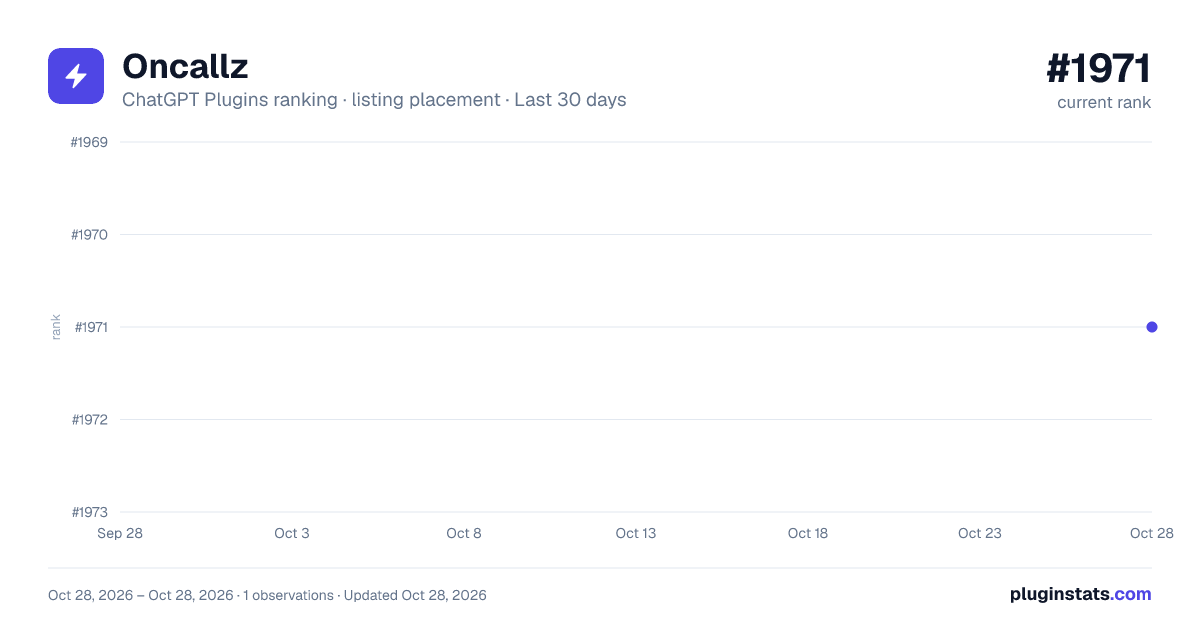
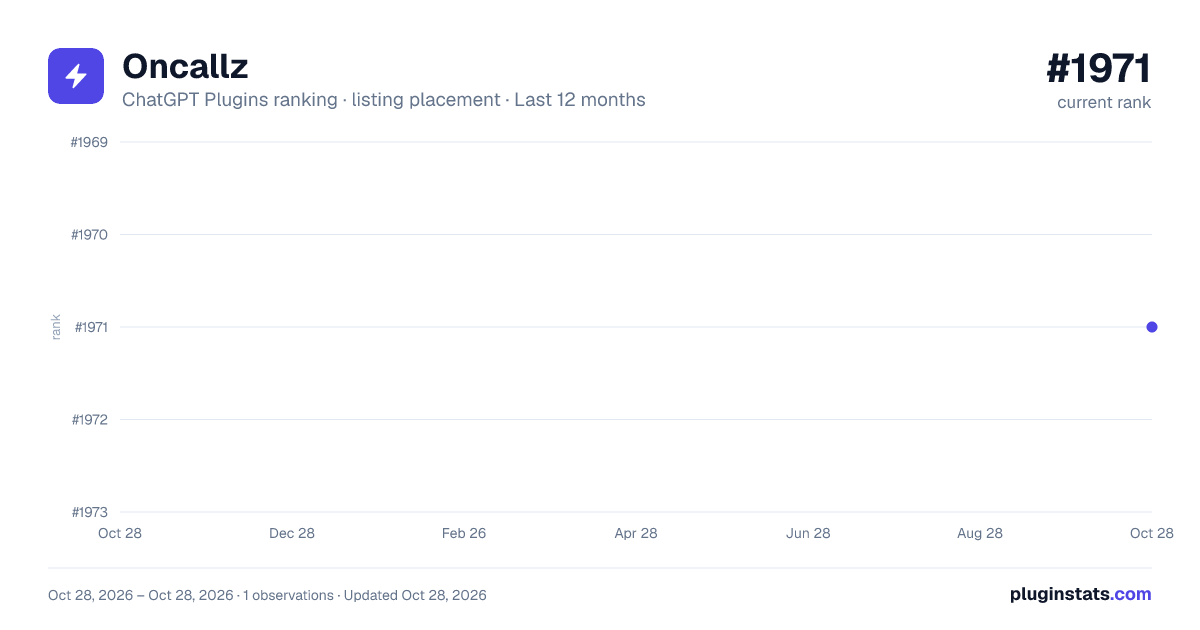
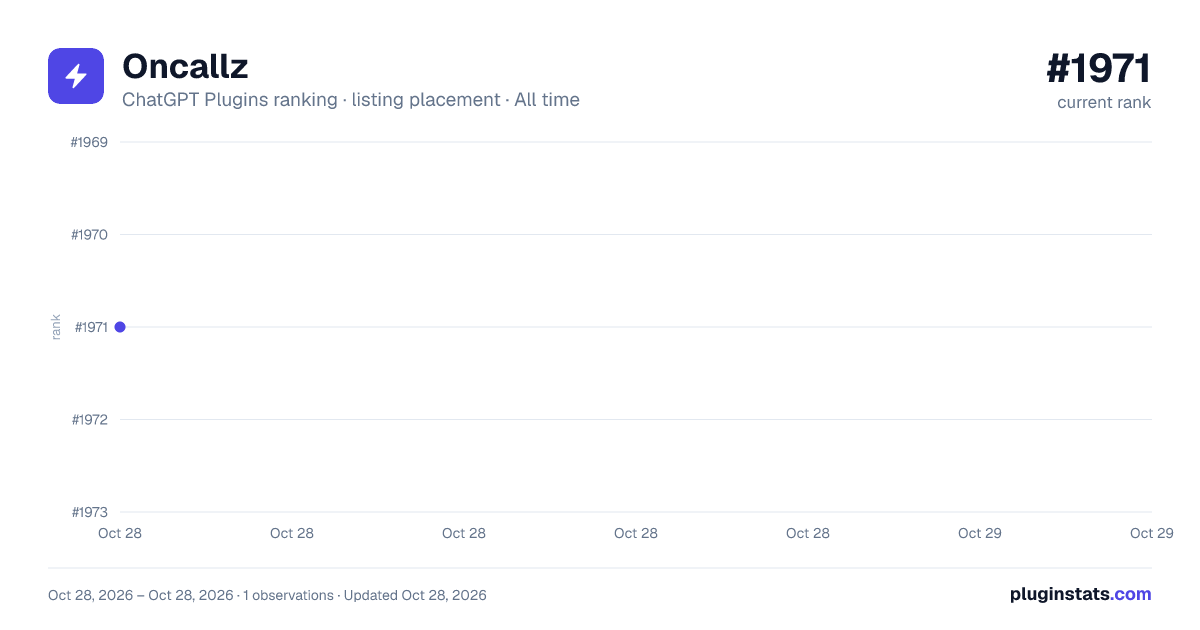

Ranking history
Filled points are observed values; hollow points come from Internet Archive snapshots of the listing page. Dashed segments span periods with no observations — values between points are not interpolated.
Similar ChatGPT Plugins Developer Tools plugins
All 20 Oncallz alternativesData source
OpenAI does not publish install counts or ratings for ChatGPT plugins. PluginStats records listing details and each plugin's placement in the directory over time: overall position follows the Popular list, then New & Noteworthy, then each category in directory order.
Listing: https://chatgpt.com/plugins/plugin_asdk_app_6acaa6cdfe24819185cab27a2c6f8d1b. First seen Oct 28, 2026; last successful collection Oct 28, 2026. See the methodology.