 PluginStats
ChatGPT Plugins does not publish install or usage counts, so PluginStats tracks SVG Lab's listing placement instead, currently position #1321 in the marketplace's popularity-sorted listing.
Category positions: #618 in Creativity
About SVG Lab
SVG Lab designs in your SVG Lab account from a plain description. The SVG Lab MCP houses SVG Lab's Design Engine: you bring the product, the content and the direction, and the Design Engine does the design work (layout, spacing, type, colour and drawing) and checks each screen before it is handed over.
What you can ask for:
- App and web screens, laid out on artboards with consistent spacing, type and colour
- Icon sets and illustrations, drawn point by point as vectors
- Charts, and layouts with stock photos from Unsplash or Pexels, credited to the photographer
- Changes to earlier work: open a saved project and carry on
- The SVG of any artboard, ready to use in your app or site
Where the work goes: everything is saved as a project in your SVG Lab account, under My Projects. Open it in the SVG Lab editor at svglab.app to adjust it by hand, or ask for the SVG.
Who it is for: people who build apps and sites but do not design, and anyone who wants finished vector design from a plain description instead of design vocabulary.
Limits:
- You need an SVG Lab account. You sign in and approve the connection; the app never sees your password.
- Access to the SVG Lab MCP and the number of requests depend on your SVG Lab account.
- The first request after a pause can take up to 30 seconds while your editor opens on SVG Lab's servers.
- It makes vector artwork. It does not generate photographs or other raster images.
Description from the ChatGPT Plugins listing.
- Design app and web screens
- Draw icons and illustrations
- Place and credit stock photos
- Open and continue saved projects
- Export artboards as SVG
README badge
Show your rank in a README or on your website. The badge updates automatically.
Charts
Images: 30d · 1y · all time · 1600×900 dark
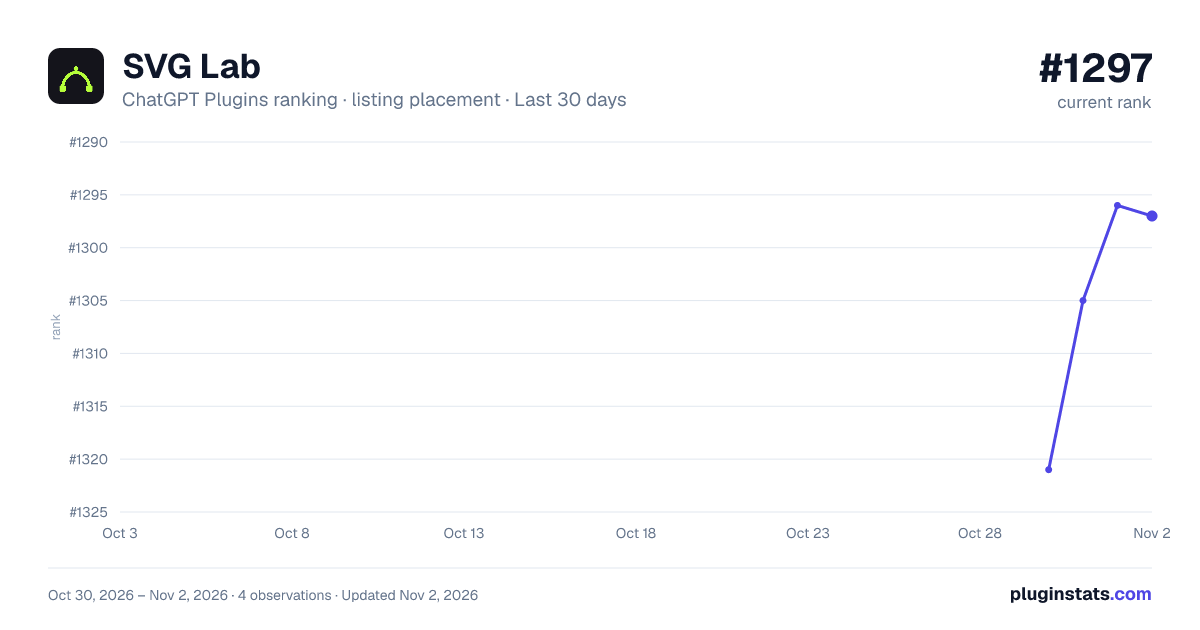
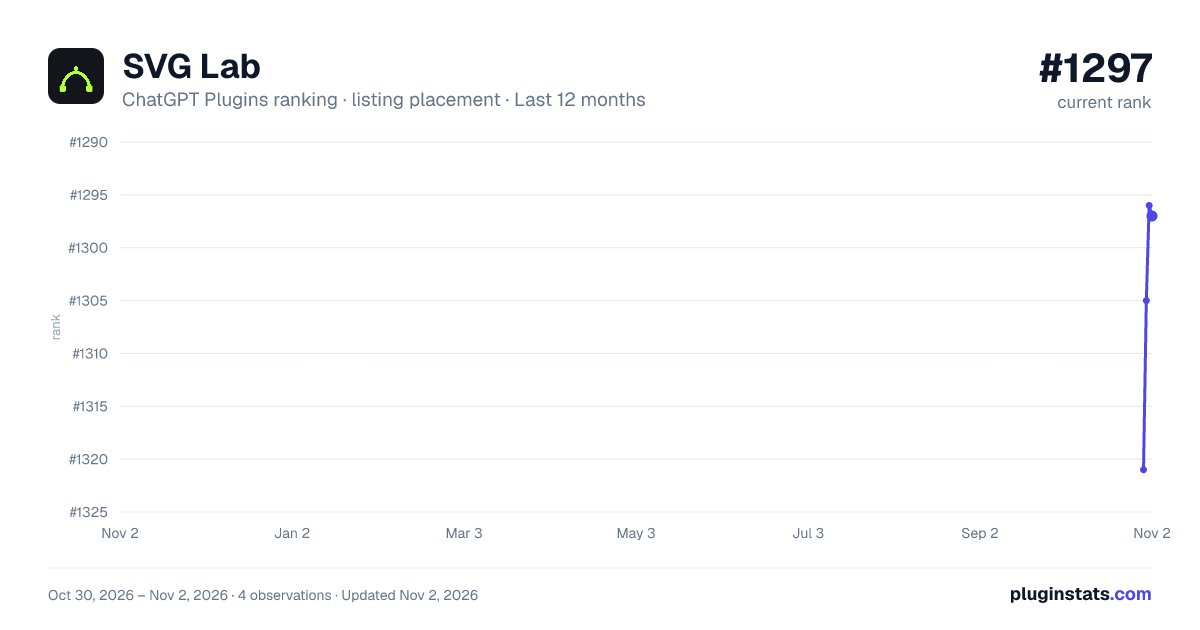
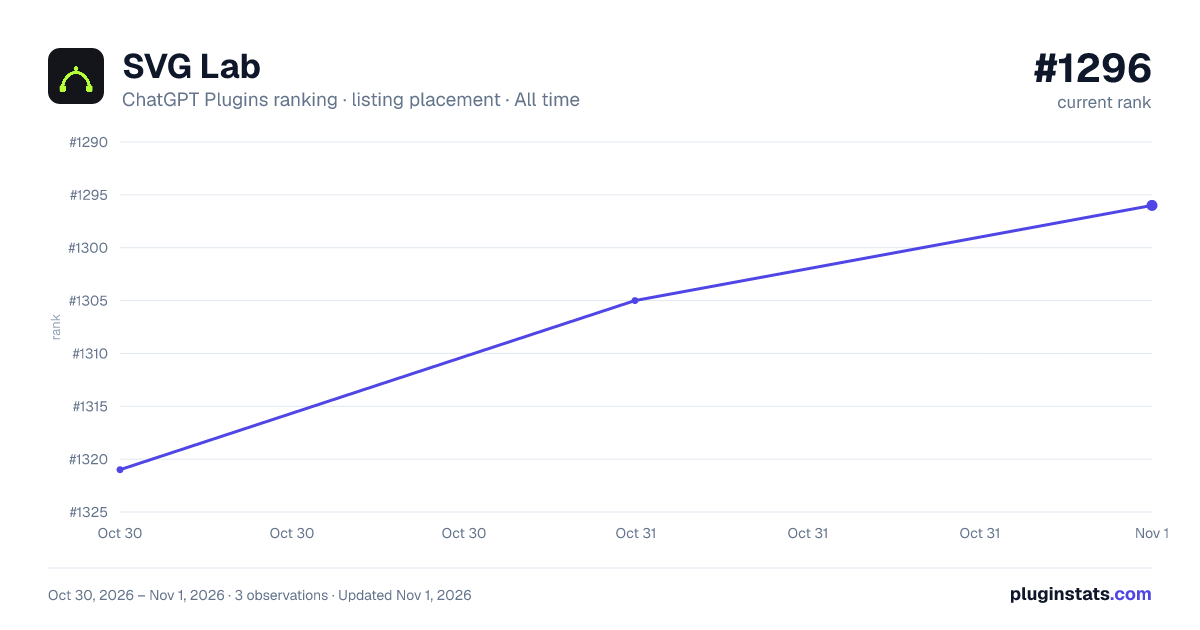

Ranking history
Filled points are observed values; hollow points come from Internet Archive snapshots of the listing page. Dashed segments span periods with no observations — values between points are not interpolated.
Similar ChatGPT Plugins Creativity plugins
All 20 SVG Lab alternativesData source
OpenAI does not publish install counts or ratings for ChatGPT plugins. PluginStats records listing details and each plugin's placement in the directory over time: overall position follows the Popular list, then New & Noteworthy, then each category in directory order.
Listing: https://chatgpt.com/plugins/plugin_asdk_app_6ad2bf1ec4988191a371f507e64ed23b. First seen Oct 30, 2026; last successful collection Oct 30, 2026. See the methodology.