 PluginStats
CloudAEye DevProd installs statistics
By CloudAEye · GitHub Marketplace
AI companion for test failure analysis, code review and Q&A
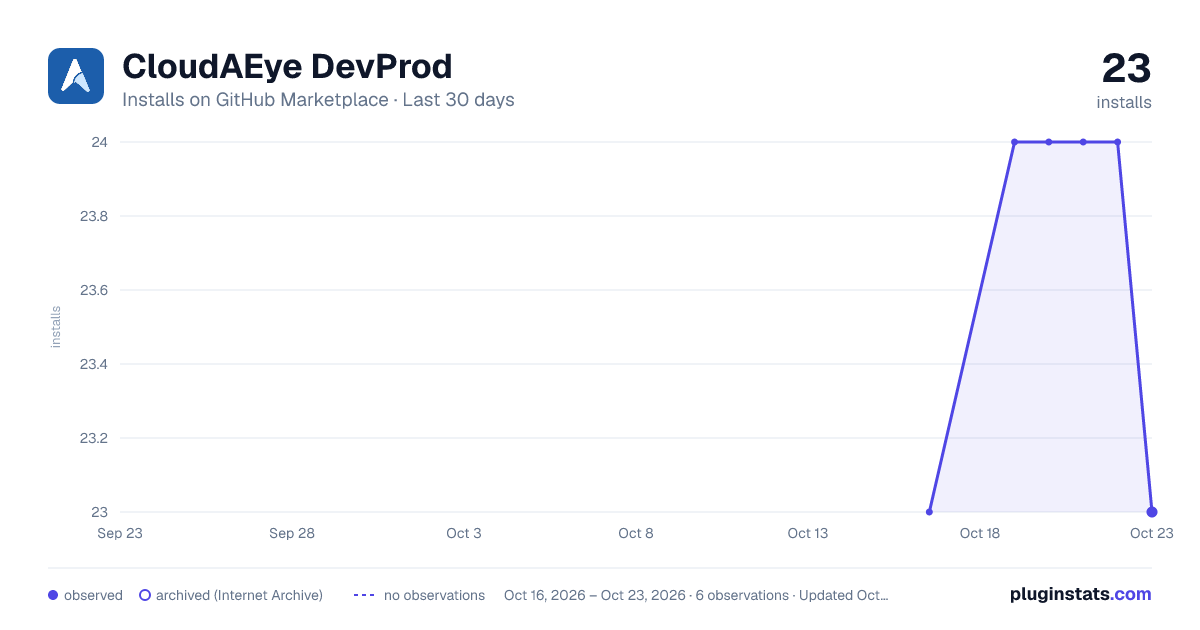
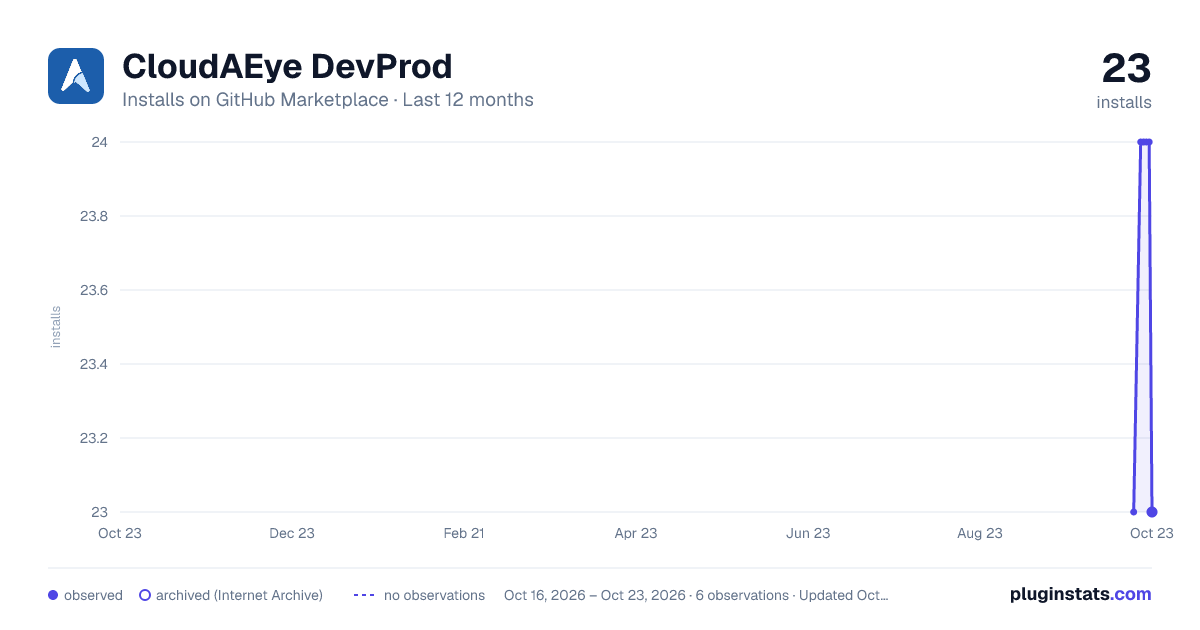
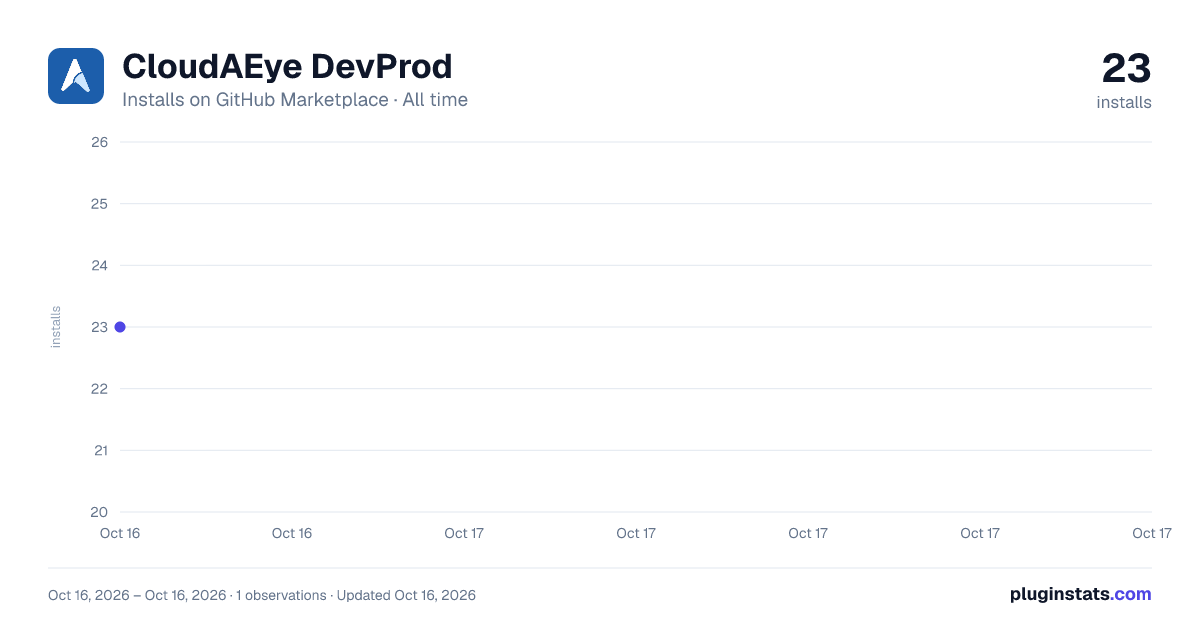
CloudAEye DevProd has 23 recorded installs on GitHub Marketplace.
It ranks #836 of 1,393 tracked GitHub Marketplace listings by installs.
PluginStats has 1 daily observations since Oct 16, 2026; the latest is from Oct 16, 2026.
About CloudAEye DevProd
This application acts as an AI companion for developers. It boosts developer productivity with AI that understands your codebase.
• Test Analysis: Automatically analyzes test failures, identifies root causes, and suggests fixes. • Code Review: Conducts thorough code reviews, highlighting security vulnerabilities and addressing LLM and AI code-related concerns. • Code-aware Bot: Generates commit messages, explains pull requests, and interactively answers code-related questions.
Capabilities
• Identifies root causes, and suggests fixes for a failed test • Identifies flaky tests that are intermittently failing • Intelligently group failures and automate triaging of tests • Conducts thorough code reviews • Highlights security vulnerabilities • Identifies LLM and AI code-related concerns • Generates commit messages • Explains pull requests • Answers code-related questions
Benefits
• Streamline Debugging: Automates debugging and fixing of test failures. It automates the triaging, and detection of many other common use cases such as flaky tests, library-related failures, dependent service failures, tests spanning multiple repositories, etc. • Code Quality: Provides instant feedback on best practices and error detection. • Security: Identifies security vulnerabilities, LLM, and AI code-related concerns. • Knowledge: Answers questions on your code base.
Getting Started
• Requirements: Supports GitHub, GitHub Actions, and Jenkins. • Plan: Individual developers may use the free tier. Teams and enterprises may choose the paid plans. • User Permissions: Need to be able to install the GitHub application or Jenkins plugin. • Availability: GA • Onboarding: Please see docs
Setup Process:
• Install the GitHub application. • Install and configure the Jenkins plugin if you are using Jenkins. • Map your code repositories and GitHub workflows.
Example Prompts
Try these prompts that start with @cloudaeye:
• @cloudaeye analyze-tests: Performs test failure analysis • @cloudaeye review-code: Reviews code for best practices • @cloudaeye describe-pr: Adds a description for the pull request (PR) • @cloudaeye add-commit-message: Adds commit message • @cloudaeye <question about code>: Answers to user's question
Description from the GitHub Marketplace listing.
- AI Assisted
- Code review
Where CloudAEye DevProd sits in the listing
Each band is one page of 20. Installs on a log scale. Placement is projected from installs, so it can differ from the marketplace's own sort order. Hover a dot to see the listing.


Charts
Images: 30d · 1y · all time · 1600×900 dark

Adoption over time


7/30/90-day growth


Filled points are observed values; hollow points come from Internet Archive snapshots of the listing page. Dashed segments span periods with no observations — values between points are not interpolated.
Recent observations
Full history (1)Similar GitHub Marketplace plugins
Data source
Install counts (installations of each GitHub App across accounts and organizations) are read from public GitHub Marketplace listing pages. GitHub does not publish ratings. Category positions reflect GitHub's own popularity sort.
Listing: https://github.com/marketplace/cloudaeye-devprod. First seen Oct 16, 2026; last successful collection Oct 16, 2026. See the methodology.