 PluginStats
Vynix Agent installs statistics
By Suraj Sharma · GitHub Marketplace
Visual feedback & annotation platform (PHP/Slim backend, React/Vite dashboard, MCP server, embeddable widget)
Vynix Agent has 31 recorded installs on GitHub Marketplace.
It ranks #762 of 1,393 tracked GitHub Marketplace listings by installs.
PluginStats has 1 daily observations since Oct 16, 2026; the latest is from Oct 16, 2026.
About Vynix Agent
AI-native website annotation platform that captures element-level feedback, DOM context, screenshots, and metadata so AI coding agents can implement changes without follow-up questions.
Capabilities
Vynix is an AI-native website annotation and developer-context platform that turns website feedback into actionable engineering tasks.
Key features include:
• Click any element on a live website and leave structured feedback • Automatically capture page context, DOM data, element metadata, and screenshots • Generate AI-ready implementation prompts with complete context • Expose annotations and context through an MCP (Model Context Protocol) server • Connect live websites directly to AI coding agents and development workflows • Support any website, including React, Next.js, Vue, Laravel, WordPress, and plain HTML
Benefits
Traditional feedback such as "move this button" or "fix this section" forces developers and AI agents to manually locate the page, inspect the element, and gather missing context.
Vynix eliminates that process by attaching rich technical context directly to feedback.
Benefits include:
• Faster development: Reduce back-and-forth clarification requests • AI-ready workflows: Give coding agents the information they need from the start • Improved accuracy: Capture the exact element being referenced • Streamlined collaboration: Product, QA, design, and engineering teams work from the same context • Reduced implementation time: Convert feedback into actionable tasks instantly
Getting Started
Requirements
• Active Vynix account • Vynix website widget installed on your website • GitHub Copilot access • MCP integration enabled within your Vynix project
Setup Process
• Create a project in Vynix • Install the Vynix widget on your website • Connect the Vynix GitHub Copilot Extension • Start creating annotations and interacting with them from GitHub Copilot
Example Prompts
Try these prompts with @vynix:
• "Show me the latest annotations from my project" • "Summarize all feedback collected on the homepage" • "Find UI issues reported on the pricing page"
Description from the GitHub Marketplace listing.
- AI Assisted
- Code review
Where Vynix Agent sits in the listing
Each band is one page of 20. Installs on a log scale. Placement is projected from installs, so it can differ from the marketplace's own sort order. Hover a dot to see the listing.


Charts
Images: 30d · 1y · all time · 1600×900 dark
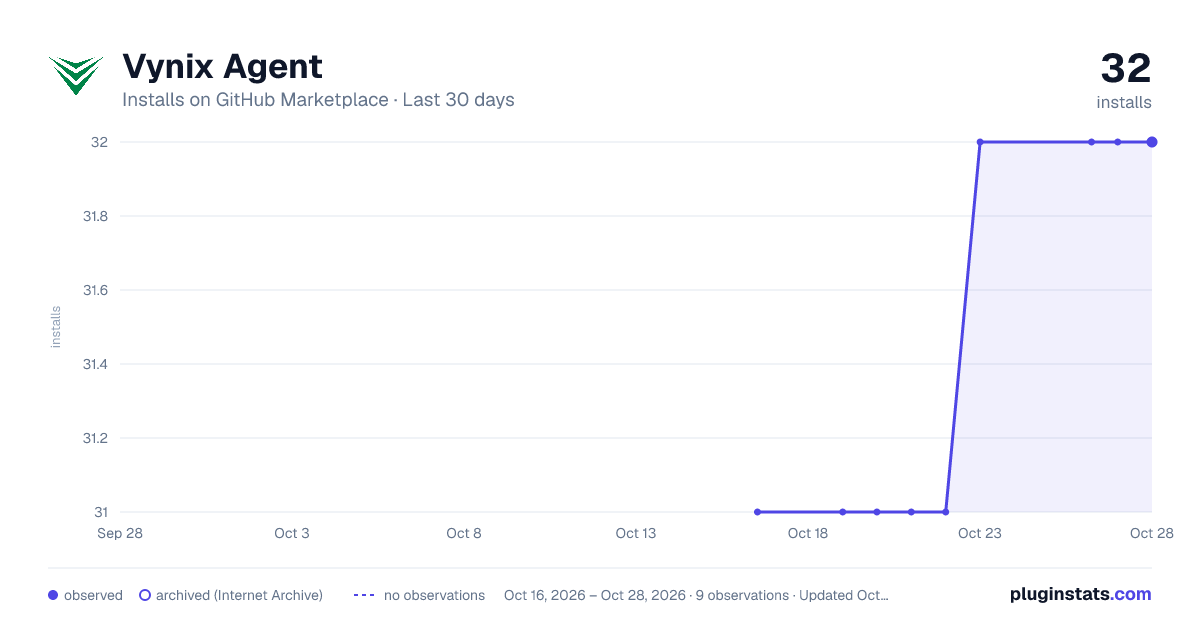
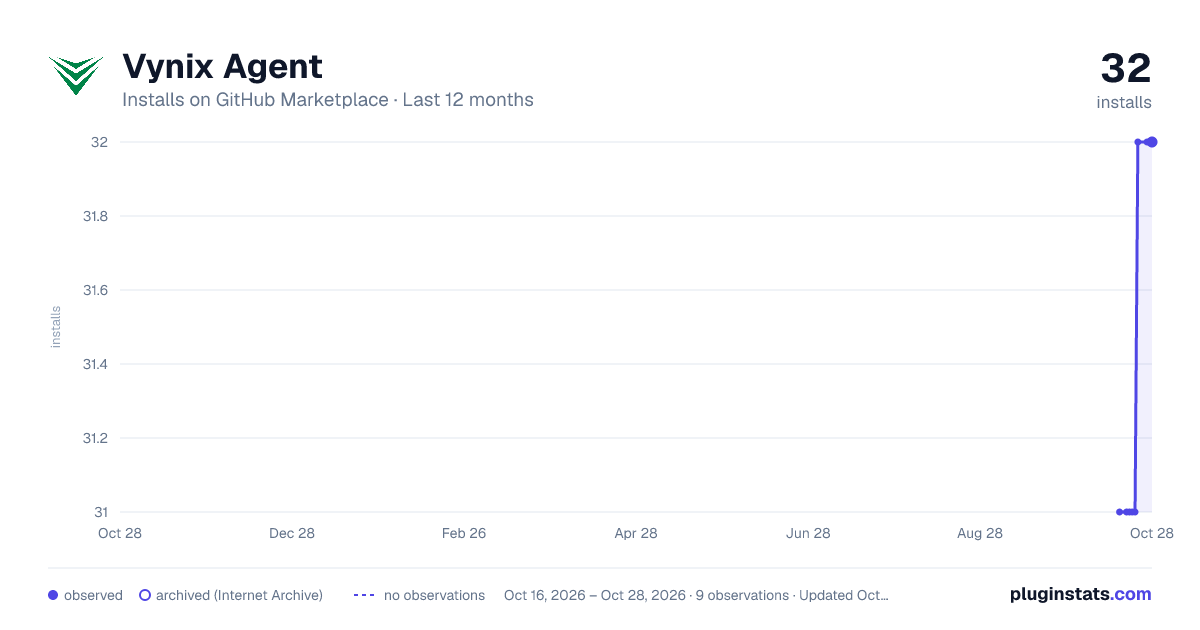
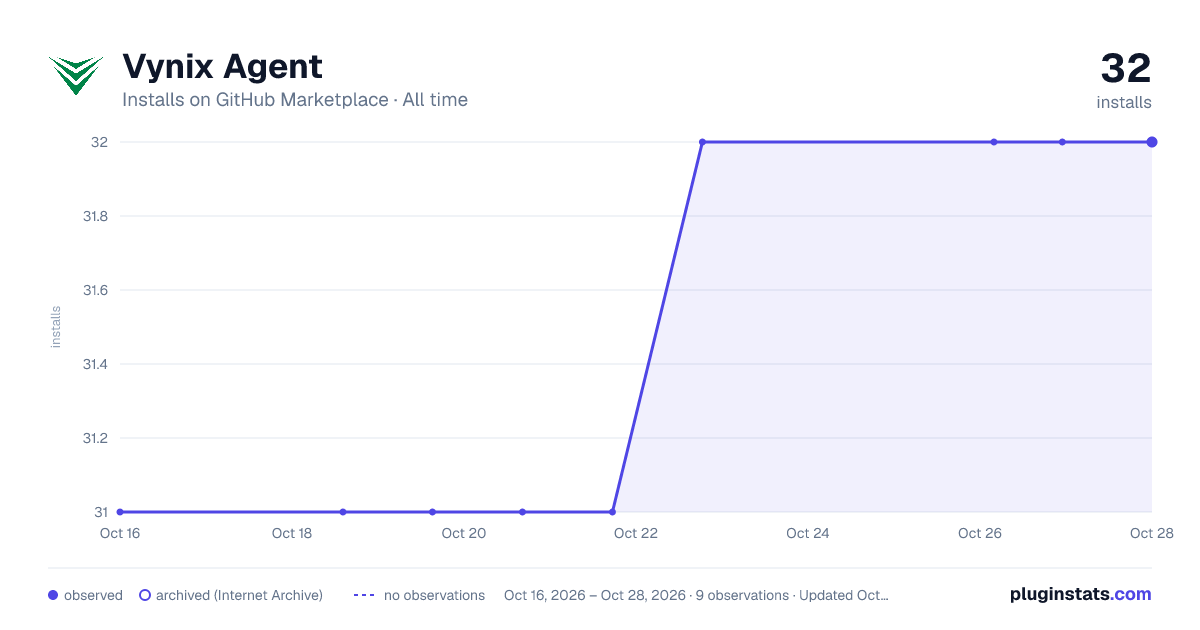

Adoption over time


7/30/90-day growth


Filled points are observed values; hollow points come from Internet Archive snapshots of the listing page. Dashed segments span periods with no observations — values between points are not interpolated.
Recent observations
Full history (1)Similar GitHub Marketplace plugins
Data source
Install counts (installations of each GitHub App across accounts and organizations) are read from public GitHub Marketplace listing pages. GitHub does not publish ratings. Category positions reflect GitHub's own popularity sort.
Listing: https://github.com/marketplace/vynix-agent. First seen Oct 16, 2026; last successful collection Oct 16, 2026. See the methodology.