 PluginStats
LaunchBrightly installs statistics
By LaunchBrightly · GitHub Marketplace
Automate and continuously update product screenshots across your Docs-as-Code workflow
LaunchBrightly has 8 recorded installs on GitHub Marketplace.
It ranks #1073 of 1,393 tracked GitHub Marketplace listings by installs.
PluginStats has 1 daily observations since Oct 16, 2026; the latest is from Oct 16, 2026.
About LaunchBrightly
Continuously auto-generate the latest product screenshots and keep them synchronized with your documentation repository.
LaunchBrightly automates product screenshot creation, maintenance, and Git-based delivery for Docs-as-Code platforms like Mintlify, VitePress, and Docusaurus. Generate fresh screenshots whenever your product changes, automatically update image assets and markdown, generate pull requests with every change, and, if configured, approve and merge them into your chosen branch.
Getting Started
LaunchBrightly automates product screenshots for Docs-as-Code teams. Generate fresh screenshots as your product evolves and automatically synchronize updated image assets and markdown back into your GitHub repository through pull requests.
1. Create a LaunchBrightly Account
Create your LaunchBrightly account and connect it to GitHub. During setup, authorize your GitHub account, select the repository containing your documentation, and choose the branch where LaunchBrightly should create pull requests and merge screenshot updates.
2. Create a Login Profile
Create a Login Profile to securely sign in to your application so LaunchBrightly can capture screenshots from behind authentication. Before you begin, have credentials for a demo or test account available.
3. Create Your First Screenshot Recipe
Screenshot Recipes record how to navigate your application and capture screenshots automatically. You can also add annotations, blur or remove UI elements, and generate variants for different devices, themes, and languages.
4. Run Your First Help Center Audit
Run a Help Center Audit to identify screenshots that have changed or are not yet managed by LaunchBrightly. Schedule recurring audits, receive alerts when screenshots become outdated, and optionally require approval before updated screenshots, markdown changes, and pull requests are generated.
5. Review and Sync Updated Screenshots
Review the updates identified during your audit and approve the changes you'd like synchronized back to your repository. LaunchBrightly updates image assets, modifies markdown when needed, generates pull requests, and can optionally approve and merge them into your chosen branch.
Need Help?
Schedule a quick onboarding session with one of our implementation specialists and we'll help you get started
Schedule a session or email us:
https://calendly.com/launchbrightly/zoom
hello@launchbrightly.com
Description from the GitHub Marketplace listing.
- Publishing
- Support
Where LaunchBrightly sits in the listing
Each band is one page of 20. Installs on a log scale. Placement is projected from installs, so it can differ from the marketplace's own sort order. Hover a dot to see the listing.


Charts
Images: 30d · 1y · all time · 1600×900 dark
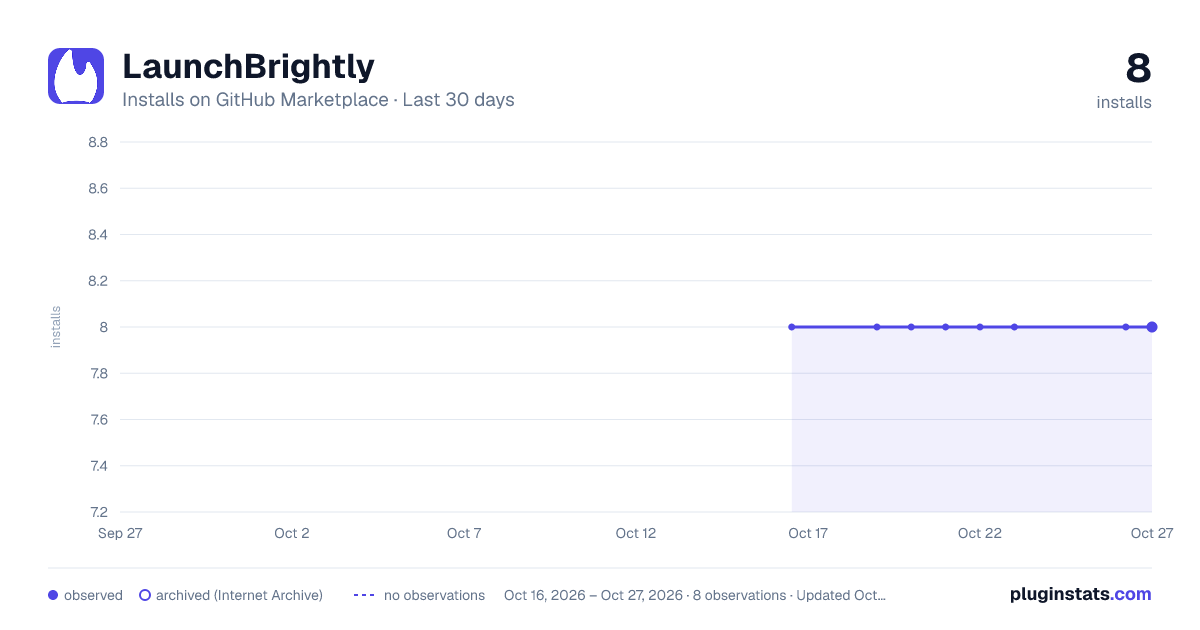
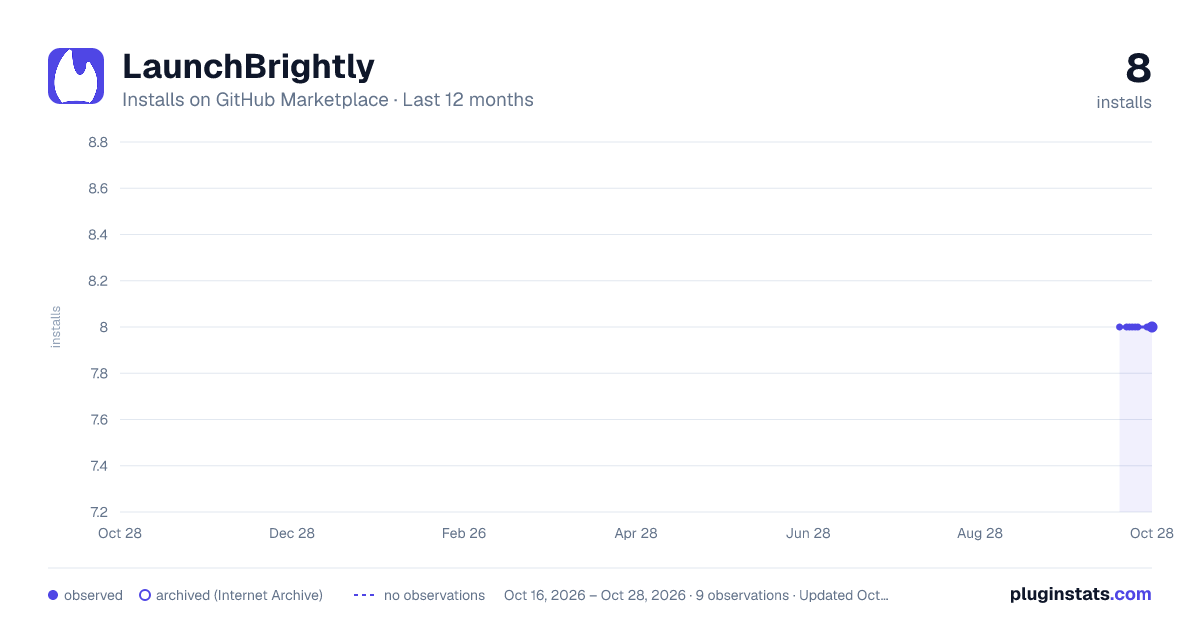
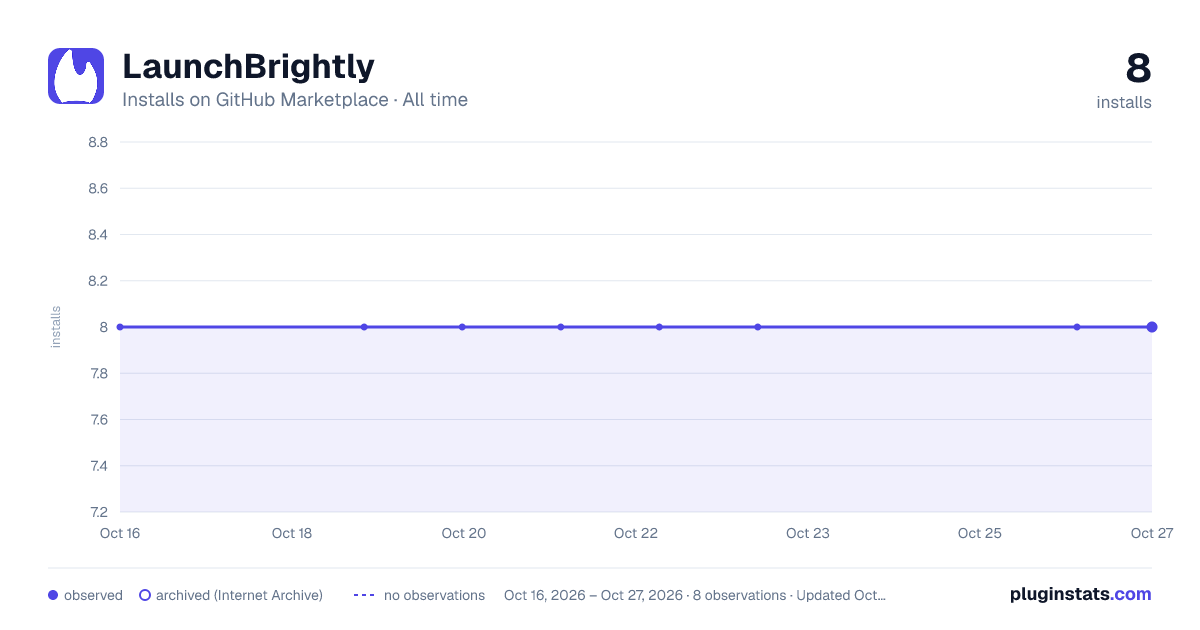

Adoption over time


7/30/90-day growth


Filled points are observed values; hollow points come from Internet Archive snapshots of the listing page. Dashed segments span periods with no observations — values between points are not interpolated.
Recent observations
Full history (1)Similar GitHub Marketplace plugins
Data source
Install counts (installations of each GitHub App across accounts and organizations) are read from public GitHub Marketplace listing pages. GitHub does not publish ratings. Category positions reflect GitHub's own popularity sort.
Listing: https://github.com/marketplace/launchbrightly. First seen Oct 16, 2026; last successful collection Oct 16, 2026. See the methodology.