 PluginStats
ObsiSync installs statistics
By Robera Tadesse · GitHub Marketplace
Github Synced note taking app for mobile
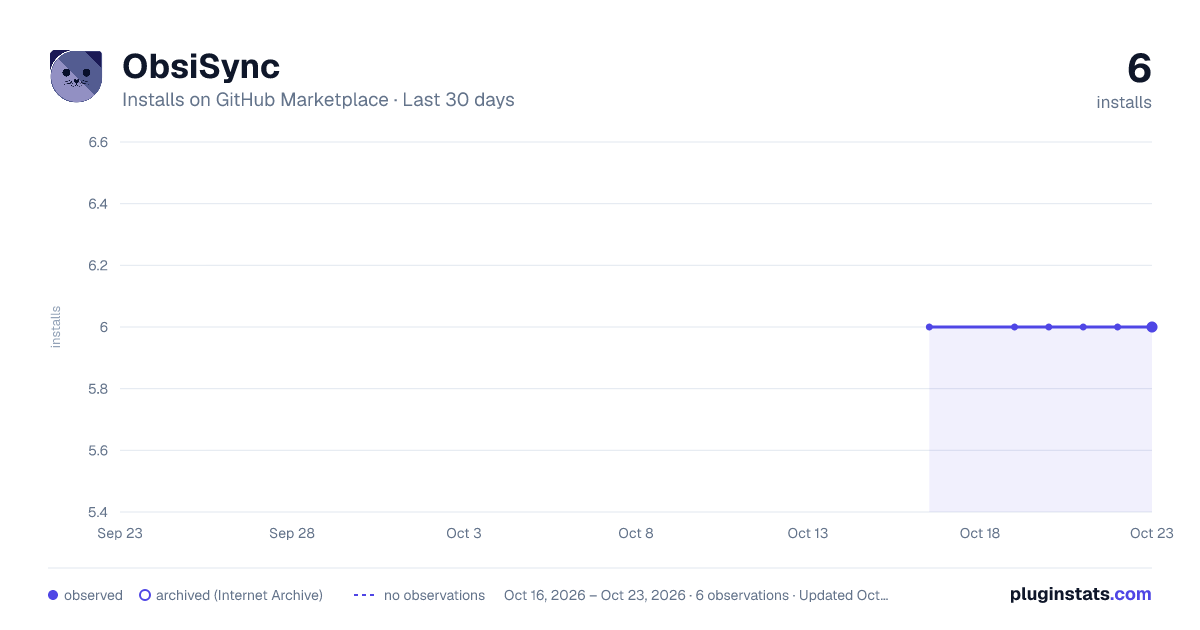
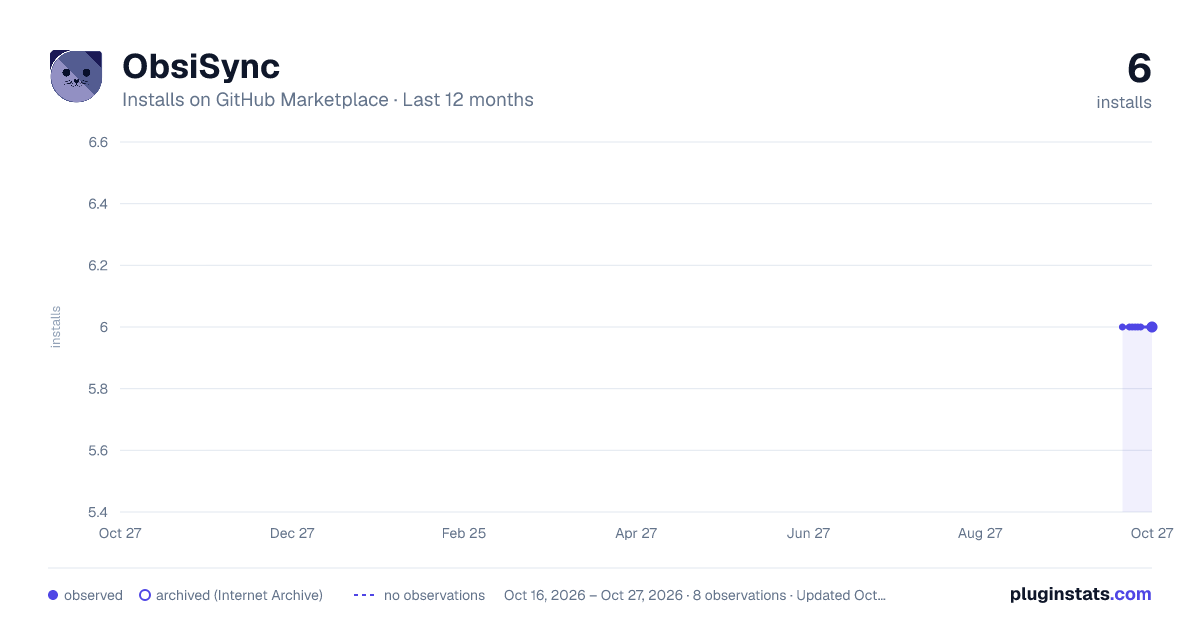
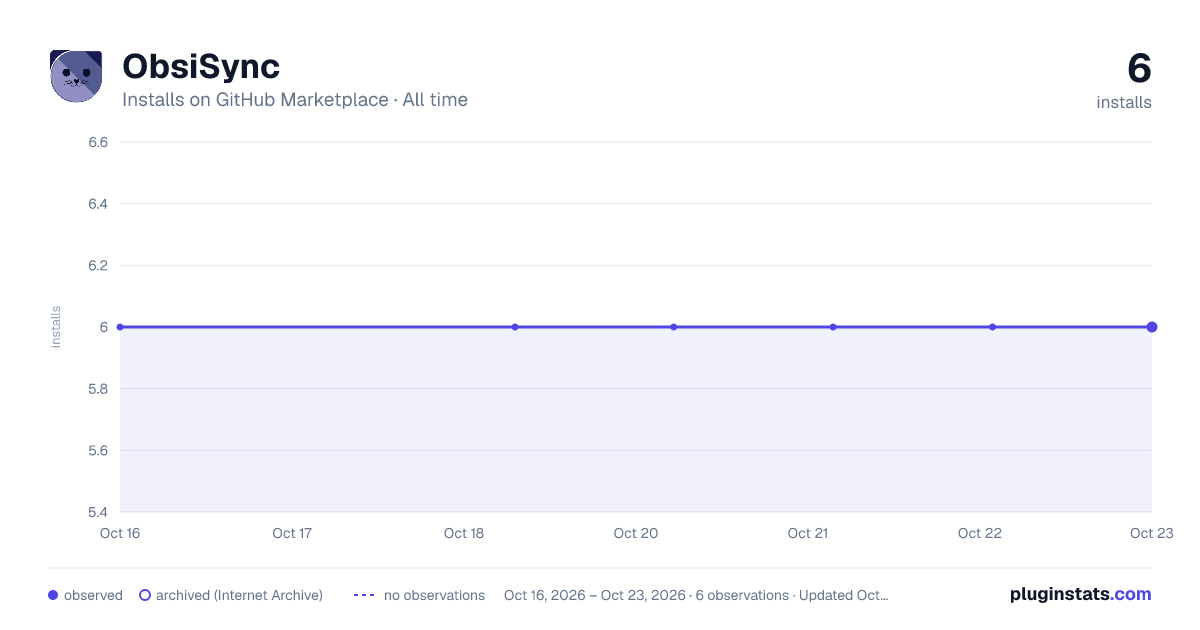
ObsiSync has 6 recorded installs on GitHub Marketplace.
It ranks #1108 of 1,393 tracked GitHub Marketplace listings by installs.
PluginStats has 1 daily observations since Oct 16, 2026; the latest is from Oct 16, 2026.
About ObsiSync
Introductory Description for ObsiSync
ObsiSync is your ultimate GitHub OAuth app designed to integrate your Obsidian notes with your GitHub repositories seamlessly. With ObsiSync, you can effortlessly access, sync, and manage your markdown files, YAML metadata, and wikilinks directly from your GitHub account. simplify your workflow and keep your notes organized and version-controlled in one place.
Detailed Description for ObsiSync
ObsiSync bridges the gap between your Obsidian note-taking experience and GitHub repositories, enabling seamless synchronization and powerful collaboration features for markdown notes. Designed to enhance your productivity, ObsiSync integrates YAML metadata, wikilinks, and file management tools to bring the best of both platforms into one streamlined application.
Capabilities
• Sync Notes with GitHub: Keep your Obsidian notes and GitHub repositories effortlessly in sync. • Wikilink Compatibility: Easily navigate your notes using Obsidian-style wikilinks. • YAML Metadata Management: Retain and edit metadata directly within your markdown files. • Seamless Integration: Works smoothly with your Obsidian workflows while offering GitHub-powered version control and backups.
Benefits
• Improved Organization: Manage notes across devices and ensure they're always up to date. • Enhanced Collaboration: Share your notes via GitHub repositories and collaborate with others effortlessly. • Version Control for Notes: Leverage GitHub’s version history to track changes and restore previous versions as needed.
Getting Started
Requirements:
• Plan: ObsiSync is free to use. No paid plan is necessary. • User Permissions: Requires access to repositories where notes are stored (read/write permissions). • Availability: Currently in Beta and available to all users.
Setup Process:
• Sign Up with GitHub: Authenticate with your GitHub account to connect ObsiSync. • Select a Repository: Choose the GitHub repository containing your notes. • Sync Your Notes: Automatically sync your Obsidian notes with the selected repository.
Example Prompts
Here are some scenarios where ObsiSync can help:
• "Sync my Obsidian notes with my GitHub repository." • "If obsidian on your phone is taking too long to open
Description from the GitHub Marketplace listing.
- Mobile
- Learning
Where ObsiSync sits in the listing
Each band is one page of 20. Installs on a log scale. Placement is projected from installs, so it can differ from the marketplace's own sort order. Hover a dot to see the listing.


Charts
Images: 30d · 1y · all time · 1600×900 dark

Adoption over time


7/30/90-day growth


Filled points are observed values; hollow points come from Internet Archive snapshots of the listing page. Dashed segments span periods with no observations — values between points are not interpolated.
Recent observations
Full history (1)Similar GitHub Marketplace plugins
Data source
Install counts (installations of each GitHub App across accounts and organizations) are read from public GitHub Marketplace listing pages. GitHub does not publish ratings. Category positions reflect GitHub's own popularity sort.
Listing: https://github.com/marketplace/obsisync. First seen Oct 16, 2026; last successful collection Oct 16, 2026. See the methodology.