 PluginStats
Mainline CI Monitor installs statistics
By mainline.dev · GitHub Marketplace
Visualise your team's integration frequency
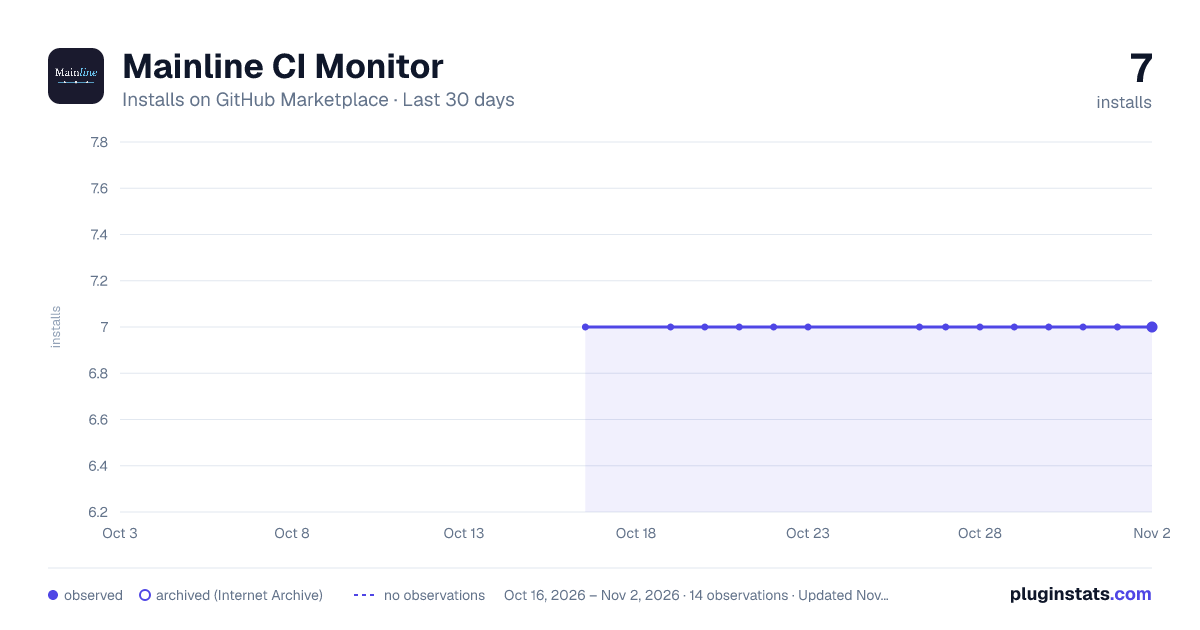
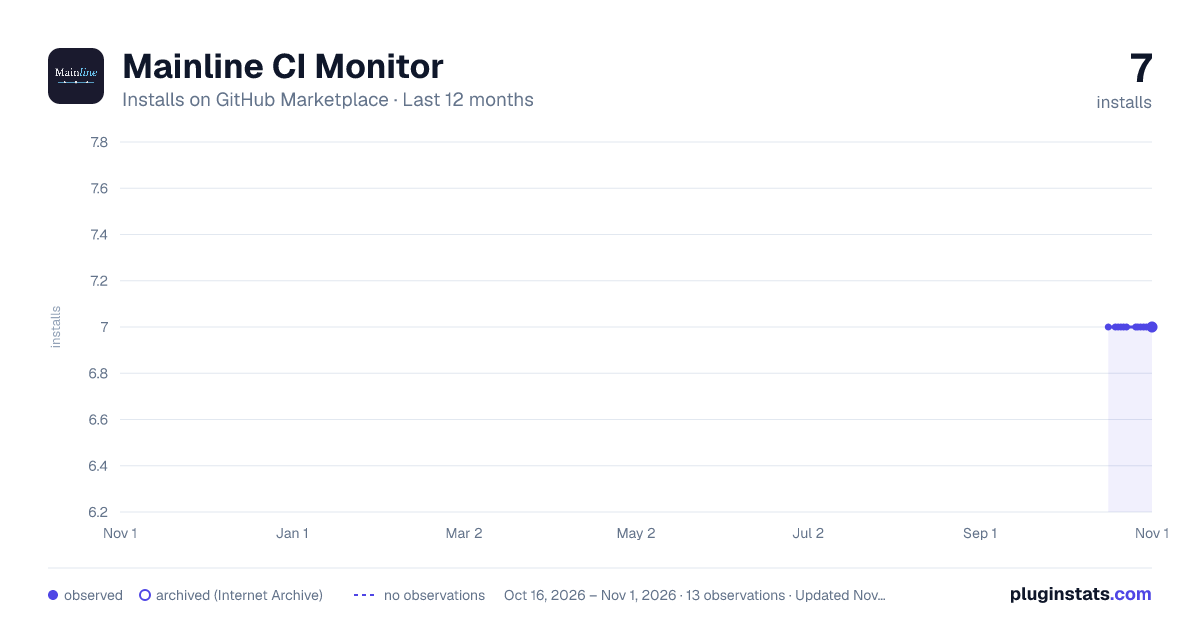
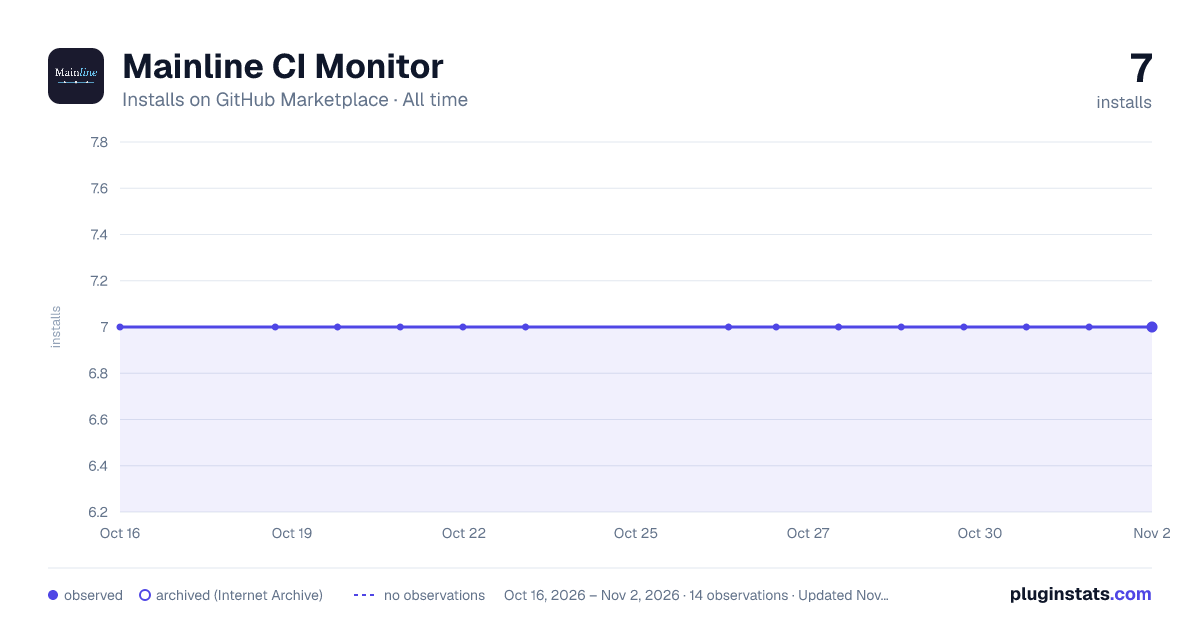
Mainline CI Monitor has 7 recorded installs on GitHub Marketplace.
It ranks #1108 of 1,410 tracked GitHub Marketplace listings by installs.
PluginStats has 2 daily observations since Oct 16, 2026; the latest is from Oct 19, 2026.
About Mainline CI Monitor
Tracks pushes to trunk and branch lifetimes across your GitHub repos. Pushing directly to trunk or merging short-lived branches keeps it green. A branch that exceeds its threshold turns it red. No push to trunk for 24h+ turns it amber.
A 12-week heatmap shows the integration trend over time. Branch age is counted in business hours only. Weekends and public holidays are skipped.
The app never sees source code, diffs, or commit messages.
Documentation
Tracks pushes to trunk and branch age across your GitHub repositories so your team can see whether you are actually doing continuous integration.
What it does
• Traffic light per repo: green (branches merging within threshold), amber (no push to trunk in 24h+), red (branch over threshold) • 12-week integration heatmap per repo and overall, showing daily push and merge activity • Configurable threshold per repo: 8h, 16h, or 24h business hours • Tracks branch lifecycle: open, merged, abandoned, spike • Backfills existing open branches when you connect a repo • Webhook-driven: updates on branch create, delete, push, and PR merge
What it never sees
The app requests pull_requests:read and metadata:read only. It does not request contents:read. It never sees source code, file contents, diffs, commit messages, PR descriptions, or issue content. Repo names and branch names are encrypted at rest.
Getting started
Requirements:
• A Mainline account with an active team (CI monitor is free regardless of plan) • GitHub org admin access to install the app
Setup:
• Go to your team's Monitor tab and click Connect GitHub • Authorize via GitHub OAuth • Select which organization to connect • Choose which repos to monitor
How it works
The monitor checks branch age in business hours. Weekends are skipped. A branch older than the threshold turns the repo red. The team decides what to do about it.
Mark experimental branches as spikes so they do not pollute the signal. The team sees every spike.
You can game this monitor. That is by design. If gaming it bothers your team, you are already having the right conversation.
Documentation
Description from the GitHub Marketplace listing.
- Continuous integration
- Monitoring
Where Mainline CI Monitor sits in the listing
Each band is one page of 20. Installs on a log scale. Placement is projected from installs, so it can differ from the marketplace's own sort order. Hover a dot to see the listing.


Charts
Images: 30d · 1y · all time · 1600×900 dark

Adoption over time


7/30/90-day growth


Filled points are observed values; hollow points come from Internet Archive snapshots of the listing page. Dashed segments span periods with no observations — values between points are not interpolated.
Recent observations
Full history (2)Similar GitHub Marketplace plugins
Data source
Install counts (installations of each GitHub App across accounts and organizations) are read from public GitHub Marketplace listing pages. GitHub does not publish ratings. Category positions reflect GitHub's own popularity sort.
Listing: https://github.com/marketplace/mainline-ci-monitor. First seen Oct 16, 2026; last successful collection Oct 19, 2026. See the methodology.