 PluginStats
Debug Image Viewer downloads statistics
By JetBrains s.r.o. (640 listings) · JetBrains Marketplace · Data Science
Numpy | OpenCV | Pillow | PyTorch | TensorFlow Note: PyCharm and CLion now has their own integrated alternative. The plugin displays an image without stopping the...
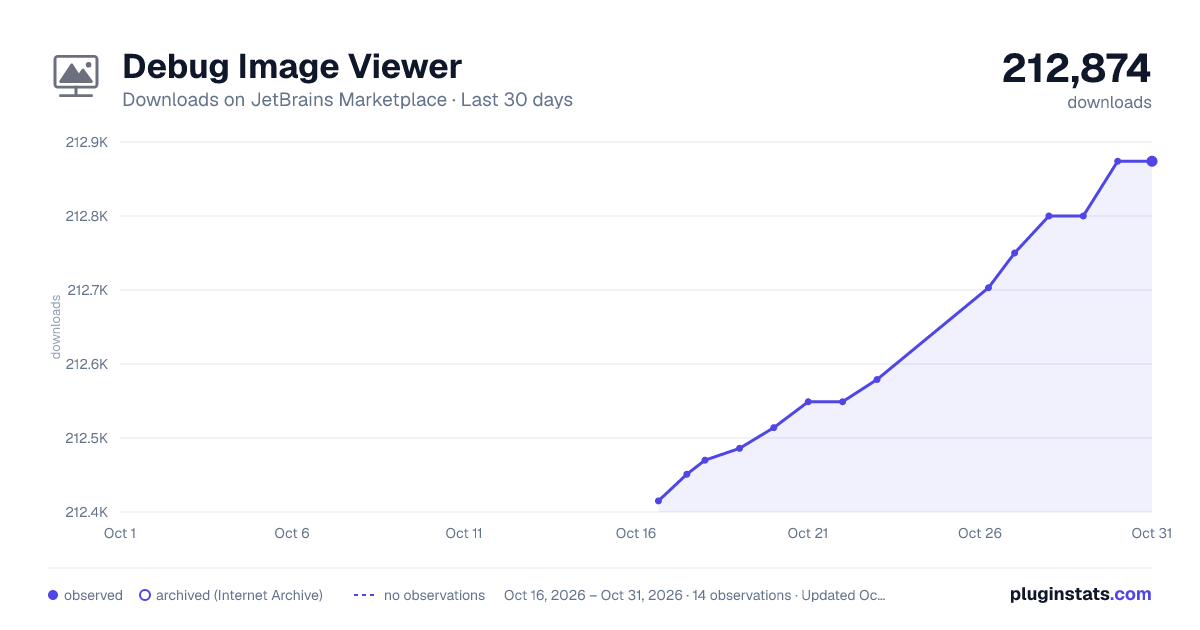
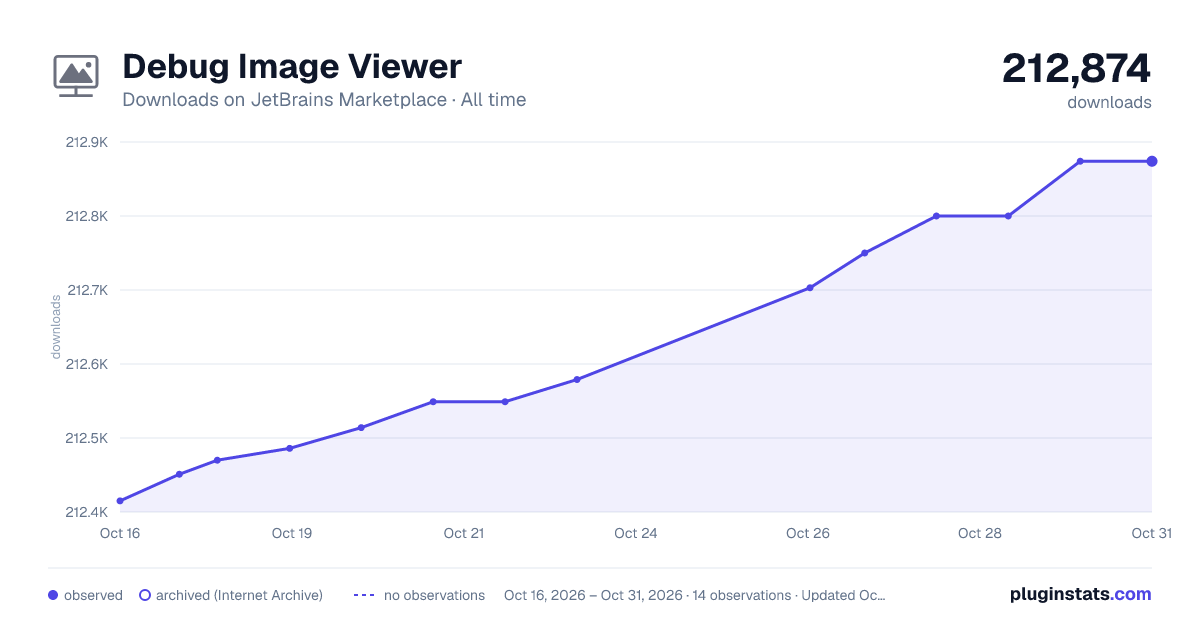
Debug Image Viewer has 212,514 recorded downloads on JetBrains Marketplace, ranking #637 of 2,502 tracked listings.
Rating: 4.13 / 5 from 47 ratings
About Debug Image Viewer
Numpy | OpenCV | Pillow | PyTorch | TensorFlow
Note: PyCharm and CLion now has their own integrated alternative.
The plugin displays an image without stopping the debugger. The basic (free) version allows working on OpenCV images (ndarray or Mat). The premium version also supports Pillow/PIL images, and Tensorflow and PyTorch tensors. This will enable you to observe the data you are currently working on.
There are three ways to display the image/tensor during debugging:
• middle-click (middle mouse button); • a keyboard shortcut Alt+I (default keymap); • an action from the context menu of the variable.
The Debug Image Viewer is a multifunctional tool that displays data in three modes: popup, dialog or tool window. Change this option in the settings and see which mode is right for you. The plugin allows you to display the variable name, image size, color depth, and data type. In addition to displaying the image, Debug Image Viewer also allows inverting BGR into RGB channels and saving the image in PNG format.
Grayscale, BGR, or BGRA images are supported by default. Also, multichannel arrays can be viewed, for which each channel is displayed separately. You can also apply a colormap to any single channel.
One of the most important plugin options is normalization. That is the procedure that modifies the pixel values' scale. Normalization aims to bring an image to a range that is normal to sense. Normalization is a very useful technique when working with data science since it enables displaying matrices beyond the typical image range.
The displaying behavior:
• If the array is uint8 or quint8, it is displayed as is; • If the array is int8 or qint8, the pixel values are added to 128 ([-128,127] -> [0,255]); • If the array is uint16, uint32, uint64 or quint16, the pixel values are divided by 256 ([0,65280] -> [0,255]); • If the array is int16, int32, int64, qint16 or qint32, the pixel values are divided by 256 then added to 128 ([-32768,32512] -> [0,255]); • If the array is float16, float32, float64 or bloat16, the pixel values are multiplied by 255 ([0,1] -> [0,255]); • If the array is boolean, the pixel values are multiplied by 255 ({False,True} -> {0,255}).
To work with Debug Image Viewer, the image must be in HWC or CHW format when you use Python. For the C++ environment, the image must be a contiguous array.
Debug Image Viewer provides a simple and user-friendly interface for displaying images which makes work much easier. The plugin is a tool for developers and researchers working with OpenCV, Pillow/PIL, TensorFlow, or PyTorch, as it provides an efficient and intuitive way to view and analyze image data.
Description from the JetBrains Marketplace listing.
- Data Science
- Debugging
- Machine Learning
- Notification and Visualizers
- Viewer
README badge
Show your rank in a README or on your website. The badge updates automatically.
Charts
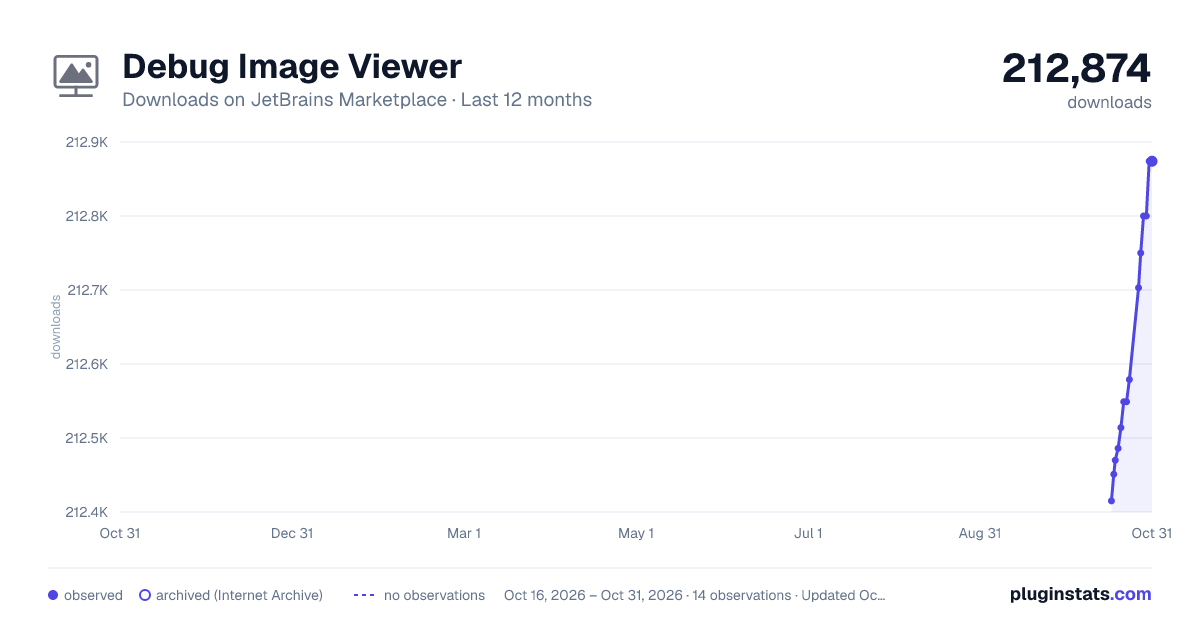
Images: 30d · 1y · all time · 1600×900 dark
Adoption over time
7/30/90-day growth
Ranking history
Ratings over time
Listing placement
Listing placement
Listing placement
Listing placement
Filled points are observed values; hollow points come from Internet Archive snapshots of the listing page. Dashed segments span periods with no observations — values between points are not interpolated.
Each band is one page of 20. Downloads on a linear scale. Placement is projected from downloads, so it can differ from the marketplace's own sort order. Hover a dot to see the listing.
Recent observations
Full history (5)Similar JetBrains Marketplace Data Science plugins
All 20 Debug Image Viewer alternatives



Data source
Cumulative download counts come from the public JetBrains Marketplace API. JetBrains reports downloads, not active installs. Ratings are the mean of public votes.
Listing: https://plugins.jetbrains.com/plugin/14371-debug-image-viewer. First seen Oct 16, 2026; last successful collection Oct 20, 2026. See the methodology.