 PluginStats
React Native Console downloads statistics
By BeanSoft (7 listings) · JetBrains Marketplace · Android
A fully customizable IDEA / WebStorm / Android Studio Plugin for run React Native commands and make RN coding easier. For the full list of features, please see the...
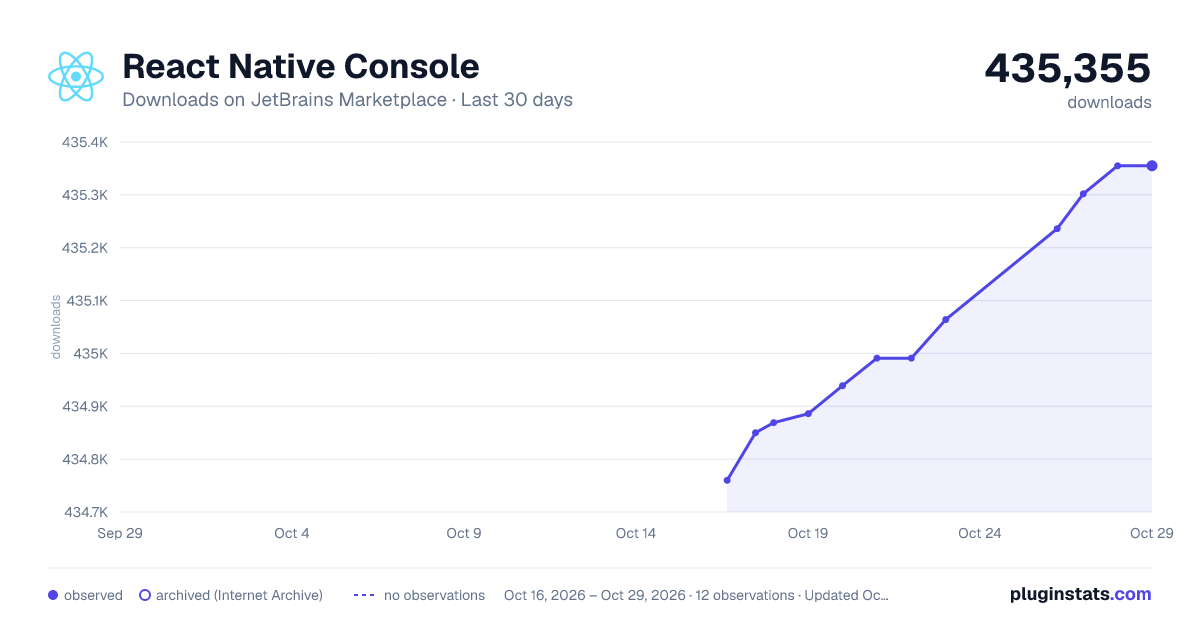
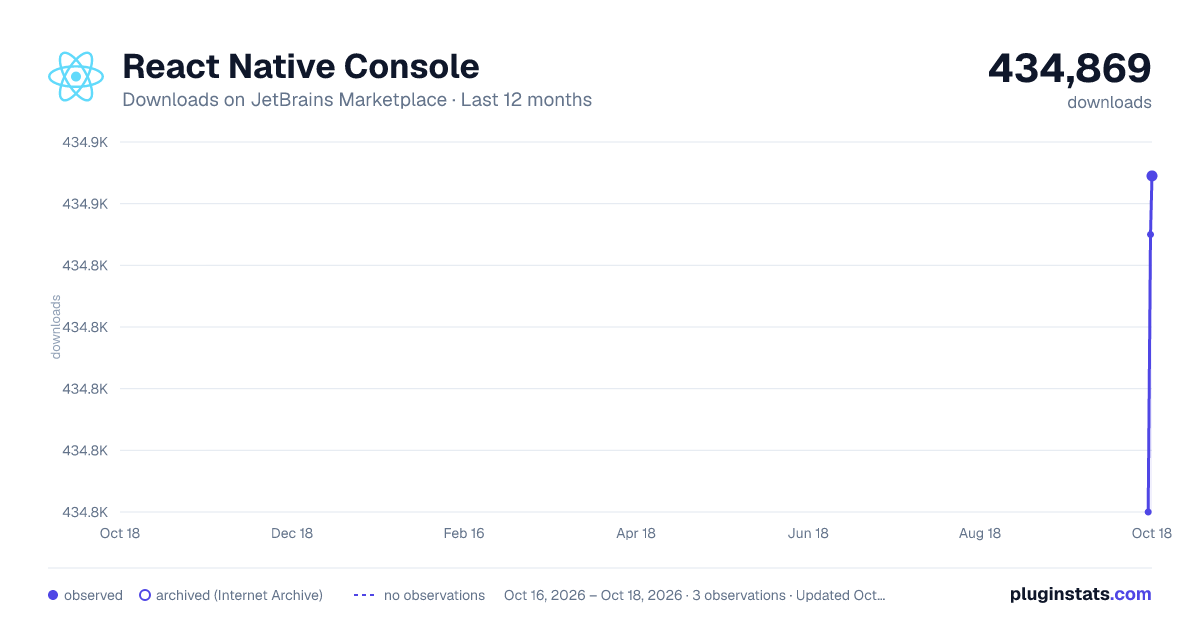
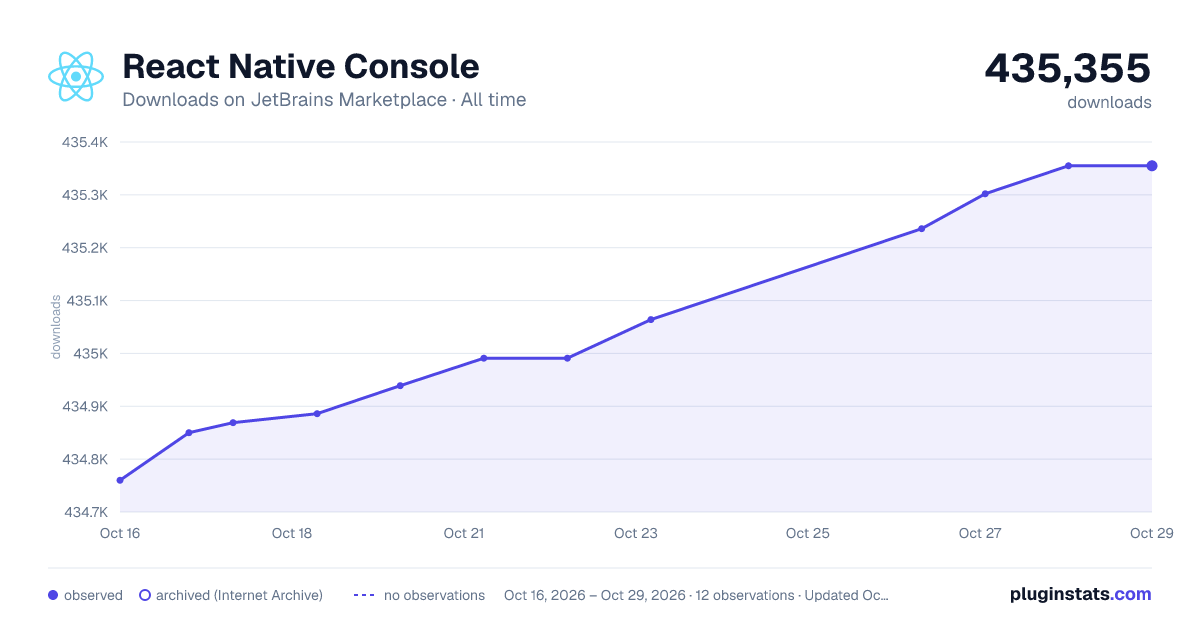
React Native Console has 434,869 recorded downloads on JetBrains Marketplace.
It ranks #455 of 2,500 tracked JetBrains Marketplace listings by downloads.
It is rated 4.4 out of 5 from 30 ratings.
PluginStats has 3 daily observations since Oct 16, 2026; the latest is from Oct 18, 2026.
Rating: 4.40 / 5 from 30 ratings
About React Native Console
A fully customizable IDEA / WebStorm / Android Studio Plugin for run React Native commands and make RN coding easier.
For the full list of features, please see the documentation.
Data privacy: by default, the plugin process your data locally.
最佳支持自定工具栏的 IDEA / WebStorm / Android Studio 插件, 简化运行 React Native 命令, 编写 RN 代码更省力, 助力 React Native 开发者
简体中文支持, 结合 Jetbrains 官方中文插件 Chinese (Simplified) Language Pack / 中文语言包, 获得完整的本土化体验. 国内用户请进 QQ 群 643815976, 本人所有付费插件一律5折.
Notice: This plugin doesn't provide step to step in editor debug features, to do so, please using WebStorm/PhpStorm/GoLand or IntelliJ IDEA Ultimate, see: Developing mobile apps with React Native in WebStorm.
For debugger that doesn't needs WebStorm, see: Debugging or https://github.com/jhen0409/react-native-debugger.
FREE or discount provided: see Special Offers.
Overview
Explore a nearly zero-config design, most plugin features work out of the box if you can run a React Native app by command line. Manage all your React Native and package.json commands with increased productivity. Work across multiple commands with tabs, and so much more. Make your unique workspace by fully customizing the RN Console toolbar.
• Support commands for React Native for Windows + macOS • Enhanced LogCat tool window for WebStorm, PhpStorm, GoLand etc • Create Java Project in Android Studio and AppCode(Needs Kotlin plugin installed) from File menu or Welcome Screen • Install APK file inside the project with right click • ADB Uninstall App • ADB Kill App • ADB Start App • ADB Restart App • ADB Clear App Data • ADB Clear App Data and Restart • ADB Grant/Revoke Permissions • ADB Enable/Disable Wi-Fi • ADB Enable/Disable Mobile Data • Support whole iOS distribution progress just in IDE: edit iOS app version, build .app file for simulator or iPhone OS, archive iOS project, export to IPA, open Transporter, open App Store Connect, open Xcode and iOS Simulator
• Auto complete package names in package.json • Auto completion image name and preview icon, insert with relative path when typing in require('path'), no more to remember where the picture folder name is. (Req running with *Storm, IDEA Ultimate)
• Single click in js file to open imported package's homepage or source code(Req running with WebStorm, IDEA Ultimate)
• Single click in package.json file to open dependency package's homepage in web browser • Debug Android devices over wifi with just one click • Display colorful terminal output • Start Xcode, Android Studio with one click • New React Native/Expo project on *Storm, Android Studio • open current Android activity source code in project • run React Native Debugger https://github.com/jhen0409/react-native-debugger(Mac Only) • Ctrl + F2 to reload android js bundle • list and run scripts in package.json • react-native run-android • list and run android emulator(avd) • list all connected android devices(includes simulator and physical) and run as target • react-native link • react-native run-ios • run CocoPods commands: pod install, pod update • run on physical iOS device • list all iOS devices(includes simulator and physical) and run as target • npm run start • npm install • Open dev menu on Android device(adb shell input keyevent 82) • forward android device request to dev machine(adb reverse tcp:8081 tcp:8081) • Android Reloading JavaScript • open React Native debugger ui(Chrome browser required) • react-native log-android • react-native log-ios • gradlew assembleRelease • react-native bundle --platform android/ios --dev false • yarn • jest • react-native uninstall • react-native start • gradlew clean • react-native react-native-git-upgrade • yarn add project, dev, global dependencies • npm add project, dev, global dependencies • auto install and run react-devtools • Last Edit Location(main toolbar) • Reveal file in Finder/Explorer(main toolbar) • Reveal project folder in Finder/Explorer • Specify js project work directory, eg ./jsapp, from welcome screen or toolbar (optional, see https://github.com/beansoftapp/react-native-console for more info)
• Modify Metro Bundler port(need React Native 0.56+)
• Auto detect React Native package.json or build.gradle in current folder and parent/children folder(eg only coding Java in Android Studio), thus the command will auto execute in the correct folder
• Remove Source Code Comments(for Java IDE only) - if your IDEA can parse the code, such as .js, .java, .xml, right click on code editor to use it
Read the documentation for more information.
Description from the JetBrains Marketplace listing.
- Android
- JavaScript
- iOS
Where React Native Console sits in the listing
Each band is one page of 20. Downloads on a log scale. Placement is projected from downloads, so it can differ from the marketplace's own sort order. Hover a dot to see the listing.
Charts
Images: 30d · 1y · all time · 1600×900 dark
Adoption over time
7/30/90-day growth
Ranking history
Filled points are observed values; hollow points come from Internet Archive snapshots of the listing page. Dashed segments span periods with no observations — values between points are not interpolated.
Recent observations
Full history (3)Similar JetBrains Marketplace Android plugins




Data source
Cumulative download counts come from the public JetBrains Marketplace API. JetBrains reports downloads, not active installs. Ratings are the mean of public votes.
Listing: https://plugins.jetbrains.com/plugin/9564-react-native-console. First seen Oct 16, 2026; last successful collection Oct 18, 2026. See the methodology.