 PluginStats
Aegis Code Check downloads statistics
By wu hao · JetBrains Marketplace · Code Tools
Introduction The contents following are written in Chinese and translated by google translate. This project is an Intelli IDEAJ plugin Initially created for the...
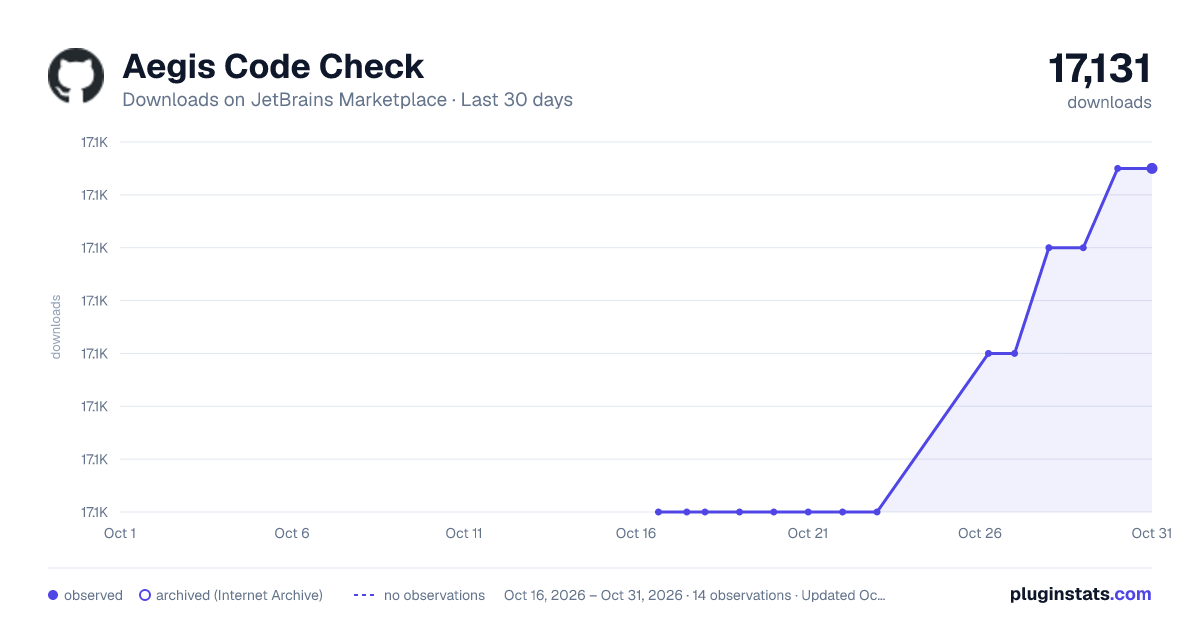
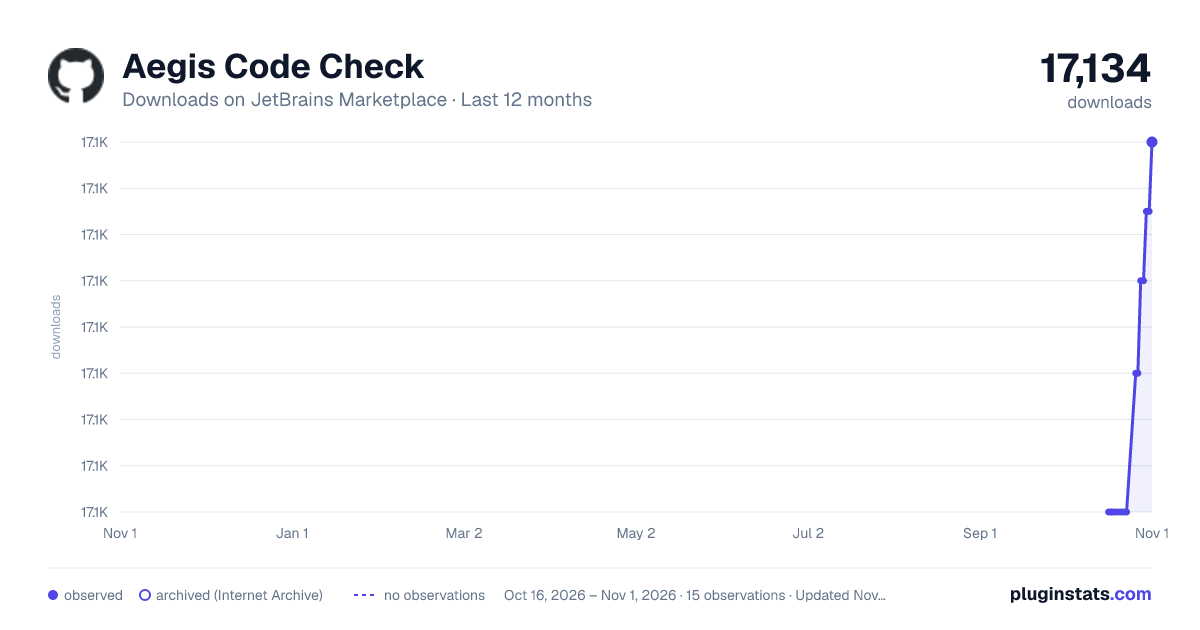
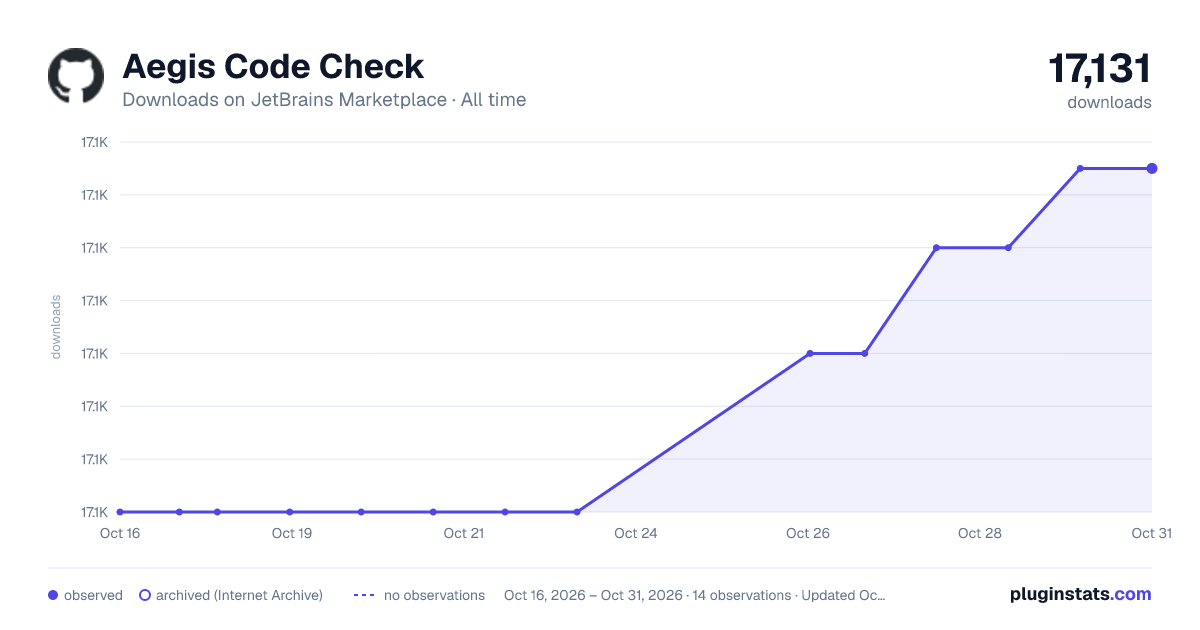
Aegis Code Check has 17,118 recorded downloads on JetBrains Marketplace.
It ranks #2300 of 2,500 tracked JetBrains Marketplace listings by downloads.
PluginStats has 3 daily observations since Oct 16, 2026; the latest is from Oct 18, 2026.
About Aegis Code Check
Introduction
The contents following are written in Chinese and translated by google translate.
This project is an Intelli IDEAJ plugin Initially created for the company's unified programming specification, it mainly submits some code checks that IDE failed to provide, as well as some convenient development features. It also includes support for Java and Kotlin, as well as support for the front-end framework VueJS.
The functions contained in the project may be somewhat complicated and cannot be reflected in the project name, so a name is casually used.
This project was originally used for internal use by the company. The main purpose of open source is to let everyone provide some questions for inspection and suggestions.
Features
Mandatory style
• Some mandatory presets for code styles at project startup, including indentation and encoding • Forced code rearrangement • Write some file templates by default (Kotlin)
Encoding Check
• Check the file encoding is UTF-8 or not.
Indent check
• Indent check for checking code style configuration of IDE, included languages are java, kotlin, javascript, typescript, vue etc.
• Normal indentation is set to 2 spaces, and continuous indentation is twice as long as normal indentation. It is 4 spaces.
Java & Kotlin related
• The line count of a .java file or .kt file is limited to 800 lines. • The line count of java method or kotlin function is limited to 100 lines. • The class must add a document comment with @author and @since tags. • The interface method must add a document comment. • Direct use of numbers as arguments is forbidden(check for numbers great than 10), provided code correction function can extract parameters as variables
• Added space check and fix • Increase the sorting of fields and methods of java classes and blank line corrections • Completely new kotlin code rearrangement function. • Options for organizing import and code rearrangement when the formatting code is turned on by default when starting the project (Java language) v1.2.6
• Except for the JUnit test class, it is not allowed to use "System.out.println" or "System.err.println" or "println" in kotlin for console output. The output should always uses the log and provides the repair function. The default is to use slf4j.
• Automatically add comments to interface methods when formatting code. [1.3.8]
Spring Framework Related
• When using the "@Value" annotation in a class to import spring's environment variables, code hints are given for the contents of spring boot's default configuration file application.yml (temporarily not supporting properties file).
• Use the "@Value" annotation in the class to introduce spring's environment variable, you can use the find statement to jump to the corresponding configuration item in application.yml
Front End Related
• When the .vue file is formatted, the label attributes in the template are reordered, one line per attribute.
• When the .vue file is formatted, the label property in the template starts with v- or: and the property value is formatted.
• The length of the template part (template tag part) in the .vue file must not exceed 150 lines. • .vue file template, if the property value is a complex expression, can be extracted as a calculated property.
Build
Copy the project code to the local, open the project using idea, configure the IntelliJ Platform Plugin SDK, and add the following in the Classpath configuration of the SDK:/Applications/IntelliJ IDEA.app/Contents/plugins/JavaScriptLanguage/lib/javascript-openapi.jar /Applications/IntelliJ IDEA.app/Contents/plugins/JavaScriptLanguage/lib/JavaScriptLanguage.jar /Applications/IntelliJ IDEA.app/Contents/plugins/Kotlin/lib/kotlin-plugin.jar /Applications/IntelliJ IDEA.app/Contents/plugins/Spring/lib/spring.jar /Applications/IntelliJ IDEA.app/Contents/plugins/SpringBoot/lib/spring-boot.jar /Applications/IntelliJ IDEA.app/Contents/plugins/SpringSecurity/lib/SpringSecurity.jar /Applications/IntelliJ IDEA.app/Contents/plugins/SpringMvc/lib/spring-mvc-api.jar /Applications/IntelliJ IDEA.app/Contents/plugins/SpringMvc/lib/SpringMvc.jar /Applications/IntelliJ IDEA.app/Contents/plugins/SpringBoot/lib/spring-boot-cloud.jar /Applications/IntelliJ IDEA.app/Contents/plugins/SpringBoot/lib/spring-boot-config-yaml.jar /Applications/IntelliJ IDEA.app/Contents/plugins/SpringBoot/lib/spring-boot-initializr.jar /Applications/IntelliJ IDEA.app/Contents/plugins/SpringBoot/lib/spring-boot-mvc.jar /Applications/IntelliJ IDEA.app/Contents/plugins/SpringBoot/lib/spring-boot-run.jar /Users/wuhao/Library/Application Support/IntelliJIdea2018.1/vuejs/lib/vuejs.jar /Applications/IntelliJ IDEA.app/Contents/plugins/yaml/lib/yaml.jar
Then select Build - Prepare Plugin Module For Deployment. After the build is completed, a zip file will be generated in the project directory. The file is the installation file for the idea plug-in.
Note that the VueJS plugin is located in the user plugin installation directory instead of the IDEA installation directory. For Mac users, the plugin directory is in path of "~/Library/Application Support/Intellij IDEA/".
Description from the JetBrains Marketplace listing.
- Code Tools
Where Aegis Code Check sits in the listing
Each band is one page of 20. Downloads on a log scale. Placement is projected from downloads, so it can differ from the marketplace's own sort order. Hover a dot to see the listing.
Charts
Images: 30d · 1y · all time · 1600×900 dark
Adoption over time
7/30/90-day growth
Ranking history
Filled points are observed values; hollow points come from Internet Archive snapshots of the listing page. Dashed segments span periods with no observations — values between points are not interpolated.
Recent observations
Full history (3)Similar JetBrains Marketplace Code Tools plugins




Data source
Cumulative download counts come from the public JetBrains Marketplace API. JetBrains reports downloads, not active installs. Ratings are the mean of public votes.
Listing: https://plugins.jetbrains.com/plugin/10667-aegis-code-check. First seen Oct 16, 2026; last successful collection Oct 18, 2026. See the methodology.