 PluginStats
Android Icon Editor downloads statistics
By kiran rajam · JetBrains Marketplace · User Interface
Edit Color: Using this you can change selected icon color to any color. 1. Add or Drag icon to image area. 2. And then click anywhere on icon to get that color of the...
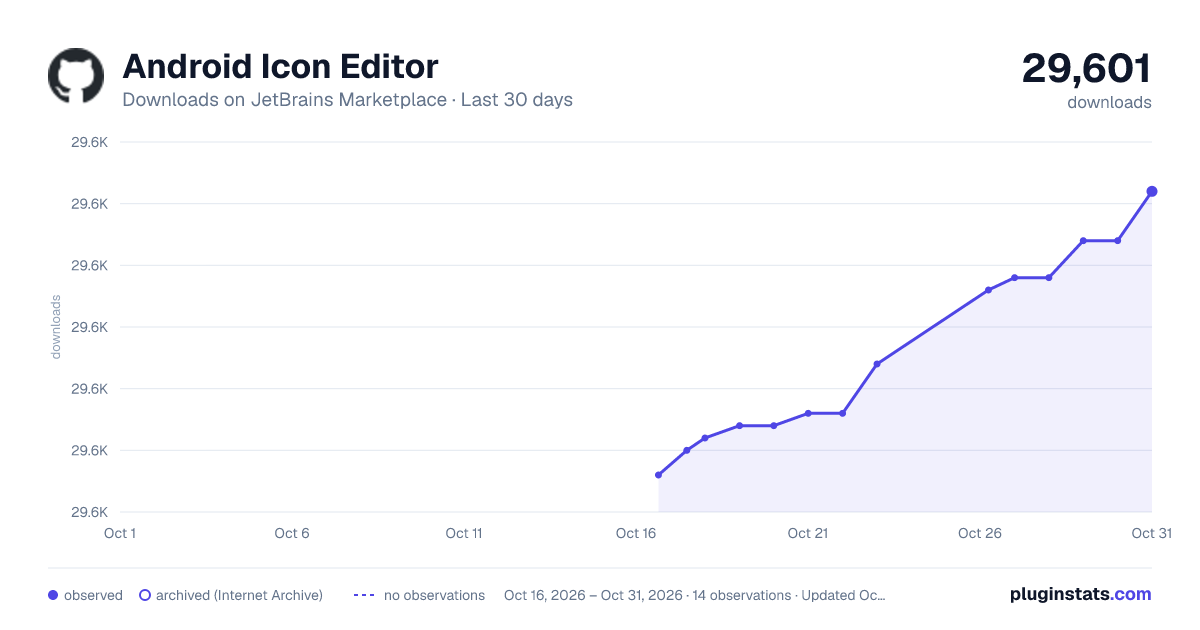
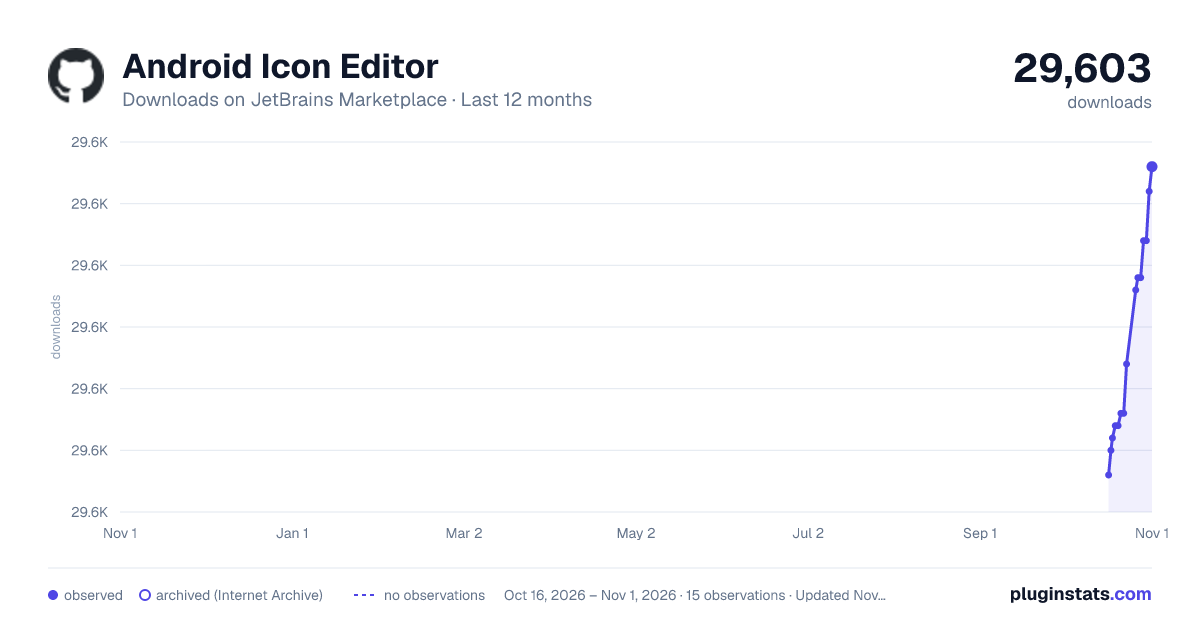
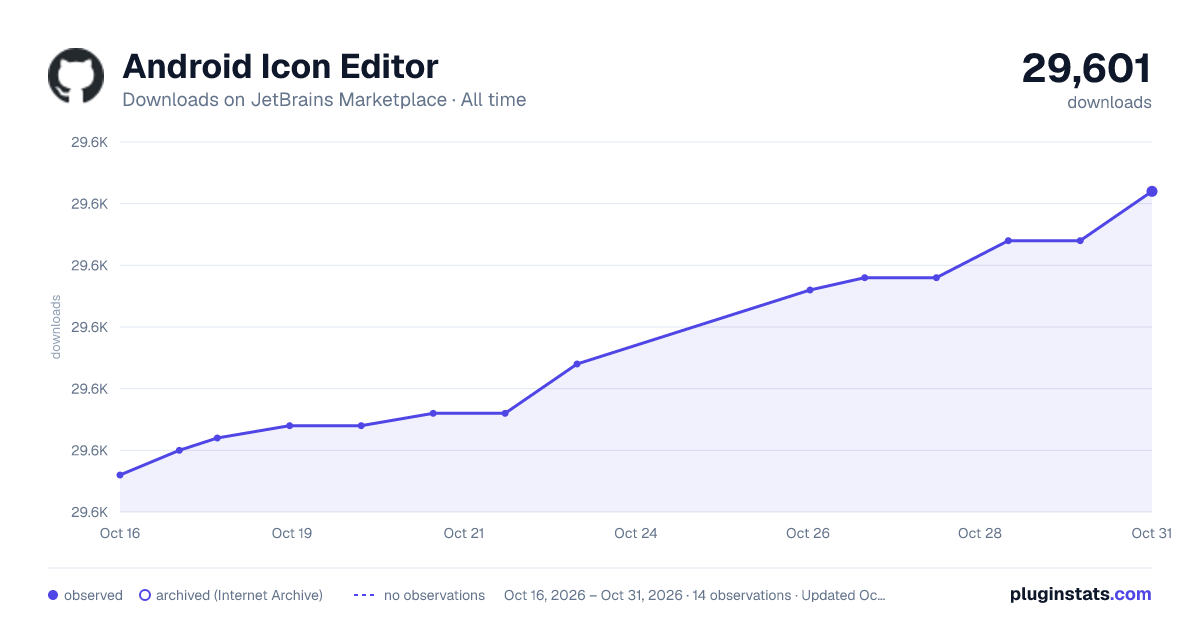
Android Icon Editor has 29,581 recorded downloads on JetBrains Marketplace.
It ranks #1748 of 2,500 tracked JetBrains Marketplace listings by downloads.
It is rated 5.0 out of 5 from 1 ratings.
PluginStats has 3 daily observations since Oct 16, 2026; the latest is from Oct 18, 2026.
Rating: 5.00 / 5 from 1 ratings
About Android Icon Editor
Edit Color: Using this you can change selected icon color to any color.
1. Add or Drag icon to image area.
2. And then click anywhere on icon to get that color of the pixel.
3. Now enter color you want to replace with.
4. Or you can set color using color chooser also.
5. Repeat steps 2,3,4 until you get the icon in required colors.
6. If you not satisfied with the changes just click Reset button and try again.
7. To save your changes open File menu and click Save.
NOTE:
Some times some pixels are in still old color, this will make your image dirty.
So observe carefully before save your image.
Click on those pixels and apply color changes.
Remove Alpha: Using this you can change selected area of icon to fully transparent.
1. Add or Drag icon to image area.
2. Open Edit menu and click on Remove Alpha.
3. It opens a new window with more options.
4. You can select area of icon by drawing Rectangle or Ellipse or simply a Line.
5. Click Apply button then the entire selected area will be converted to transparent.
6. There is one more options Select Color.
7. For example if icon contains red color and you want remove that color from icon.
8. Then simply click on that color and it will converts all red color areas to transparent.
Edit Size: Using this you can change icon size.
1. Add or Drag icon to image area.
2. Open Edit menu and click Edit Size.
3. Give width and height and click ok button.
4. If you not satisfied with the changes just click Reset button and try again.
5. To save your changes open File menu and click Save.
NOTE:
Resizing the small size icon into large size may give blurred icon.
So we set limitations for height and width.
Description from the JetBrains Marketplace listing.
- User Interface
Where Android Icon Editor sits in the listing
Each band is one page of 20. Downloads on a log scale. Placement is projected from downloads, so it can differ from the marketplace's own sort order. Hover a dot to see the listing.
Charts
Images: 30d · 1y · all time · 1600×900 dark
Adoption over time
7/30/90-day growth
Ranking history
Filled points are observed values; hollow points come from Internet Archive snapshots of the listing page. Dashed segments span periods with no observations — values between points are not interpolated.
Recent observations
Full history (3)Similar JetBrains Marketplace User Interface plugins




Data source
Cumulative download counts come from the public JetBrains Marketplace API. JetBrains reports downloads, not active installs. Ratings are the mean of public votes.
Listing: https://plugins.jetbrains.com/plugin/8084-android-icon-editor. First seen Oct 16, 2026; last successful collection Oct 18, 2026. See the methodology.