 PluginStats
Google Forms Solver-Gemini Powered with OCR users statistics
By Harshendra M · Chrome Web Store · Education
A Chrome extension that scans questions and options from Google Forms, fetches data, and generates answers to help form completion.
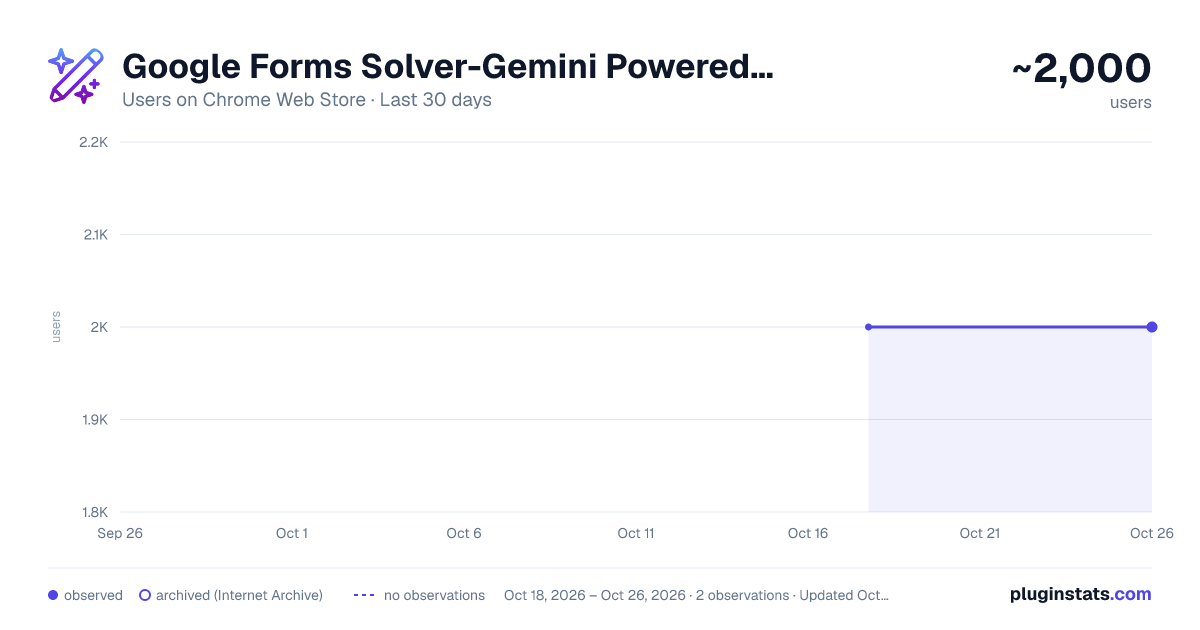
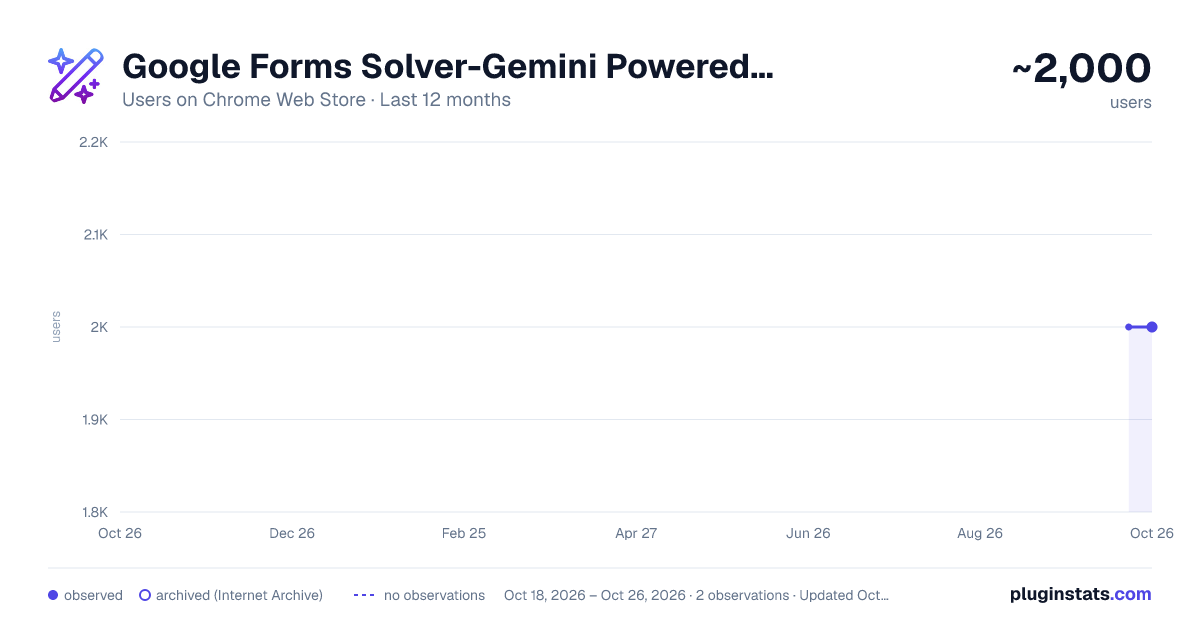
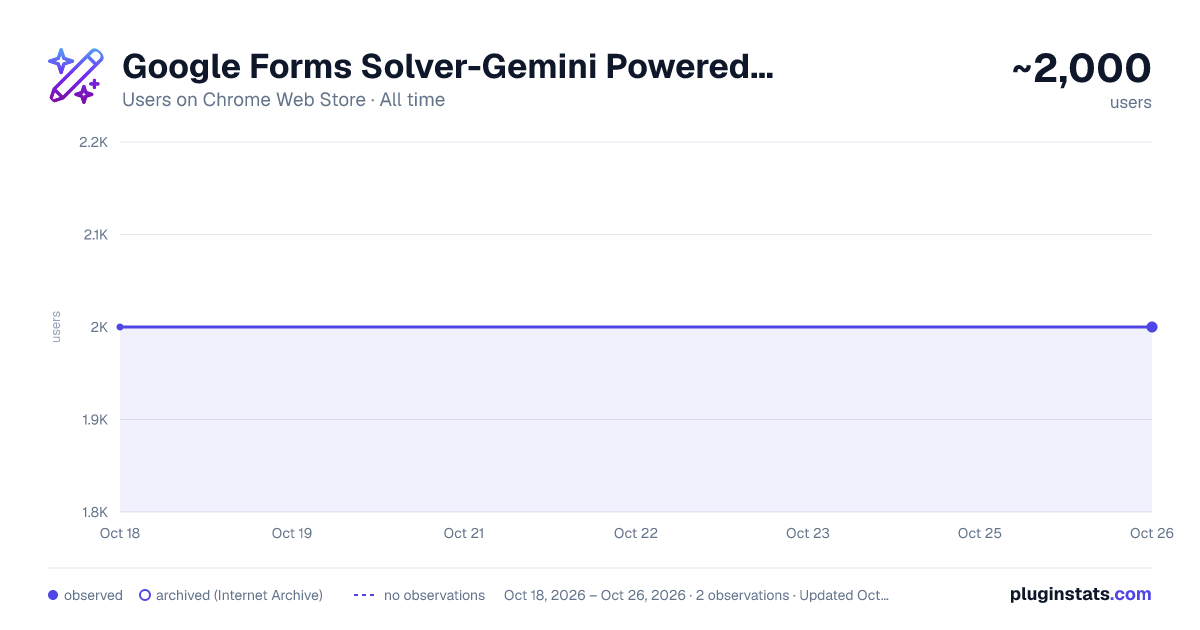
Google Forms Solver-Gemini Powered with OCR has approximately 2,000 recorded users on Chrome Web Store.
It ranks #531 of 2,033 tracked Chrome Web Store listings by users.
It is rated 3.9 out of 5 from 16 ratings.
PluginStats has 1 daily observations since Oct 18, 2026; the latest is from Oct 18, 2026.
Rating: 3.90 / 5 from 16 ratings
About Google Forms Solver-Gemini Powered with OCR
A Chrome extension that scans questions and options from Google Forms, fetches data, and generates answers to help form completion.
GOD SPEED!!! ⚡️⚡️⚡️ * 𝗥𝗘𝗖𝗢𝗚𝗡𝗜𝗭𝗘𝗦 𝗘𝗩𝗘𝗡 𝗜𝗠𝗔𝗚𝗘𝗦 𝗔𝗡𝗗 𝗠𝗘𝗗𝗜𝗔 Alt+A-->Fetch, Alt+C-->autofill
Try it Out!!! https://docs.google.com/forms/d/e/1FAIpQLSd8lrRGK0YilrVVCvqSRad1UNV4mLBDndnZgdQ2jtDLwdprJA/viewform
Free & Fast: • 100% free – no hidden costs 💯 • Autofill forms in as little as 3.6 seconds using batch processing. • No authentication or login required. • Don't even need to click on fetch button the answers get loaded automatically whenever the google form gets loaded in the background.
Advanced AI & Image Processing: • Powered by the fine-tuned Gemini 2.0 Flash model for highly accurate answers and multilingual support. 🤖🌐 • Cutting-edge OCR extracts text from images in multiple languages (Hindi, Tamil, Kannada, Malayalam, Telugu, etc.) and preserves mathematical formulas perfectly. 📷📝.
OOPS!!! I CLOSED THE FORM!!, Dw Dear, 😱👉😌 Robust Caching & Reliability: • Auto-caching ensures that if your form is accidentally closed, your answers are always ready when you reopen it.🔄 • Never lose your data – your work remains safe and accessible 🔒
Afraid of opening a popup in front of teacher? We got you!!! 🤫 Stealth Keystroke Shortcuts: • Use Alt+A to fetch form data when you need to work discreetly. • Use Alt+C to trigger autofill instantly. 🚀
TOO MUCHH!!! LONG FORM??? We got you covered Efficient Batching System: • Automatically splits large forms (60+ questions) into smaller batches to ensure rapid, error-free processing without exceeding token limits.
User-Friendly Interface: • Supports both light and dark modes for a comfortable viewing experience 🌞 🌜and also has copy button to instantly copy the answers. • Designed with a clean, minimal interface perfect for students and busy professionals. 👩🎓👨💼
Optimized Performance:🔥 • Lightest modularized extension in this category -73kib (reduced dependencies and clean ups).
💡ALL THESE IN VERSION 1.0 🤯 SHOW SOME SUPPORT ⭐ AND I WILL QUICKLY ROLL OUT VERSION 2.0 WITH MORE FEATURES LOADED.
Description from the Chrome Web Store listing.
Charts
Images: 30d · 1y · all time · 1600×900 dark
Adoption over time
7/30/90-day growth
Ranking history
Ratings over time
Listing placement
Filled points are observed values; hollow points come from Internet Archive snapshots of the listing page. Dashed segments span periods with no observations — values between points are not interpolated.
Each band is one page of 20. Users on a log scale. Placement is projected from users, so it can differ from the marketplace's own sort order. Hover a dot to see the listing.
Recent observations
Full history (1)Similar Chrome Web Store Education plugins
All 20 Google Forms Solver-Gemini Powered with OCR alternatives




Data source
Covers every Chrome Web Store extension with at least 100 users, found through the store's public sitemap. User counts are read from public listing pages. The 10% most-used extensions are refreshed daily, the next 40% weekly and the next 40% monthly; the least-used 10% are not refreshed. Google displays rounded user counts (and caps the display at 10,000,000+), so small changes may not be visible. Rating counts above 1,000 are rounded (e.g. 1.6K).
Listing: https://chromewebstore.google.com/detail/google-forms-solver-gemin/npnlemljobkkpdbbhikhmaipbafainac. First seen Oct 18, 2026; last successful collection Oct 18, 2026. See the methodology.