 PluginStats
Easy tasks by Morgen users statistics
Chrome Web Store · Workflow & Planning
Highlight text, press Option+Shift+T/Alt+Shift+T to capture as a to-do with context and link. No app switching.
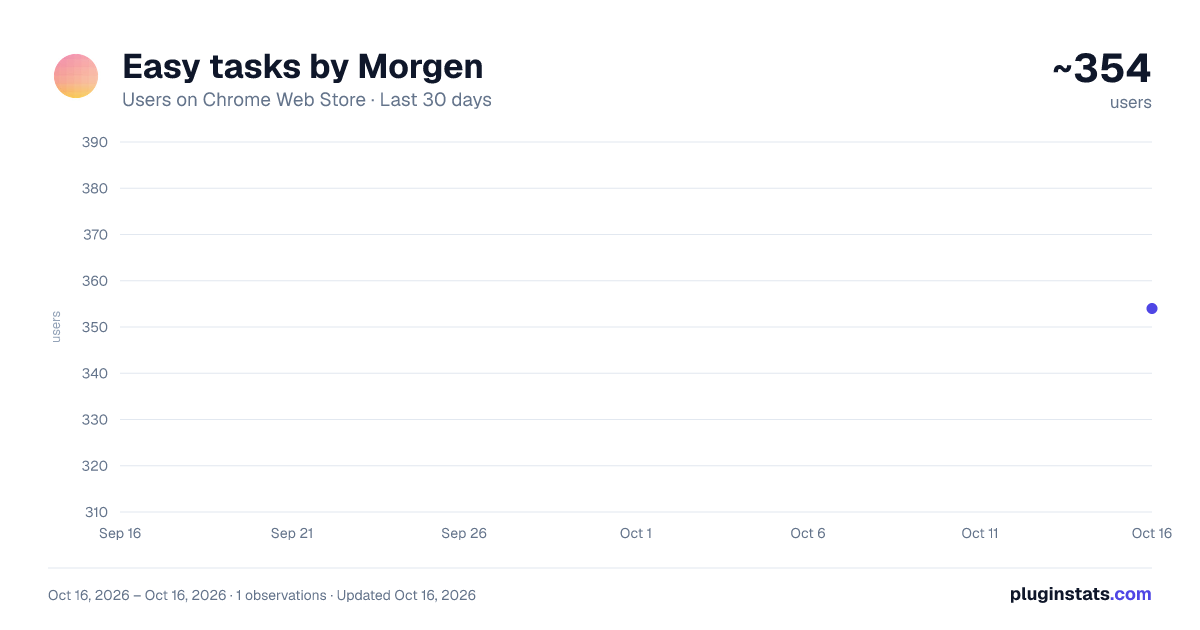
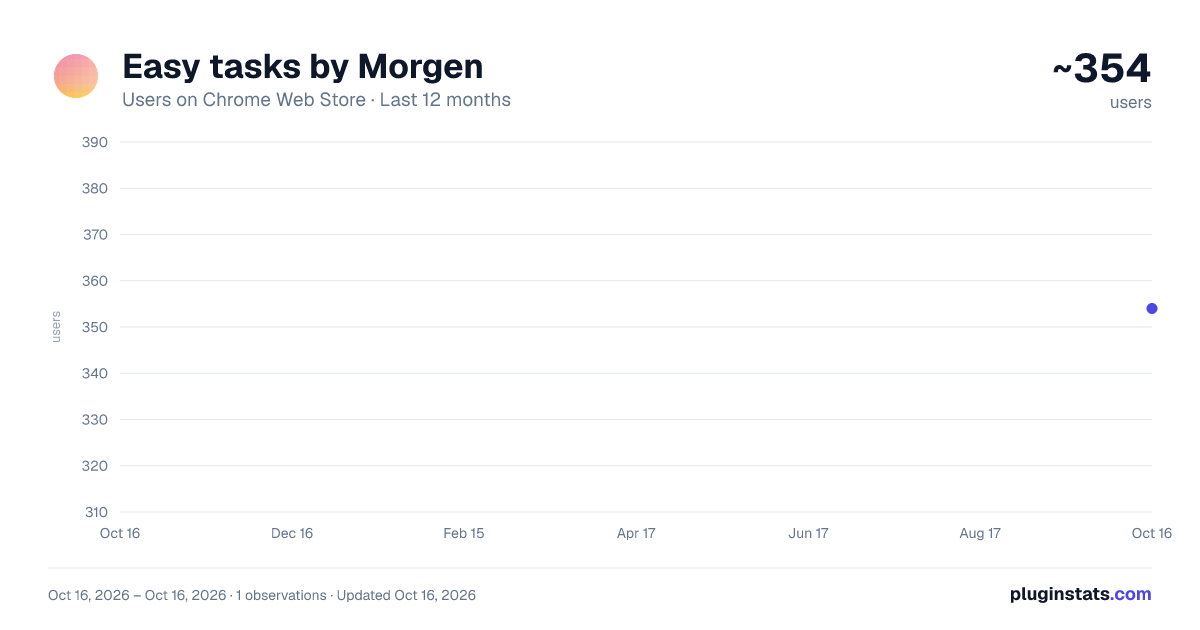
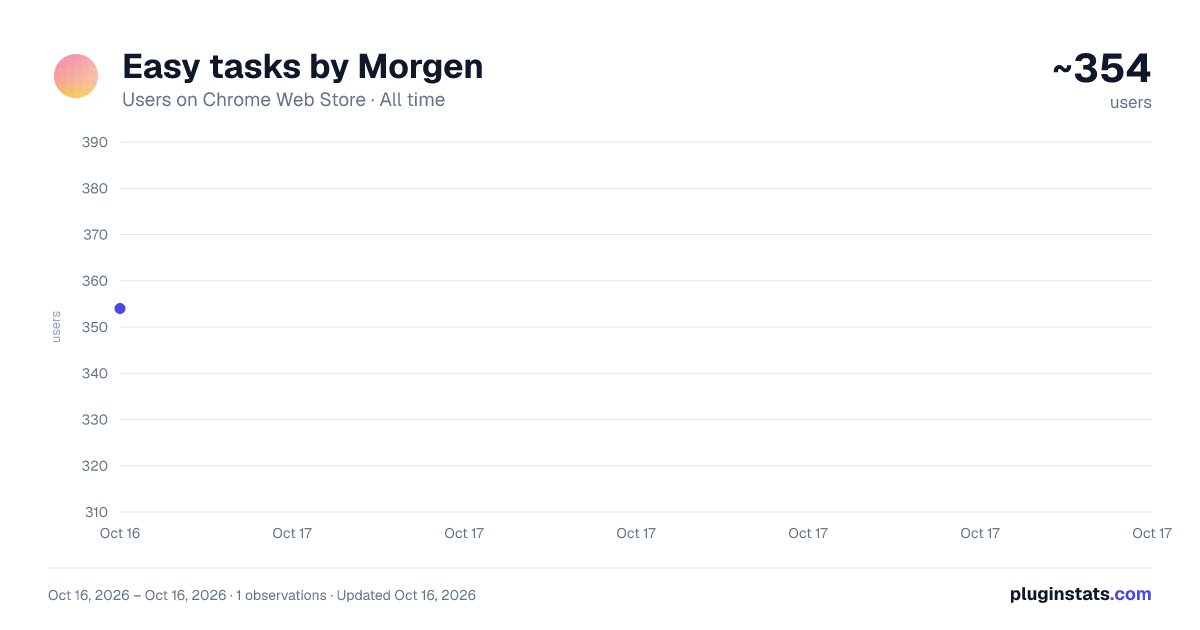
Easy tasks by Morgen has approximately 354 recorded users on Chrome Web Store.
It ranks #916 of 1,556 tracked Chrome Web Store listings by users.
It is rated 4.4 out of 5 from 7 ratings.
PluginStats has 1 daily observations since Oct 16, 2026; the latest is from Oct 16, 2026.
Rating: 4.40 / 5 from 7 ratings
About Easy tasks by Morgen
Highlight text, press Option+Shift+T/Alt+Shift+T to capture as a to-do with context and link. No app switching.
Easy Tasks by Morgen is a Chrome extension that lets you turn anything you find online into a to-do with full context.
🎯 No need to switch apps and break your focus. 🧘 No more messy bookmarks with no reminders or due dates. 💪 No more 20+ open tabs waiting for “later.”
HOW IT WORKS?
Highlight any text on a webpage—an email, YouTube video, article, or post—and press option+shift+T/alt+shift+T. A quick-capture widget appears so you can create a task instantly. The extension auto-fills the link and your highlighted text, and you can edit the title, set a due date, or mark priority.
Hit Enter, and you’re done. The task is saved with full context—no app switching, no copy-paste, no forgotten “what was that thing I meant to check?”
USE IT FOR 📧 Email follow-ups: Turn messages into linked tasks while clearing your inbox, so every follow-up has the context you need to act later. 👀 Content you want to consume later: Save videos, articles, and tutorials as tasks with due dates, so you actually come back to them instead of losing them in bookmarks. 💡 Ideas while researching: Capture competitor features, tools to try, or notes from browsing—build a backlog instead of letting signal slip away.
Easy Tasks allows you to have all your quick to-dos, in one central place
KEY FEATURES 🌐 Works on any website where you can select text 🔗 Auto-captures the URL and highlighted content ‼️ Due dates, priority levels, and task reordering 📋 Custom lists to organize tasks by project or context 🚀 Click any task's link to jump back to the source instantly ⌨️ Keyboard shortcuts for speed
PRIVACY
We don't send your data anywhere. Everything you save stays in Chrome's local storage. No servers, no tracking, no accounts required.
Easy Tasks is built by Morgen the calendar and task manager trusted by thousands of users who need to stay organized without the chaos.
READY TO PLAN BETTER?
Create an account on https://morgen.so to time-block your to-dos and turn a to-do list into a realistic daily plan that actually fits your busy schedule.
Description from the Chrome Web Store listing.
Where Easy tasks by Morgen sits in the listing
Each band is one page of 20. Users on a log scale. Placement is projected from users, so it can differ from the marketplace's own sort order. Hover a dot to see the listing.
Charts
Images: 30d · 1y · all time · 1600×900 dark
Adoption over time
7/30/90-day growth
Ranking history
Filled points are observed values; hollow points come from Internet Archive snapshots of the listing page. Dashed segments span periods with no observations — values between points are not interpolated.
Recent observations
Full history (1)Similar Chrome Web Store Workflow & Planning plugins




Data source
User counts are read from public Chrome Web Store listing pages. Google displays rounded user counts (and caps the display at 10,000,000+), so small changes may not be visible. Rating counts above 1,000 are rounded (e.g. 1.6K).
Listing: https://chromewebstore.google.com/detail/easy-tasks-by-morgen/dbhfljkfcdajplhgnefnojnfnadckchi. First seen Oct 16, 2026; last successful collection Oct 16, 2026. See the methodology.