 PluginStats
Dadan – Screen Recorder, AI Meeting Notes & SOPs users statistics
Chrome Web Store · Workflow & Planning
Record screen, webcam, and meetings. Get AI transcripts and summaries. Create step-by-step guides and SOPs; edit and share videos.
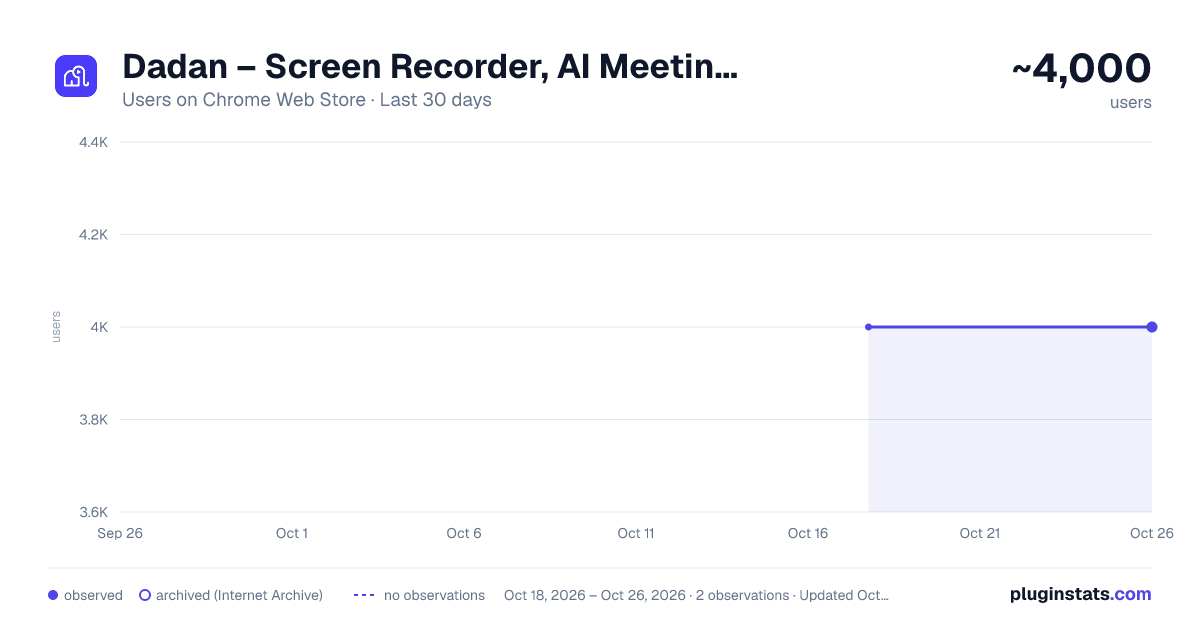
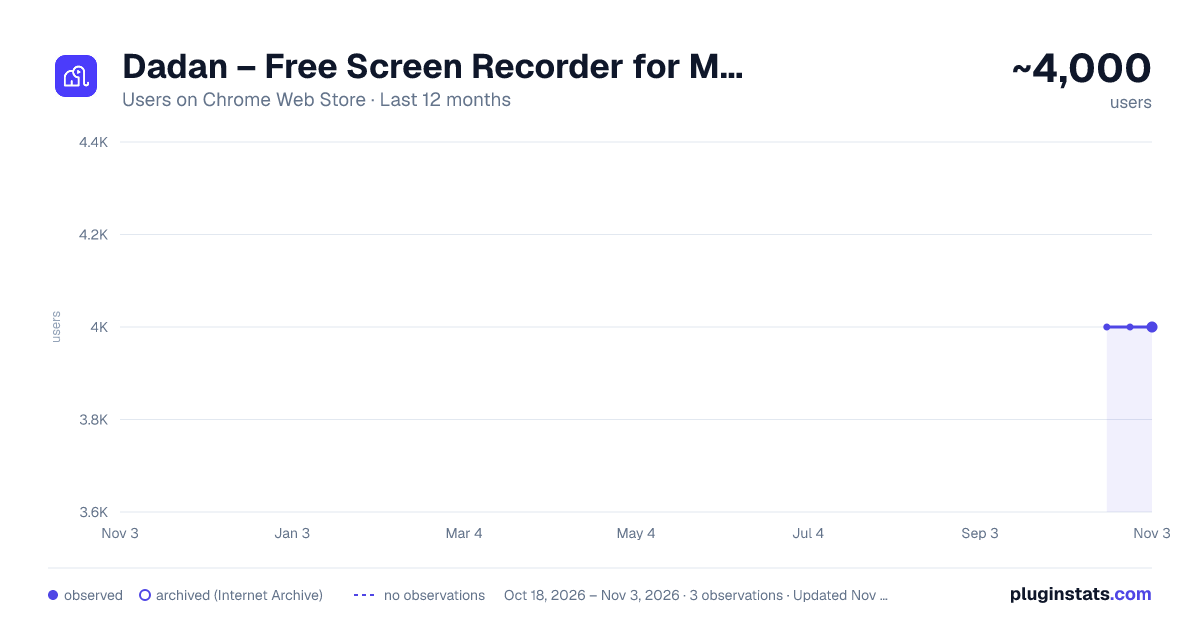
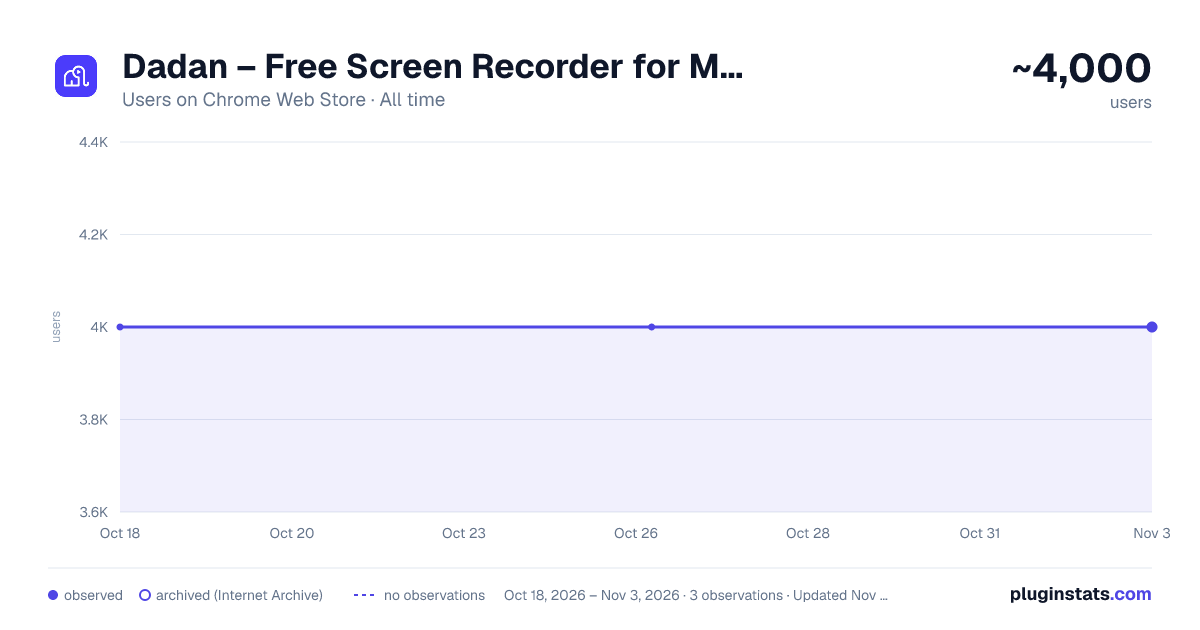
Dadan – Screen Recorder, AI Meeting Notes & SOPs has approximately 4,000 recorded users on Chrome Web Store, ranking #550 of 2,952 tracked listings.
Rating: 4.70 / 5 from 58 ratings
About Dadan – Screen Recorder, AI Meeting Notes & SOPs
Record screen, webcam, and meetings. Get AI transcripts and summaries. Create step-by-step guides and SOPs; edit and share videos.
Dadan is a screen recorder, AI meeting assistant, and step-by-step guide creator for Chrome. Record your screen, browser tab, webcam, microphone, and system audio. Capture online meetings, create AI-powered guides and SOPs, edit videos, and share everything with a link.
🎥 SCREEN & WEBCAM RECORDING
Record professional videos directly from Chrome without complicated software.
• Record a browser tab, application window, or full screen • Record your webcam or combine your screen and webcam • Capture microphone and system audio • Highlight your cursor and annotate while recording • Create product demos, tutorials, presentations, video messages, and bug reports • Share each screen recording instantly with a link
📘 AI-POWERED GUIDES & SOPS
Turn browser workflows into clear, reusable documentation.
Start Guide mode and complete a process as usual. Dadan captures your clicks and screenshots as how-to steps, then uses AI to create a polished step-by-step guide that you can review and refine in the Guide Editor.
• Automatically capture clicks and screenshots • Turn captured workflows into step-by-step guides • Create standard operating procedures (SOPs) • Review and refine instructions in the Guide Editor • Document repeatable business processes without writing every step manually • Create onboarding guides, software instructions, training materials, and knowledge-base articles
📅 MEETING RECORDING & AI NOTES
Record online meetings and keep every important detail. Connect Google Calendar or Outlook, automatically record scheduled meetings, and let Dadan generate transcripts, meeting notes, and summaries.
• Record online meetings with audio and video • Connect Google Calendar and Outlook • Automatically record scheduled meetings • Generate AI meeting transcripts, notes, and summaries • Download captions and translate them into more than 100 languages • Edit and share meeting recordings with a link • Review important conversations without rewatching the entire meeting
✂️ EDIT VIDEOS IN YOUR BROWSER
Polish your recordings with Dadan’s built-in video editor.
• Trim, crop, resize, and combine videos • Blur sensitive information • Edit captions and subtitles • Adjust video and audio playback • Add video, audio, and image assets • Add entrance and exit animations • Use templates and stock media • Create consistent content with Brand Kits
🤖 SAVE TIME WITH AI
Use AI to make videos, meetings, and documented processes easier to understand and reuse.
• Generate transcripts, summaries, and notes • Create captions and subtitles • Translate captions into more than 100 languages • Generate interactive questions • Search recorded knowledge through transcripts and tags • Turn captured workflows into reusable guides and SOPs
🔗 SHARE & COLLABORATE
Share videos and guides with teammates, customers, prospects, or learners.
• Share with a link or by email • Organize recordings and guides in folders and team workspaces • Create playlists and public profiles • Collaborate with your team • Protect content with passwords and expiry dates • Manage privacy and access settings • Personalize the viewing experience with custom branding and domains
📊 TRACK VIEWER ENGAGEMENT
Understand what happens after you share a video.
• Track views, impressions, and watch duration • Measure viewer engagement and retention • See which content performs best • Monitor calls to action and viewer interactions • Analyze performance across teams and workspaces • Add forms, polls, quizzes, ratings, and open-ended questions • Add Calendly links and customizable calls to action • Capture leads directly from your videos
USE DADAN FOR
• Screen recording and webcam recording • Online meeting recording • AI meeting notes, transcripts, and summaries • Step-by-step guides and standard operating procedures • Process documentation and knowledge sharing • Product demonstrations and software tutorials • Employee training and onboarding • Customer support and knowledge-base content • Sales outreach and personalized videos • Asynchronous team updates • Interactive training and educational videos
Dadan brings screen recording, webcam video, meeting recording, AI-generated guides, SOP creation, video editing, instant sharing, collaboration, and viewer analytics together in one platform.
Record it once, explain it clearly, and make the knowledge reusable.
When recording meetings, follow applicable laws and organizational policies and obtain participant consent when required.
Description from the Chrome Web Store listing.
README badge
Show your rank in a README or on your website. The badge updates automatically.
Charts
Images: 30d · 1y · all time · 1600×900 dark
Adoption over time
7/30/90-day growth
Ranking history
Ratings over time
Listing placement
Listing placement
Filled points are observed values; hollow points come from Internet Archive snapshots of the listing page. Dashed segments span periods with no observations — values between points are not interpolated.
Each band is one page of 20. Users on a linear scale. Placement is projected from users, so it can differ from the marketplace's own sort order. Hover a dot to see the listing.
Recent observations
Full history (1)Similar Chrome Web Store Workflow & Planning plugins
All 20 Dadan – Screen Recorder, AI Meeting Notes & SOPs alternatives



Data source
Covers every Chrome Web Store extension with at least 100 users, found through the store's public sitemap. User counts are read from public listing pages. The 10% most-used extensions are refreshed daily, the next 40% weekly and the next 40% monthly; the least-used 10% are not refreshed. Google displays rounded user counts (and caps the display at 10,000,000+), so small changes may not be visible. Rating counts above 1,000 are rounded (e.g. 1.6K).
Listing: https://chromewebstore.google.com/detail/dadan-–-screen-recorder-a/oagkbgolfdnkknkjomnggnhmnlfmgdod. First seen Oct 18, 2026; last successful collection Oct 18, 2026. See the methodology.