 PluginStats
Figscreen — Screenshot & Web Annotation users statistics
Chrome Web Store · Workflow & Planning
Figscreen helps you capture webpages, annotate screenshots, and export clean PNGs from Chrome.
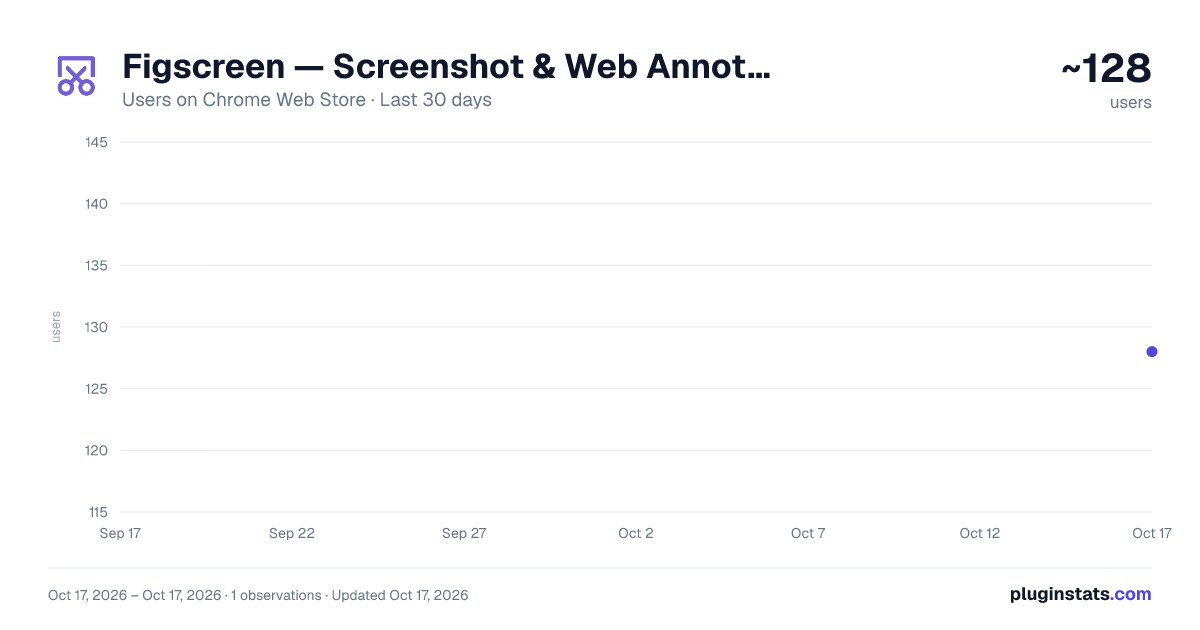
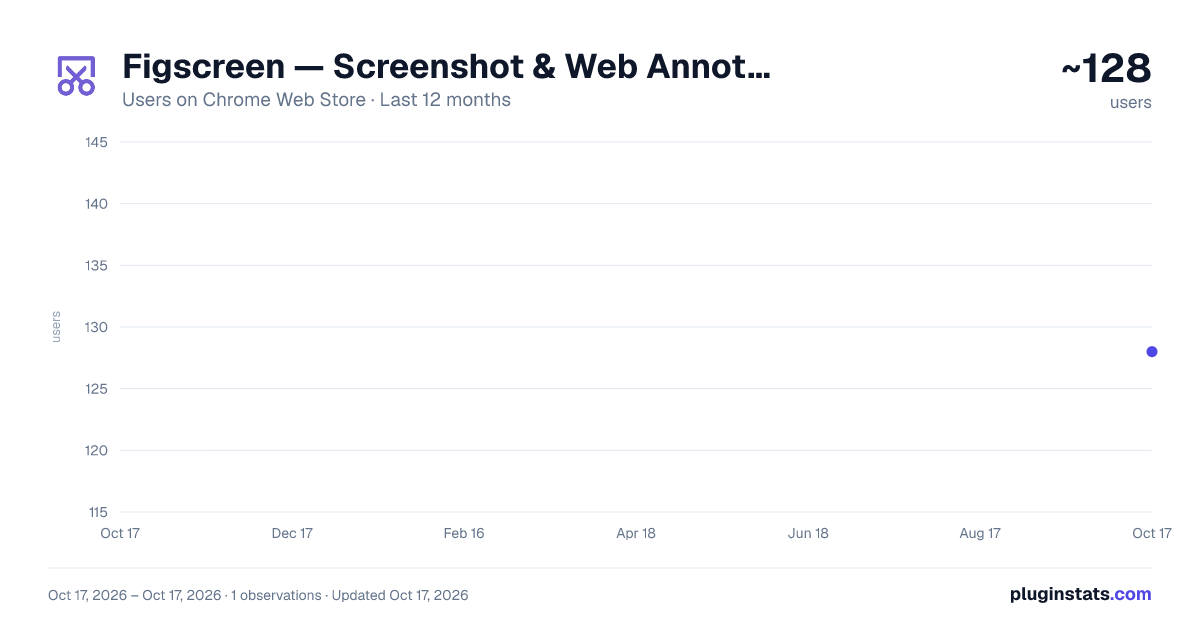
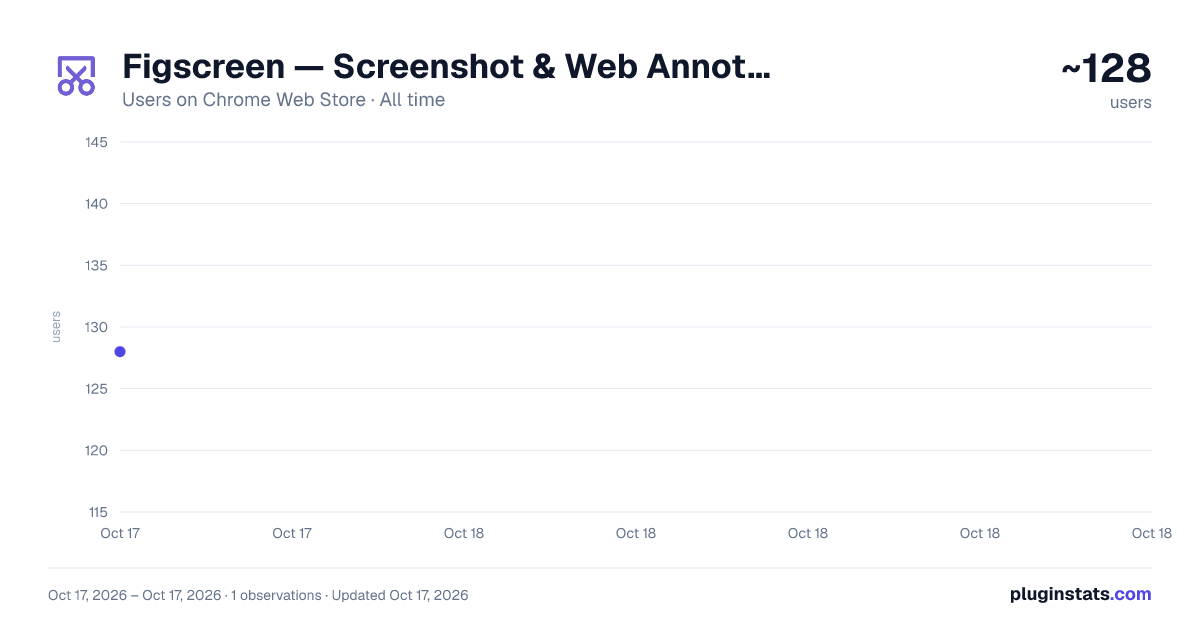
Figscreen — Screenshot & Web Annotation has approximately 128 recorded users on Chrome Web Store.
It ranks #1416 of 1,556 tracked Chrome Web Store listings by users.
It is rated 5.0 out of 5 from 1 ratings.
PluginStats has 1 daily observations since Oct 17, 2026; the latest is from Oct 17, 2026.
Rating: 5.00 / 5 from 1 ratings
About Figscreen — Screenshot & Web Annotation
Figscreen helps you capture webpages, annotate screenshots, and export clean PNGs from Chrome.
Capture the viewport or full page, then edit your screenshot with practical annotation tools such as arrows, text, highlights, blur, and redaction.
What you can do - Viewport capture for exactly what is visible - Full page capture for long pages - Area capture for custom cropped regions - Annotate with arrows, text, highlights, shapes, blur, and redaction - Copy image to clipboard or download PNG - Open recent captures from History
Account and access - Figscreen requires a valid app key - You can set or change your app key in Settings - Usage and plan details are shown in the popup
Note: - Some pages (Chrome URLs, iframes, or heavy sites) may not capture properly. - Try a normal browser tab on a standard website if something fails. - Sharing links are shown in the editor as "Coming soon".
Description from the Chrome Web Store listing.
Where Figscreen — Screenshot & Web Annotation sits in the listing
Each band is one page of 20. Users on a log scale. Placement is projected from users, so it can differ from the marketplace's own sort order. Hover a dot to see the listing.
Charts
Images: 30d · 1y · all time · 1600×900 dark
Adoption over time
7/30/90-day growth
Ranking history
Filled points are observed values; hollow points come from Internet Archive snapshots of the listing page. Dashed segments span periods with no observations — values between points are not interpolated.
Recent observations
Full history (1)Similar Chrome Web Store Workflow & Planning plugins




Data source
User counts are read from public Chrome Web Store listing pages. Google displays rounded user counts (and caps the display at 10,000,000+), so small changes may not be visible. Rating counts above 1,000 are rounded (e.g. 1.6K).
Listing: https://chromewebstore.google.com/detail/figscreen-—-screenshot-we/mbdaffbdkedkkhchjmjlendlfakhgeid. First seen Oct 17, 2026; last successful collection Oct 17, 2026. See the methodology.