 PluginStats
GRE Words Highlighter users statistics
By Aditya Bhave · Chrome Web Store · Workflow & Planning
Scans and highlights the GRE words in a webpage on demand. Contains over 2000 words from three popular lists
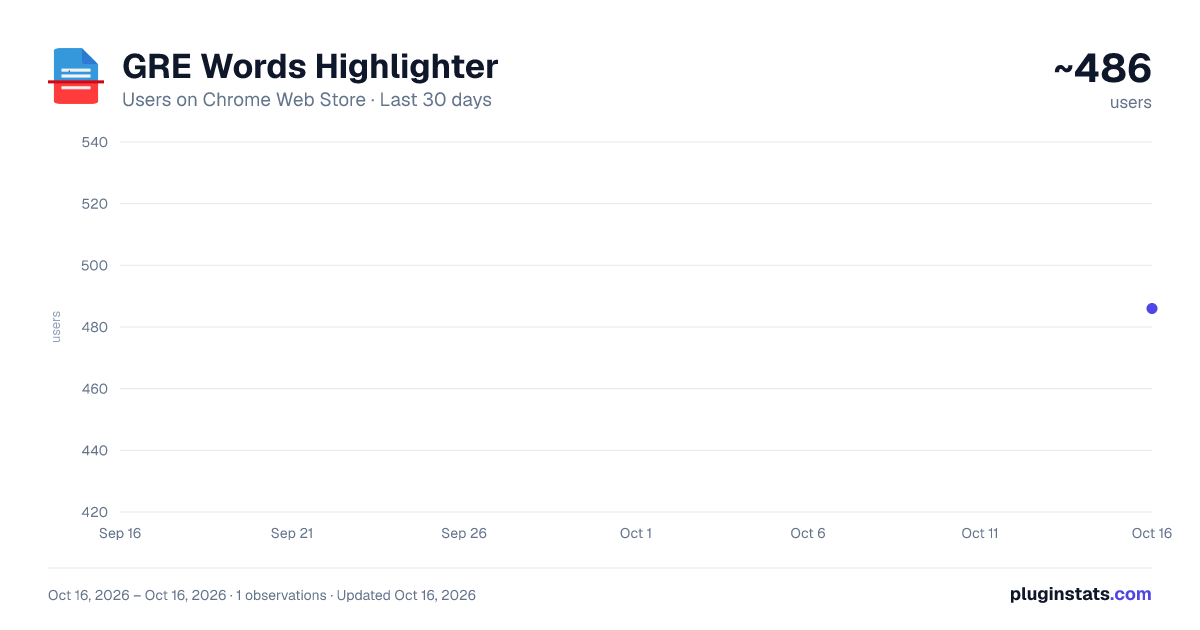
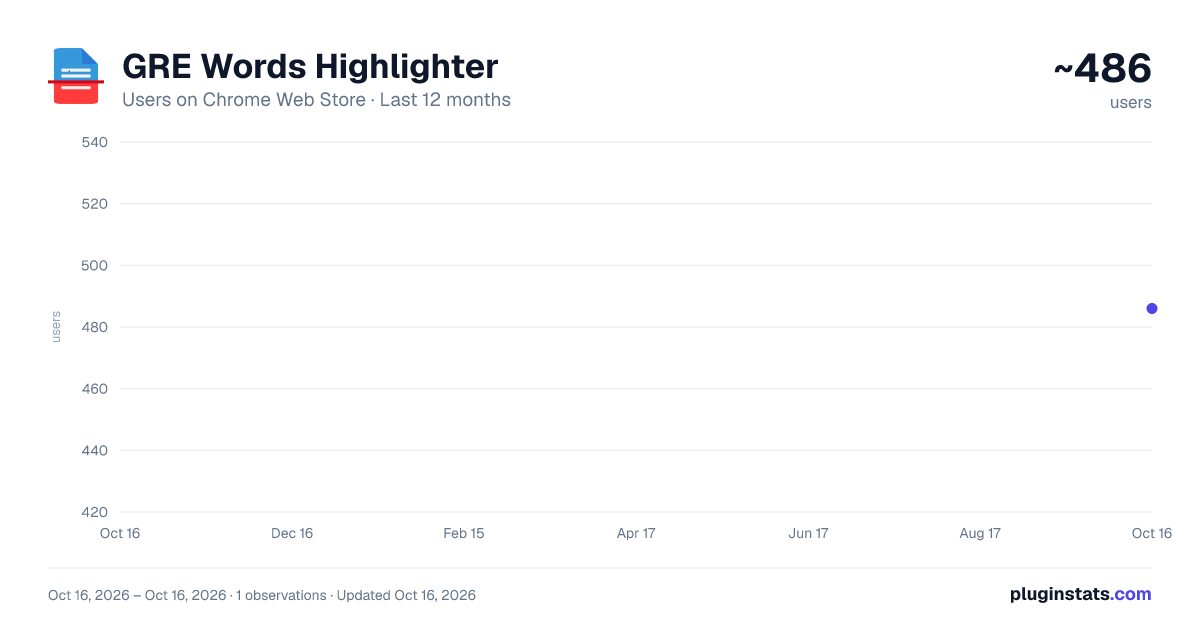
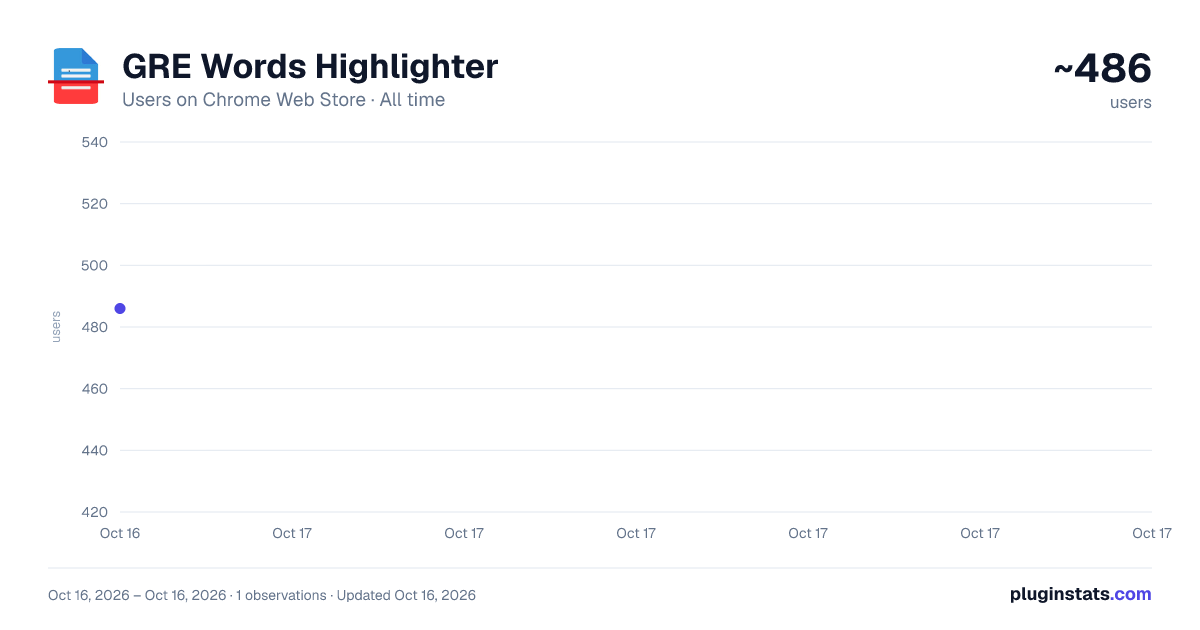
GRE Words Highlighter has approximately 486 recorded users on Chrome Web Store.
It ranks #796 of 1,556 tracked Chrome Web Store listings by users.
It is rated 4.7 out of 5 from 15 ratings.
PluginStats has 1 daily observations since Oct 16, 2026; the latest is from Oct 16, 2026.
Rating: 4.70 / 5 from 15 ratings
About GRE Words Highlighter
Scans and highlights the GRE words in a webpage on demand. Contains over 2000 words from three popular lists
IMPORTANT SHORTCUTS :-
1. To Start Highlighting On a page - " Ctrl + Shift + H/h "
2. To Edit Preference of Lists (Options Page)- "Ctrl + Shift + L/l "
Note - Above actions can also be done manually by using the popup page pin the extension to the toolbar for ease of use (Refer Images above)
UPDATE NOTES: - Version 2.5/2.6 - Added meanings, Now you can see the meanings of the highlighted word when hovering over it. - Added the GregMat List of words to the collection of words. So now users have option to choose from 4 lists.
KEY FEATURES:
- You can edit your preferences and highlight words only from the list(s) of your choice from the Options Page.
- Hover over the highlighted word to find extra information. You can also click on the word to get meanings and more via Google's web dictionary.
- Different forms of the words are also highlighted to give you a complete experience. Eg - " Burgeoning " ( GRE Word is "burgeon").
IMPORTANT :-
- Please note that the extension does not read a webpage content without you enabling it either manually or using the shortcuts
- Kindly avoid invoking the extension on the same webpage more than once. If you reload the extension, please also refresh any webpages already open you want to highlight from.
- The extension may take more time if the webpage is very large. Consider a time of 3-4 seconds to finish highlighting for lengthy pages.
- The extension does not scan hyperlinks to maintain the posture of the webpage.
- Deselecting a list in preferences will only omit words which are exclusively in that list . Many high frequency words are shared between lists.
- The extension might not work in certain Google pages like the Home page. Please refer Chrome's policy on that.
Description from the Chrome Web Store listing.
Where GRE Words Highlighter sits in the listing
Each band is one page of 20. Users on a log scale. Placement is projected from users, so it can differ from the marketplace's own sort order. Hover a dot to see the listing.
Charts
Images: 30d · 1y · all time · 1600×900 dark
Adoption over time
7/30/90-day growth
Ranking history
Filled points are observed values; hollow points come from Internet Archive snapshots of the listing page. Dashed segments span periods with no observations — values between points are not interpolated.
Recent observations
Full history (1)Similar Chrome Web Store Workflow & Planning plugins




Data source
User counts are read from public Chrome Web Store listing pages. Google displays rounded user counts (and caps the display at 10,000,000+), so small changes may not be visible. Rating counts above 1,000 are rounded (e.g. 1.6K).
Listing: https://chromewebstore.google.com/detail/gre-words-highlighter/dbhjkdbgppohbeioaklillegelmcaimh. First seen Oct 16, 2026; last successful collection Oct 16, 2026. See the methodology.