 PluginStats
CardCue.app users statistics
See your grades, assignments, and what's due — right on your Canvas dashboard course cards. Review. Decide. Act.
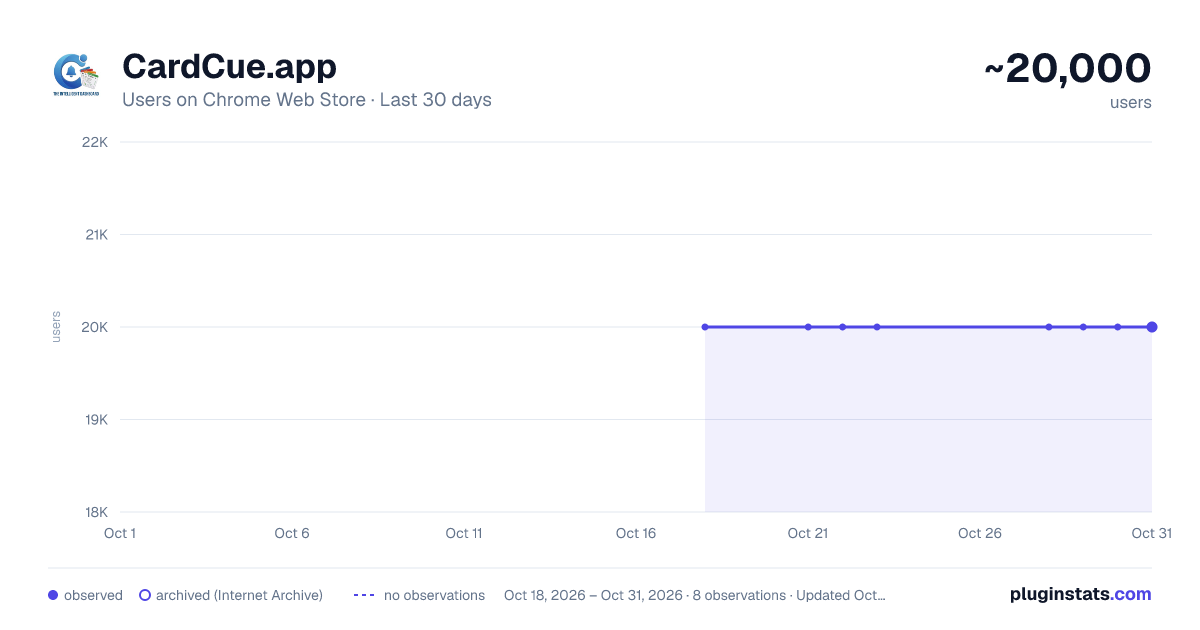
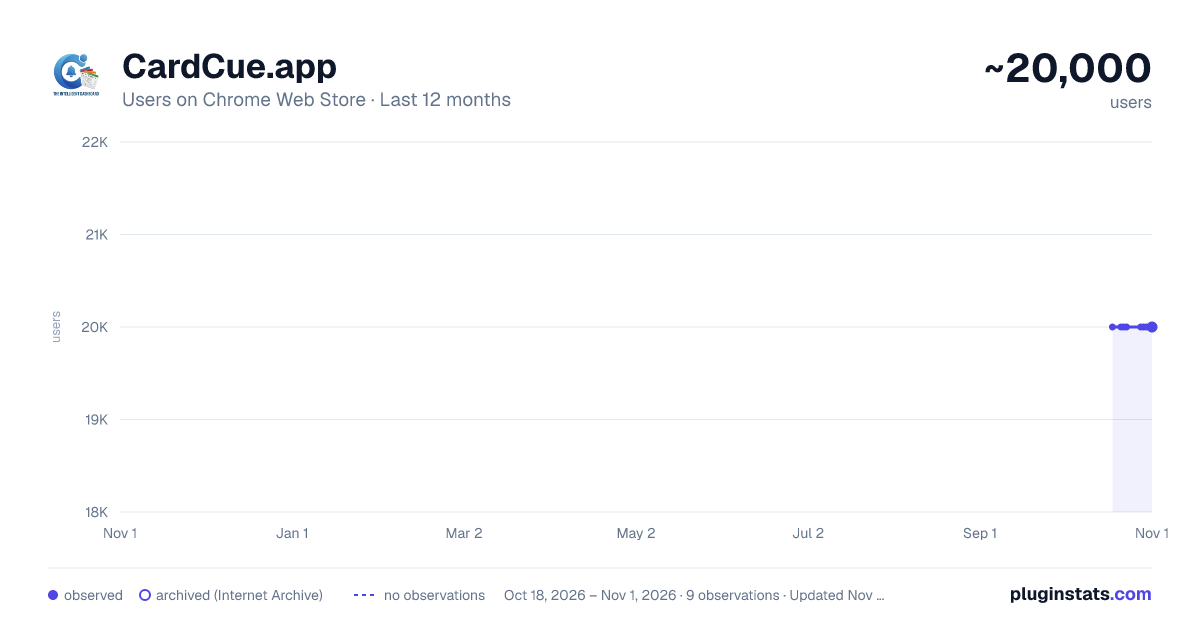
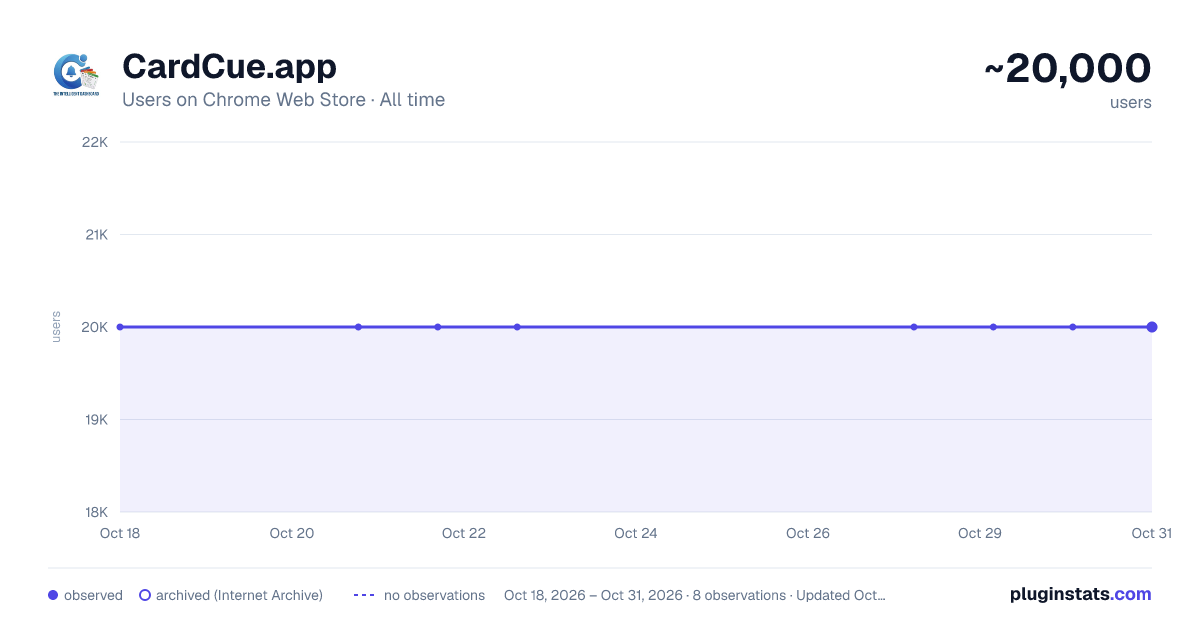
CardCue.app has approximately 20,000 recorded users on Chrome Web Store.
It ranks #187 of 2,033 tracked Chrome Web Store listings by users.
PluginStats has 1 daily observations since Oct 18, 2026; the latest is from Oct 18, 2026.
About CardCue.app
See your grades, assignments, and what's due — right on your Canvas dashboard course cards. Review. Decide. Act.
CardCue — Your Canvas dashboard, finally telling you what matters. Canvas buries the things you actually need: your current grade, what you're missing, and what's due next. CardCue brings all of it onto your dashboard course cards, so the moment you open Canvas you can see exactly where every class stands. Review. Decide. Act.
WHAT YOU GET: Grades at a glance — your current grade right on each course card Missing assignment alerts — instantly spot what's overdue, class by class What's coming up — upcoming due dates surfaced where you'll actually see them No extra tabs — everything lives on the dashboard you already open Works on your Canvas — supports your school's Canvas site, with custom-domain support
PRIVATE BY DESIGN: CardCue runs entirely in your browser. It reads your course data through Canvas's own API using your existing Canvas session and shows it on your dashboard — nothing is sent anywhere else. There's no CardCue server collecting your grades, no account to create, and no tracking or analytics.
PRICING: 14-day free trial — try every feature, cancel anytime $19.99/year (50% off at launch) Use it on up to 3 devices with one license
After checkout your license key arrives instantly by email. Paste it into the extension, click Activate, and you're in.
Schools & districts: CardCue offers IT-managed deployment with site licensing, just email sales@cardcue.app. Questions? support@cardcue.app.
Note: CardCue subscriptions are purchased by adults. If you're under 18, ask a parent, guardian, or your school to purchase and share the license key.
More info... CardCue supercharges your Canvas Course Cards by transforming your Canvas LMS dashboard from a basic overview into a powerful command center for your coursework. CardCue adds real-time grades, weekly assignment schedules, urgency indicators, and more — directly onto every course card. This allows you to quickly... Review. Decide. Act.
KEY FEATURES Grade Display See your current grade (numeric percentage and your letter grade if your instructor is posting it) right on each course card. Loads all of course grades instantly so you can easily decide where to start for the most impact..
Weekly Assignment Schedule A visual 7-day calendar strip shows you at a glance which days have assignments due — for both the current week and the next week. The day dot will change colors as unsubmitted assignments approach..
Smart Urgency Indicators Color-coded day markers help you prioritize: - Red: Due within 24 hours or past due - Yellow: Due within 24–48 hours - Green: Due in more than 48 hours - Completed assignments are visually distinguished so you can focus on what still needs attention
Assignment Lists with Tabs Toggle between "This Week's" assignments and "Missing" assignments. Each entry shows the assignment name, due date/time in relative terms (e.g., "Due Tomorrow"), and completion status. Direct links take you straight to the assignment page. Assignments are listed in this order on both tabs... Assignments that can be submitted Locked assignments Submitted assignments The Missing tab will be colored in red to help you know that there are assignments that are missing that can be submitted. Otherwise it will be colored indicating either that all assignments have been submitted or the missing assignments are locked. Checking this tab can help drive conversations with your instructor if an assignment is locked. It is not colored in red when items are locked to avoid notification fatigue for anything that cannot be acted upon.
Custom Domain Support Works automatically on any *.instructure.com Canvas site. If your school uses a custom domain (like canvas.yourschool.edu), simply click "Enable on this Canvas site" in the extension popup to add it.
Accessibility Built In - Full keyboard navigation and screen reader support - ARIA roles, labels, and live regions throughout - Focus trapping in popovers for accessible modal interactions - Reduced motion support for users who prefer it
HOW IT WORKS CardCue uses the Canvas LMS API (the same API that powers your dashboard) to fetch your enrollment data, assignments, quizzes, and grades. All processing happens locally in your browser — no data is sent to any external server. The extension waits for Canvas to fully render your dashboard before enhancing it, ensuring a smooth and reliable experience even on slower connections.
Description from the Chrome Web Store listing.
Where CardCue.app sits in the listing
Each band is one page of 20. Users on a log scale. Placement is projected from users, so it can differ from the marketplace's own sort order. Hover a dot to see the listing.
Charts
Images: 30d · 1y · all time · 1600×900 dark
Adoption over time
7/30/90-day growth
Filled points are observed values; hollow points come from Internet Archive snapshots of the listing page. Dashed segments span periods with no observations — values between points are not interpolated.
Recent observations
Full history (1)Similar Chrome Web Store plugins




Data source
User counts are read from public Chrome Web Store listing pages. Google displays rounded user counts (and caps the display at 10,000,000+), so small changes may not be visible. Rating counts above 1,000 are rounded (e.g. 1.6K).
Listing: https://chromewebstore.google.com/detail/cardcueapp/agmkjlhdlcjnmifmfeajemkgdcoefejd. First seen Oct 18, 2026; last successful collection Oct 18, 2026. See the methodology.