 PluginStats
Claude Usage Tracker & Monitor: Session & Weekly Limits, Credits, Alerts users statistics
Track your Claude usage limits live: session and weekly %, reset countdowns, alerts at 80/95%. Free, Pro, Max and Claude Code.
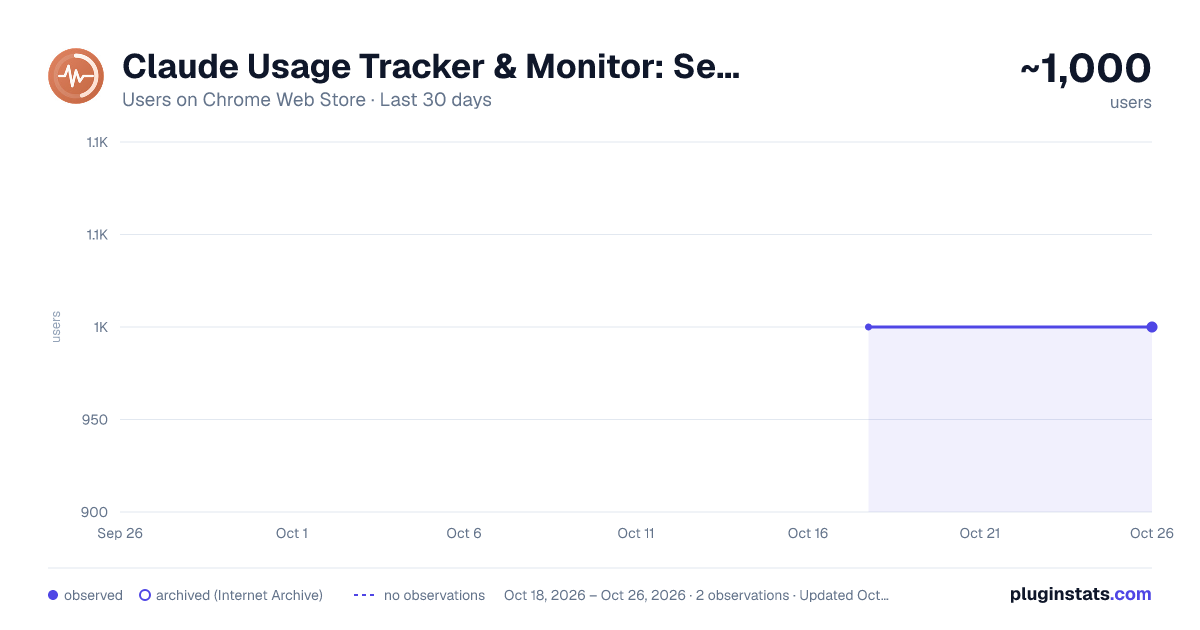
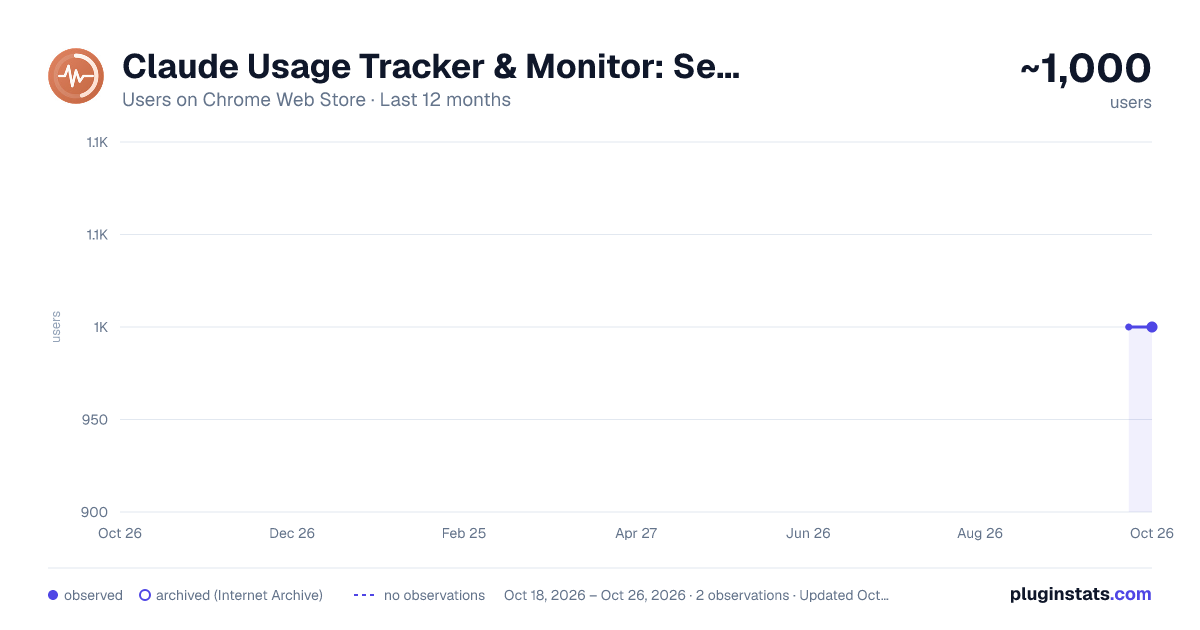
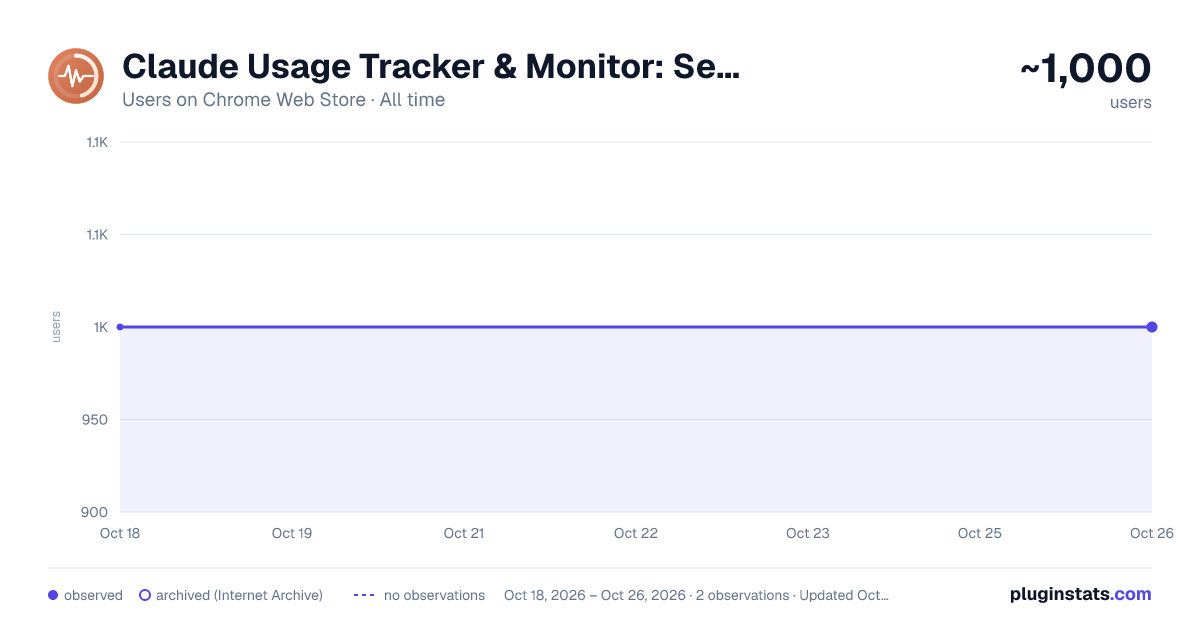
Claude Usage Tracker & Monitor: Session & Weekly Limits, Credits, Alerts has approximately 1,000 recorded users on Chrome Web Store, ranking #681 of 2,033 tracked listings.
Rating: 4.90 / 5 from 30 ratings
About Claude Usage Tracker & Monitor: Session & Weekly Limits, Credits, Alerts
Track your Claude usage limits live: session and weekly %, reset countdowns, alerts at 80/95%. Free, Pro, Max and Claude Code.
Never get cut off by a Claude usage limit again.
Claude Monitor, a Claude usage tracker, shows how much Claude you have left, live in your toolbar: your 5-hour session limit, your weekly limit, per-model caps like Fable 5, extra usage credits and Claude Code routine runs, each with a countdown to the minute it resets.
Stop hitting "You've reached your usage limit" halfway through a task, and stop refreshing claude.ai/settings/usage. One look at the badge tells you whether to keep going or slow down.
NEW IN 1.21
- The usage bar now also works in Claude Code on the web (claude.ai/code) and in claude.ai's new interface
- A pace forecast: at your current rate, roughly when you would hit the session or weekly limit, shown only when that comes before the reset
- An alert when your 5-hour session resets after crossing your warning threshold, as part of the regular alerts
- With the bar on, an estimate of the messages you have left in your session
- A short welcome page on install that turns the bar on in one click
- More than one Claude organization? Choose which one to show from the plan badge in the popup
NEW: YOUR LIMITS RIGHT WHERE YOU TYPE Turn on the optional usage bar and your session and weekly limits sit right above claude.ai's chat box, so you see them while you write. It follows Claude's light or dark theme and stays out of your way.
NEW: WORKS ON THE FREE PLAN Claude closed its usage page to Free accounts, but every reply still carries your limits, and with the bar on, this extension reads them each time you send a message. Free, Pro, Max, Team and Enterprise are all covered.
NEW: IN YOUR LANGUAGE The popup, settings, alerts and the on-page bar are available in English, Spanish, Portuguese (Brazil), German, French, Italian, Japanese and Korean. It follows your browser's language, with dates and amounts in your local format.
WHAT YOU GET
- Live session (5-hour) and weekly usage, color-coded green, yellow and red
- A countdown to every reset, down to the minute
- Per-model weekly caps, shown only for the caps your plan actually has, so you never see a phantom 0%
- Desktop alerts at 80% and 95%, or at your own thresholds, once per reset window
- Extra usage credits in real money: spent vs. monthly limit, prepaid balance and reset date
- Claude Code daily routine runs (used / limit)
- A trend line under every bar and up to 30 days of history, with export to CSV or JSON
- A clear warning when data goes stale, so an old number never passes for a live one
- Six color themes and four popup layouts
- Your plan as a badge: Free, Pro, Max 5x, Max 20x, Team
PRIVATE BY DESIGN
- No account, no API key, no sign-up: it uses the claude.ai login you already have
- Your usage data stays in your browser. No analytics, no telemetry, no tracking. The extension only talks to claude.ai, with read-only requests
- Read-only: it never changes your account or spends your usage
- It never stores or sends your prompts, Claude's replies, projects or files. With the optional bar on, it scans each reply only for the usage figures Claude attaches to it
- If you uninstall it, an optional one-question survey opens on claude-monitor.com. The page gets the extension version and browser name; basic status (plan type, bar on or off and whether it found the chat box, last refresh result, install age; no identifiers) is sent only if you tick its box when you answer
- Open source (MIT) and unminified, so anyone can check every line on GitHub: https://github.com/claude-monitor/claude-monitor-browser-extension
PERMISSIONS, AND WHY
- Storage and alarms: keep your data and refresh it on schedule
- Notifications (optional): the 80% and 95% alerts
- claude.ai, which Chrome shows as "Read and change your data on claude.ai": the extension only sends read-only requests, to five endpoints (/api/organizations, /api/organizations//usage, /api/organizations//prepaid/credits, /api/organizations/*/overage_spend_limit, /v1/code/routines/run-budget)
- claude.ai pages and scripting (optional, only if you turn on the bar): draw the bar and read the usage figures from each reply
- You can revoke claude.ai access at any time from the extension's Details page in chrome://extensions (Site access), or uninstall it
GET STARTED IN 10 SECONDS
- Add to Chrome and pin the icon
- Make sure you are logged in to claude.ai
- Your usage shows up on the badge. Click it for the full breakdown
FAQ Does it track Claude Code usage? Yes. Claude Code on a Pro or Max plan draws from the same session and weekly limits, so the usage you burn in the terminal shows up here too, along with your daily routine runs.
Does it work on the Free plan? Yes, with the usage bar turned on in Settings. Your limits appear after your next message.
Can it see my conversations? It never stores or sends your prompts, Claude's replies, projects or files. With the optional bar off, it doesn't run on claude.ai pages; with it on, a script passes over each response stream and extracts only the usage figures, without decoding anything else.
Is it free? Yes, free and without ads.
ALSO ON WINDOWS UsagePeek AI keeps your Claude limits next to the clock even with the browser closed, and reopens your Claude Code projects the moment a limit resets. Free 7-day trial: https://apps.microsoft.com/detail/9NNZK4V8CZM0?cid=cws-listing
Claude Monitor is an independent project, not affiliated with Anthropic. Claude is a trademark of Anthropic, PBC. Website: https://claude-monitor.com/ Privacy policy: https://claude-monitor.com/privacy
Description from the Chrome Web Store listing.
README badge
Show your rank in a README or on your website. The badge updates automatically.
Charts
Images: 30d · 1y · all time · 1600×900 dark
Adoption over time
7/30/90-day growth
Ranking history
Ratings over time
Listing placement
Listing placement
Filled points are observed values; hollow points come from Internet Archive snapshots of the listing page. Dashed segments span periods with no observations — values between points are not interpolated.
Each band is one page of 20. Users on a linear scale. Placement is projected from users, so it can differ from the marketplace's own sort order. Hover a dot to see the listing.
Recent observations
Full history (1)Similar Chrome Web Store Tools plugins
All 20 Claude Usage Tracker & Monitor: Session & Weekly Limits, Credits, Alerts alternatives



Data source
Covers every Chrome Web Store extension with at least 100 users, found through the store's public sitemap. User counts are read from public listing pages. The 10% most-used extensions are refreshed daily, the next 40% weekly and the next 40% monthly; the least-used 10% are not refreshed. Google displays rounded user counts (and caps the display at 10,000,000+), so small changes may not be visible. Rating counts above 1,000 are rounded (e.g. 1.6K).
Listing: https://chromewebstore.google.com/detail/claude-usage-tracker-moni/bfhdcfiigpaaopklllpobkheakpigbfo. First seen Oct 18, 2026; last successful collection Oct 18, 2026. See the methodology.