 PluginStats
Corner Stopwatch users statistics
By depanshusahu057 · Chrome Web Store · Workflow & Planning
A modern, minimal corner stopwatch with timer, Pomodoro, clock, alarms and reminders. Light/dark, system-aware.
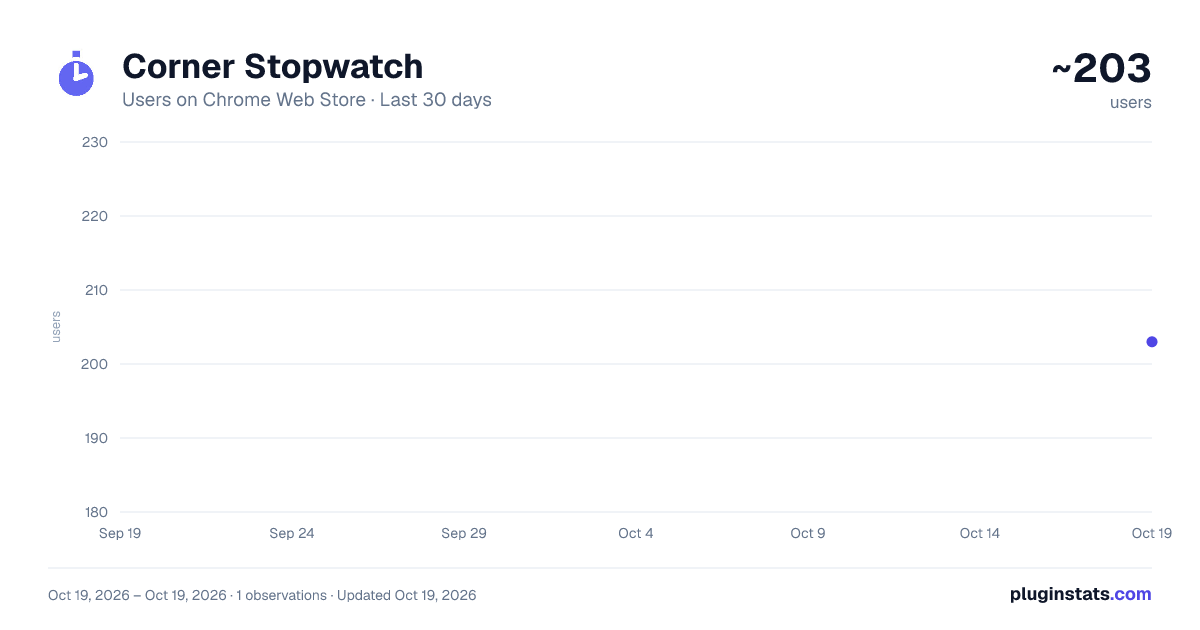
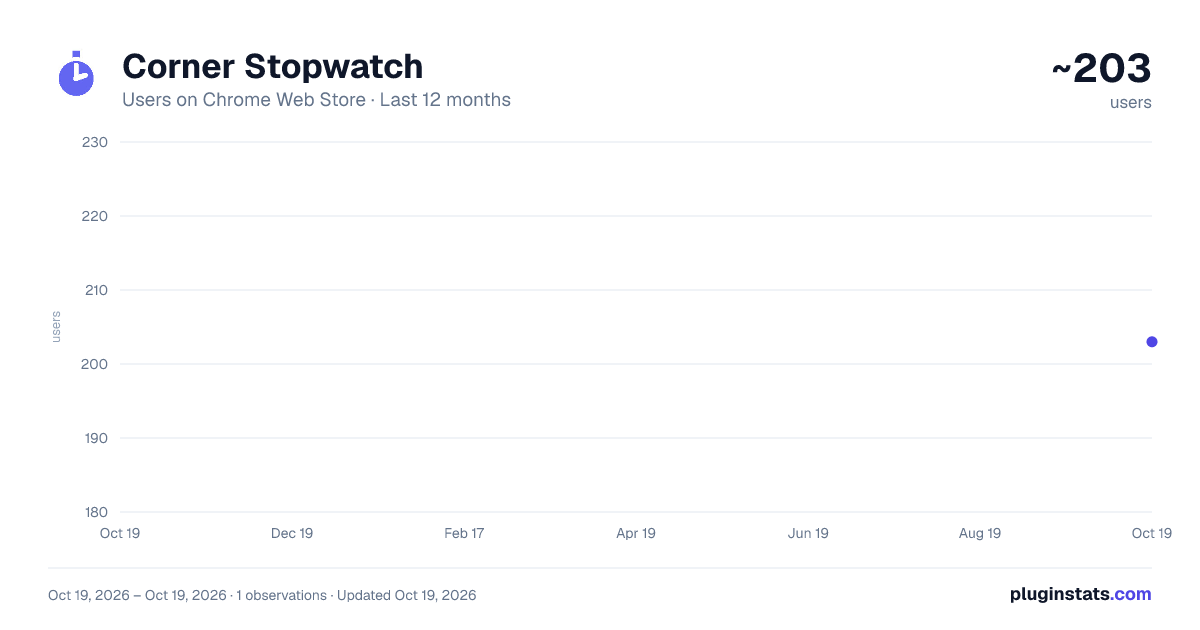
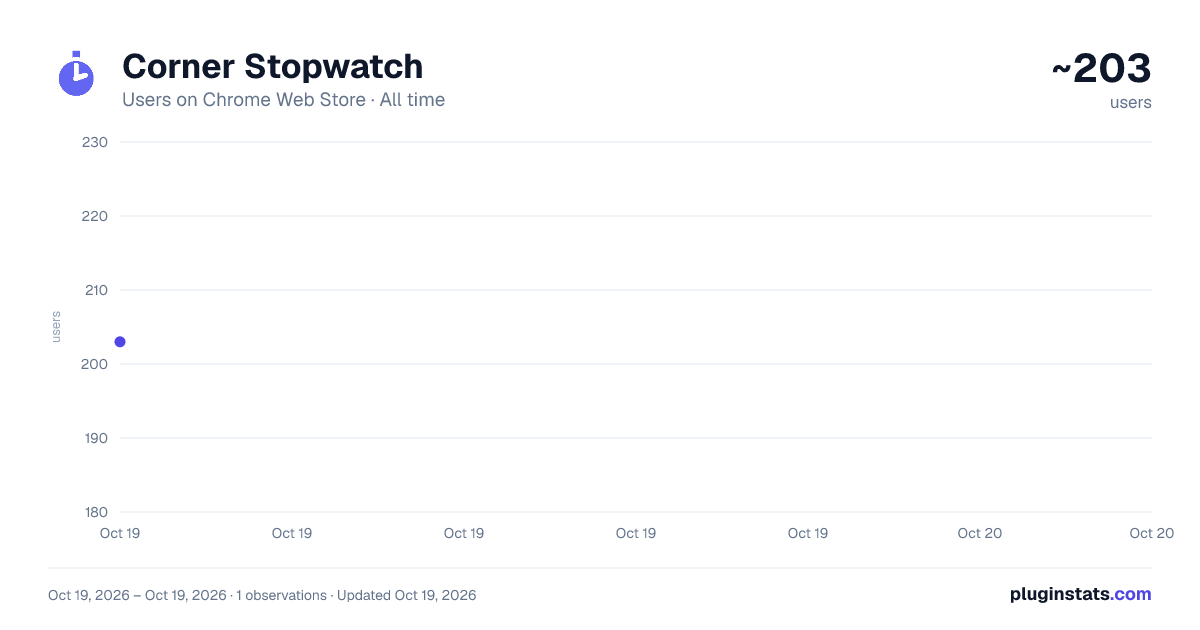
Corner Stopwatch has approximately 203 recorded users on Chrome Web Store, ranking #1505 of 2,033 tracked listings.
About Corner Stopwatch
A modern, minimal corner stopwatch with timer, Pomodoro, clock, alarms and reminders. Light/dark, system-aware.
Corner Stopwatch — a glanceable digital clock, stopwatch, timer, Pomodoro, alarms & reminders that lives in the corner of your screen.
A modern, minimal time companion with a retro seven-segment LED display. Pin it to any corner, keep an eye on the time without switching tabs, and reach the full toolkit from a clean one-click popup. Light, dark, and system themes. No account, no tracking, everything stays on your device.
★ WHY YOU'LL LIKE IT
• A real glanceable display — a draggable LED clock sits in the corner of the pages you browse, so the time is always in view without opening anything. • Everything in one place — stopwatch, countdown timer, Pomodoro, clock, alarms, and reminders, surfaced through a tidy popup that never feels crowded. • Built to stay out of the way — the widget is tiny by default and gently fades when idle; controls appear only when you hover. • Private by design — 100% local. No sign-in, no analytics, no servers, no data ever leaves your browser.
★ THE CORNER WIDGET
• Always visible while you work — a retro seven-segment LED readout, like a digital wall clock. • Drag it anywhere; it snaps to the nearest corner (top-left, top-right, bottom-left, bottom-right). • Adjustable size — Small, Medium, Large, or Extra-Large. • Theme-aware digits — bright on dark pages, dark on light pages, with a subtle glow. • Shows your stopwatch — or, the moment Pomodoro is running, it switches to a live countdown that's GREEN during a work session and RED during a break. • Hover to reveal start/pause and reset; the rest of the time it's just the clock. • Optional "fade when idle" so it stays unobtrusive until you need it.
★ STOPWATCH
• Clean count-up timing with start, pause, reset, and laps. • Keeps running accurately across page navigations and even browser restarts — it tracks real elapsed time, not a counter that resets. • Switch the same value between tabs seamlessly; whatever tab you land on shows the same time. • Choose which units appear: hours, minutes, and/or seconds (HH:MM by default).
★ COUNTDOWN TIMER
• One-tap presets (1, 5, 10, 25 minutes) or a custom MM:SS duration. • Pause, resume, and reset. • Finishes with a desktop notification and a gentle chime — even if every tab is closed.
★ POMODORO
• Built-in work/break cycles with your own work and break lengths. • Tracks the current phase, the cycle number, and how many sessions you've completed. • Skip a phase or stop anytime. • The corner widget mirrors the active phase in color so you always know whether it's focus time or break time.
★ CLOCK
• Current time in 12-hour or 24-hour format, with a softly blinking colon. • Add a second time zone to keep an eye on another city or a remote teammate.
★ ALARMS
• One-time, daily, weekly (pick the days), or hourly alarms. • Each alarm can have its own label and sound. • Alarms survive browser restarts and fire on schedule via the system. • Snooze straight from the notification.
★ REMINDERS
• Quick one-off reminders — "in N minutes" or "at a specific time" — with your own message. • Notification plus optional chime when they're due. • Snooze or dismiss from the alert.
★ DESIGN & PERSONALIZATION
• Light, Dark, or System theme (follows your OS automatically). • A beautiful hexagonal color-wheel picker for the accent color. • Sound on/off for all alerts. • Progressive disclosure throughout — you only ever see the controls for what you're doing, so nothing feels overwhelming.
★ KEYBOARD SHORTCUTS
• Start / pause the stopwatch: Alt+Shift+S • Reset the stopwatch: Alt+Shift+R (You can customize these at chrome://extensions/shortcuts.)
★ PER-SITE CONTROL
• Turn the floating widget on or off globally. • Hide it on specific websites you choose, while keeping it everywhere else.
★ PRIVACY
Corner Stopwatch is built to respect you: • No account or sign-up. • No analytics, no tracking, no ads. • No external servers and no network requests — it works fully offline. • All your settings, timers, alarms, and reminders are stored locally in your browser only.
★ PERMISSIONS — AND WHY
• Storage — to save your settings, timers, alarms, and reminders on your device. • Alarms — to reliably fire your timers, alarms, and reminders on schedule, even when the browser is idle. • Notifications — to alert you when a timer finishes, an alarm rings, or a reminder is due. • Offscreen — to play the short alert chime. • Site access (read on the pages you visit) — used only to draw the floating clock overlay on the page. It does not read, collect, or transmit any page content.
★ GOOD TO KNOW
• The floating widget can't appear on Chrome's internal pages (like the New Tab page, the Web Store, or settings) — Chrome blocks extensions from drawing on those. Your timers keep running there in the background and still notify you; the widget reappears on any normal page, and the popup works everywhere. • After installing, refresh any tabs you already had open so the widget can appear on them.
Free, lightweight, and made for people who just want to see the time and stay on track. Pin it to a corner and forget about tab-juggling.
Description from the Chrome Web Store listing.
README badge
Show your rank in a README or on your website. The badge updates automatically.
Charts
Images: 30d · 1y · all time · 1600×900 dark
Adoption over time
7/30/90-day growth
Ranking history
Ratings over time
Listing placement
Listing placement
Filled points are observed values; hollow points come from Internet Archive snapshots of the listing page. Dashed segments span periods with no observations — values between points are not interpolated.
Each band is one page of 20. Users on a linear scale. Placement is projected from users, so it can differ from the marketplace's own sort order. Hover a dot to see the listing.
Recent observations
Full history (1)Similar Chrome Web Store Workflow & Planning plugins
All 20 Corner Stopwatch alternatives



Data source
Covers every Chrome Web Store extension with at least 100 users, found through the store's public sitemap. User counts are read from public listing pages. The 10% most-used extensions are refreshed daily, the next 40% weekly and the next 40% monthly; the least-used 10% are not refreshed. Google displays rounded user counts (and caps the display at 10,000,000+), so small changes may not be visible. Rating counts above 1,000 are rounded (e.g. 1.6K).
Listing: https://chromewebstore.google.com/detail/corner-stopwatch/bfoopghddjkjpijalncfhfmifnjdlgad. First seen Oct 19, 2026; last successful collection Oct 19, 2026. See the methodology.