 PluginStats
Browser Secure users statistics
PIN-lock your browser on startup, idle, or demand. Hides tabs until unlock. Data stays on your device.
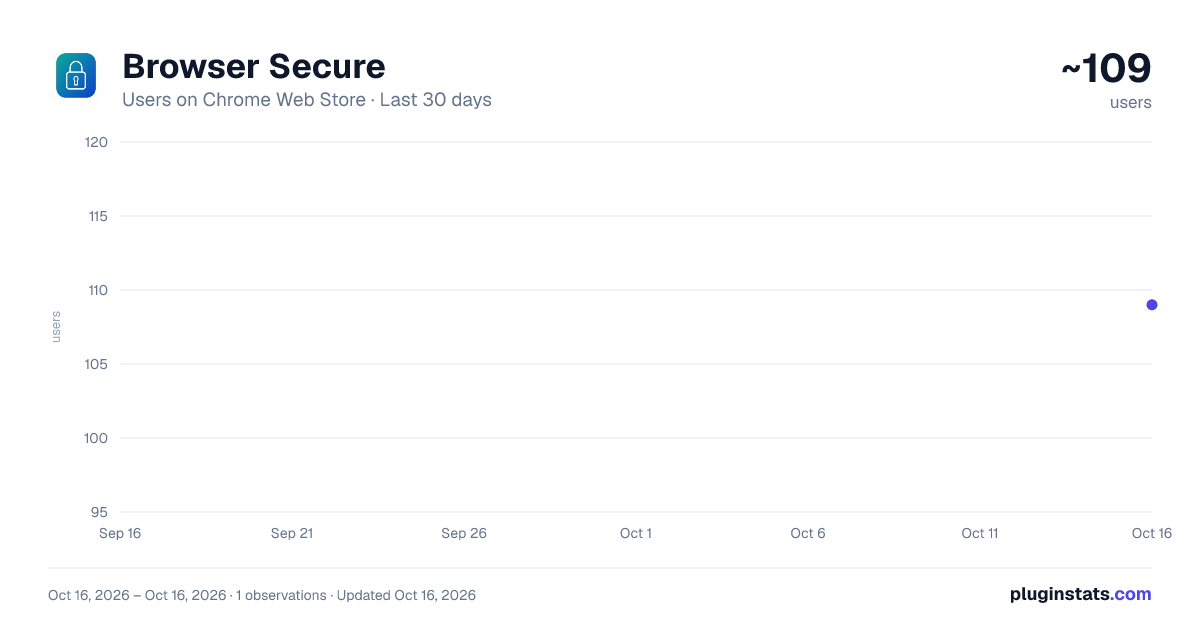
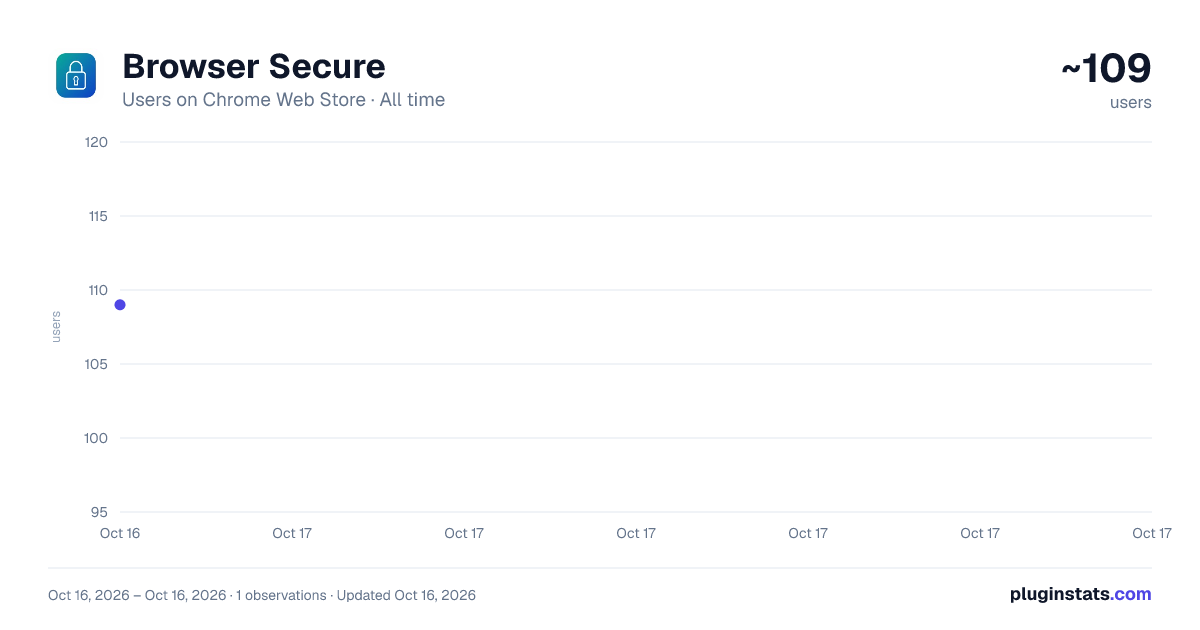
Browser Secure has approximately 109 recorded users on Chrome Web Store.
It ranks #1514 of 1,556 tracked Chrome Web Store listings by users.
It is rated 5.0 out of 5 from 2 ratings.
PluginStats has 1 daily observations since Oct 16, 2026; the latest is from Oct 16, 2026.
Rating: 5.00 / 5 from 2 ratings
About Browser Secure
PIN-lock your browser on startup, idle, or demand. Hides tabs until unlock. Data stays on your device.
Browser Secure — PIN-lock your browser
Keep your browsing private on shared computers, family PCs, and workstations. Browser Secure locks your entire browser with a PIN. Your tabs are hidden until you unlock — nothing is sent to the cloud.
Works in Google Chrome, Microsoft Edge, and Brave.
🔒 KEY FEATURES
• PIN lock — Set a 4–8 digit PIN. Stored only as a salted hash on your device (never plain text, never uploaded). • Auto-lock on browser open — Require your PIN every time you launch the browser (enabled by default). • Idle auto-lock — Automatically locks after minutes of inactivity (default: 5 minutes; set 0 to disable). • Manual lock anytime — Click the toolbar icon or press Ctrl+Shift+L to lock instantly. • Change PIN — Update your PIN in Settings without reinstalling (requires current PIN). • Hidden tabs — While locked, your tabs are tucked away in a minimized window. Only a compact PIN screen is shown. • Close (✕) quits browser — Closing the PIN window exits the browser entirely. Reopening shows the PIN screen again. • History protection — Lock pages are removed from browser history to reduce bypass attempts. • Backup lock overlay — A lock overlay appears on open web pages while the browser is locked. • Incognito support — Works in normal and incognito windows when enabled on the extension card. • No accounts, no tracking — No sign-up, no analytics, no remote code. Everything stays on your device.
📋 SETUP (FIRST TIME)
1. Install Browser Secure and open Options (right-click the icon → Options). 2. Set a 4–8 digit PIN and confirm it. 3. Choose your settings: • Auto-lock when browser opens (recommended) • Auto-lock after idle (minutes; 0 = off) 4. Optional: Enable “Allow in incognito” on the extension card if you use private windows. 5. Pin the toolbar icon for quick access.
🎯 HOW TO USE
Lock: • Toolbar icon → Lock browser • Keyboard shortcut: Ctrl+Shift+L (customize at chrome://extensions/shortcuts) • Auto-lock on startup or after idle timeout
Unlock: • Enter your PIN in the lock popup
Change PIN: • Open Options while unlocked → Change PIN section
If the PIN window is missing while locked: • Toolbar icon → Show lock screen
🌐 SUPPORTED BROWSERS
• Google Chrome • Microsoft Edge • Brave
Requires Chromium 88+ (Manifest V3).
🔐 PRIVACY
• Your PIN is hashed with PBKDF2 and stored locally only. • No personal data is collected, sold, or transmitted. • No third-party analytics or ads. • Privacy policy: https://secure.cubescenter.org/privacy
⚠️ HONEST LIMITS
Browser Secure is a privacy deterrent for shared PCs — pair it with your Windows sign-in password for stronger protection.
• Can: Lock one browser profile, hide tabs, close extra windows until PIN is entered. • Cannot: Block a different browser (Firefox, another Chrome profile) or prevent a determined admin with DevTools access. • Best for: Shared family PC, office hot-desk, quick step-away protection.
🆘 NEED HELP?
If your browser opens and instantly closes after a crash or shutdown while locked, visit our recovery guide: https://secure.cubescenter.org/recovery
Free recovery tools for Chrome, Brave, and Edge are available on the website.
📦 PROJECT
Open source: https://github.com/benjamindimalanta/secure-browser-lock Website: https://secure.cubescenter.org
Description from the Chrome Web Store listing.
Where Browser Secure sits in the listing
Each band is one page of 20. Users on a log scale. Placement is projected from users, so it can differ from the marketplace's own sort order. Hover a dot to see the listing.
Charts
Images: 30d · 1y · all time · 1600×900 dark
Adoption over time
7/30/90-day growth
Filled points are observed values; hollow points come from Internet Archive snapshots of the listing page. Dashed segments span periods with no observations — values between points are not interpolated.
Recent observations
Full history (1)Similar Chrome Web Store Tools plugins





Data source
User counts are read from public Chrome Web Store listing pages. Google displays rounded user counts (and caps the display at 10,000,000+), so small changes may not be visible. Rating counts above 1,000 are rounded (e.g. 1.6K).
Listing: https://chromewebstore.google.com/detail/browser-secure/mpfabjdjjeiegkchlcmhfmjogkfpcike. First seen Oct 16, 2026; last successful collection Oct 16, 2026. See the methodology.