 PluginStats
Tab Snoozer – Save Memory & Battery by Pausing Inactive Tabs users statistics
By CyberGuard · Chrome Web Store · Tools
Reduce memory usage and extend battery life by automatically snoozing unused tabs after inactivity.
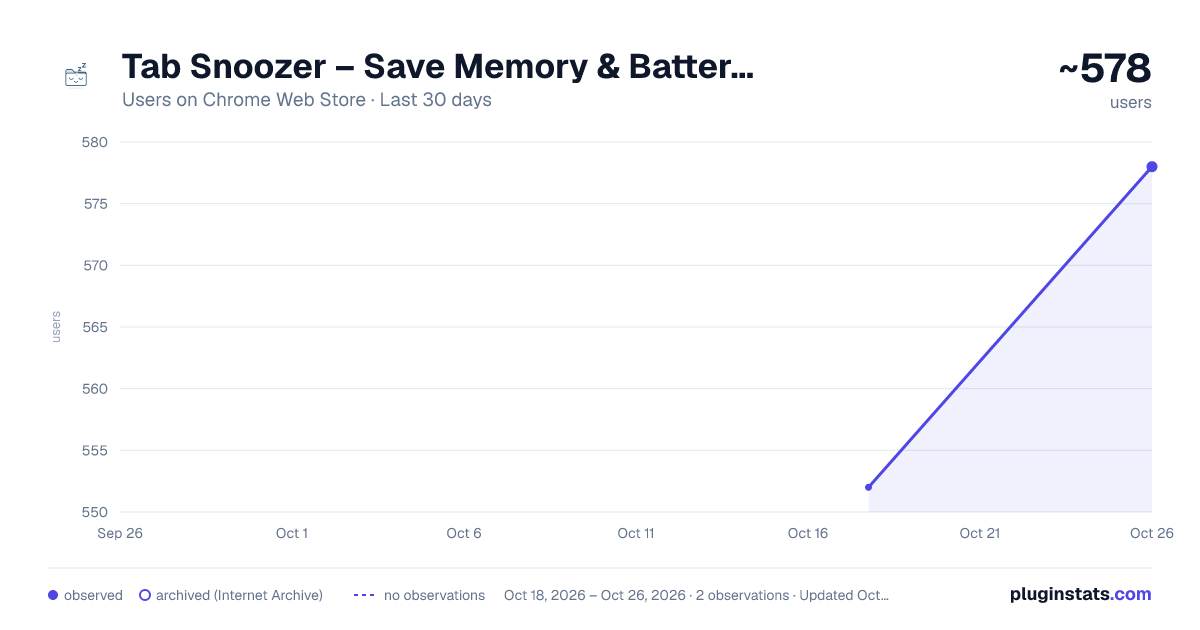
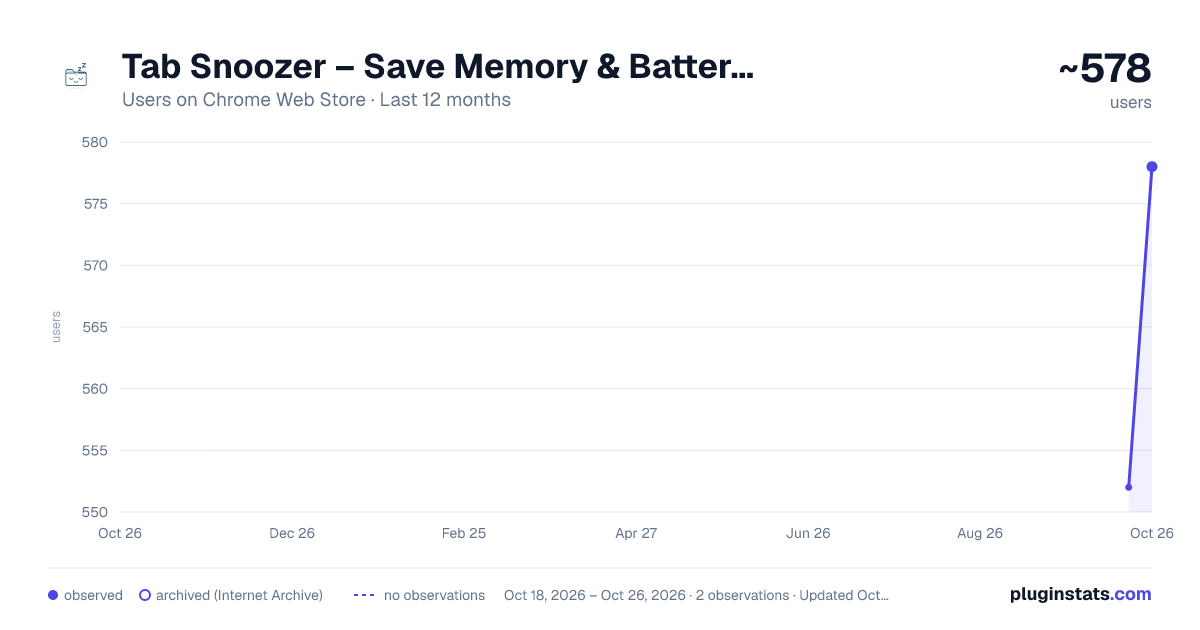
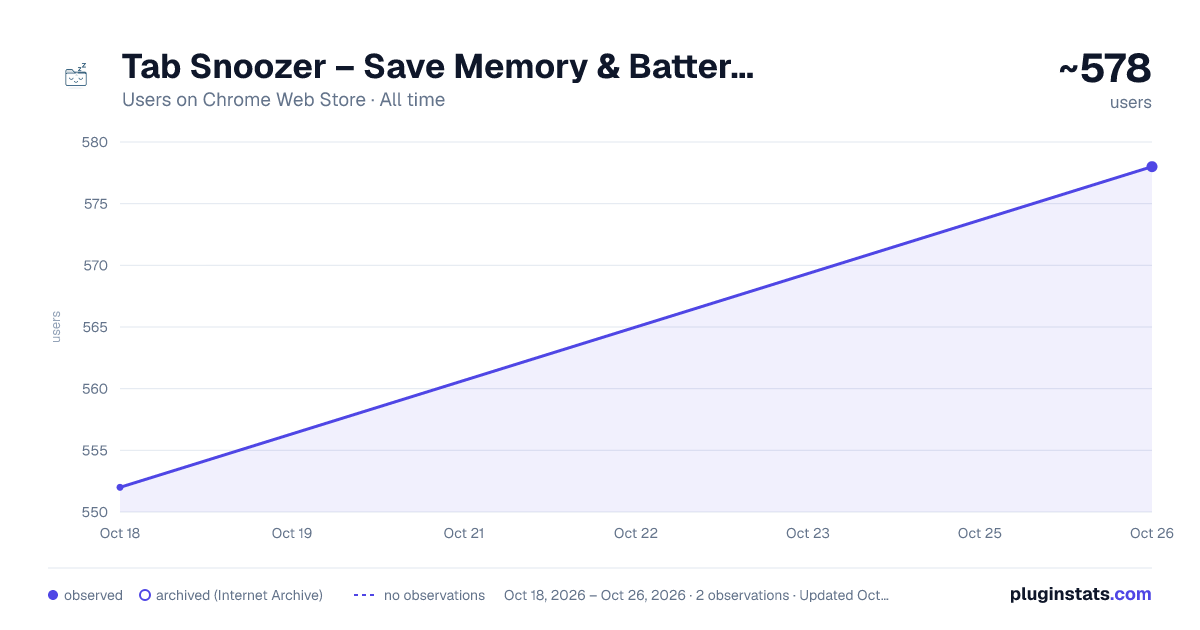
Tab Snoozer – Save Memory & Battery by Pausing Inactive Tabs has approximately 552 recorded users on Chrome Web Store, ranking #1179 of 2,495 tracked listings.
Rating: 5.00 / 5 from 3 ratings
About Tab Snoozer – Save Memory & Battery by Pausing Inactive Tabs
Reduce memory usage and extend battery life by automatically snoozing unused tabs after inactivity.
🚀 Tab Snoozer for Chrome – Automatically Suspend Inactive Tabs to Save Memory, Boost Speed & Extend Battery Life
Are you tired of your browser lagging because of too many open tabs? 😩 Frustrated by poor battery life on your laptop due to background tabs consuming your memory and CPU? Tab Snoozer is your must-have Chrome extension that automatically suspends inactive tabs, dramatically improving browser speed, reducing memory usage, and extending battery life.
🌟 Why Millions of Users Trust Tab Snoozer:
💤 Auto-Suspend Tabs Automatically suspend tabs that haven't been used for a customizable period of inactivity. Reduce clutter and prevent browser slowdown effortlessly.
🎵 Enjoy uninterrupted music and video playback! Tab Snoozer is smart enough to detect tabs that are actively playing audio or video—like YouTube, Spotify, and SoundCloud—and won’t suspend them, so your media keeps playing without disruption. 🎧📺
⚙️ Powerful Performance Boost Immediately reduce your browser’s RAM and CPU usage by up to 60%. Tab Snoozer ensures tabs stay open but don't drain resources.
🔋 Extended Battery Life Perfect for laptop users—extend your battery life significantly by minimizing background browser activity and tab usage. Tab Snoozer optimizes resource allocation, giving you hours of additional battery runtime.
🌐 Eliminate Tab Clutter Keep dozens of tabs open without worrying about system slowdowns. Tab Snoozer makes your browsing neat, organized, and responsive by auto-managing inactive tabs.
🛠️ Easy-to-Use & Highly Customizable
-
Customizable Snooze Timer: You decide exactly how long your tabs should stay idle before being snoozed, from 1 minute up to 24 hours (1440 minutes).
-
Real-Time Tab Management: View exactly how many tabs are currently snoozed and track the resources you’ve saved in real-time via an intuitive popup UI.
-
Minimal UI, Maximum Performance: Lightweight, fast-loading, and zero performance hit—Tab Snoozer blends effortlessly into your browsing experience.
-
Privacy-Focused & Secure: Zero external servers or tracking. Your data remains fully secure and private in your local browser storage.
🔍 Who Needs Tab Snoozer?
🎓 Students & Educators Keep essential research and reference tabs open without browser lag. Improve your focus and productivity during study sessions and online learning.
💻 Developers & Designers Maintain multiple documentation tabs, GitHub repositories, and Stack Overflow pages open without slowing down your development environment.
🏢 Remote Workers & Professionals Navigate between emails, meetings, project management tools, and reports quickly without any performance drawbacks.
🌟 Everyday Users & Casual Browsers Enjoy streaming videos, social media, news, and online shopping without worrying about browser performance issues or battery drain.
🎯 How Tab Snoozer Works:
-
Install Tab Snoozer from Chrome Web Store: Fast, lightweight setup with zero complicated configurations.
-
Set Your Preferences: Choose how long inactive tabs should wait before being snoozed.
-
Browse Normally: Use Chrome as you normally would. Tab Snoozer works silently in the background.
-
Tabs Auto-Snooze: Tabs automatically suspend after your selected inactivity threshold..
🚨 Powerful Benefits You’ll Experience:
-
Instant Speed Improvements: Enjoy a faster, smoother Chrome browser with minimal RAM usage.
-
Significant Memory Reduction: Keep hundreds of tabs open while using significantly less memory.
-
Extended Laptop Battery Life: Less battery drain equals longer battery runtime and productivity.
-
Automatic Organization: No more manual tab management or unnecessary bookmarking. Stay organized effortlessly.
🔐 Your Privacy Is Guaranteed: No data tracking: Tab Snoozer does not collect, send, or share your browsing data with any external server or third-party service.
🎉 What's New (v1.0.0 – April 2025):
🚀 Redesigned Onboarding Experience: Easier setup, faster user adaptation.
🔄 Real-Time Snooze Statistics: Clear, informative, and interactive tab usage insights.
✅ Stability Improvements: Optimized for newer Chrome versions, improved compatibility with pinned and special tabs.
Description from the Chrome Web Store listing.
README badge
Show your rank in a README or on your website. The badge updates automatically.
Charts
Images: 30d · 1y · all time · 1600×900 dark
Adoption over time
7/30/90-day growth
Ranking history
Ratings over time
Listing placement
Listing placement
Filled points are observed values; hollow points come from Internet Archive snapshots of the listing page. Dashed segments span periods with no observations — values between points are not interpolated.
Each band is one page of 20. Users on a linear scale. Placement is projected from users, so it can differ from the marketplace's own sort order. Hover a dot to see the listing.
Recent observations
Full history (1)Similar Chrome Web Store Tools plugins
All 20 Tab Snoozer – Save Memory & Battery by Pausing Inactive Tabs alternatives



Data source
Covers every Chrome Web Store extension with at least 100 users, found through the store's public sitemap. User counts are read from public listing pages. The 10% most-used extensions are refreshed daily, the next 40% weekly and the next 40% monthly; the least-used 10% are not refreshed. Google displays rounded user counts (and caps the display at 10,000,000+), so small changes may not be visible. Rating counts above 1,000 are rounded (e.g. 1.6K).
Listing: https://chromewebstore.google.com/detail/tab-snoozer-–-save-memory/mpoolpoofcfeebfameikimddlgoidjaj. First seen Oct 18, 2026; last successful collection Oct 18, 2026. See the methodology.