 PluginStats
LLM Council - Compare AI Responses users statistics
By MrCoder · Chrome Web Store · Tools
Send one prompt to multiple AI models, then let a Judge model score and rank all responses objectively.
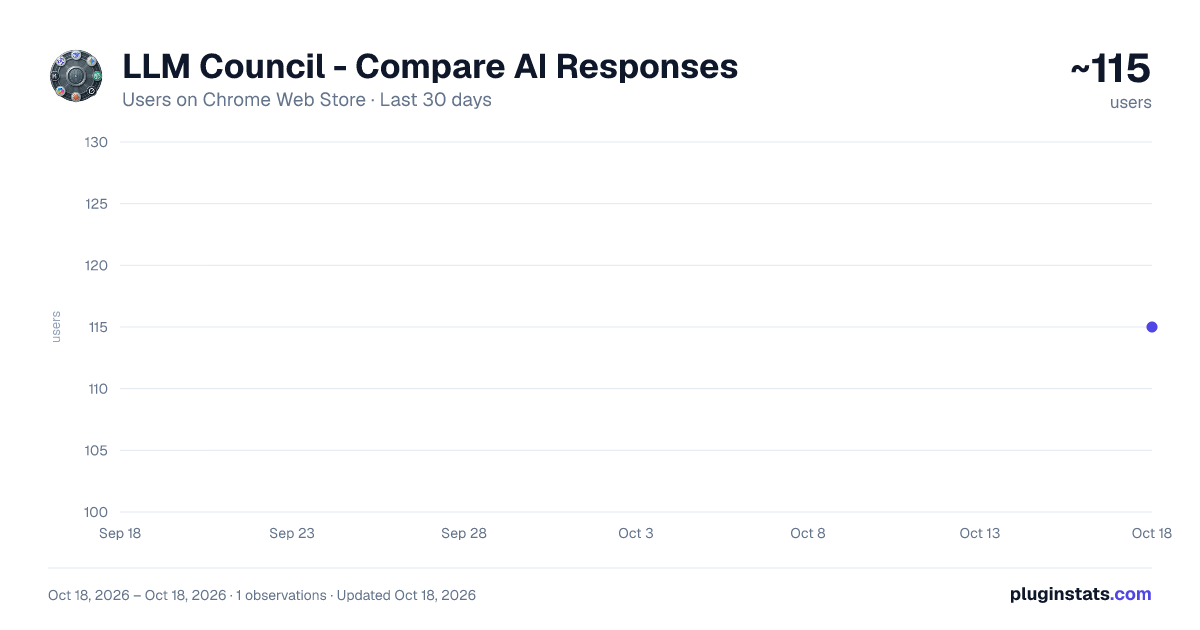
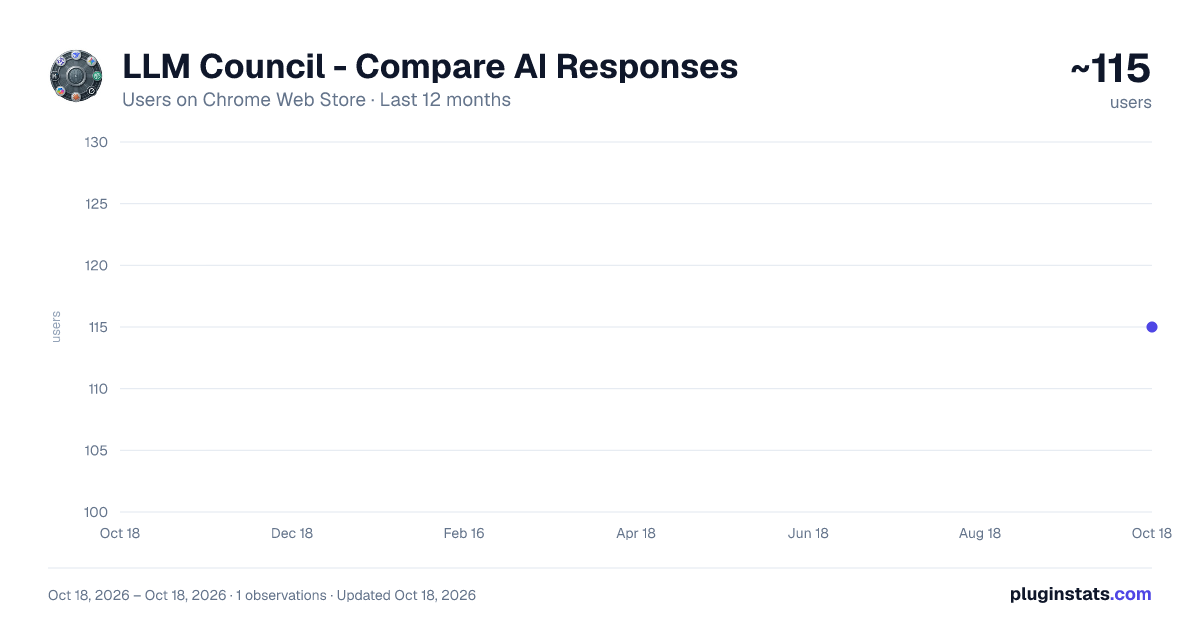
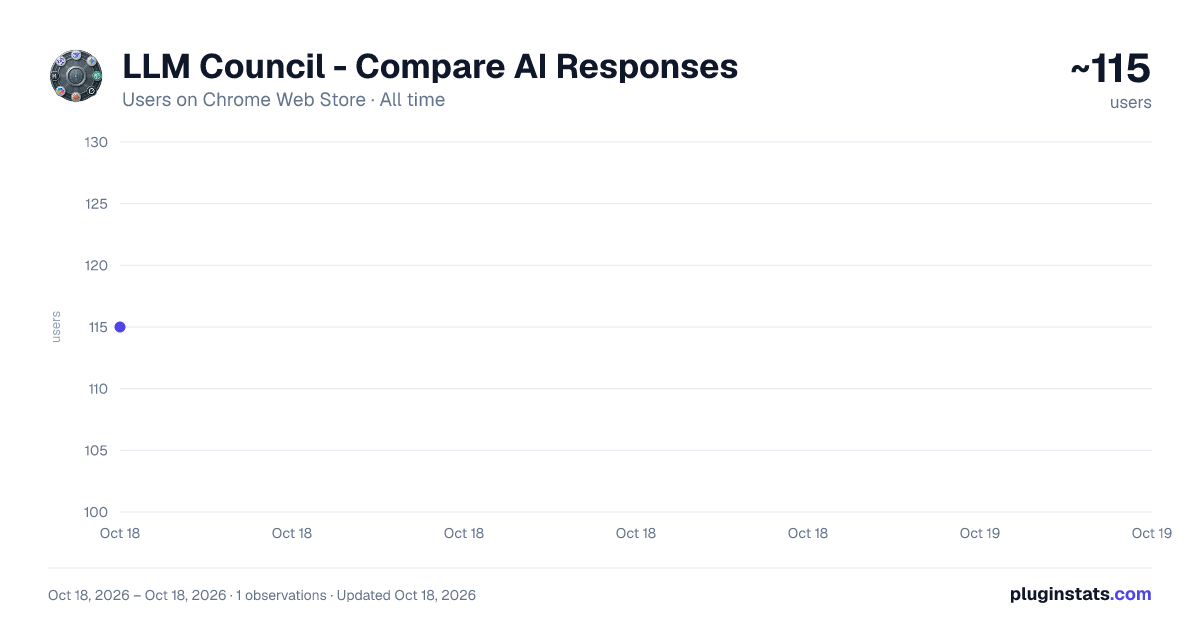
LLM Council - Compare AI Responses has approximately 115 recorded users on Chrome Web Store.
It ranks #1482 of 1,556 tracked Chrome Web Store listings by users.
It is rated 4.0 out of 5 from 1 ratings.
PluginStats has 1 daily observations since Oct 18, 2026; the latest is from Oct 18, 2026.
Rating: 4.00 / 5 from 1 ratings
About LLM Council - Compare AI Responses
Send one prompt to multiple AI models, then let a Judge model score and rank all responses objectively.
LLM Council is a productivity extension that helps you get better AI answers by comparing multiple AI chatbots side by side with a single prompt.
Instead of switching between different AI tabs manually, LLM Council lets you send one prompt to all your open AI chat sessions at once. A built-in Judge feature then evaluates and scores all the responses, so you can instantly see which AI gave the most accurate and helpful answer.
NO API KEYS REQUIRED
Unlike other AI tools, LLM Council works directly with your existing AI chat sessions in the browser. You do not need to set up any API keys, pay for API credits, or configure any accounts. If you can open an AI chat website in Chrome, LLM Council works with it instantly.
KEY FEATURES
Multi-AI Compare: Send one prompt to all your open AI chat tabs simultaneously and view all responses together.
AI Judge: An automated evaluation system scores each AI response on accuracy, depth, and clarity, helping you pick the best answer.
One-Click Export: Save any AI conversation in your preferred format including PDF, PNG, Markdown, HTML, or plain text.
Inline Quick Buttons: Adds optional Ask Council and Export shortcut buttons directly inside popular AI chat sites for faster access.
Prompt Templates: Save your frequently used prompts and reuse them with a single click.
Customizable UI: Choose your preferred button position, color theme, and interface size.
Dark and Light Mode: The dashboard adapts to your preferred color scheme.
Keyboard Shortcut: Open the dashboard instantly with a keyboard shortcut.
Google Sync: Optionally sign in to sync your settings across devices.
HOW IT WORKS
1. Open any AI chat websites in your Chrome browser tabs. 2. Open the LLM Council dashboard using the toolbar icon or keyboard shortcut. 3. Type your prompt once and send it to all selected AI tabs at the same time. 4. Use the Judge feature to automatically score and rank all the responses. 5. Export or copy whichever response you prefer.
PRIVACY
LLM Council does not collect, store, or share any personal data. All processing happens locally in your browser. Your prompts and AI responses are never sent to any external server by this extension.
Get started in seconds. Install LLM Council and start comparing AI responses today.
Description from the Chrome Web Store listing.
Where LLM Council - Compare AI Responses sits in the listing
Each band is one page of 20. Users on a log scale. Placement is projected from users, so it can differ from the marketplace's own sort order. Hover a dot to see the listing.
Charts
Images: 30d · 1y · all time · 1600×900 dark
Adoption over time
7/30/90-day growth
Ranking history
Filled points are observed values; hollow points come from Internet Archive snapshots of the listing page. Dashed segments span periods with no observations — values between points are not interpolated.
Recent observations
Full history (1)Similar Chrome Web Store Tools plugins




Data source
User counts are read from public Chrome Web Store listing pages. Google displays rounded user counts (and caps the display at 10,000,000+), so small changes may not be visible. Rating counts above 1,000 are rounded (e.g. 1.6K).
Listing: https://chromewebstore.google.com/detail/llm-council-compare-ai-re/agnfmnfjhehoooaagjlbpdkkibjfaage. First seen Oct 18, 2026; last successful collection Oct 18, 2026. See the methodology.