 PluginStats
IP Flager users statistics
Chrome Web Store · Workflow & Planning
Shows country flag for the website in the toolbar.
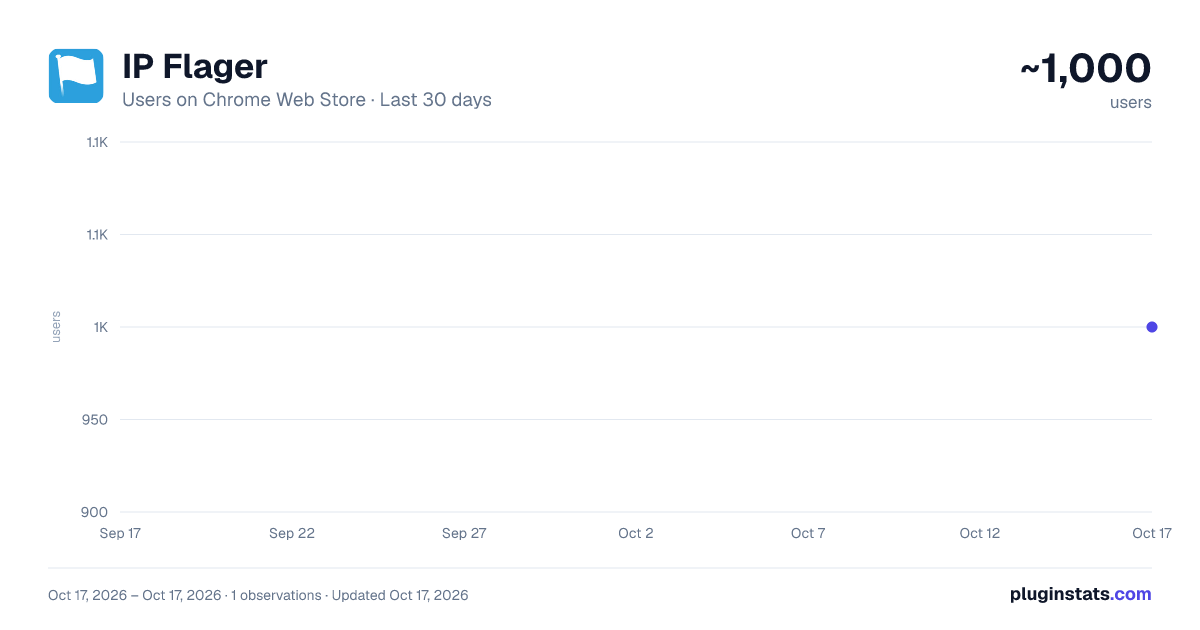
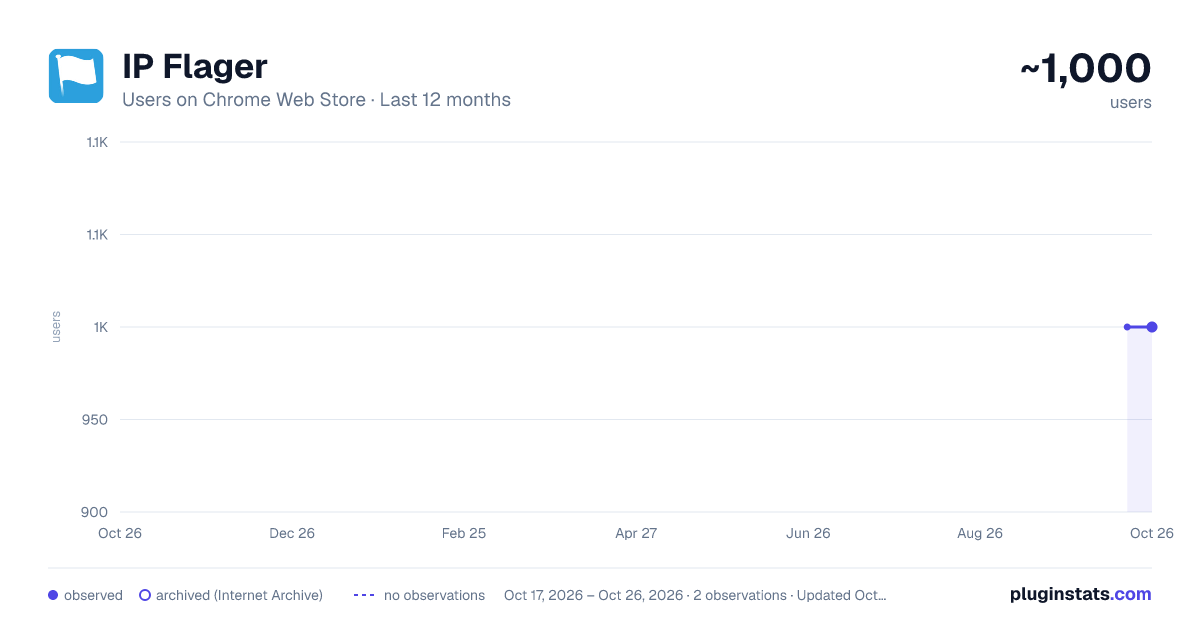
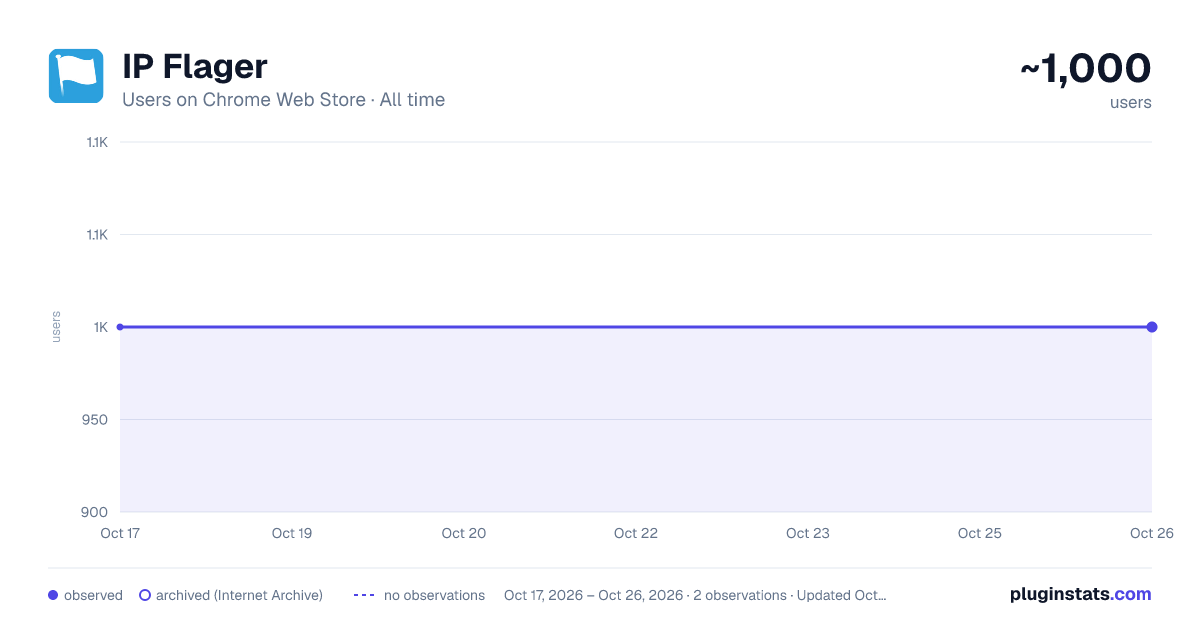
IP Flager has approximately 1,000 recorded users on Chrome Web Store.
It ranks #498 of 1,556 tracked Chrome Web Store listings by users.
It is rated 3.6 out of 5 from 58 ratings.
PluginStats has 1 daily observations since Oct 17, 2026; the latest is from Oct 17, 2026.
Rating: 3.60 / 5 from 58 ratings
About IP Flager
Shows country flag for the website in the toolbar.
**Know where any website really lives — without leaving the page.**
IP Flager puts a small country flag on your toolbar showing where the site you're viewing is hosted. One glance tells you the server's country; one click reveals the full picture — IP address, city, region, postal code, timezone and coordinates.
**What it does**
- 🏴 **Country flag in the toolbar** — automatically shows the flag of the country hosting the current site's server, updated as you browse. - 🖱️ **Hover for the essentials** — domain, serving IP and country right in the icon tooltip, instantly. - 📍 **Click for the full report** — a clean card with country, city, region, postal code, timezone and GPS coordinates. - ⚡ **Instant & offline** — country detection runs against a built-in IP database, so the flag appears immediately with no network call. - 🏠 **Knows local & private addresses** — clearly marks localhost and LAN / private (RFC1918) IPs instead of guessing. - 🌗 **Polished, modern UI** with automatic dark mode. - 🔗 **One click to the full IP report** on MyIPLocation.org.
**Private by design**
The toolbar flag is detected entirely on your device from a bundled IP database — no network request, no tracking, no account. Only when you open the details popup is the website's server IP sent to MyIPLocation.org to fetch city-level information. Your browsing history is never collected, stored remotely, or sold. See our privacy policy for the full breakdown.
**Great for**
Developers and sysadmins checking where a host or CDN sits, security-minded users spotting where a page is served from, SEO and marketing researchers, and anyone simply curious about the geography of the web.
**Just install it and browse — the flag does the rest.**
------------------------------------ version 2.0.0 - New UI ------------------------------------ version 1.1.3 - Bug fixed ------------------------------------ version 1.1.2 - Bug fixed ------------------------------------ version 1.1.1 - Bug fixed ------------------------------------ version 1.1.0 + Support for multiple languages - Bug fixed
Description from the Chrome Web Store listing.
Where IP Flager sits in the listing
Each band is one page of 20. Users on a log scale. Placement is projected from users, so it can differ from the marketplace's own sort order. Hover a dot to see the listing.
Charts
Images: 30d · 1y · all time · 1600×900 dark
Adoption over time
7/30/90-day growth
Filled points are observed values; hollow points come from Internet Archive snapshots of the listing page. Dashed segments span periods with no observations — values between points are not interpolated.
Recent observations
Full history (1)Similar Chrome Web Store Workflow & Planning plugins




Data source
User counts are read from public Chrome Web Store listing pages. Google displays rounded user counts (and caps the display at 10,000,000+), so small changes may not be visible. Rating counts above 1,000 are rounded (e.g. 1.6K).
Listing: https://chromewebstore.google.com/detail/ip-flager/ahbkagdfnimnpalcoanpgiaojgeaklae. First seen Oct 17, 2026; last successful collection Oct 17, 2026. See the methodology.