 PluginStats
Dates & Days Calculator users statistics
By vaibhav.buildstech · Chrome Web Store · Tools
Calculate the duration between two dates or find the date by adding/subtracting days, with an optional weekday-only mode.
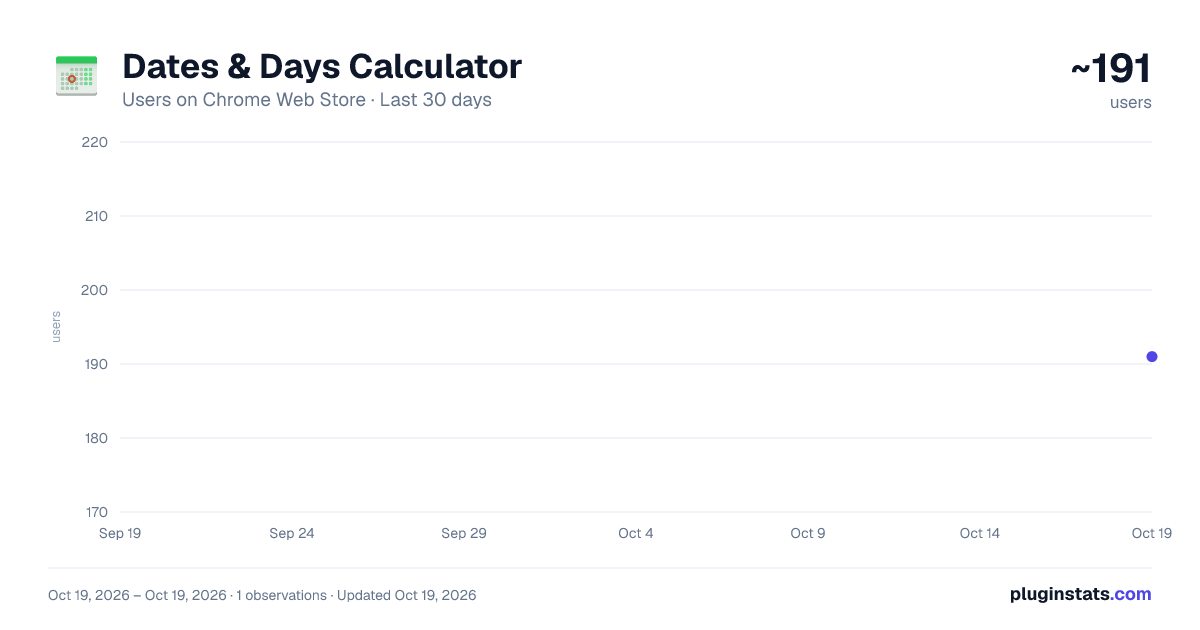
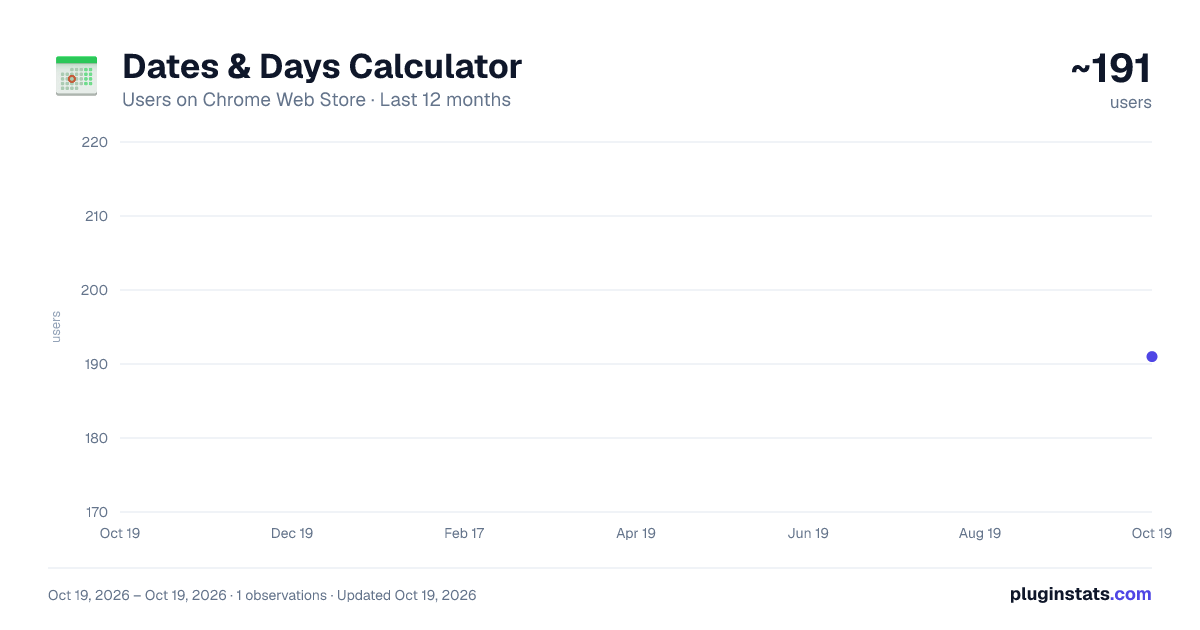
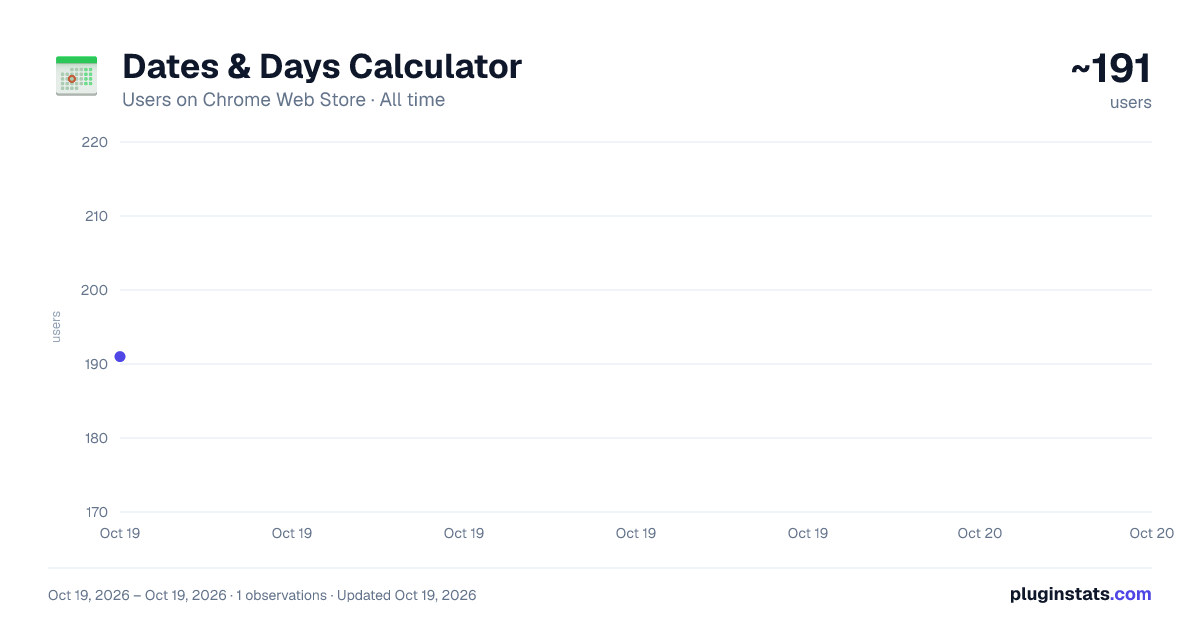
Dates & Days Calculator has approximately 191 recorded users on Chrome Web Store.
It ranks #1553 of 2,033 tracked Chrome Web Store listings by users.
It is rated 4.0 out of 5 from 4 ratings.
PluginStats has 1 daily observations since Oct 19, 2026; the latest is from Oct 19, 2026.
Rating: 4.00 / 5 from 4 ratings
About Dates & Days Calculator
Calculate the duration between two dates or find the date by adding/subtracting days, with an optional weekday-only mode.
A user-friendly Chrome extension that makes managing dates effortless! Quickly calculate the number of days between two dates or add/subtract days and find the resultant date. With an option to count only workdays, it’s perfect for event planning, managing deadlines, or counting down to your next vacation - all with a sleek and minimalistic interface that also supports dark theme to keep your eyes comfy!
v3.1 - Now with an option to copy your result!
How to Use:
1. Install the Extension: Click "Add to Chrome." 2. Pin It: From the "Extensions" menu, pin the extension for quick access. 3. Launch: Click the icon in your toolbar to open the extension. 4. Input Dates: Enter a start and end date or select "Today" for the current date. 5. Customize Options: Choose additional settings like workdays-only (optional). 6. View Results: Click "Submit" for an instant result!
If you have any suggestions, feel free to email me at: vaibhav.buildstech@gmail.com.
Description from the Chrome Web Store listing.
Where Dates & Days Calculator sits in the listing
Each band is one page of 20. Users on a log scale. Placement is projected from users, so it can differ from the marketplace's own sort order. Hover a dot to see the listing.
Charts
Images: 30d · 1y · all time · 1600×900 dark
Adoption over time
7/30/90-day growth
Ranking history
Filled points are observed values; hollow points come from Internet Archive snapshots of the listing page. Dashed segments span periods with no observations — values between points are not interpolated.
Recent observations
Full history (1)Similar Chrome Web Store Tools plugins




Data source
User counts are read from public Chrome Web Store listing pages. Google displays rounded user counts (and caps the display at 10,000,000+), so small changes may not be visible. Rating counts above 1,000 are rounded (e.g. 1.6K).
Listing: https://chromewebstore.google.com/detail/dates-days-calculator/npnnjlofhijeaecpihpocodgaelhilkd. First seen Oct 19, 2026; last successful collection Oct 19, 2026. See the methodology.