 PluginStats
Spotify Web Player Hotkeys users statistics
By Alexandre Macabies · Chrome Web Store · Accessibility
Add keyboard shortcuts to control playback in Spotify Web.
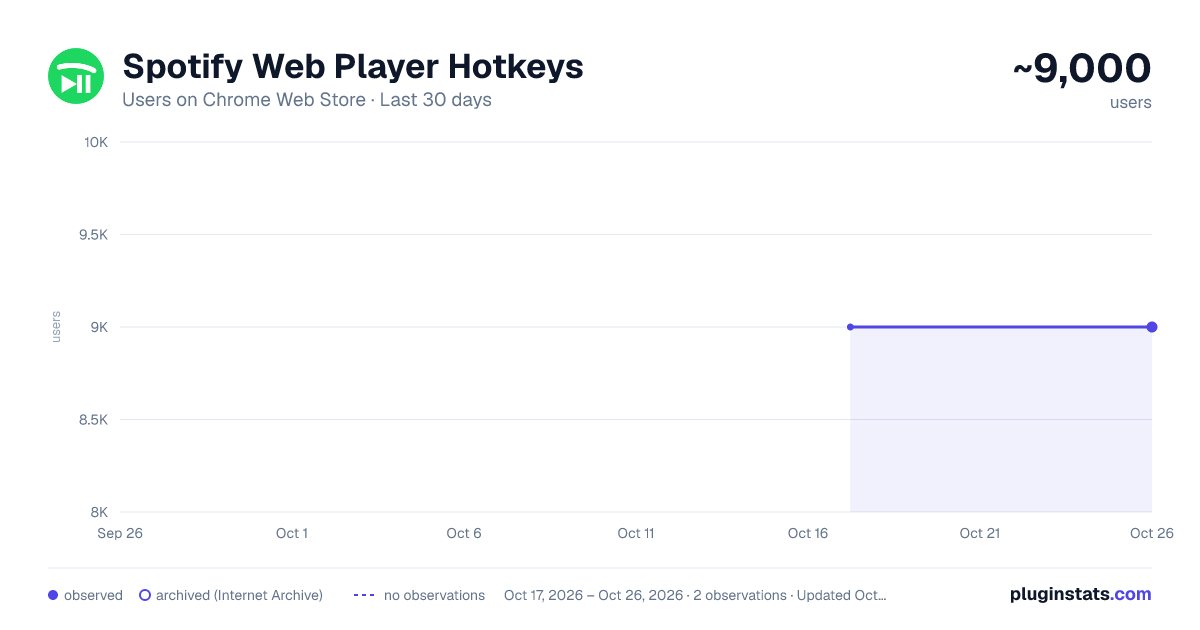
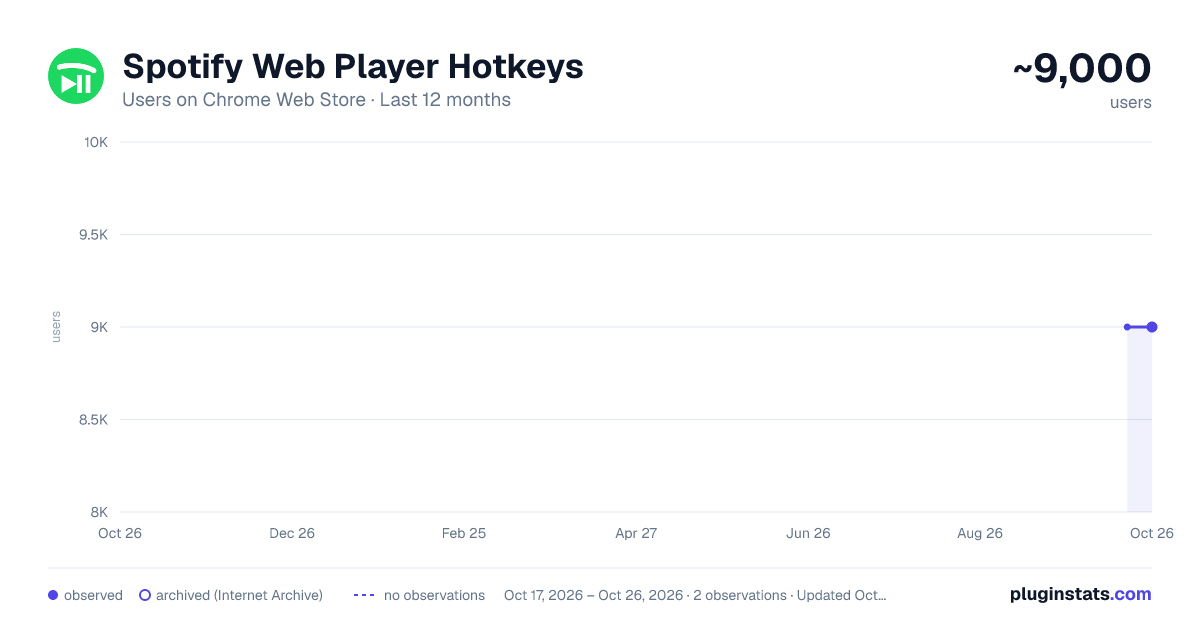
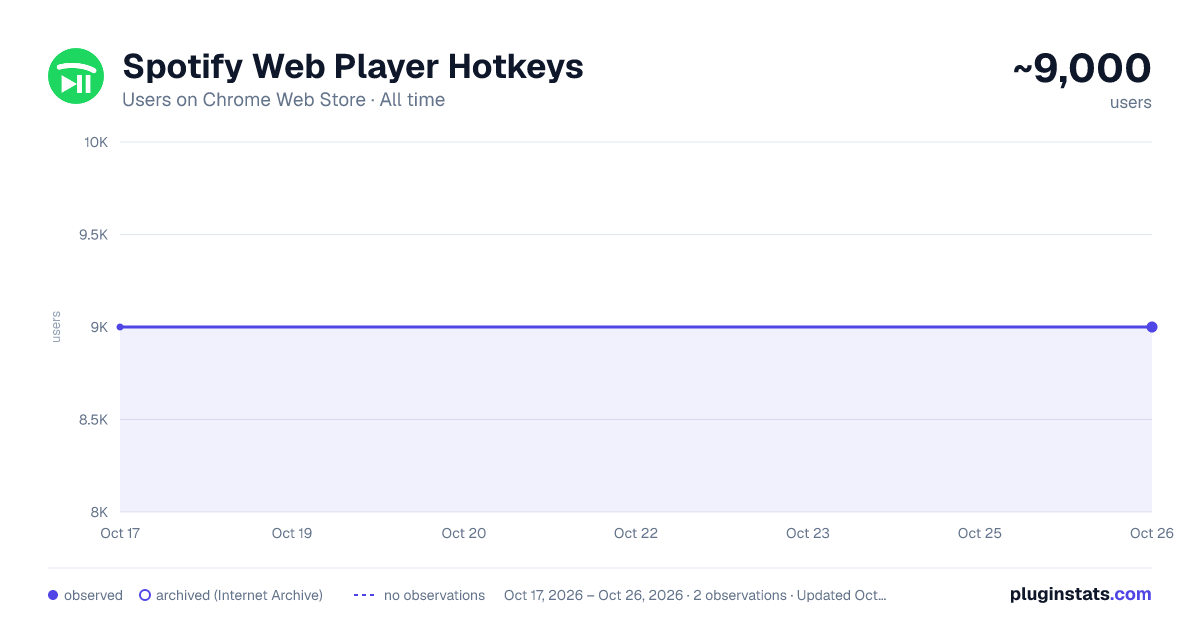
Spotify Web Player Hotkeys has approximately 9,000 recorded users on Chrome Web Store.
It ranks #233 of 1,556 tracked Chrome Web Store listings by users.
It is rated 4.6 out of 5 from 72 ratings.
PluginStats has 1 daily observations since Oct 17, 2026; the latest is from Oct 17, 2026.
Rating: 4.60 / 5 from 72 ratings
About Spotify Web Player Hotkeys
Add keyboard shortcuts to control playback in Spotify Web.
Adds the following default keyboard shortcuts to open.spotify.com:
Play/Pause media key: play, pause – opens a Spotify tab Spotify if necessary! Previous media key: previous track Next media key: next track
There is no default shortcut, but you can also bind keys for:
Navigating to the home page or the search page – opens a Spotify tab if necessary! Toggle shuffle Toggle repeat (single song, whole playlist, disabled) Toggle song like (since 2024, requires focusing the browser tab) Toggle showing the queue sidebar Toggle showing "now playing" sidebar Toggle showing lyrics Increase, decrease & mute volume Seek backward & forward in both songs (±5 seconds) and podcasts (±15 seconds)
You can customize these shortcuts and make them global hotkeys (not just while Chrome is in focus) by opening chrome://extensions/shortcuts.
Warning: Chrome/Chromium is known to not correctly register hotkeys after you've changed them in chrome://extensions/shortcuts. Please restart your browser by visiting chrome://restart after changes to shortcuts/hotkeys if you experience issues.
This extension relies on the HTML/CSS structure of the website. Spotify might break it by changing their frontend. Please report issues by clicking on the Support link.
WHAT'S NEW?
* Version 1.4.3: Fix seek step being too coarse. * Version 1.4.2: Fix volume slider not working. * Version 1.4.1: Fix seeking. * Version 1.4.0: Fix un-liking songs. Add new shortcuts for opening home page, opening search page, showing lyrics, showing "now playing". * Version 1.3.1: Add new shortcut that either opens Spotify or cycles through home, search and queue pages. Add "interaction required" warning dialog. * Version 1.2.1: Fix volume slider not working. * Version 1.2.0: Make seek shortcuts work for songs as well as podcasts * Version 1.1.0: Add shortcuts for volume up / down / mute. * Version 1.0.0: Migrate to Manifest V3 so the extension remains functional after 2022. Add a workaround for the "Spotify Lyrics" third-party extension. * Version 0.6.2: Fix many broken buttons caused by a revamp of the toolbar design. * Version 0.6.1: Fix broken "like". * Version 0.6.0: Add short on-click animation; add Podcast seek shortcuts; fix broken "repeat" button. * Version 0.5.1: Add translations. * Version 0.5.0: Fix broken "repeat". * Version 0.4.0: Fix broken "next", "like", "repeat" and "shuffle". * Version 0.3.0: Fix broken "play/pause" and "next".
Description from the Chrome Web Store listing.
Where Spotify Web Player Hotkeys sits in the listing
Each band is one page of 20. Users on a log scale. Placement is projected from users, so it can differ from the marketplace's own sort order. Hover a dot to see the listing.
Charts
Images: 30d · 1y · all time · 1600×900 dark
Adoption over time
7/30/90-day growth
Ranking history
Filled points are observed values; hollow points come from Internet Archive snapshots of the listing page. Dashed segments span periods with no observations — values between points are not interpolated.
Recent observations
Full history (1)Similar Chrome Web Store Accessibility plugins




Data source
User counts are read from public Chrome Web Store listing pages. Google displays rounded user counts (and caps the display at 10,000,000+), so small changes may not be visible. Rating counts above 1,000 are rounded (e.g. 1.6K).
Listing: https://chromewebstore.google.com/detail/spotify-web-player-hotkey/pdcbjjmgfakcbbchppeemlfpfgkdmjji. First seen Oct 17, 2026; last successful collection Oct 17, 2026. See the methodology.