 PluginStats
Bulk Image format Converter users statistics
By Abdul · Chrome Web Store · Workflow & Planning
Convert images from one format to another directly in your browser. Free, unlimited, offline, with ZIP downloads.
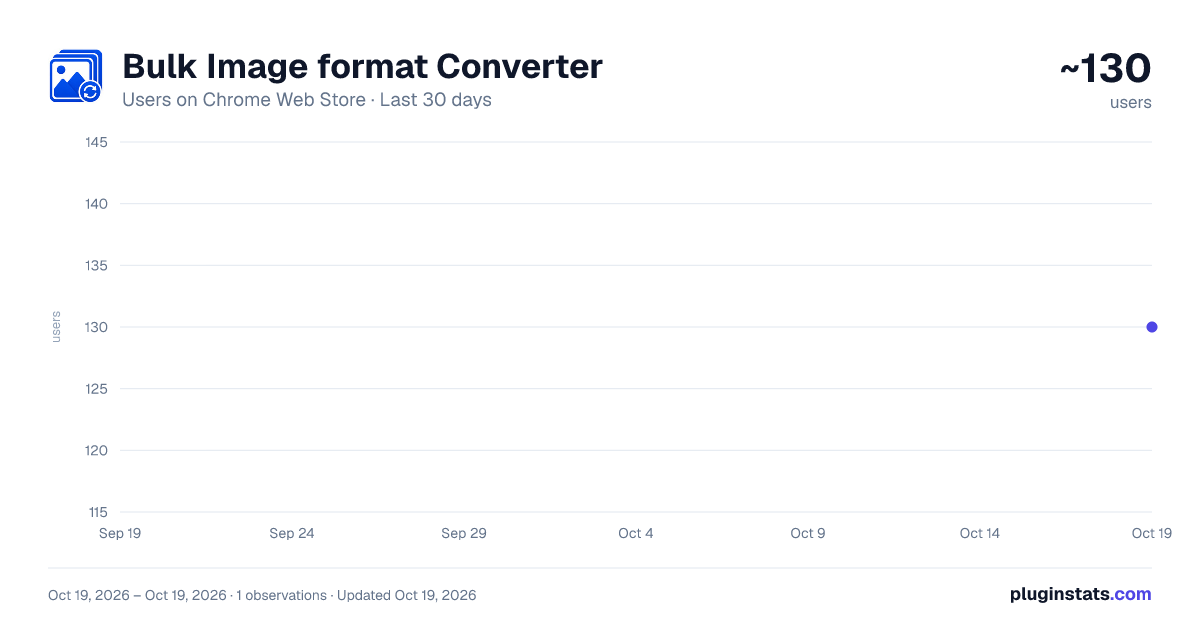
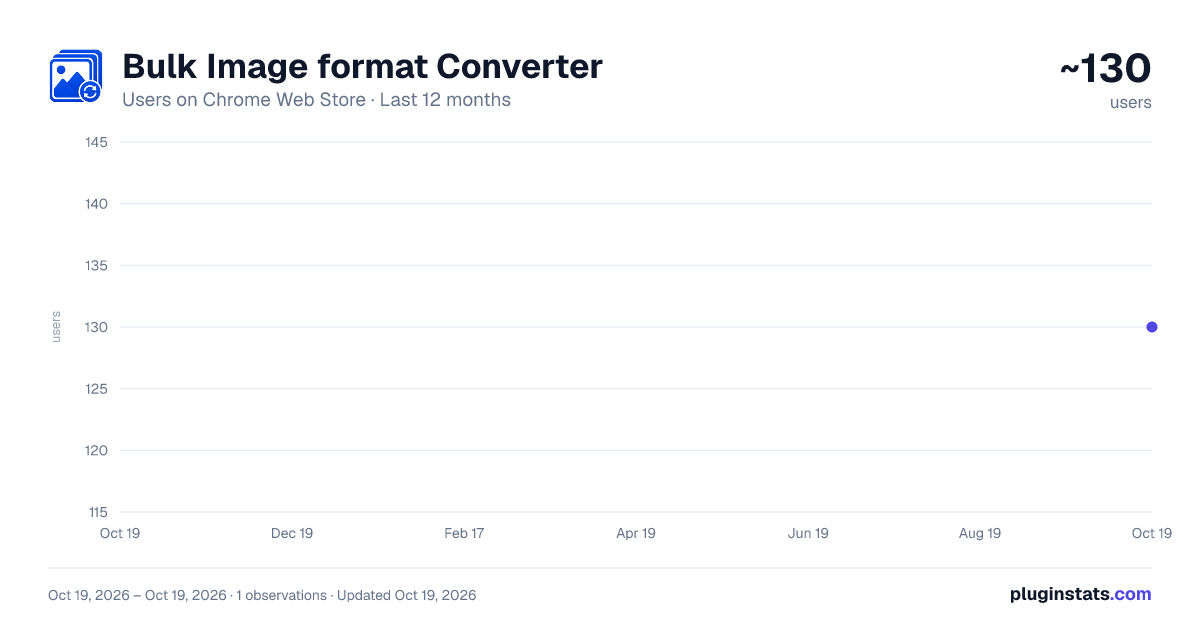
Bulk Image format Converter has approximately 130 recorded users on Chrome Web Store.
It ranks #1843 of 2,033 tracked Chrome Web Store listings by users.
It is rated 5.0 out of 5 from 11 ratings.
PluginStats has 1 daily observations since Oct 19, 2026; the latest is from Oct 19, 2026.
Rating: 5.00 / 5 from 11 ratings
About Bulk Image format Converter
Convert images from one format to another directly in your browser. Free, unlimited, offline, with ZIP downloads.
Bulk Image Format Converter makes it easy to convert one or multiple images directly in your browser. Simply upload your files, choose your preferred output format, and download the converted images in seconds no complicated setup required.
Convert images quickly while keeping everything on your device for better privacy and performance.
Features:
Convert one or multiple images at the same time Support for multiple popular image formats Fast, high-quality image conversion Download converted images individually Download all converted images with a single click Export all converted images as a ZIP archive Clean, modern, and easy-to-use interface Light and dark theme support 100% local processing your images never leave your browser
Whether you're optimizing images for websites, social media, presentations, documents, or design projects, Bulk Image Format Converter provides a fast, reliable, and privacy friendly way to convert your images without uploading them to external servers.
Description from the Chrome Web Store listing.
Where Bulk Image format Converter sits in the listing
Each band is one page of 20. Users on a log scale. Placement is projected from users, so it can differ from the marketplace's own sort order. Hover a dot to see the listing.
Charts
Images: 30d · 1y · all time · 1600×900 dark
Adoption over time
7/30/90-day growth
Ranking history
Filled points are observed values; hollow points come from Internet Archive snapshots of the listing page. Dashed segments span periods with no observations — values between points are not interpolated.
Recent observations
Full history (1)Similar Chrome Web Store Workflow & Planning plugins




Data source
User counts are read from public Chrome Web Store listing pages. Google displays rounded user counts (and caps the display at 10,000,000+), so small changes may not be visible. Rating counts above 1,000 are rounded (e.g. 1.6K).
Listing: https://chromewebstore.google.com/detail/bulk-image-format-convert/fadipgdkceiiemolagfolapbhancdhgj. First seen Oct 19, 2026; last successful collection Oct 19, 2026. See the methodology.