 PluginStats
Get QR Code users statistics
By alcorpinc12 · Chrome Web Store · Workflow & Planning
Use Get QR Code to easily generate QR codes for websites. Perfect for getting a QR barcode fast and sharing your webpage anywhere!
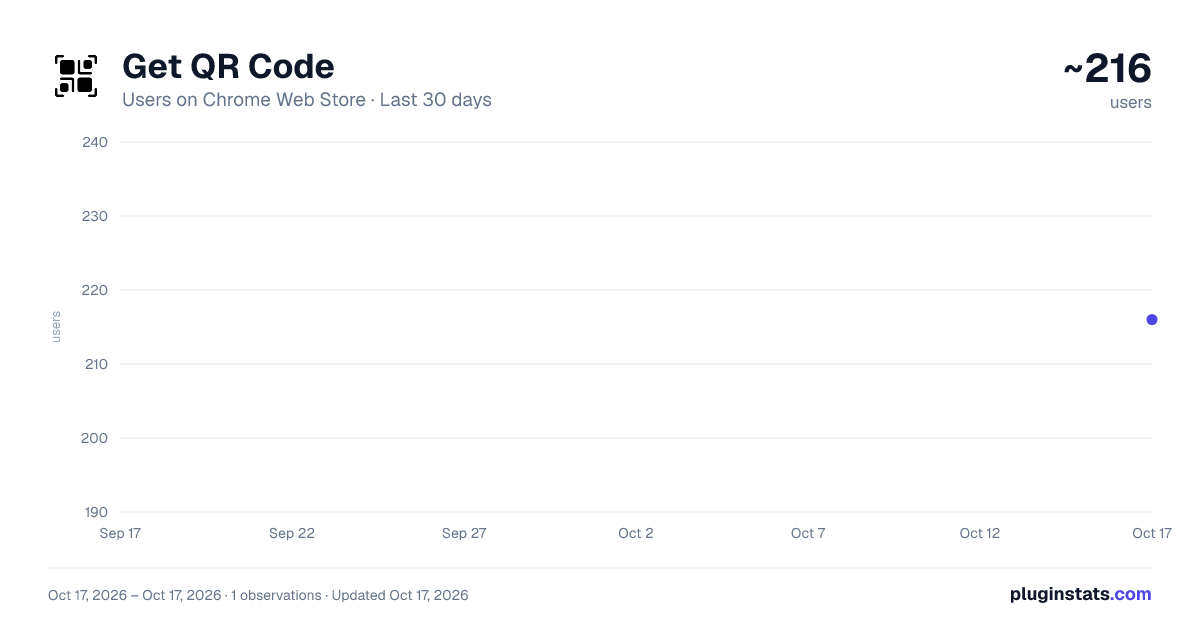
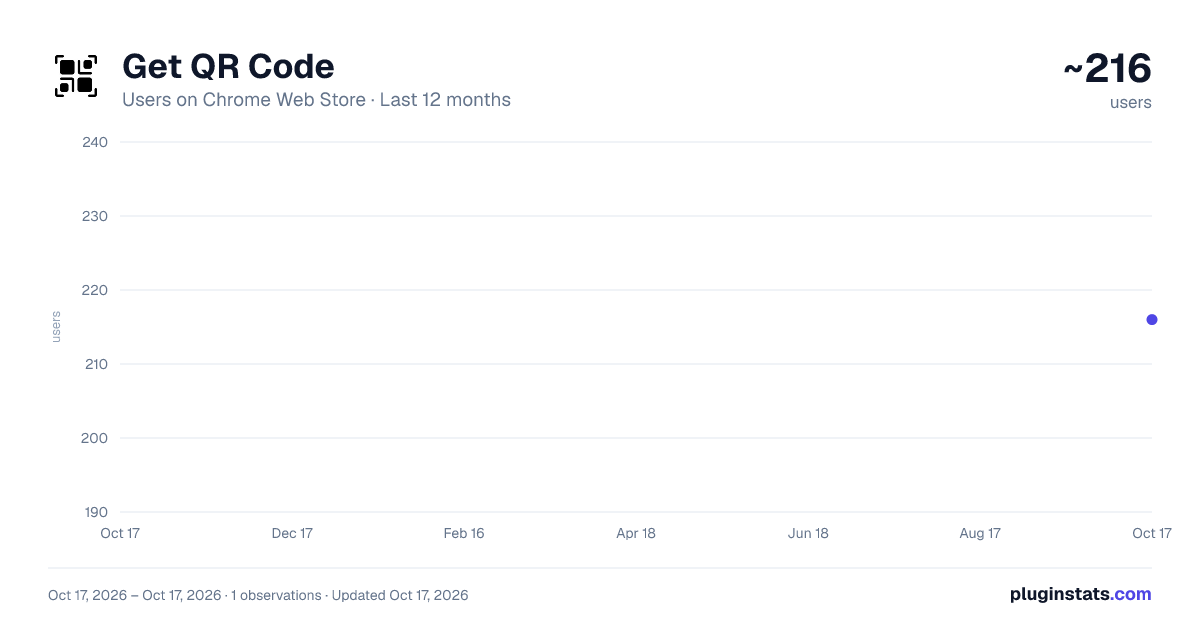
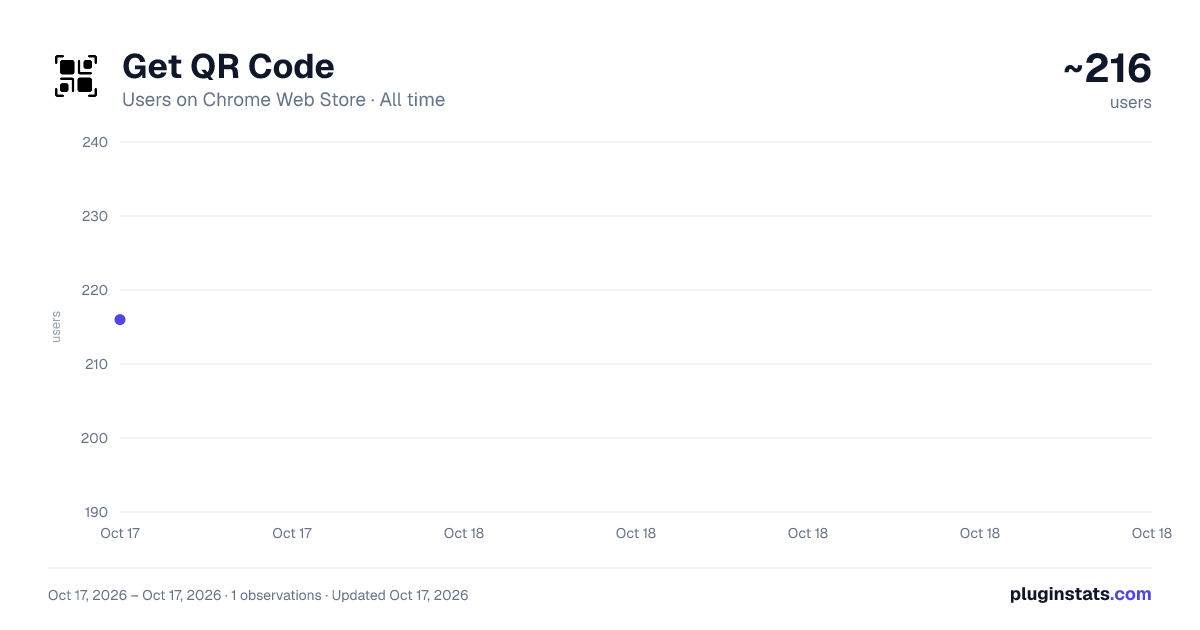
Get QR Code has approximately 216 recorded users on Chrome Web Store.
It ranks #1129 of 1,556 tracked Chrome Web Store listings by users.
It is rated 5.0 out of 5 from 6 ratings.
PluginStats has 1 daily observations since Oct 17, 2026; the latest is from Oct 17, 2026.
Rating: 5.00 / 5 from 6 ratings
About Get QR Code
Use Get QR Code to easily generate QR codes for websites. Perfect for getting a QR barcode fast and sharing your webpage anywhere!
🔍 Looking for an easy way to get QR code for your website, business, or social media? The Get QR Code Chrome Extension has got you covered! With just a few clicks, you can get QR code for any URL, making it simple to share your online content with others. Whether it’s a personal website, Facebook page, or business landing page, you can generate a QR code in seconds.
📱 How It Works in 3 Easy Steps: 1️⃣ Install the Get QR Code extension directly from the Chrome Web Store in seconds. 2️⃣ Easily click the extension icon, paste your desired URL, and start the process. 3️⃣ Instantly generate and download your QR code for seamless sharing with others.
📋 Why Choose Get QR Code? ✔️ Easy-to-use interface for quick results. ✔️ No ads or interruptions while generating scannable links. ✔️ Perfect for marketing campaigns and promotions. ✔️ Reliable and lightweight browser extension.
🫵 What is a QR Code? A scannable link (is also called quick response code, sometimes 2D barcode, or even matrix barcode) is a scannable barcode that stores information like URLs, text, or contact details. 🫵 How Does a Quick Response Code Help? It simplifies sharing links, making information accessible instantly. Smart scan labels save time and reduce manual effort, whether for business or personal use. 🫵 Why Use a Quick Response Code app? From websites to promotions, 2D smart scan labels provide quick access to digital content, boosting efficiency for businesses and enhancing user experience.
🌟 Transform Links with Ease and Precision: 🖼️ Create QR codes for websites, Facebook pages, and other links. 🖼️ Transform URLs instantly with the qrcode generator. 🖼️ Boost your business with quick and scannable codes for marketing. 🖼️ Ideal for businesses, professionals, and personal use cases. 🖼️ Customize barcodes for different needs.
💼 Ideal Use Cases for Everyone 🔍 For Businesses Boost your marketing campaigns by quickly generating scannable links for your app, flyers, or presentations. Perfect for anyone wondering, "how to get a qr code for my business?" 🔍 Creative Projects Add matrix smart scan labels to your designs, event posters, or invitations. 🔍 Promotions and Ads Instantly create a scannable links for promotional offers, helping your audience connect faster. 🔍 Social Media Direct your audience to your Facebook page or other profiles. Wondering, "How to get QR code for a Facebook page?" This extension has you covered. 🔍 Developers and Testers Easily generate barcodes to test and debug websites in clean environments.
🤔 Wondering can I get qr code for a website? Absolutely! Simply enter your app URL or any important link, and the extension will generate a unique scannable tag for sharing! 🤔 Wondering how to get a qrcode? Simply use our easy-to-use, intuitive tool to create one in seconds — it's fast, straightforward, hassle-free, high-quality, and user-friendly! 🤔 Wondering how to create a 2D barcode quickly? Simply paste a link to make a qrcode, or create a qrcode for a URL in less than three clicks for maximum efficiency. 🤔 Wondering how digital access patterns can boost your business? By using them, you can easily share promotional offers and streamline access to websites or contact details. 🤔 Need a Google barcode generator? Our advanced extension offers the quickest, most efficient way to generate high-quality quick responses with just a few clicks.
📝 Frequently Asked Questions ❓ Can I get a barcode for my website? 💡 Yes! Use the extension as a 2D barcode generator to instantly create a quick-access link. ❓ How do I get a qr code for my business? 💡 Open the extension, paste your app URL, and click "Generate." ❓ how to get a qrcode for a website? 💡 Paste your website link, and the extension creates a barcode in seconds. ❓ How to get a qr code for facebook page? 💡 Enter your Facebook page link, and you’re ready to share it via a custom quick-access link. ❓ Where do you get qr code for your business? 💡 Install the extension, and our app will create a professional quick-access link for you. ❓ Can I use the extension offline? 💡 The extension requires an internet connection to generate barcodes.
🚀 Take the Next Step Click "Add to Chrome" now and revolutionize the way you share links and connect with your audience. Start creating custom scannable links effortlessly with our extension today!
Description from the Chrome Web Store listing.
Where Get QR Code sits in the listing
Each band is one page of 20. Users on a log scale. Placement is projected from users, so it can differ from the marketplace's own sort order. Hover a dot to see the listing.
Charts
Images: 30d · 1y · all time · 1600×900 dark
Adoption over time
7/30/90-day growth
Filled points are observed values; hollow points come from Internet Archive snapshots of the listing page. Dashed segments span periods with no observations — values between points are not interpolated.
Recent observations
Full history (1)Similar Chrome Web Store Workflow & Planning plugins




Data source
User counts are read from public Chrome Web Store listing pages. Google displays rounded user counts (and caps the display at 10,000,000+), so small changes may not be visible. Rating counts above 1,000 are rounded (e.g. 1.6K).
Listing: https://chromewebstore.google.com/detail/get-qr-code/mbfhbekclgodecbhcpgcbbdkcjigbgoj. First seen Oct 17, 2026; last successful collection Oct 17, 2026. See the methodology.