 PluginStats
Task Planner users statistics
Use Task Planner app, organize tasks, create daily checklists and management projects easily. Simple to-do list on daily task board.
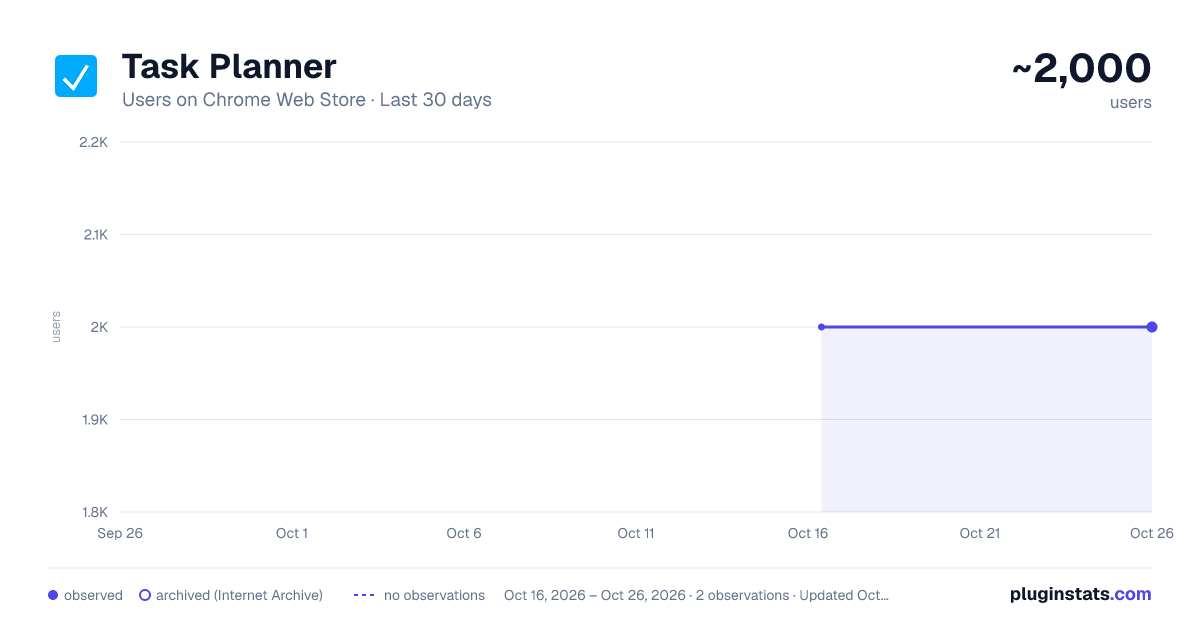
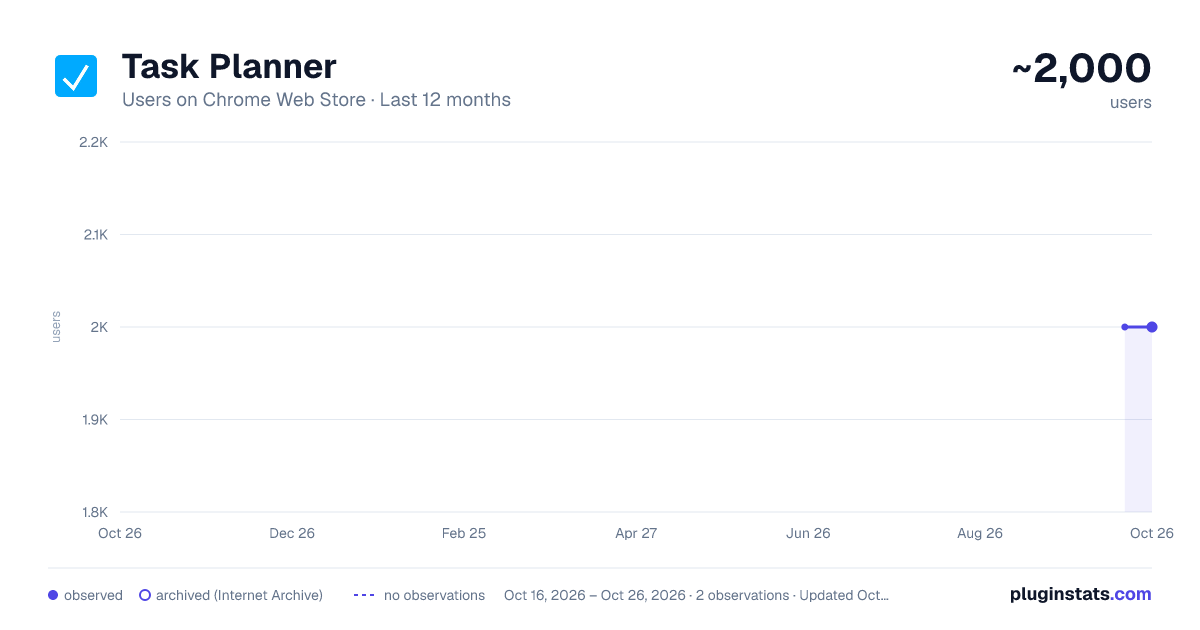
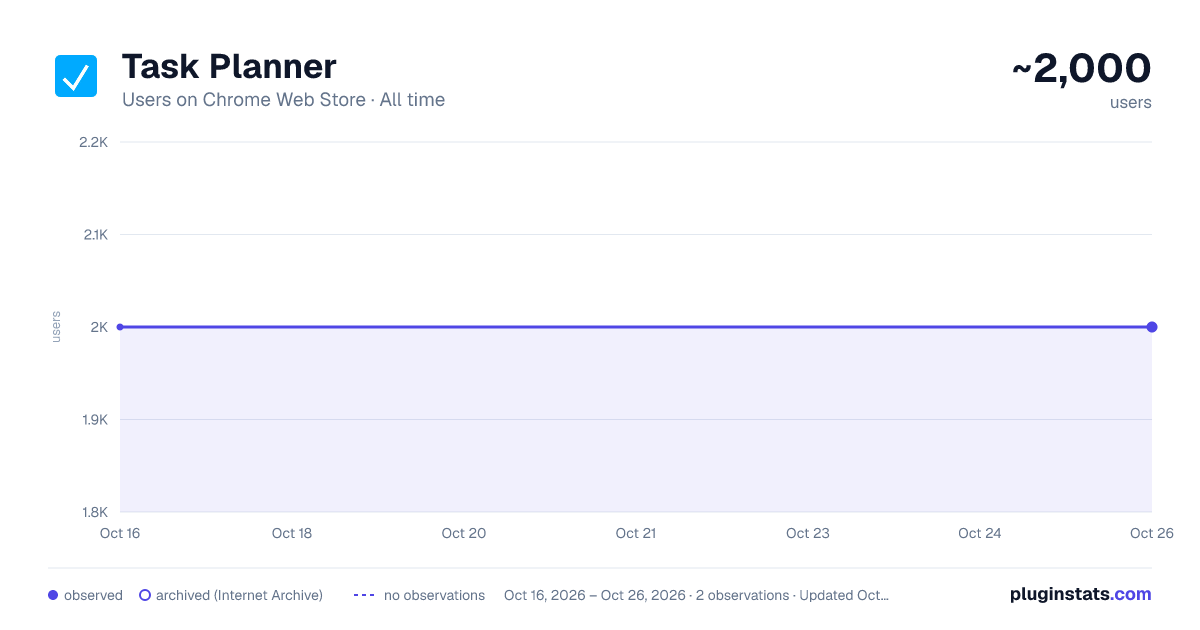
Task Planner has approximately 2,000 recorded users on Chrome Web Store.
It ranks #368 of 1,556 tracked Chrome Web Store listings by users.
It is rated 5.0 out of 5 from 29 ratings.
PluginStats has 1 daily observations since Oct 16, 2026; the latest is from Oct 16, 2026.
Rating: 5.00 / 5 from 29 ratings
About Task Planner
Use Task Planner app, organize tasks, create daily checklists and management projects easily. Simple to-do list on daily task board.
⚡ Supercharge Your Productivity with the extension
Struggling to stay on top of your workload? This is daily task planner app. Designed for professionals, students, and busy individuals, it combines, and daily planner with task list in one seamless tool.
🌟 Why this app stands out 1️⃣ Fast task entry – add tasks to planner with just a few keystrokes. 2️⃣ Visual Progress Tracking. 3️⃣ Display date and time.
🌟 Powerful Features for Effortless Task Manage 📌 Customizable list – Tailor your digital task planner to your workflow. 📌 Time Estimates – Better plan your day. 📌 The app is always at hand in your browser window, just one click away.
🌟 Who benefits most from this app? 💼 Executives – Manage multiple projects. 🎓 Students – Track assignments in the to do. 👩💻 Remote Workers – Stay organized with online daily task planner access. 👨👩👧👦 Busy Parents – Coordinate family schedules via list maker. 🛒 Shoppers – Create to do list for groceries.
❓ Is there a limit I can add? ❗️ No limits – add as many items as needed to your daily list planner.
🌟 Pro Tips for Mastering for Work 🔥 Use the 1-3-5 Rule – 1 big, 3 medium, 5 small. 🔥 Review Weekly – Spend 15 minutes every Sunday planning in your google task planner. 🔥 Next-Day Prep – Spend 15 minutes at night outline tomorrow’s. 🔥 If the feels huge, split it into 5-7 small steps and tackle them one by one. 🔥 Work 30-60 min, then rest 15 min keep productivity high.
🌟 A minimalist task planner beats bloated apps because: ➤ Zero Learning Curve. No confusing features – just type and check them off. ➤ Always 1 Click Away in Chrome. No installs, no updates, no desktop clutter. ➤ Faster Than a Paper List. Instead of digging for a notebook, just click the extension icon mid-meeting.
🌟 Why Use? 🔹 Clear priorities – An to do list app helps separate urgent from distractions. 🔹 Nothing slips through the cracks, unlike sticky notes or memory. 🔹 Faster decisions – A google to do list shows what’s next, reducing wasted time. 🔹 Visual progress – planner online lets you track completion at a glance. 🔹 Daily focus – keeps you on track without overloading. 🔹 Structured workflow – A todo checklist app breaks goals into small steps. 🔹 Always accessible – A checklist online is available anytime—no lost papers or notebooks.
🌟 How saves time 💡 Eliminates decision fatigue – No more wasting time figuring out what to do next. 💡 Reduces multitasking – Focusing on one from your to-do list app is faster than juggling unfinished work. 💡 Cuts procrastination – Breaking into steps in your daily planner app makes starting easier. 💡 Avoids missed deadlines – with reminders ensures nothing gets forgotten. 💡 Minimizes distractions – Checking off items keeps you on track instead of sidetracked. 💡 Speeds up prioritization – A quick glance at your work planner shows what truly matters today.
🌟 How helps achieve goals 🎯 Breaks Goals into Steps – Turn into daily in app. 🎯 Tracks Measurable Progress – Check off completed items in your to-do list build momentum. 🎯 Forces Priority Alignment – daily shows if daily actually move you toward goals. 🎯 Creates Accountability – Unfinished stay visible until completed. 🎯 Identifies Time Wasters – A planning app reveals activities that don't contribute goals. 🎯 Provides Motivation – Visual progress in checklist encourages consistent action.
🌟 Helps you think less about upcoming work ✔ Offload mental clutter – Dump todos into the browser instantly, freeing mind for what matters. ✔ Quickly assess progress - counter shows how much work remains, so you know exactly where you are. ✔ One-click reset - clear what you've done and start over in seconds - no manual clearing required. ✔ Always within reach – Access right in the browser, no extra tabs.
🌟 Additional benefits 🌿 Reduces Mental Clutter – Dumping into frees up brainpower for creative work instead of remembering todos. 🌿 Improves Work-Life Balance – daily checklist helps separate "must-do" from options, preventing burnout. 🌿 Boosts Productivity – Clear priorities and deadlines keep focused, minimizing procrastination. 🌿 Enhances Accountability – Tracking progress creates a sense of achievement and motivates consistency.
🤗 We would be glad if you, our users, take the time rate our product and share thoughts on how to improve it. Feedback will help us improve the product and add new features. We hope you enjoy it!
Description from the Chrome Web Store listing.
Where Task Planner sits in the listing
Each band is one page of 20. Users on a log scale. Placement is projected from users, so it can differ from the marketplace's own sort order. Hover a dot to see the listing.
Charts
Images: 30d · 1y · all time · 1600×900 dark
Adoption over time
7/30/90-day growth
Filled points are observed values; hollow points come from Internet Archive snapshots of the listing page. Dashed segments span periods with no observations — values between points are not interpolated.
Recent observations
Full history (1)Similar Chrome Web Store Tools plugins




Data source
User counts are read from public Chrome Web Store listing pages. Google displays rounded user counts (and caps the display at 10,000,000+), so small changes may not be visible. Rating counts above 1,000 are rounded (e.g. 1.6K).
Listing: https://chromewebstore.google.com/detail/task-planner/mpgiecjcnkkdpdickdjmccmlmjejbech. First seen Oct 16, 2026; last successful collection Oct 16, 2026. See the methodology.