 PluginStats
Formula Explorer users statistics
Formula Explorer brings Formula Breakdowns, Precedent & Dependent Tracing, Goal Seek, and Formatting Utilities to Google Sheets.
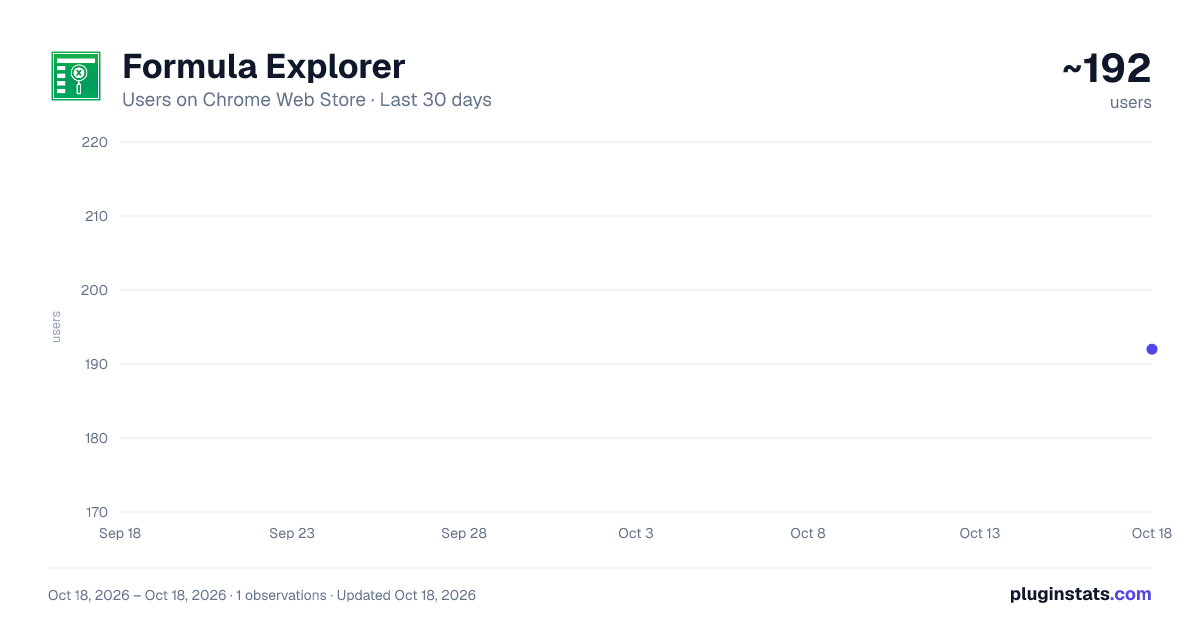
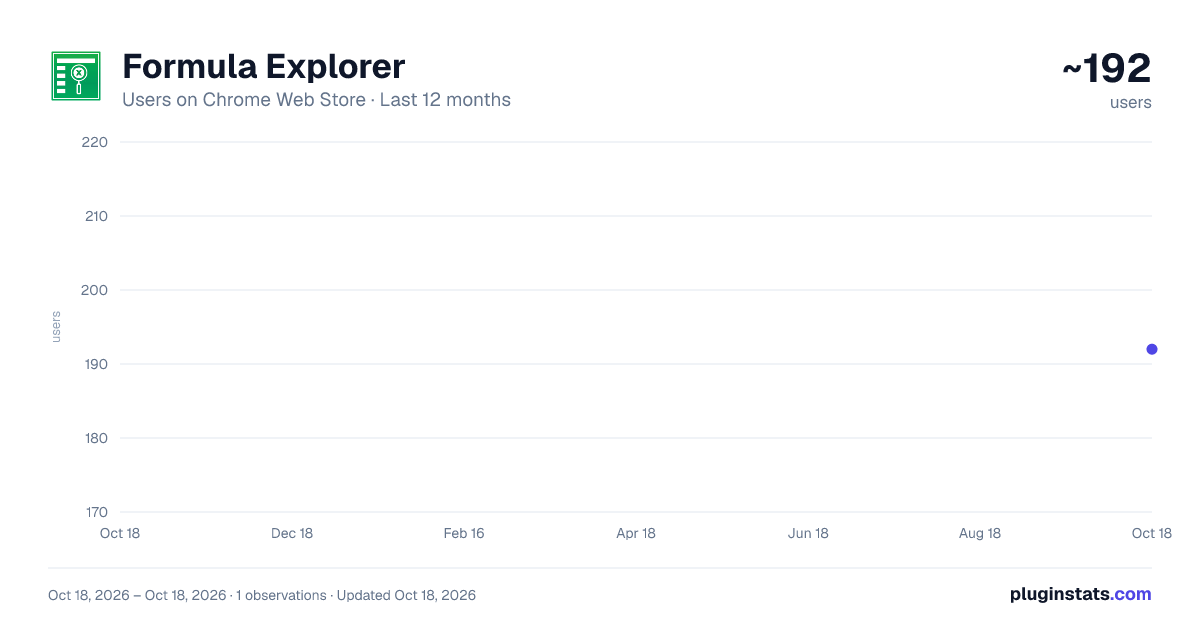
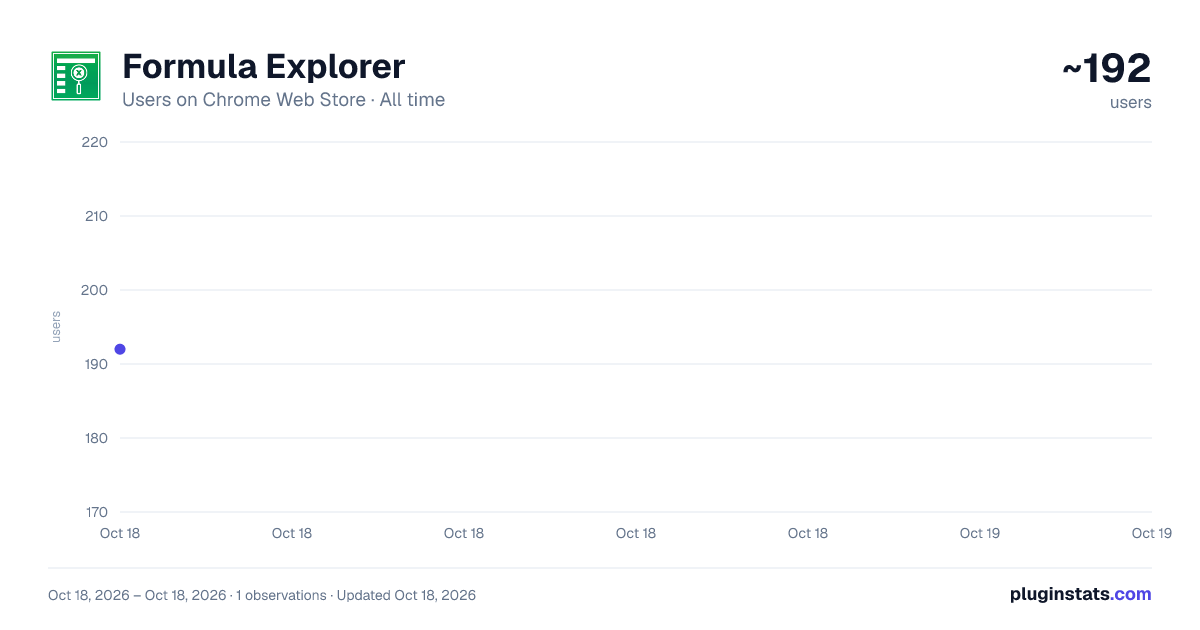
Formula Explorer has approximately 192 recorded users on Chrome Web Store.
It ranks #1186 of 1,556 tracked Chrome Web Store listings by users.
It is rated 5.0 out of 5 from 2 ratings.
PluginStats has 1 daily observations since Oct 18, 2026; the latest is from Oct 18, 2026.
Rating: 5.00 / 5 from 2 ratings
About Formula Explorer
Formula Explorer brings Formula Breakdowns, Precedent & Dependent Tracing, Goal Seek, and Formatting Utilities to Google Sheets.
Designed for financial analysts, accountants, modellers, and power users, Formula Explorer by CogniSheets brings step-by-step formula debugging, workbook-wide formula mapping, precedent and dependent tracing, goal seek functionality and keyboard-driven formatting to your spreadsheets.
Effortlessly analyse complex formulas, navigate every input cell, and apply formatting quickly using customisable keyboard shortcuts.
Keyboard shortcuts are fully supported on Windows, Mac and Linux: • For shortcuts starting with ALT, press and release each key in the order listed • For shortcuts starting with CTRL, press and hold each key as you go - do not release any until all keys have been pressed.
ALT is replaced with Option on a Mac. CTRL on a PC maps to Control on a Mac.
Experience powerful Excel-style workflows tailored specifically for Google Sheets:
➤ Calculation Steps - Break Down Any Formula With Full Transparency Shortcut: Ctrl + Q
• See step-by-step how any formula is calculated, including intermediate values. • Logical functions like IF, IFS, and CHOOSE highlight active branches so you know exactly what path is taken. • Lookup and reference functions like VLOOKUP, OFFSET, INDEX, and INDIRECT display their resolved target locations. • Support for the LET function - view variable assignments and evaluate reusable logic clearly and sequentially. • Support for LAMBDA functions - parameters are recognised as variables with bound values: ◦ MAP, BYROW, BYCOL, REDUCE, SCAN, MAKEARRAY resolve parameter bindings from the input range, including named ranges. ◦ Direct invocation like LAMBDA(x, x*2)(5) is also supported. • Use the Left and Right arrow keys to expand or collapse nested function layers. • Use the Up and Down arrow keys to jump to referenced cells. • Click directly inside the formula to get insights into specific sub-expressions. • Seamlessly integrated with Google Sheets' design - no jarring overlays or context switches. • Familiar keyboard-driven experience for Excel users - no mouse needed.
The most advanced tool for Google Sheets that offers full, step-by-step breakdowns of formula logic directly inside your spreadsheet. Formula Explorer also helps you debug complex formulas by making it easy to spot logic errors, incorrect references, or unexpected behaviour - all without manual inspection.
➤ Formula Map (Beta) - Audit Your Spreadsheet At A Glance Shortcut: Alt + Shift + Q
Apply a clear, colour-coded map to selected sheets and see how your model is built without inspecting formulas one by one.
• Distinguish formulas copied down, copied across, copied in both directions, and one-off formulas. • Spot inconsistent formulas that break an otherwise repeated pattern. • Highlight formulas with cross-sheet or external references, as well as formulas with no references. • Identify hardcoded numbers, text and Boolean values, data-validation inputs, and formula errors. • Choose which categories to show and customise their colours in Settings. • Select one or several sheets before applying the map. • When a map is active, an icon appears next to the Formula Explorer icon so you can return to its legend and see which sheets are mapped. • Remove the map at any time and restore all original cell colours.
Formula Map turns large, unfamiliar spreadsheets into a visual audit: repeated calculation blocks stand out immediately, while unusual formulas and hardcoded inputs become much easier to find.
➤ Trace Dependents - See All Cells That Reference Your Selection Shortcut: Alt + Q
Identify which formulas depend on your data, including multi-cell selections - a unique capability not available natively in Google Sheets. This makes it ideal for impact analysis, auditing, and safely modifying complex models.
• Select any single cell or group of cells and press Alt + Q to view all direct formula-based dependents. • Supports comprehensive range detection, including individual cells, cell ranges, column slices and column ranges, row slices and row ranges. • Results are intelligently grouped by sheet name, keeping large workbooks easy to navigate. • Contiguous dependent cells are automatically consolidated into logical blocks - matrices, rows, columns, or individual cells. • Named ranges are fully resolved, so dependencies are traced to their actual underlying cell references. • Navigate results using mouse or keyboard. • Use Left / Right arrow keys to drill into or move back up the dependency hierarchy, and Up / Down arrow keys to move between sheets and dependent ranges. • Perfect for financial modelling and scenario analysis - quickly verify which calculations will be affected by changes to key inputs.
Built for handling large and complex spreadsheets:
• Designed for efficient analysis of very large sheets and multi-tab workbooks. • Analysis runs in parallel, leveraging Google APIs and cloud infrastructure to avoid timeouts. • An efficient planning algorithm allows multiple sheets to be analysed concurrently. • Errors are handled gracefully so partial results remain usable. • Analysis runs across all sheets by default and can be restarted at any time with a manual selection of specific sheets - ideal for large, multi-tab workbooks.
Only direct formula-based dependents are identified. Dependencies created through INDIRECT, OFFSET, or other functions are not detected.
➤ Trace Precedents - See All Formula Inputs In One Place Shortcut: Ctrl + Shift + Q…
Description from the Chrome Web Store listing.
Where Formula Explorer sits in the listing
Each band is one page of 20. Users on a log scale. Placement is projected from users, so it can differ from the marketplace's own sort order. Hover a dot to see the listing.
Charts
Images: 30d · 1y · all time · 1600×900 dark
Adoption over time
7/30/90-day growth
Ranking history
Filled points are observed values; hollow points come from Internet Archive snapshots of the listing page. Dashed segments span periods with no observations — values between points are not interpolated.
Recent observations
Full history (1)Similar Chrome Web Store Tools plugins




Data source
User counts are read from public Chrome Web Store listing pages. Google displays rounded user counts (and caps the display at 10,000,000+), so small changes may not be visible. Rating counts above 1,000 are rounded (e.g. 1.6K).
Listing: https://chromewebstore.google.com/detail/formula-explorer/mpmhigblgggpkgiddiccjnkmcgnceglh. First seen Oct 18, 2026; last successful collection Oct 18, 2026. See the methodology.