 PluginStats
YouTube Translate & Speak users statistics
Translate subtitles into 100+ languages with bilingual display and text-to-speech. Works on YouTube, Udemy, TED, Coursera and more.
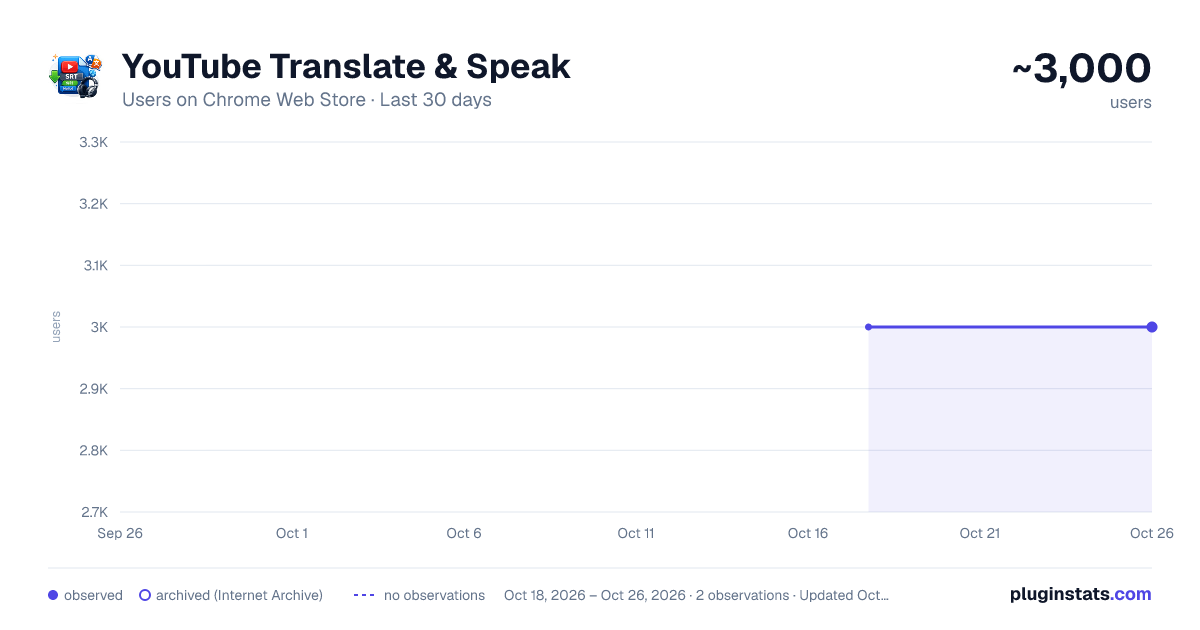
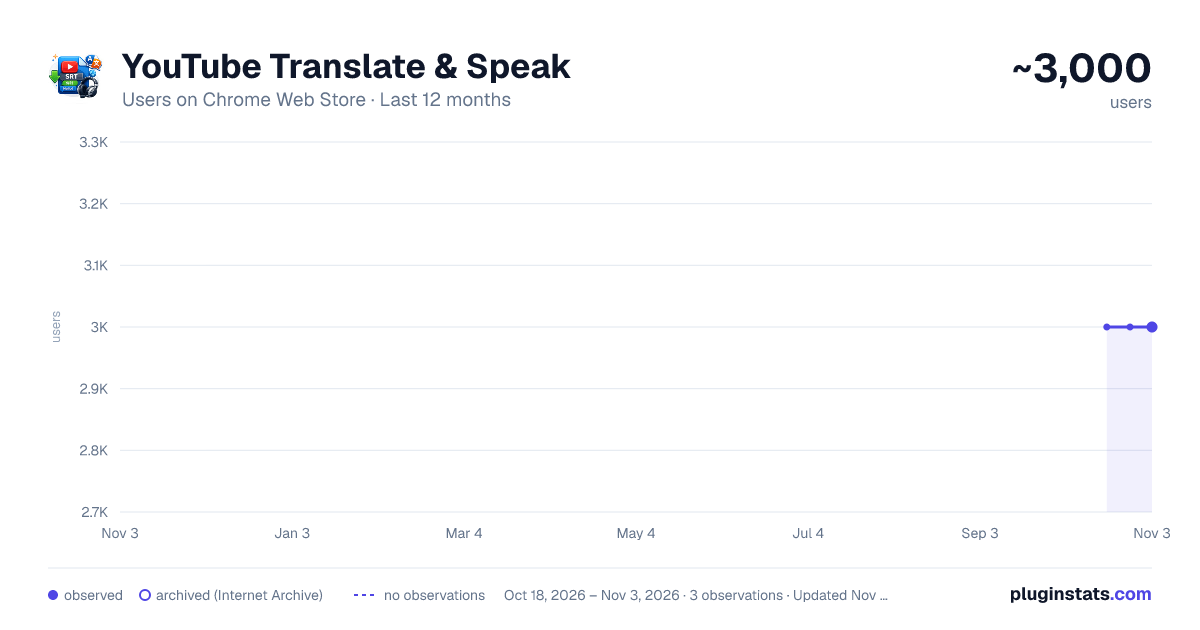
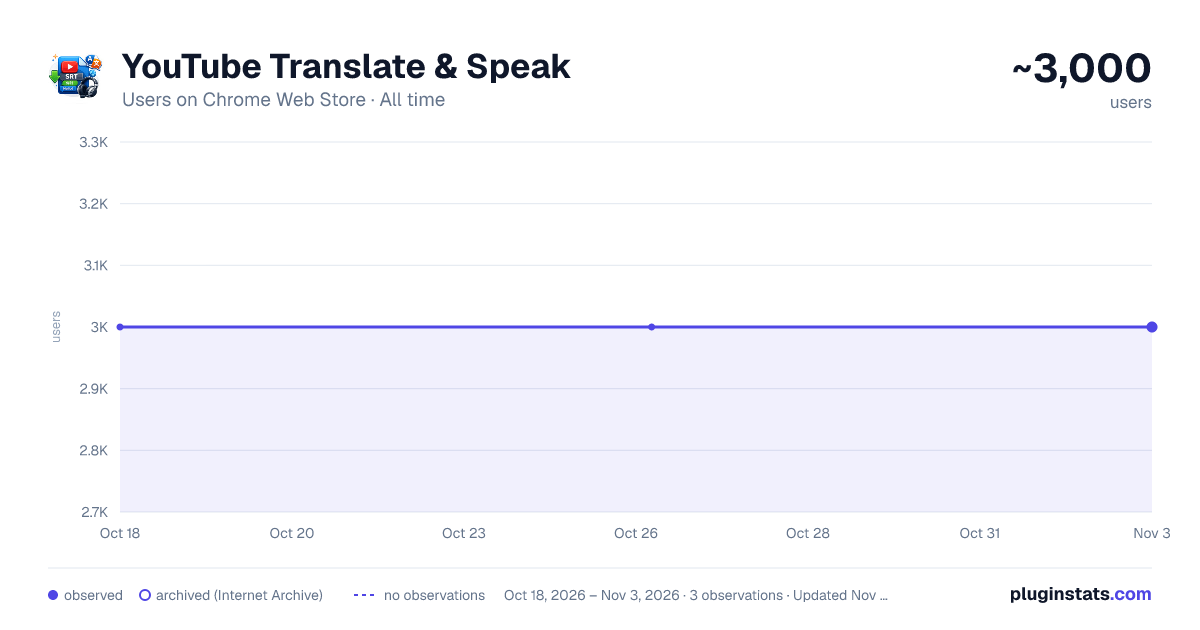
YouTube Translate & Speak has approximately 3,000 recorded users on Chrome Web Store.
It ranks #365 of 1,556 tracked Chrome Web Store listings by users.
It is rated 4.5 out of 5 from 24 ratings.
PluginStats has 1 daily observations since Oct 18, 2026; the latest is from Oct 18, 2026.
Rating: 4.50 / 5 from 24 ratings
About YouTube Translate & Speak
Translate subtitles into 100+ languages with bilingual display and text-to-speech. Works on YouTube, Udemy, TED, Coursera and more.
Video Translate & Speak — Watch Any Video in Your Language
Translate subtitles into 90+ languages — right on the video player. No copy-pasting, no switching tabs, no interruptions.
━━━━━━━━━━━━━━━━━━━━━━━━━━━━━━ ✦ SUPPORTED PLATFORMS ━━━━━━━━━━━━━━━━━━━━━━━━━━━━━━
🎬 YouTube 🎤 TED 📚 Udemy 🎓 Coursera
More platforms coming soon...
━━━━━━━━━━━━━━━━━━━━━━━━━━━━━━ ✦ WHAT IT DOES ━━━━━━━━━━━━━━━━━━━━━━━━━━━━━━
🌍 Instant Caption Translation Pick your language, hit translate, and watch subtitles appear in real time as the video plays. Supports 90+ languages out of the box.
🔤 Side-by-Side Bilingual View See both the original and translated text at the same time — ideal for picking up new vocabulary or following along in two languages.
🔊 Read Aloud Have the translated text spoken to you using your browser's built-in voices, Google Cloud TTS (Chirp3-HD) for natural speech, or your own local TTS server via WebSocket.
🎙️ No Captions? No Problem. Some videos simply don't have subtitles. With Soniox speech recognition, the extension listens to the tab audio and generates captions from scratch — in real time.
🤖 Multiple AI Translation Providers Choose the engine that fits your needs: • Google Free — instant, no key needed • Google Cloud API — higher quality and limits and many more...
✨ AI Video Summary (YouTube) Hit the Summarize button and get a structured summary of the entire video — overview, key points, takeaways, and details. Works with all AI providers (OpenAI, Gemini...). Pick your language and the summary is written in it. Summaries are cached locally — come back anytime without re-generating. Copy as Markdown or download as a .md file.
🎨 Make It Yours Customize everything: font, text size, colors, background opacity, and text stroke. Your subtitles, your style.
📥 Download as SRT Export both original and translated captions as SRT files (zipped together). Great for video editing, studying, or offline use.
⚡ Set It and Forget It Translations and summaries are cached locally per video. Come back anytime — no need to re-translate or re-summarize. Cache loads automatically when you revisit a video.
🖱️ Draggable Panels Move the control panel and subtitle list anywhere on screen. Works perfectly across all supported sites.
🔄 Smooth Navigation Built to handle single-page app behavior. Switch between videos on YouTube, TED, Udemy playlists — everything keeps working.
📜 Toggleable Side Panel Close the subtitle list anytime without losing it — hit the 📜 button to bring it back.
━━━━━━━━━━━━━━━━━━━━━━━━━━━━━━ ✦ GETTING STARTED ━━━━━━━━━━━━━━━━━━━━━━━━━━━━━━
1. Go to any video on a supported platform 2. The control panel appears automatically on the player 3. Choose your language and provider → press ▶ Translate 4. That's it — bilingual subtitles appear instantly
━━━━━━━━━━━━━━━━━━━━━━━━━━━━━━ ✦ FREE vs. PREMIUM FEATURES ━━━━━━━━━━━━━━━━━━━━━━━━━━━━━━
Everything below works right after installation — zero setup:
✅ Caption translation (Google Translate, free) ✅ Bilingual overlay on the player ✅ YouTube, TED, Udemy, Coursera supported ✅ Voice readout via browser TTS ✅ Style customization ✅ SRT export ✅ Local caching (subtitles + summaries) ✅ Quick action buttons (Translate & Summarize) on YouTube ✅ OpenRouter with free models (e.g. openai/gpt-oss-120b:free)
━━━━━━━━━━━━━━━━━━━━━━━━━━━━━━ ✦ FAQ ━━━━━━━━━━━━━━━━━━━━━━━━━━━━━━
❓ Do I need an API key? Nope. Install it and go. The free Google Translate engine handles translation, and your browser's voices handle speech. You can also use OpenRouter with free models — just grab a free key from openrouter.ai/keys.
❓ Then what are API keys for? They're optional upgrades: • Google Cloud Translation → better accuracy, especially for nuanced or technical language • OpenAI / Gemini / OpenRouter → AI-powered context-aware translation + video summarization • Soniox → generates live captions from audio when a video has no existing subtitles
❓ What is Ollama and how do I use it? Ollama lets you run AI models locally on your computer — completely free and private. Install from ollama.com, pull a model (e.g. `ollama pull llama3.2`), set environment variable `OLLAMA_ORIGINS=*`, restart Ollama, and select "Ollama (Local/Cloud)" in the extension. You can also use Ollama Cloud with a Pro subscription for faster inference.
❓ What is OpenRouter? OpenRouter gives you access to 200+ AI models through a single API key. Many models are free (look for `:free` tag). Get your key at openrouter.ai/keys and browse models at openrouter.ai/models.
❓ Will API keys cost me money? Each service offers a generous free tier. Google Cloud gives you 500,000 translated characters per month at no charge. OpenRouter has many free models. Ollama local is completely free. You'd only pay if you go beyond those limits or use paid models.
❓ Is my API key secure? Absolutely. Keys stay in your browser's local storage and are sent only to the official service endpoints (Google Cloud, OpenAI...). They never pass through any third-party server.
❓ What if a video has no subtitles at all? You'll need a Soniox API key for that. The extension captures the tab's audio stream and converts speech to text on the fly.
❓ Is this useful for language learning? Very much so. The bilingual display lets you compare original and translated text line by line. Pair that with voice readout for pronunciation, and you've got a solid immersion tool using real-world content.…
Description from the Chrome Web Store listing.
Where YouTube Translate & Speak sits in the listing
Each band is one page of 20. Users on a log scale. Placement is projected from users, so it can differ from the marketplace's own sort order. Hover a dot to see the listing.
Charts
Images: 30d · 1y · all time · 1600×900 dark
Adoption over time
7/30/90-day growth
Ranking history
Filled points are observed values; hollow points come from Internet Archive snapshots of the listing page. Dashed segments span periods with no observations — values between points are not interpolated.
Recent observations
Full history (1)Similar Chrome Web Store Tools plugins




Data source
User counts are read from public Chrome Web Store listing pages. Google displays rounded user counts (and caps the display at 10,000,000+), so small changes may not be visible. Rating counts above 1,000 are rounded (e.g. 1.6K).
Listing: https://chromewebstore.google.com/detail/youtube-translate-speak/nppckcbknmljgnkdbpocmokhegbakjbc. First seen Oct 18, 2026; last successful collection Oct 18, 2026. See the methodology.