 PluginStats
AutoBoom - Google Flow Automation users statistics
By buildwithcortex · Chrome Web Store · Workflow & Planning
Automate batch image and video generation in Google Flow. Fast-fire prompts, chain mode, and AI prompt rewriting.
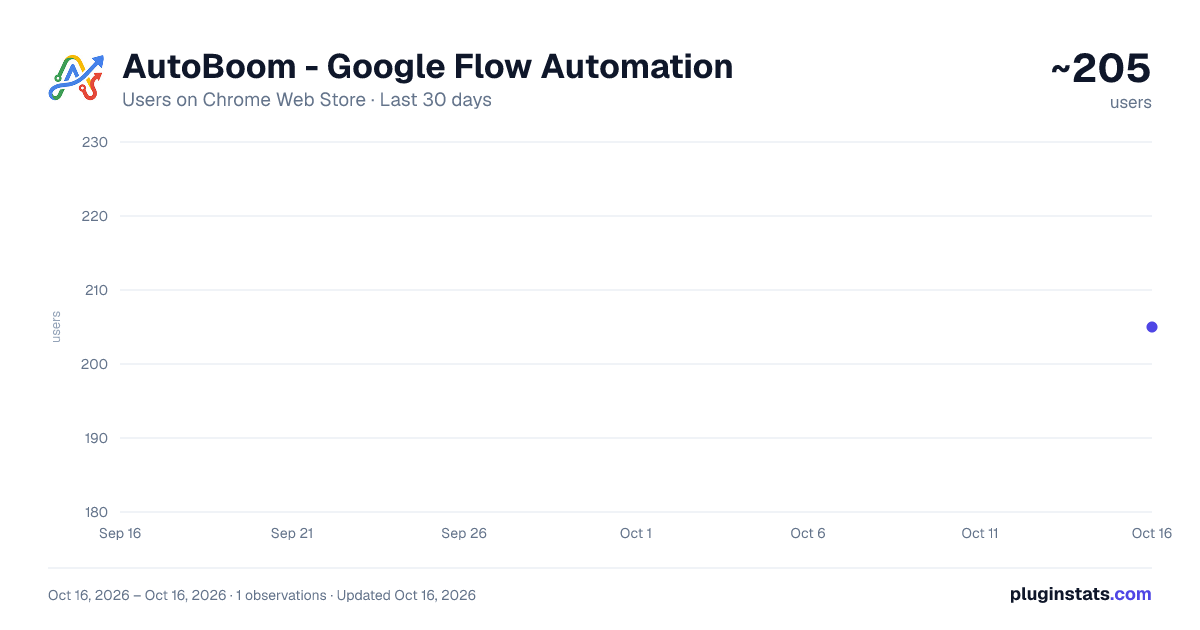
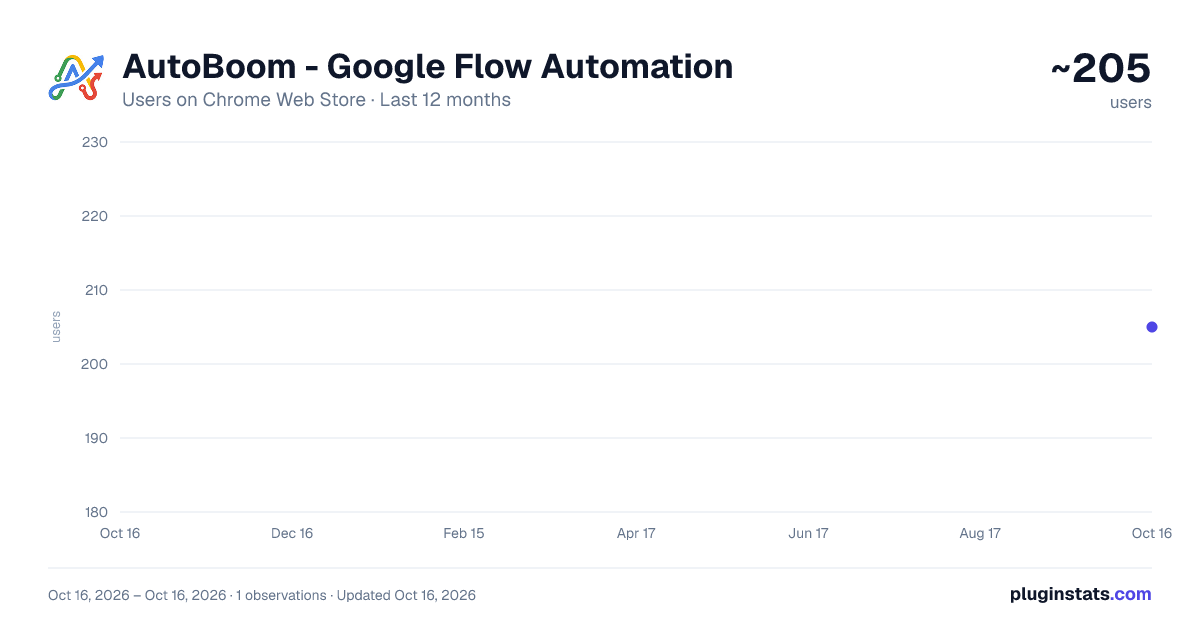
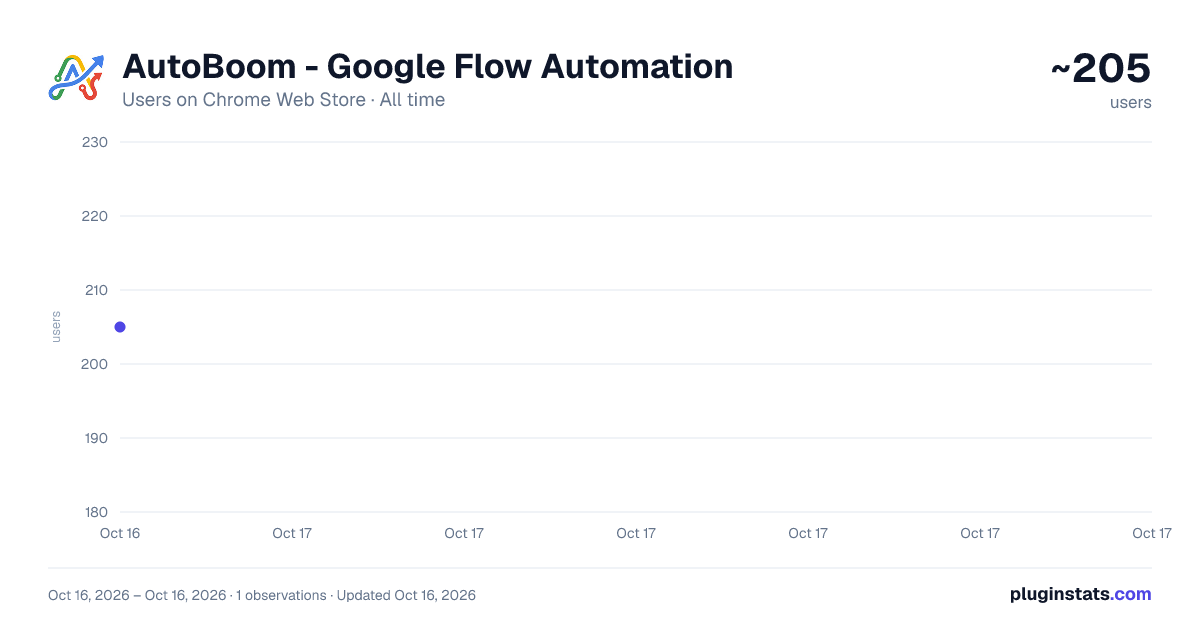
AutoBoom - Google Flow Automation has approximately 205 recorded users on Chrome Web Store.
It ranks #1143 of 1,556 tracked Chrome Web Store listings by users.
It is rated 3.7 out of 5 from 6 ratings.
PluginStats has 1 daily observations since Oct 16, 2026; the latest is from Oct 16, 2026.
Rating: 3.70 / 5 from 6 ratings
About AutoBoom - Google Flow Automation
Automate batch image and video generation in Google Flow. Fast-fire prompts, chain mode, and AI prompt rewriting.
AutoBoom automates batch image and video generation in Google Flow. You write your prompts once, press Run, and AutoBoom enters each prompt, attaches your reference images, applies your settings, starts the generation and tracks every result from a side panel.
Four ways to work
Create Image generates one image per prompt, with an optional reference image for each. Text to Video turns a list of prompts into videos. Frames to Video animates your own start and end images. Full Auto generates the images first and then animates them into videos, all in one run.
Made for large batches
Paste dozens of prompts and let them run back to back, with a limit on how many run at once and a random pause between submissions. Every prompt shows its live progress. Failed generations are retried, and when Flow rejects a prompt, AutoBoom can rewrite it with AI and try again. Projects can be saved, queued and reviewed in a run history.
Reference images and Chain Mode
Upload a reference image for each prompt, or let Auto-Match pair images with prompts by name. Chain Mode uses each finished image as the reference for the next prompt, which keeps characters and scenes consistent across a series. Common image formats that Flow does not accept directly are converted before upload.
Downloads and notifications
Finished images and videos can be downloaded with one click or automatically, in the quality you choose. You can be notified when a project finishes or needs your attention. Prompts can also be imported from a Baserow table.
What's new in version 4.3
Google moved Flow to flow.google.com and rebuilt it. AutoBoom was rebuilt to match, so it works on the new Flow again. Uploaded reference images are attached reliably, Stop takes effect immediately, and a project started under a new name opens with an empty form.
Free and Premium
The free plan includes ten prompts per day. Premium removes the daily limit and unlocks Full Auto, Chain Mode, Auto-Match, the batch queue, the AI prompt tools, stealth mode and notifications.
Getting started
Open flow.google.com and sign in to Flow, then click the AutoBoom icon to open the side panel. Name your project, choose a mode, add your prompts and press Run. Keep the Flow tab visible while a project runs.
You need your own Google Flow account, and generations use your Flow credits. AutoBoom is an independent tool and is not affiliated with or endorsed by Google.
Description from the Chrome Web Store listing.
Where AutoBoom - Google Flow Automation sits in the listing
Each band is one page of 20. Users on a log scale. Placement is projected from users, so it can differ from the marketplace's own sort order. Hover a dot to see the listing.
Charts
Images: 30d · 1y · all time · 1600×900 dark
Adoption over time
7/30/90-day growth
Ranking history
Filled points are observed values; hollow points come from Internet Archive snapshots of the listing page. Dashed segments span periods with no observations — values between points are not interpolated.
Recent observations
Full history (1)Similar Chrome Web Store Workflow & Planning plugins




Data source
User counts are read from public Chrome Web Store listing pages. Google displays rounded user counts (and caps the display at 10,000,000+), so small changes may not be visible. Rating counts above 1,000 are rounded (e.g. 1.6K).
Listing: https://chromewebstore.google.com/detail/autoboom-google-flow-auto/agolghmfhnfepclpfapfheijphheckni. First seen Oct 16, 2026; last successful collection Oct 16, 2026. See the methodology.