 PluginStats
Web Automator – AI Browser Agent users statistics
By Speed7 · Chrome Web Store · Education
Use AI to navigate websites, fill forms, extract data, repeat tasks, and automate browser workflows.
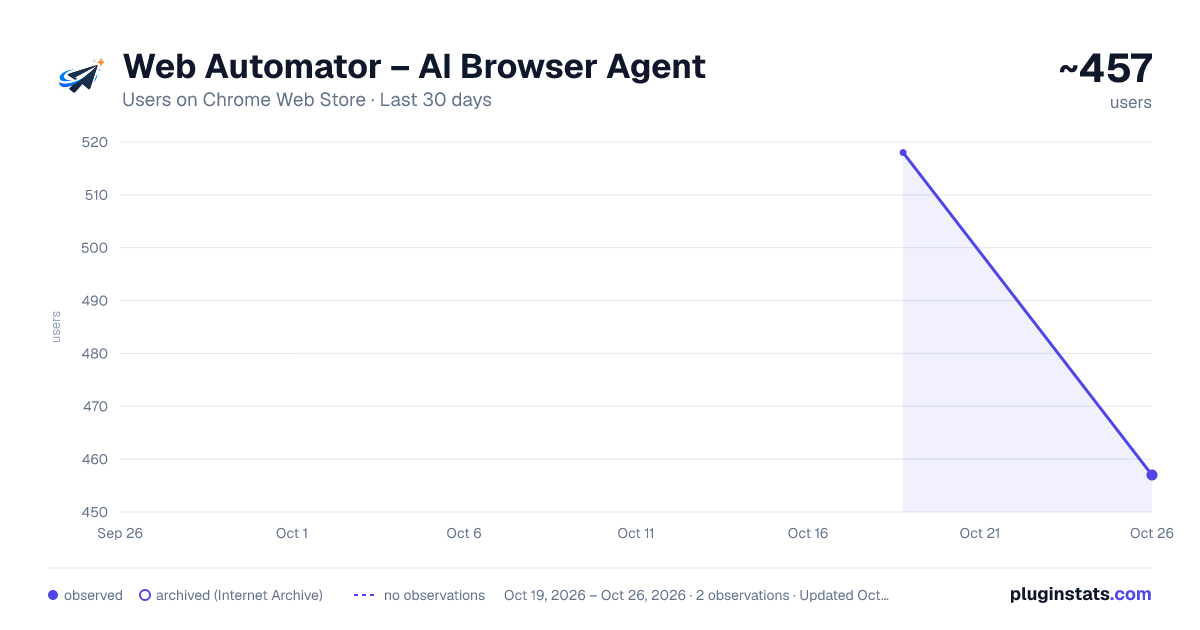
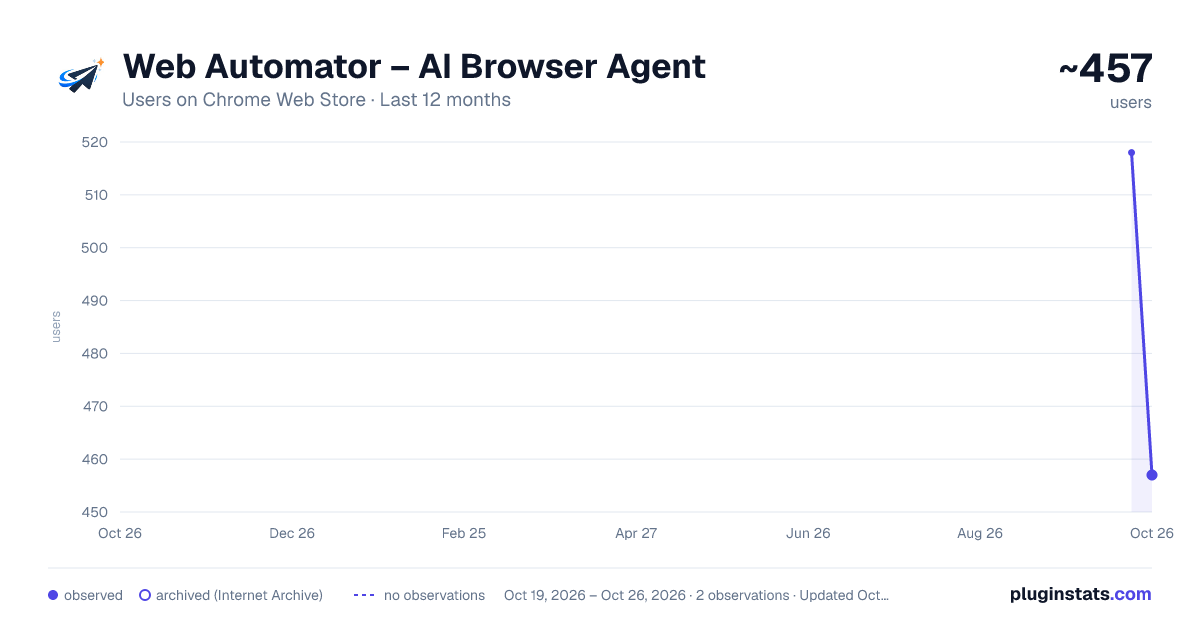
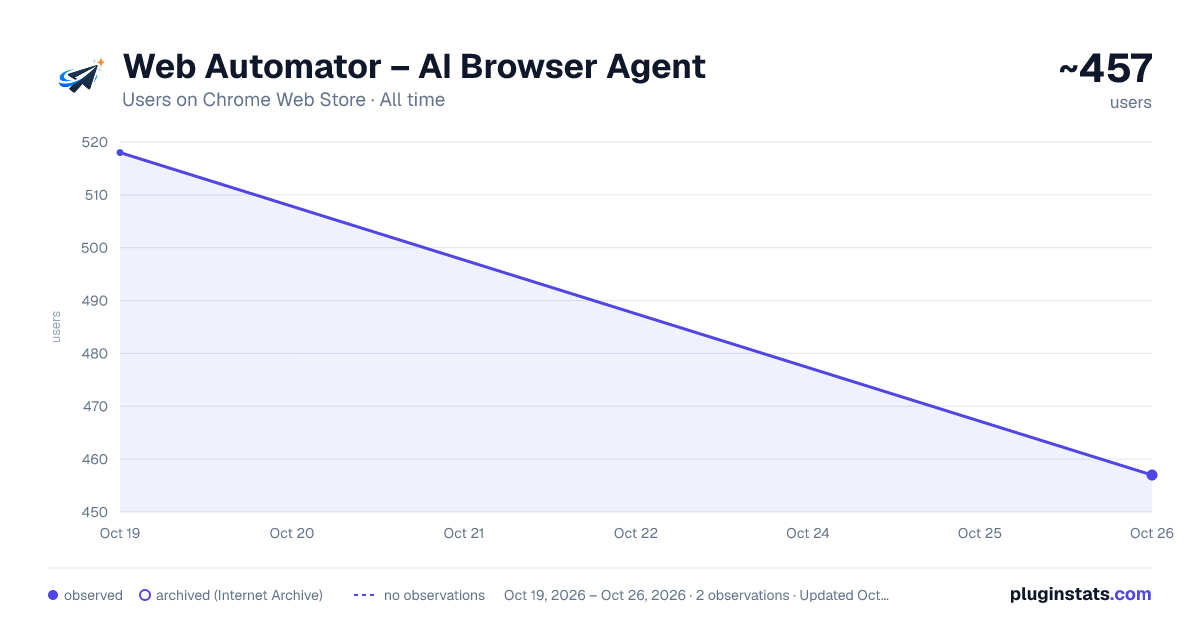
Web Automator – AI Browser Agent has approximately 518 recorded users on Chrome Web Store, ranking #1898 of 3,853 tracked listings.
Rating: 5.00 / 5 from 8 ratings
About Web Automator – AI Browser Agent
Use AI to navigate websites, fill forms, extract data, repeat tasks, and automate browser workflows.
Web Automator — AI Browser Agent
Tell your browser what to do.
Web Automator turns plain-language instructions into actions on the webpage you’re currently using. Simply describe what you want done, and Web Automator can:
• Navigate buttons, menus, and controls • Fill forms and enter information • Select options and interact with page elements • Scroll through webpages • Extract information into useful results • Complete multi-step browser workflows • Work with relevant content inside embedded frames You Stay in Control
Web Automator is designed to keep you in control of every automation.
• Restricted Mode asks for confirmation before risky or irreversible actions. • Fully Autonomous Mode is optional and must be confirmed before each run. • Live Activity shows what the agent is doing while it works. • Pause and Stop controls remain available during execution. • Automation only begins after you start a task. • Tasks operate only within the active browser tab.
No API Key Required
Web Automator connects to your ChatGPT account and uses compatible models available with your account.
You do not need to create, configure, or manage an OpenAI API key.
Privacy & Data Use When you start an automation task, your instructions and relevant content from the active webpage are sent directly to OpenAI to generate the actions required to complete the task.
The Web Automator developer does not receive this webpage content. • Credentials are encrypted locally. • Local activity history is redacted. • History is limited to the latest 50 summaries. • History can be disabled or cleared from Settings. • No advertising. • No analytics. • No developer backend. • No cloud synchronization.
Important Limitations Web Automator works within the permissions and security restrictions provided by your browser and the websites you use.
It cannot bypass: • Website authorization or access controls • Chrome security restrictions • Browser security mechanisms • Operating-system security
Always review important information and actions before relying on automated results. Describe the task. Start the automation. Let Web Automator handle the repetitive browser work.
Description from the Chrome Web Store listing.
README badge
Show your rank in a README or on your website. The badge updates automatically.
Charts
Images: 30d · 1y · all time · 1600×900 dark
Adoption over time
7/30/90-day growth
Ranking history
Ratings over time
Listing placement
Listing placement
Filled points are observed values; hollow points come from Internet Archive snapshots of the listing page. Dashed segments span periods with no observations — values between points are not interpolated.
Each band is one page of 20. Users on a linear scale. Placement is projected from users, so it can differ from the marketplace's own sort order. Hover a dot to see the listing.
Recent observations
Full history (1)Similar Chrome Web Store Education plugins
All 20 Web Automator – AI Browser Agent alternatives



Data source
Covers every Chrome Web Store extension with at least 100 users, found through the store's public sitemap. User counts are read from public listing pages. The 10% most-used extensions are refreshed daily, the next 40% weekly and the next 40% monthly; the least-used 10% are not refreshed. Google displays rounded user counts (and caps the display at 10,000,000+), so small changes may not be visible. Rating counts above 1,000 are rounded (e.g. 1.6K).
Listing: https://chromewebstore.google.com/detail/web-automator-–-ai-browse/bgbhhehagoohnfjfnbfhlpahgffcjjdd. First seen Oct 19, 2026; last successful collection Oct 19, 2026. See the methodology.