 PluginStats
JIETU - Batch Image Download users statistics
Chrome Web Store · Workflow & Planning
Since 2019, efficiently download web images with smart filtering, batch packaging, original image extraction and unlimited…
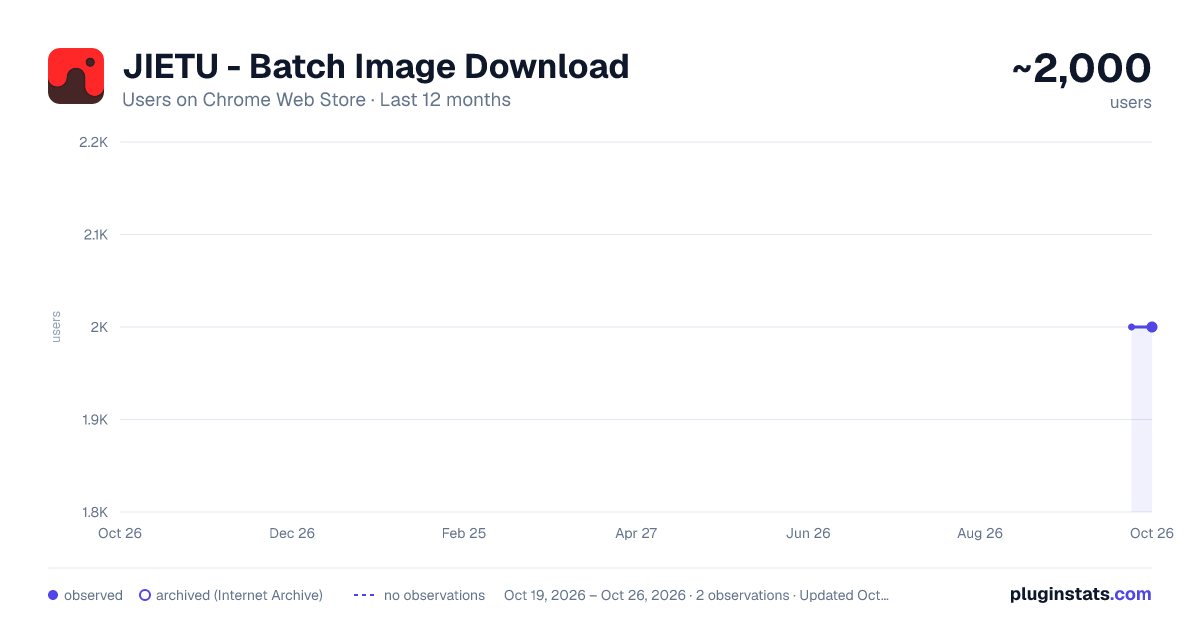
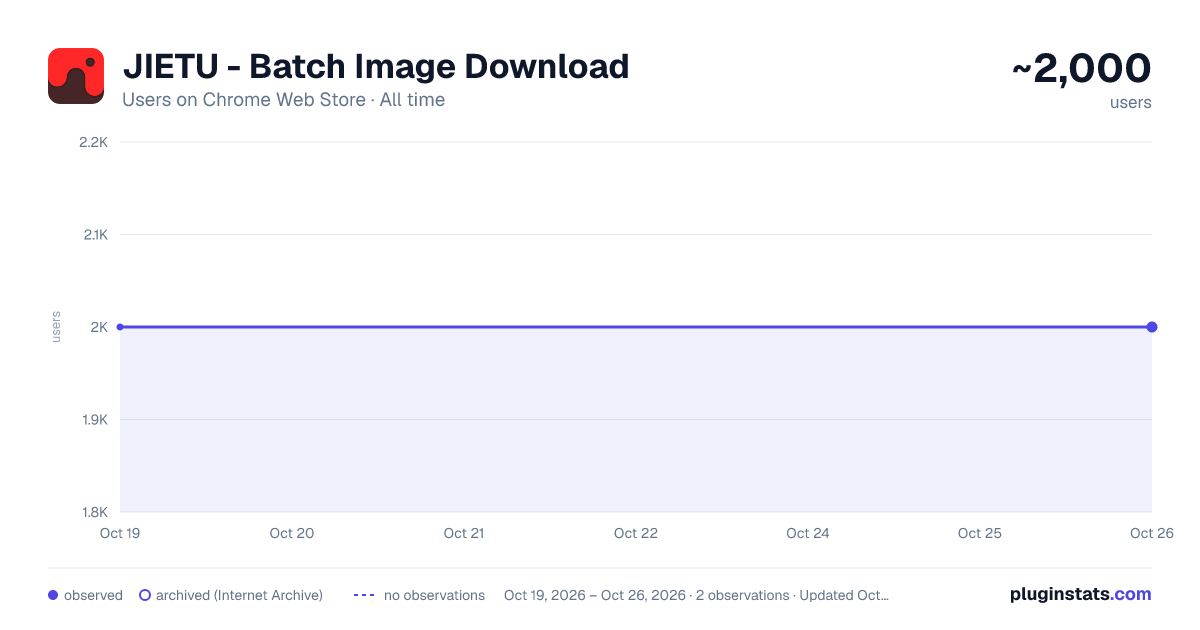
JIETU - Batch Image Download has approximately 2,000 recorded users on Chrome Web Store, a change of 0.0% over the past 7 days, ranking #1230 of 5,223 tracked listings.
Rating: 3.00 / 5 from 14 ratings
About JIETU - Batch Image Download
Since 2019, efficiently download web images with smart filtering, batch packaging, original image extraction and unlimited…
🚀 All-new “JieTu” Extension — The ultimate tool for web image management JieTu is a browser extension built for designers, developers, content creators, and archivists — specializing in web image capture, filtering, and batch downloading.
From smart filtering to precise downloads, everything is designed for efficiency.
✨ Interface Settings — Adapted to your visual habits Theme switching: Auto follow system theme, day or night.
Display modes: Grid Mode – 1:1 thumbnails for quick browsing. Waterfall Mode – Best for long or high-resolution images.
Sorting: Web Mode – Keeps the original order of images. Load Mode – New images appear first for faster preview.
🧠 Smart Filtering + Size Filter Automatically detects key visuals and filters out irrelevant or watermarked images.
Image Types: Icon Mode – Captures favicons and button icons. Design Mode – Detects structure diagrams and UI drafts.
🖼 Multi-image Preview + Full-size Viewer Click to enlarge. Shortcuts: A/D – Previous / Next S – Download current image
⚡ Real-time Rendering Auto-load new images as they appear on the page.
🔍 Flexible View Modes Window Mode – View images from all tabs. Tab Mode – Focus only on the current page.
📥 Multiple Download Modes Unlimited Mode – Converts all images to PNG for stable capture. Original Mode – Keeps the original format (GIF, SVG, etc.).
📦 Batch Download + Custom Naming Auto ZIP packaging, flexible naming rules.
✅ With JieTu, you get: ✔ Smarter filtering ✔ Multi-tab integration ✔ Flexible and unrestricted downloading
Description from the Chrome Web Store listing.
README badge
Show your rank in a README or on your website. The badge updates automatically.
Charts
Images: 30d · 1y · all time · 1600×900 dark
Adoption over time
7/30/90-day growth
Ranking history
Ratings over time
Listing placement
Listing placement
Filled points are observed values; hollow points come from Internet Archive snapshots of the listing page. Dashed segments span periods with no observations — values between points are not interpolated.
Each band is one page of 20. Users on a linear scale. Placement is projected from users, so it can differ from the marketplace's own sort order. Hover a dot to see the listing.
Recent observations
Full history (2)Similar Chrome Web Store Workflow & Planning plugins
All 20 JIETU - Batch Image Download alternatives



Data source
Covers every Chrome Web Store extension with at least 100 users, found through the store's public sitemap. User counts are read from public listing pages. The 10% most-used extensions are refreshed daily, the next 40% weekly and the next 40% monthly; the least-used 10% are not refreshed. Google displays rounded user counts (and caps the display at 10,000,000+), so small changes may not be visible. Rating counts above 1,000 are rounded (e.g. 1.6K).
Listing: https://chromewebstore.google.com/detail/界图-图片批量下载/oaafdjbfibmpcgefpapknfjcnfdkkkkp. First seen Oct 19, 2026; last successful collection Oct 26, 2026. See the methodology.