 PluginStats
Highlight Text Online users statistics
Use Highlight Text Online extension to highlight and save key info on any website. A smart and simple web highlighter tool.
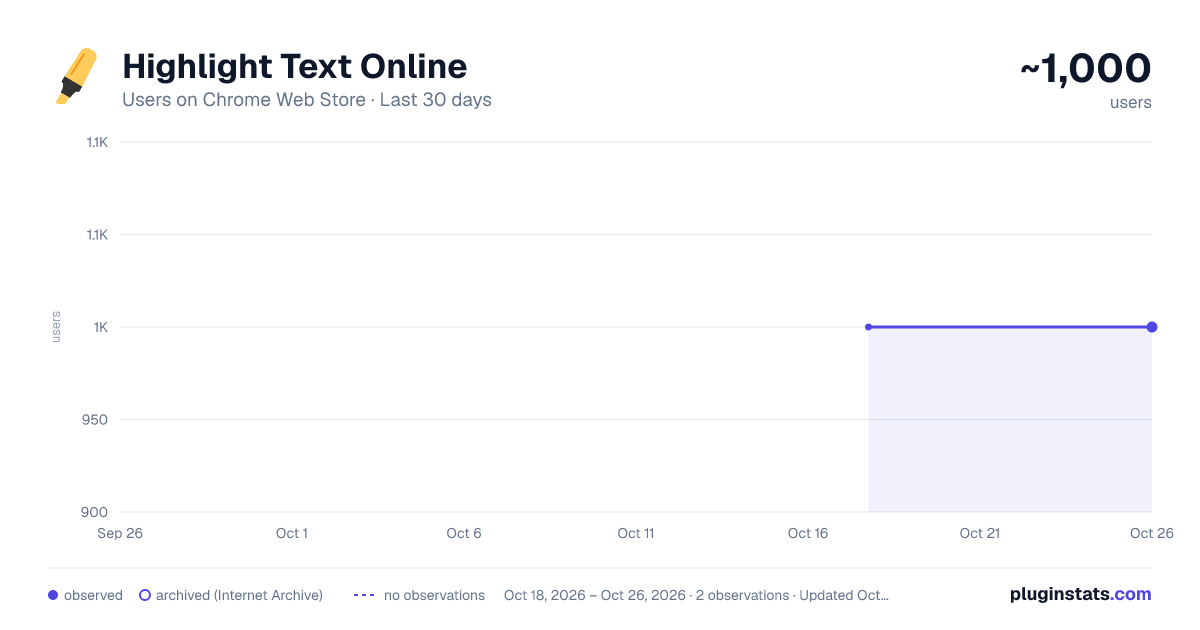
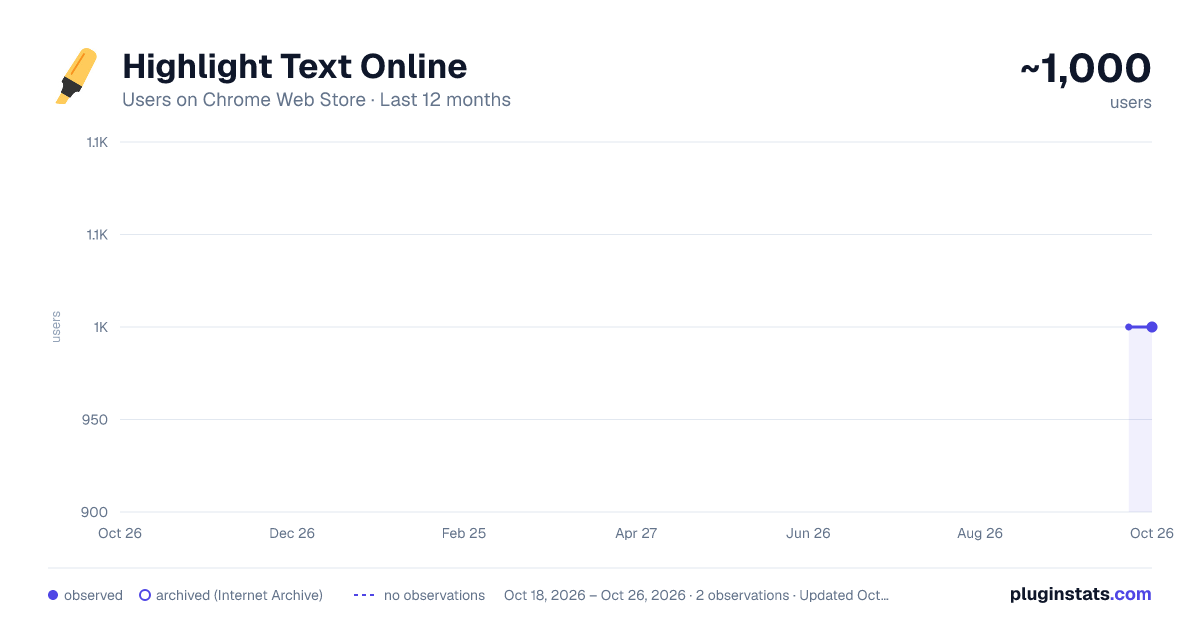
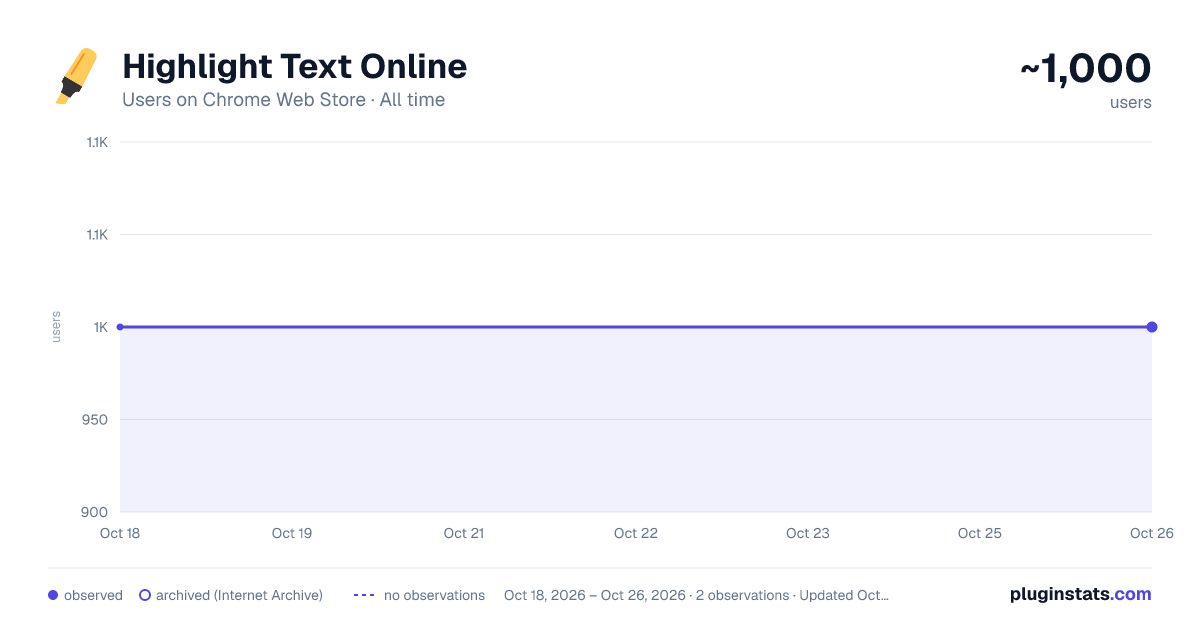
Highlight Text Online has approximately 1,000 recorded users on Chrome Web Store.
It ranks #667 of 2,033 tracked Chrome Web Store listings by users.
It is rated 4.1 out of 5 from 14 ratings.
PluginStats has 1 daily observations since Oct 18, 2026; the latest is from Oct 18, 2026.
Rating: 4.10 / 5 from 14 ratings
About Highlight Text Online
Use Highlight Text Online extension to highlight and save key info on any website. A smart and simple web highlighter tool.
Tired of losing track of important information while reading online? With Highlight Text Online, you can effortlessly mark, organize, and revisit essential content across any website. Whether you're a student, researcher, blogger, or everyday reader, this web highlighter extension helps you stay focused and organized.
Highlighting content isn't just for books and PDFs anymore. Bring the power of physical highlighters to your browser with this intelligent and free text highlighter online tool. 📍
Why Choose Highlight Text Online? Whether you're looking to highlight text online free, save quotes, or study effectively, this tool offers a clean and reliable solution. It's more than just a highlighter app—it’s your digital memory aid across the web.
Use it to: 1️⃣ Mark key paragraphs in blog posts 2️⃣ Save snippets from research articles 3️⃣ Emphasize takeaways from tutorials 4️⃣ Store quotes from forums 5️⃣ Organize ideas from news sources
Key Features 💎 Easily highlight web content across all websites 💎 Save and revisit website highlights anytime 💎 Create multiple colors for categorization 💎 Export or copy marked text 💎 Compatible with dynamic and static pages 💎 Supports login-free usage — highlight text online free with no setup!
Perfect for Research, Reading, and More
📌 This highlighting tool is ideal for: ➤ Students studying from online material ➤ Researchers collecting data from academic sources ➤ Writers gathering inspiration ➤ Professionals annotating reports ➤ Anyone who wants to highlight notes and never lose important information again
Seamless Copy and Paste Support Want to move your underlines elsewhere? No problem. This extension allows you to: ✅ Copy and paste emphasis directly ✅ Organize them in your notes ✅ Sync them into your documentation ✅ Your highlight text copy and paste online workflow has never been easier!
Cross-Site Marking Made Simple Unlike other basic tools, this highlighter for websites keeps your underlines saved across sessions and revisits. You don’t lose your data when the page reloads or when you close the tab. Perfect for users who regularly return to the same sites.
Organize With Color and Context Structure your marks by color-coding: 🔹 Yellow for definitions 🔹 Green for action items 🔹 Blue for quotes 🔹 Red for critical info
It’s a highlighting app that brings structure and meaning to your browsing.
Free and Easy to Use No account required. No ads. Just install and start using this highlight extension right away. It’s a reliable and easy-to-use text highlighter online free tool available today.
Web Highlighter That Works Where You Work
This highlighter online tool supports: ▸ News websites ▸ Online textbooks ▸ Forums ▸ Documentation portals ▸ Learning platforms Wherever you read, you can use this highlighting tool to capture and store what matters most.
Make Studying and Learning More Effective Use it to improve your academic performance. Showcase, review, and recall faster while studying. It’s a must-have web highlighter for learners at all levels. 🧠
Minimalist Design, Maximum Utility The extension is designed with simplicity in mind. Lightweight, no bloat, just pure tagging power. Perfect for anyone who wants a clean, effective highlighter extension that doesn’t get in the way.
Used and Loved by Users Across the Globe 🌍
From everyday readers to knowledge workers, Highlight Text Online is quickly becoming a favorite highlight tool for modern browsing. Stay organized, stay efficient, and stop losing key content in the noise of the web.
Q&A Section Q: Can I mark on any website? A: Yes! This web highlighter works on most websites and dynamic pages. Q: Is it really free? A: Absolutely. Highlight text online free without registration or payment. Q: Can I copy and paste my notes? A: Of course! The tool supports highlight text copy and paste online functionality. Q: Will my emphasis stay saved? A: Yes. Your web highlights are preserved across sessions.
Start using Highlight Text Online today and upgrade how you read, study, and organize knowledge. The internet is full of information—now you have a powerful way to highlight webpages and make the most of it. 📚
Description from the Chrome Web Store listing.
Charts
Images: 30d · 1y · all time · 1600×900 dark
Adoption over time
7/30/90-day growth
Ranking history
Ratings over time
Listing placement
Filled points are observed values; hollow points come from Internet Archive snapshots of the listing page. Dashed segments span periods with no observations — values between points are not interpolated.
Each band is one page of 20. Users on a log scale. Placement is projected from users, so it can differ from the marketplace's own sort order. Hover a dot to see the listing.
Recent observations
Full history (1)Similar Chrome Web Store Tools plugins
All 20 Highlight Text Online alternatives




Data source
Covers every Chrome Web Store extension with at least 100 users, found through the store's public sitemap. User counts are read from public listing pages. The 10% most-used extensions are refreshed daily, the next 40% weekly and the next 40% monthly; the least-used 10% are not refreshed. Google displays rounded user counts (and caps the display at 10,000,000+), so small changes may not be visible. Rating counts above 1,000 are rounded (e.g. 1.6K).
Listing: https://chromewebstore.google.com/detail/highlight-text-online/bfhfjekngmfpeoinbikmjimdmdkckkjp. First seen Oct 18, 2026; last successful collection Oct 18, 2026. See the methodology.