 PluginStats
Locker: Bookmark Manager & Sidebar with Incognito Support users statistics
Chrome Web Store · Workflow & Planning
Bookmark manager and session manager for Chromium. Save, organize, protect, and restore bookmarks with full Incognito support
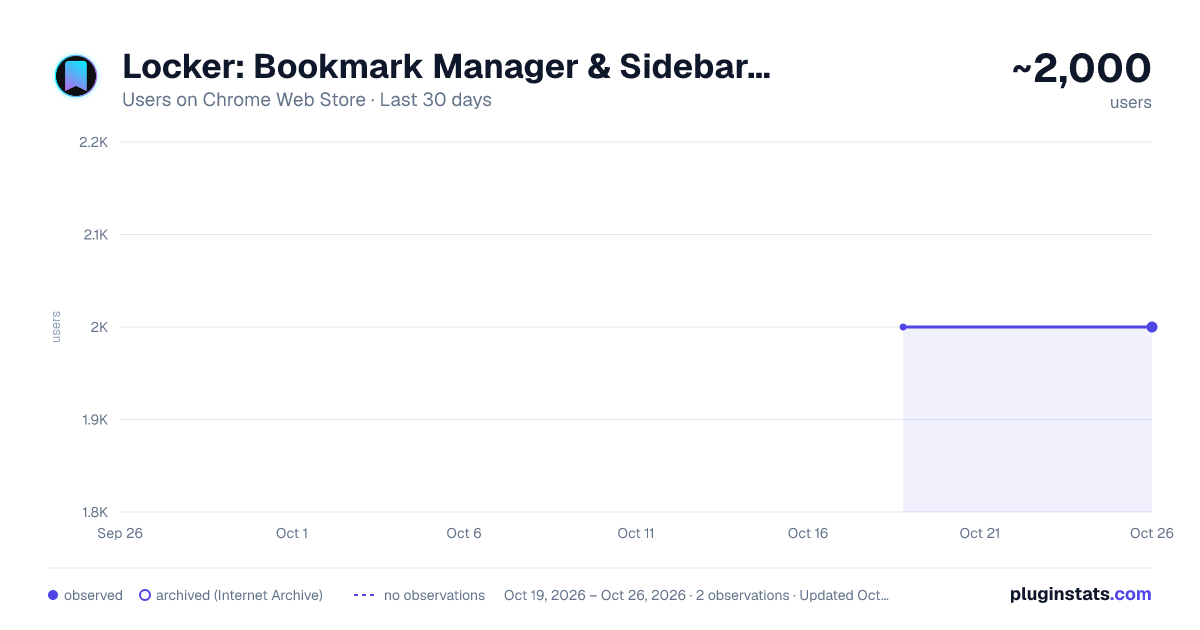
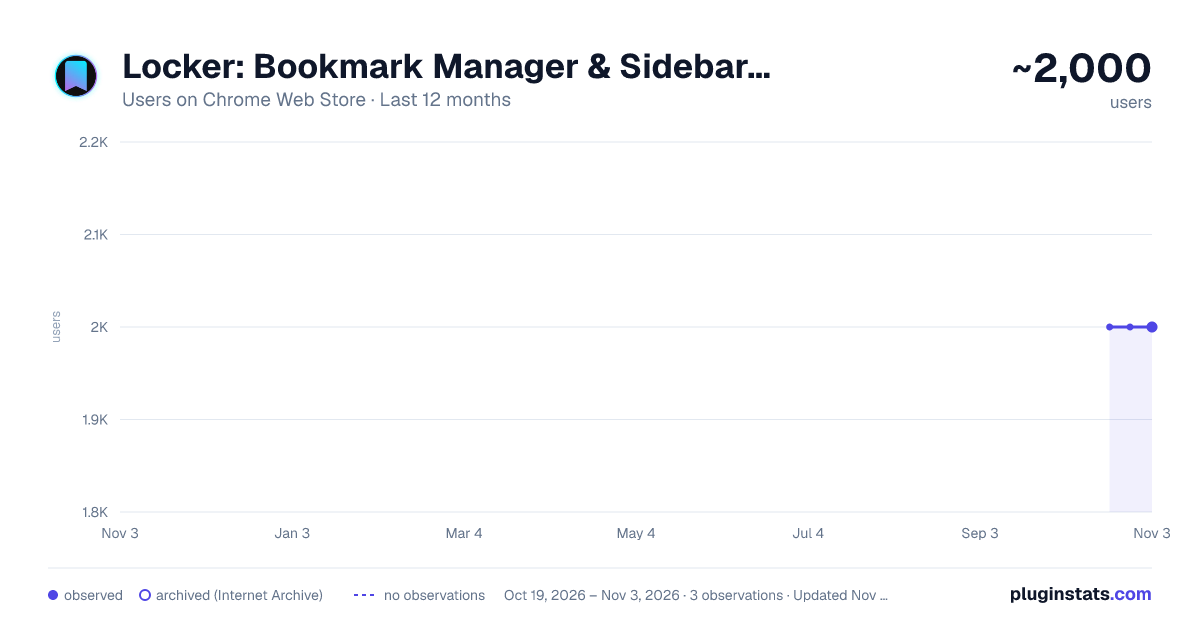
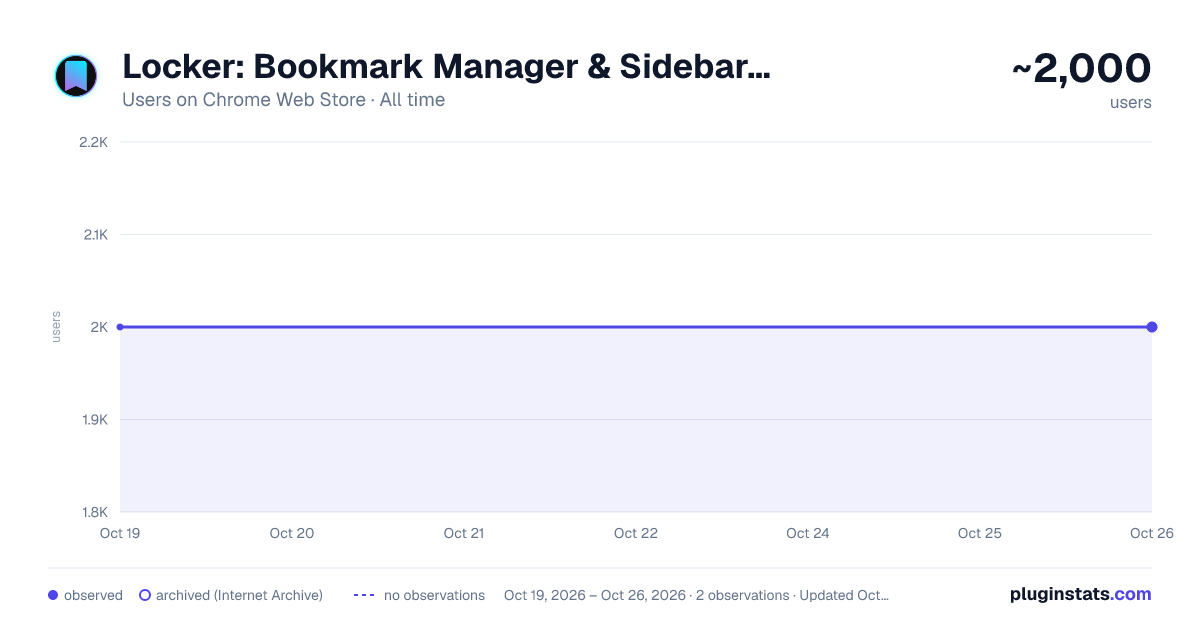
Locker: Bookmark Manager & Sidebar with Incognito Support has approximately 2,000 recorded users on Chrome Web Store.
It ranks #557 of 2,033 tracked Chrome Web Store listings by users.
It is rated 4.1 out of 5 from 41 ratings.
PluginStats has 1 daily observations since Oct 19, 2026; the latest is from Oct 19, 2026.
Rating: 4.10 / 5 from 41 ratings
About Locker: Bookmark Manager & Sidebar with Incognito Support
Bookmark manager and session manager for Chromium. Save, organize, protect, and restore bookmarks with full Incognito support
Locker is a modern Bookmark Manager for Chromium-based browsers that helps you save bookmarks, organize them into folders and collections, protect them with a password, and instantly access them from a beautiful bookmark sidebar.
Full Incognito support makes Locker one of the few bookmark managers that works seamlessly with both regular and private bookmarks.
Save websites, articles, videos, movies, TV shows, products, GitHub repositories, AI tools, learning resources, recipes, or any other links—Locker helps you organize your browser bookmarks, quickly find what you need, and never lose important pages again.
Why choose Locker?
✓ Bookmark Manager
Replace your default browser bookmarks with a modern bookmark manager featuring fast search, folders, collections, and powerful organization.
✓ Bookmark Sidebar
Access your bookmarks instantly without leaving the current page. Everything stays just one click away in a clean and beautiful sidebar.
✓ Bookmark Organizer
Create folders and collections, sort bookmarks, search instantly, resize bookmark cards, and organize everything exactly the way you want.
✓ Session Manager
Save open tabs and restore them anytime. Never lose important work, research, or browsing sessions again.
✓ Incognito Bookmark Manager
Locker is one of the few bookmark managers with full Incognito support. Save bookmarks from private windows, keep them separate from your regular bookmarks, and reopen them in the correct browsing mode with a single click.
✓ Private Bookmarks
Protect sensitive bookmarks with password protection and local encryption. Your private bookmarks stay private.
What people use Locker for
• Save movies and TV shows discovered on YouTube Shorts, TikTok, and Instagram Reels. • Build collections of YouTube videos, useful articles, AI tools, prompts, and learning resources. • Organize work projects, documentation, GitHub repositories, and reference materials. • Save travel ideas, recipes, design inspiration, and personal collections. • Create shopping collections and compare products later. • Save job listings, companies, and career resources. • Organize bookmarks for studying, research, and everyday work. • Separate work, personal, and private bookmarks into different collections. • Save open tabs before closing your browser and restore them with one click. • Use Locker as a Tab Manager for saving and restoring browsing sessions.
Works great with any website
Perfect for
• Developers • Designers • Students • Researchers • Professionals • Browser bookmark management • Bookmark organization • Private browsing • Productivity
Features
• Bookmark Manager • Bookmark Sidebar • Bookmark Organizer • Bookmark Collections • Bookmark Folders • Bookmark Search • One-click Bookmark Saving • Bookmark Import & Export • Private Bookmarks • Incognito Bookmarks • Tab Manager • Session Manager • Restore Tabs • Password Protection • Panic Button • Local Encryption • Encrypted Cloud Sync • AI Page Summaries
Locker replaces multiple browser extensions.
Instead of installing separate extensions for bookmark management, bookmark sidebars, session management, restore tabs, private bookmarks, bookmark organization, and cloud sync, Locker brings everything together in one fast, secure, and modern extension for Chromium-based browsers.
FAQ
How do I enable Incognito Mode support?
1. Open your browser's Extensions page.
2. Find Locker.
3. Open Details.
4. Enable "Allow in Incognito."
You can now save and open bookmarks directly from Incognito windows.
How do I set up the Panic Button?
1. Open your browser's Extension Shortcuts page.
2. Find Locker.
3. Assign a keyboard shortcut to the Panic Button command.
Now you can instantly hide all open tabs with a single keyboard shortcut.
Can I import my existing bookmarks?
Yes. Use the built-in import feature to move your browser bookmarks into Locker in just a few seconds.
Where is my data stored?
Your data is stored locally on your device. When Cloud Sync is enabled, your data is transferred and synchronized using encryption.
If you're looking for a modern Bookmark Manager that lets you save bookmarks, organize browser bookmarks, protect private bookmarks, restore tabs, manage browsing sessions, and instantly access everything from a beautiful bookmark sidebar, Locker brings everything you need together in one fast and secure extension for Chromium-based browsers.
Description from the Chrome Web Store listing.
Where Locker: Bookmark Manager & Sidebar with Incognito Support sits in the listing
Each band is one page of 20. Users on a log scale. Placement is projected from users, so it can differ from the marketplace's own sort order. Hover a dot to see the listing.
Charts
Images: 30d · 1y · all time · 1600×900 dark
Adoption over time
7/30/90-day growth
Ranking history
Filled points are observed values; hollow points come from Internet Archive snapshots of the listing page. Dashed segments span periods with no observations — values between points are not interpolated.
Recent observations
Full history (1)Similar Chrome Web Store Workflow & Planning plugins




Data source
User counts are read from public Chrome Web Store listing pages. Google displays rounded user counts (and caps the display at 10,000,000+), so small changes may not be visible. Rating counts above 1,000 are rounded (e.g. 1.6K).
Listing: https://chromewebstore.google.com/detail/locker-bookmark-manager-s/fagjclghcmnfinjdkdnkejodfjgkpljd. First seen Oct 19, 2026; last successful collection Oct 19, 2026. See the methodology.