 PluginStats
LinkedIn Jobs Filter users statistics
By henilalagiya · Chrome Web Store · Workflow & Planning
Hide or highlight Applied, Viewed, Easy Apply, Promoted and Reposted jobs on LinkedIn, in classic and AI-powered job search.
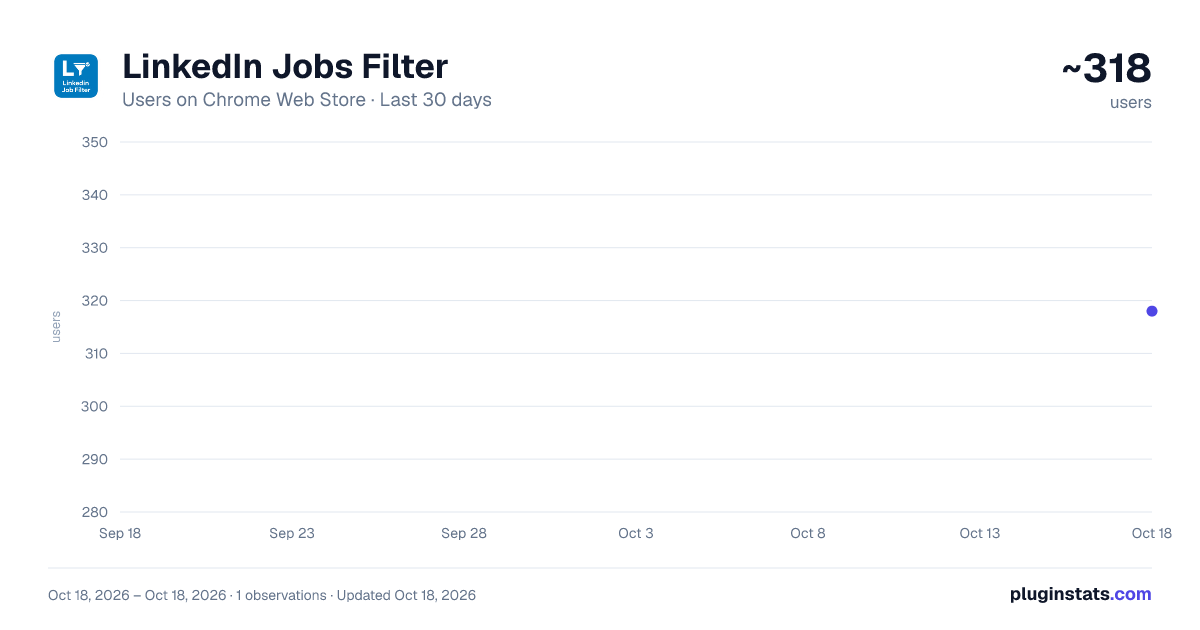
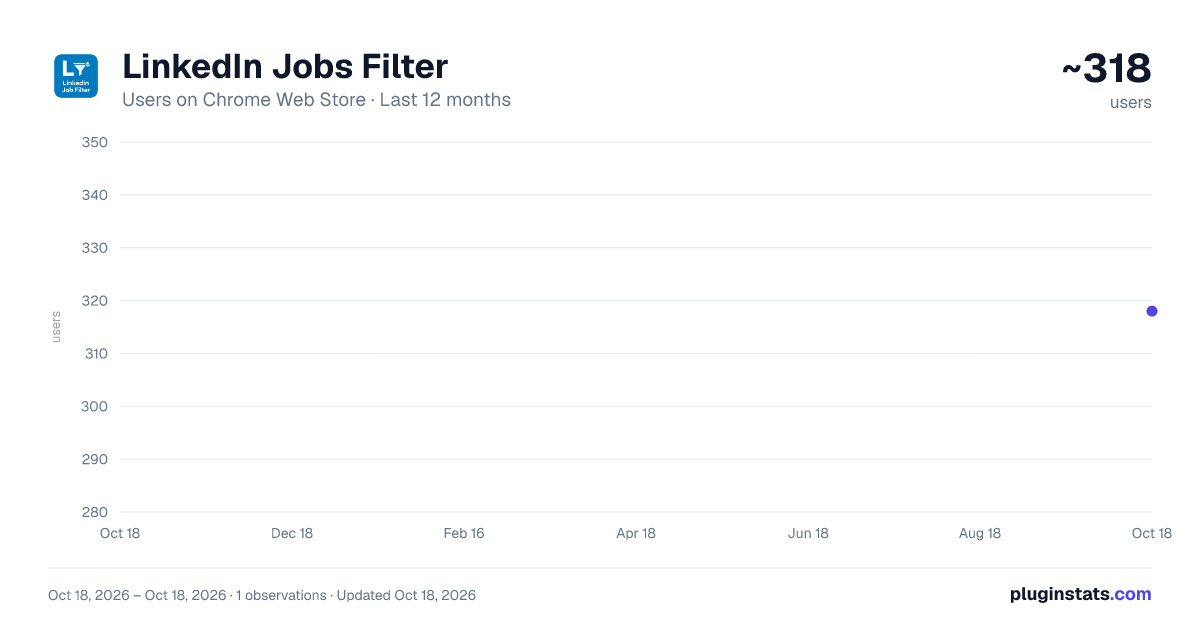
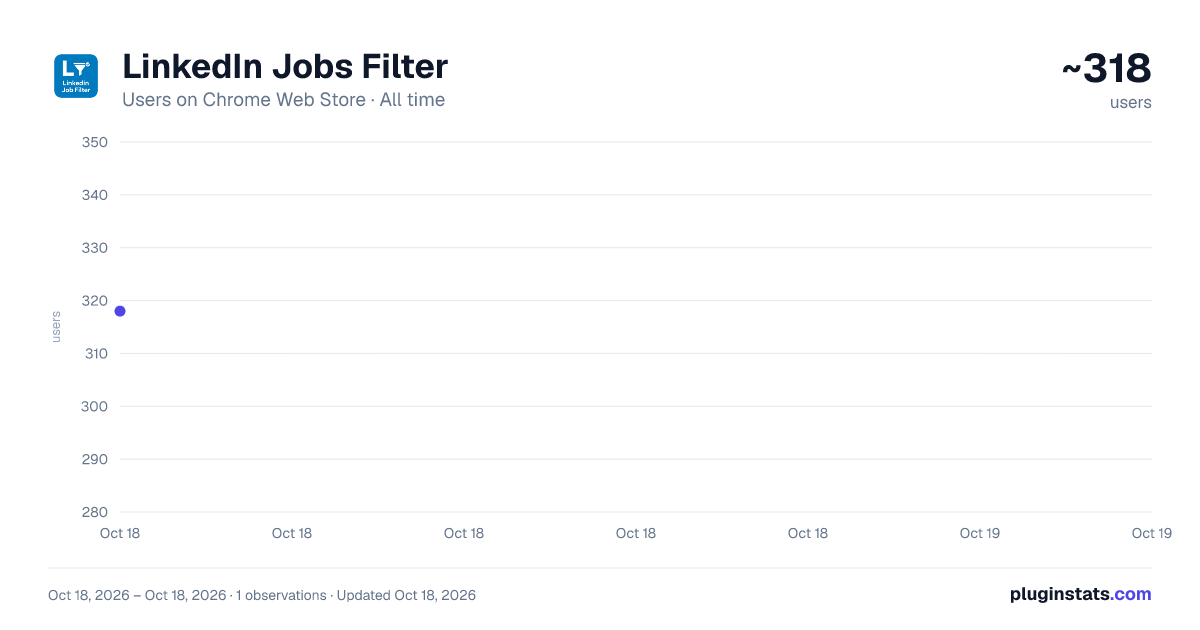
LinkedIn Jobs Filter has approximately 318 recorded users on Chrome Web Store.
It ranks #957 of 1,556 tracked Chrome Web Store listings by users.
It is rated 4.8 out of 5 from 12 ratings.
PluginStats has 1 daily observations since Oct 18, 2026; the latest is from Oct 18, 2026.
Rating: 4.80 / 5 from 12 ratings
About LinkedIn Jobs Filter
Hide or highlight Applied, Viewed, Easy Apply, Promoted and Reposted jobs on LinkedIn, in classic and AI-powered job search.
Clean up your LinkedIn job search — now on LinkedIn's new AI-powered job search too. Hide the listings that waste your time — promoted posts, jobs you already applied to, reposts, jobs with 100+ applicants — or highlight them in a color you choose, so the jobs worth applying to stand out.
WORKS WITH THE NEW LINKEDIN JOB SEARCH Supports both LinkedIn's new AI-powered job search and the classic job search.
WHAT YOU CAN FILTER Your activity • Applied jobs — hide jobs you already applied to (works in 15+ languages) • Clicked apply — jobs you applied to on the company's website but didn't confirm on LinkedIn • Viewed jobs — hide jobs you already looked at • Saved jobs — hide or highlight jobs you saved
Posting type • Promoted / Sponsored jobs — remove ads from your search results • Easy Apply jobs — hide or highlight them • Reposted jobs — hide listings employers keep reposting* • 100+ applicants — skip jobs where you'd be application #247*
Job insights (new) • Top applicant — highlight jobs where LinkedIn says you'd be a top applicant • Connections or alumni — highlight jobs where people you know work • Not verified — hide jobs without LinkedIn's verified badge
More • Workplace type — filter On-site, Hybrid, or Remote roles • Keywords — hide or highlight any job by title or content (e.g. "senior", "clearance", "staffing") • Companies — block specific companies from your results
*On the new AI-powered search, LinkedIn only shows reposts and applicant counts inside the job details, so these two filters apply once you open a job — and the extension remembers it for next time.
HOW IT WORKS Every filter can be set to Hide, Highlight, or None — independently. Changes save and apply instantly; no button to press. A small "X jobs hidden" counter appears on the page so you always know what was filtered, with a Show button to peek at hidden jobs anytime. Filters keep working as you scroll — new results are filtered as LinkedIn loads them, before they appear.
The job you're reading never disappears: if opening a job makes it match a Hide filter (for example it turns "Viewed"), it's dimmed instead, and hidden next time you load the page.
NEW IN v1.3.0 • Works with LinkedIn's new AI-powered job search • New filters: Clicked apply, Saved, Top applicant, Connections or alumni, Not verified • Settings save instantly — the Apply button is gone • The job you're reading stays visible (dimmed) instead of vanishing • Popup shows the version and offers a one-click refresh when a LinkedIn tab needs it • Readable highlights in LinkedIn's dark mode
PRIVACY Everything runs in your browser. Your settings stay in your browser's sync storage; the ID numbers of jobs you clicked "Apply" on, or that were reposted, stay in local storage on your device. Nothing is collected, tracked, or sent to any server. Permissions: "storage" to save your settings, and "activeTab" so the popup can tell whether the current tab is LinkedIn.
Found a job listing that wasn't detected? Report it on the support page and it'll get fixed.
Description from the Chrome Web Store listing.
Where LinkedIn Jobs Filter sits in the listing
Each band is one page of 20. Users on a log scale. Placement is projected from users, so it can differ from the marketplace's own sort order. Hover a dot to see the listing.
Charts
Images: 30d · 1y · all time · 1600×900 dark
Adoption over time
7/30/90-day growth
Ranking history
Filled points are observed values; hollow points come from Internet Archive snapshots of the listing page. Dashed segments span periods with no observations — values between points are not interpolated.
Recent observations
Full history (1)Similar Chrome Web Store Workflow & Planning plugins




Data source
User counts are read from public Chrome Web Store listing pages. Google displays rounded user counts (and caps the display at 10,000,000+), so small changes may not be visible. Rating counts above 1,000 are rounded (e.g. 1.6K).
Listing: https://chromewebstore.google.com/detail/linkedin-jobs-filter/naabofeipjoendnpmhgikjbnphoclfid. First seen Oct 18, 2026; last successful collection Oct 18, 2026. See the methodology.