 PluginStats
Pinlyt – Pinterest Keyword Research, Analytics & Annotation Tool users statistics
Analyze Pinterest boards, pins & users instantly. Find high-performing content, track growth & optimize your Pinterest strategy.
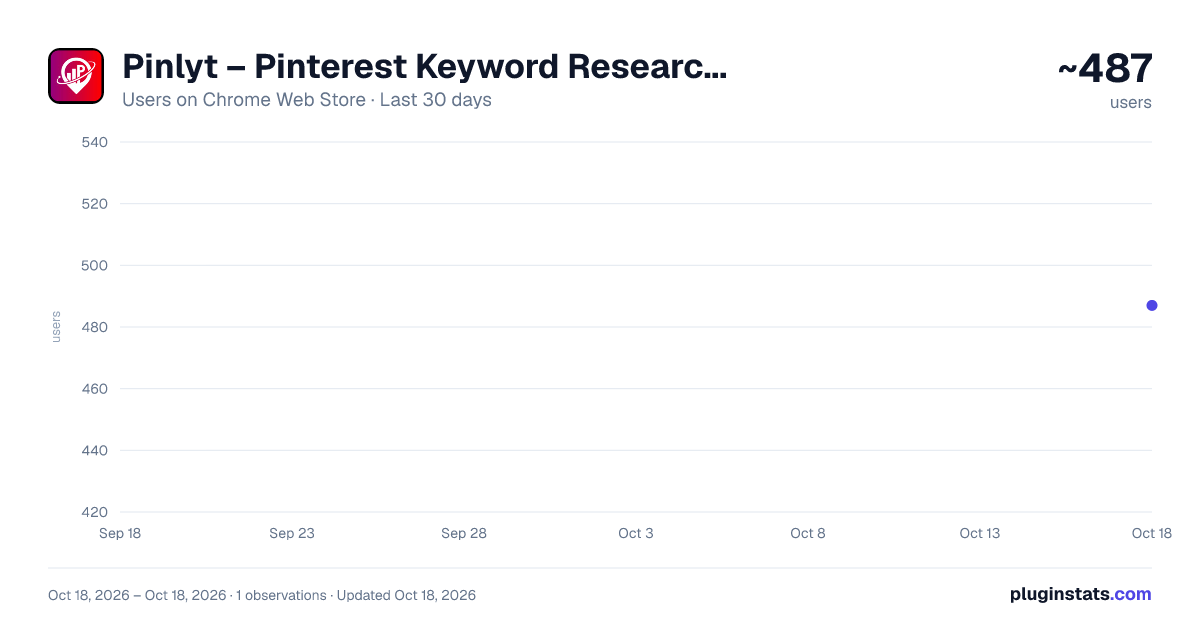
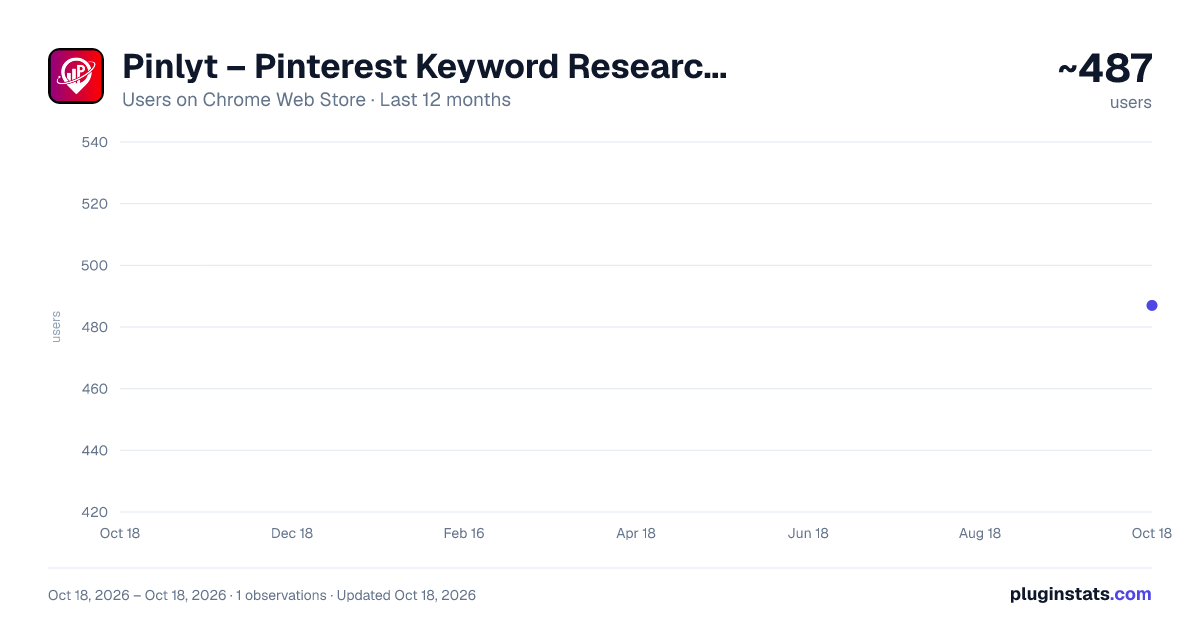
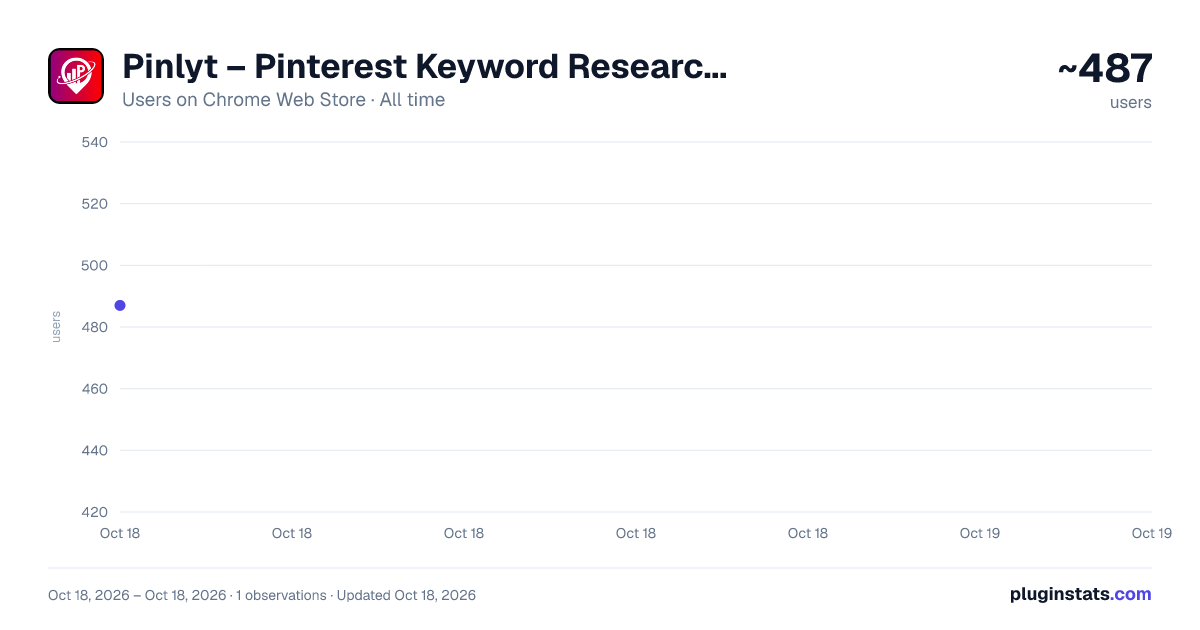
Pinlyt – Pinterest Keyword Research, Analytics & Annotation Tool has approximately 487 recorded users on Chrome Web Store.
It ranks #795 of 1,556 tracked Chrome Web Store listings by users.
It is rated 4.6 out of 5 from 11 ratings.
PluginStats has 1 daily observations since Oct 18, 2026; the latest is from Oct 18, 2026.
Rating: 4.60 / 5 from 11 ratings
About Pinlyt – Pinterest Keyword Research, Analytics & Annotation Tool
Analyze Pinterest boards, pins & users instantly. Find high-performing content, track growth & optimize your Pinterest strategy.
Pinlyt – Pinterest Keyword Research, Analytics & Growth Tool
Pinlyt is a powerful Pinterest analytics and keyword research extension built for bloggers, creators, marketers, and businesses who want to grow smarter on Pinterest. It works directly inside your browser, giving you deep insights into pins, boards, profiles, annotations, and trends — all without leaving Pinterest.
🔍 Key Features
✅ Top Pins Discover the highest-performing pins across Pinterest. Uncover what's going viral, identify engagement patterns, and use real data to inspire your own content strategy.
✅ Top Boards Find and analyze the most active and influential Pinterest boards. Evaluate follower counts, content frequency, and engagement to benchmark against the best.
✅ Top Annotations Explore the top Pinterest annotations (keywords and topics) that Pinterest uses to categorize and surface content — giving you a direct window into how the algorithm thinks. You can also find long tail keywords/annotations from Pinterest.
✅ Profile Pins Dive deep into any Pinterest profile's pin activity. Analyze their top-performing content, posting patterns, and what's resonating with their audience.
✅ Search Users Search and discover Pinterest users by keyword or niche. Quickly find influencers, competitors, or collaborators relevant to your space.
✅ Pin Analyzer Get a detailed breakdown of any individual pin — including performance signals, keywords, topics, and optimization insights to help you understand what makes it work.
✅ Compare Pins Side-by-side comparison of multiple pins to identify what formats, keywords, and styles drive the best results. Stop guessing — start testing.
✅ Compare Boards Compare multiple boards across metrics to see which content strategies outperform others and refine your own board structure accordingly.
✅ User Analytics Analyze any Pinterest profile in depth. Uncover growth signals, content strengths, and strategic opportunities for any account — including your own.
✅ Boards Explorer Browse and evaluate boards by topic or keyword. Perfect for research, competitive analysis, or finding collaboration opportunities.
✅ Annotations Explorer See exactly how Pinterest tags and categorizes content using its internal annotation system. Use this to align your pins with the keywords and topics Pinterest already trusts.
📈 Why Pinlyt?
Pinterest is a search engine as much as a social platform — and most creators are flying blind. Pinlyt gives you the data layer that Pinterest doesn't: real keyword intelligence, annotation mapping, competitive benchmarking, and performance signals that help you make smarter decisions at every step.
Whether you're optimizing a single pin or building a full content strategy, Pinlyt turns Pinterest into a transparent, data-driven platform.
⚡ Built for Speed Pinlyt runs natively inside your browser with a clean, minimal interface designed to stay out of your way. Access insights instantly, without switching tabs or interrupting your workflow.
🎯 Who It's For
Content Creators looking to grow their Pinterest presence faster Pinterest strategies for clients Brands driving traffic through Pinterest search data Anyone serious about Pinterest who wants real data, not guesswork
Description from the Chrome Web Store listing.
Where Pinlyt – Pinterest Keyword Research, Analytics & Annotation Tool sits in the listing
Each band is one page of 20. Users on a log scale. Placement is projected from users, so it can differ from the marketplace's own sort order. Hover a dot to see the listing.
Charts
Images: 30d · 1y · all time · 1600×900 dark
Adoption over time
7/30/90-day growth
Ranking history
Filled points are observed values; hollow points come from Internet Archive snapshots of the listing page. Dashed segments span periods with no observations — values between points are not interpolated.
Recent observations
Full history (1)Similar Chrome Web Store Tools plugins




Data source
User counts are read from public Chrome Web Store listing pages. Google displays rounded user counts (and caps the display at 10,000,000+), so small changes may not be visible. Rating counts above 1,000 are rounded (e.g. 1.6K).
Listing: https://chromewebstore.google.com/detail/pinlyt-–-pinterest-keywor/nagmgpffbjdpeklhgfcnaihfkchimang. First seen Oct 18, 2026; last successful collection Oct 18, 2026. See the methodology.