 PluginStats
Bulk Request Indexing for Search Console users statistics
By foraieverything · Chrome Web Store · Tools
Paste URLs or a sitemap.xml, then automate the Request Indexing button in Google Search Console for each one.
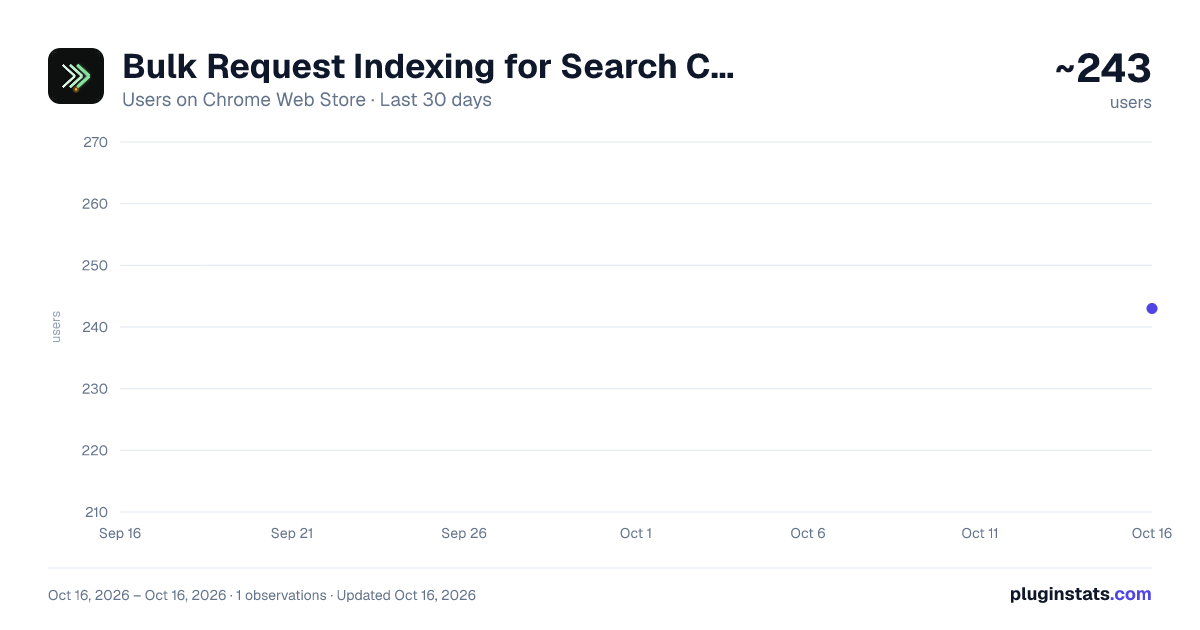
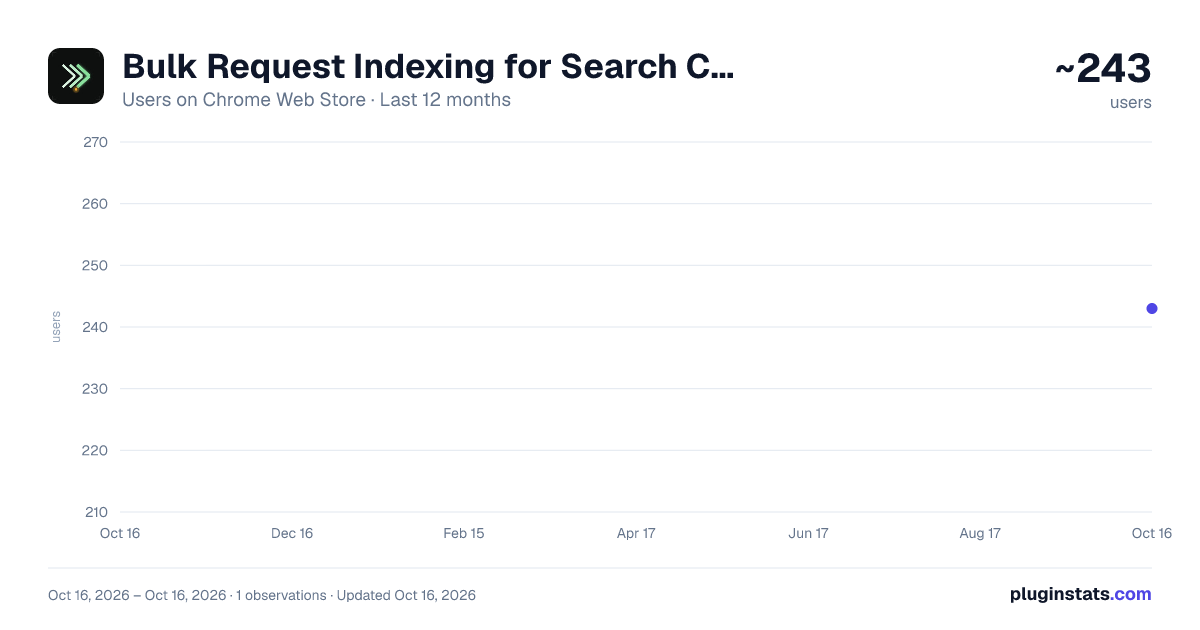
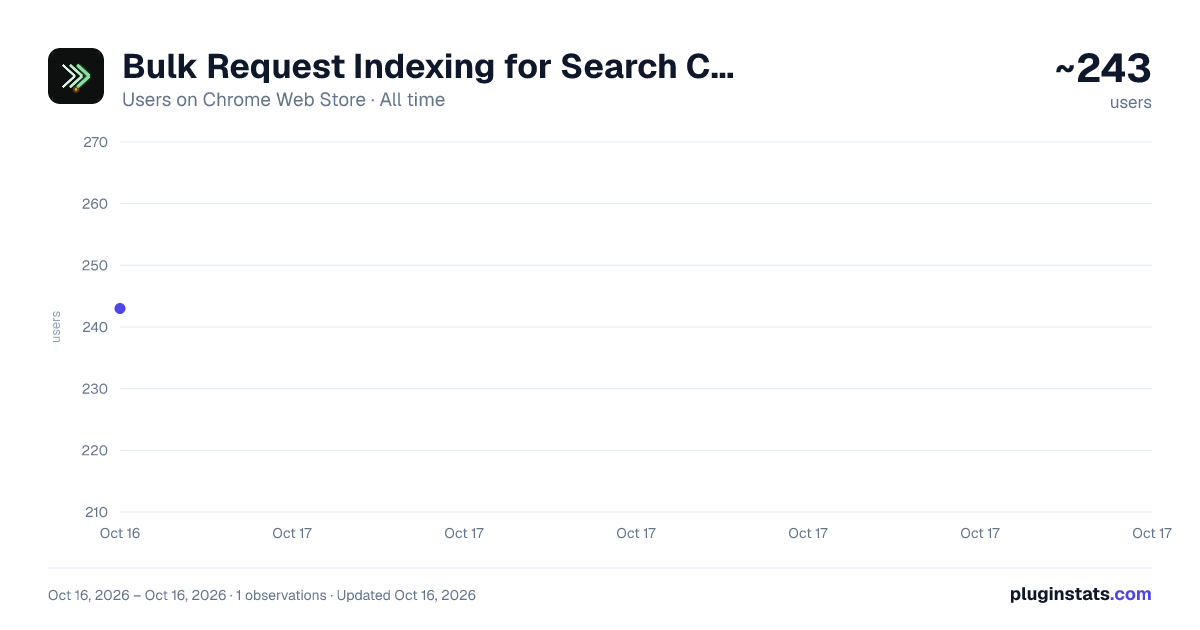
Bulk Request Indexing for Search Console has approximately 243 recorded users on Chrome Web Store, ranking #1407 of 2,033 tracked listings.
About Bulk Request Indexing for Search Console
Paste URLs or a sitemap.xml, then automate the Request Indexing button in Google Search Console for each one.
Tired of clicking "Request Indexing" hundreds of times after a content refresh? This extension automates that exact button — and nothing else.
WHAT IT DOES
- Paste a flat URL list OR an entire sitemap.xml into the popup.
- Open your Google Search Console property's URL Inspection page.
- Click EXEC. The extension types each URL into Search Console's own input, waits for the inspection result, clicks the existing "Request Indexing" button, dismisses the confirmation dialog, and moves on to the next URL.
INTENDED USERS
- Site owners and SEO practitioners who manage their own properties in Google Search Console.
- Anyone refreshing many pages at once after a relaunch, migration, or bulk content update.
WHAT IT DOES NOT DO
- It does NOT bypass Google's daily indexing quota. When the quota dialog appears, the queue stops and reports it.
- It does NOT submit URLs to any third-party service.
- It does NOT send your URL list anywhere — everything stays in your browser.
PRIVACY
- No analytics, no telemetry, no remote servers.
- The only host permission is search.google.com — that's the page being automated. No other site is touched.
- Your URL list and run state are stored only in chrome.storage.local.
FEATURES
- Sitemap.xml paste: just dump the whole XML, URLs are auto-extracted.
- Adjustable timing: inspect-wait and request-wait seconds, so you can match Search Console's loading speed on your account.
- Resume: if you stop or close the popup mid-run, successful URLs are remembered and skipped on next start.
- Quota-aware: detects the "daily quota exceeded" dialog and stops the queue.
- Multi-language UI matchers: works on English and Chinese Search Console.
USAGE
- Pin the extension.
- Open https://search.google.com/search-console and pick your property.
- Click the extension icon, paste URLs (or a sitemap), pick wait times.
- Click EXEC.
TROUBLESHOOTING
- If the popup says "Switch to a Search Console tab first," make sure the active tab is on search.google.com/search-console.
- If the Request Indexing button isn't found, click PROBE to dump nearby clickable elements to the log — usually Search Console is still loading or the property isn't selected yet.
- This tool clicks Search Console's own button. The actual indexing decision, delay, and quota are entirely in Google's hands.
This extension is not affiliated with Google.
Description from the Chrome Web Store listing.
README badge
Show your rank in a README or on your website. The badge updates automatically.
Charts
Images: 30d · 1y · all time · 1600×900 dark
Adoption over time
7/30/90-day growth
Ranking history
Ratings over time
Listing placement
Listing placement
Filled points are observed values; hollow points come from Internet Archive snapshots of the listing page. Dashed segments span periods with no observations — values between points are not interpolated.
Each band is one page of 20. Users on a linear scale. Placement is projected from users, so it can differ from the marketplace's own sort order. Hover a dot to see the listing.
Recent observations
Full history (1)Similar Chrome Web Store Tools plugins
All 20 Bulk Request Indexing for Search Console alternatives



Data source
Covers every Chrome Web Store extension with at least 100 users, found through the store's public sitemap. User counts are read from public listing pages. The 10% most-used extensions are refreshed daily, the next 40% weekly and the next 40% monthly; the least-used 10% are not refreshed. Google displays rounded user counts (and caps the display at 10,000,000+), so small changes may not be visible. Rating counts above 1,000 are rounded (e.g. 1.6K).
Listing: https://chromewebstore.google.com/detail/bulk-request-indexing-for/mpflkdkdnhjmiokalgffnhpmbpbfdbhi. First seen Oct 16, 2026; last successful collection Oct 16, 2026. See the methodology.