 PluginStats
AllAi users statistics
By osf-digital · Chrome Web Store · Tools
AllAi, boosting productivity at OSF for Multicloud projects.
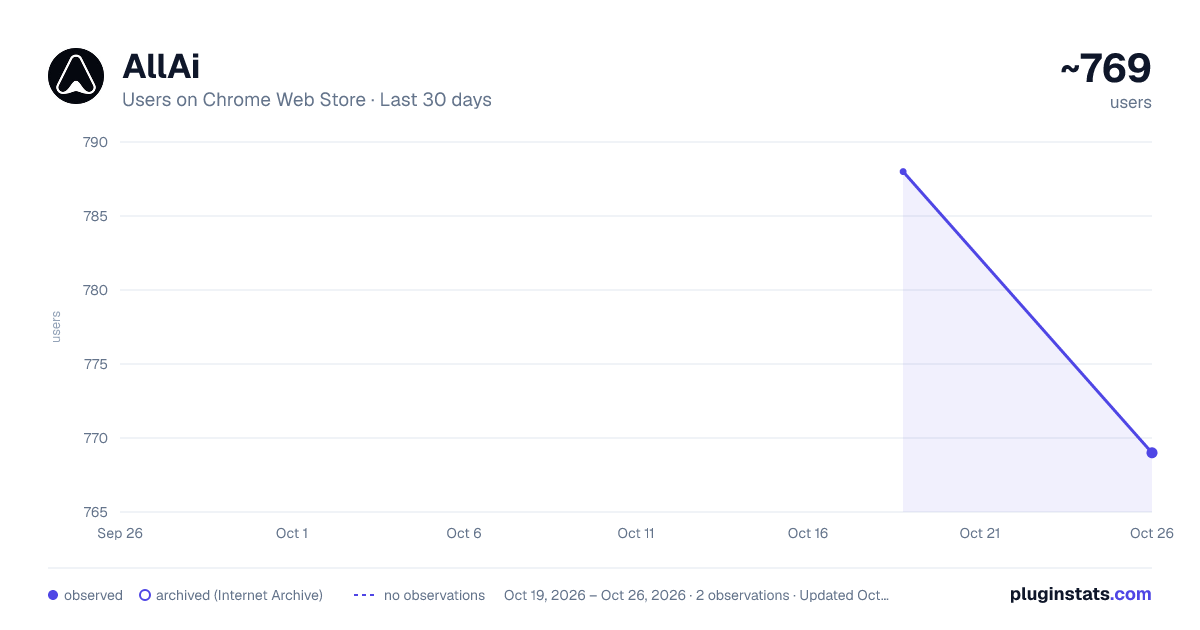
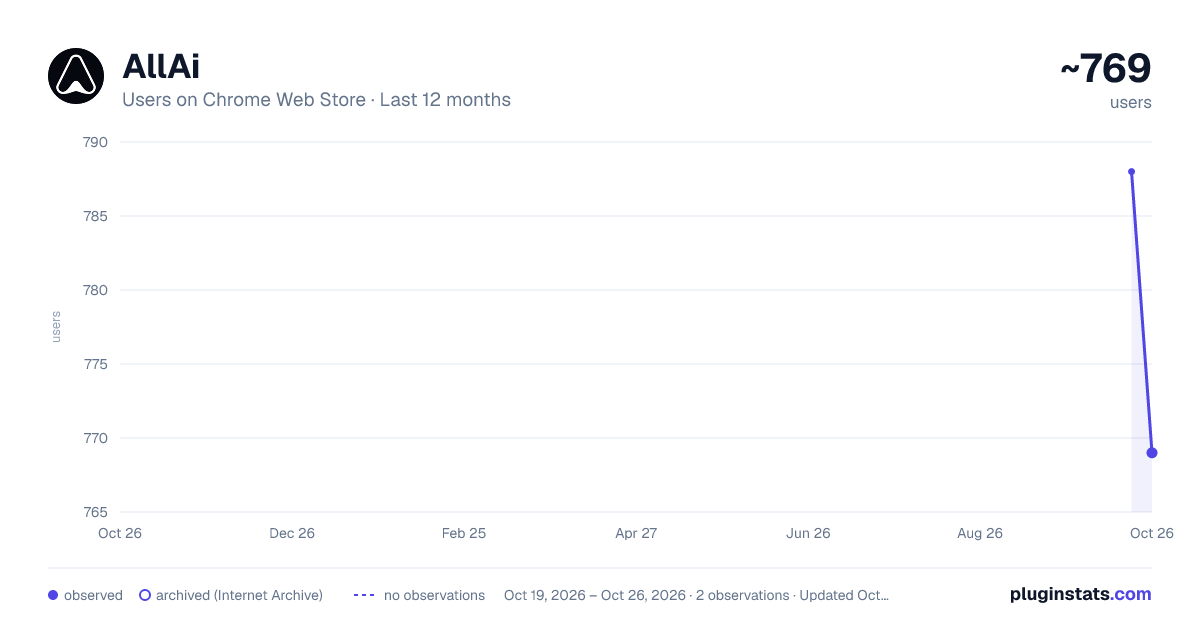
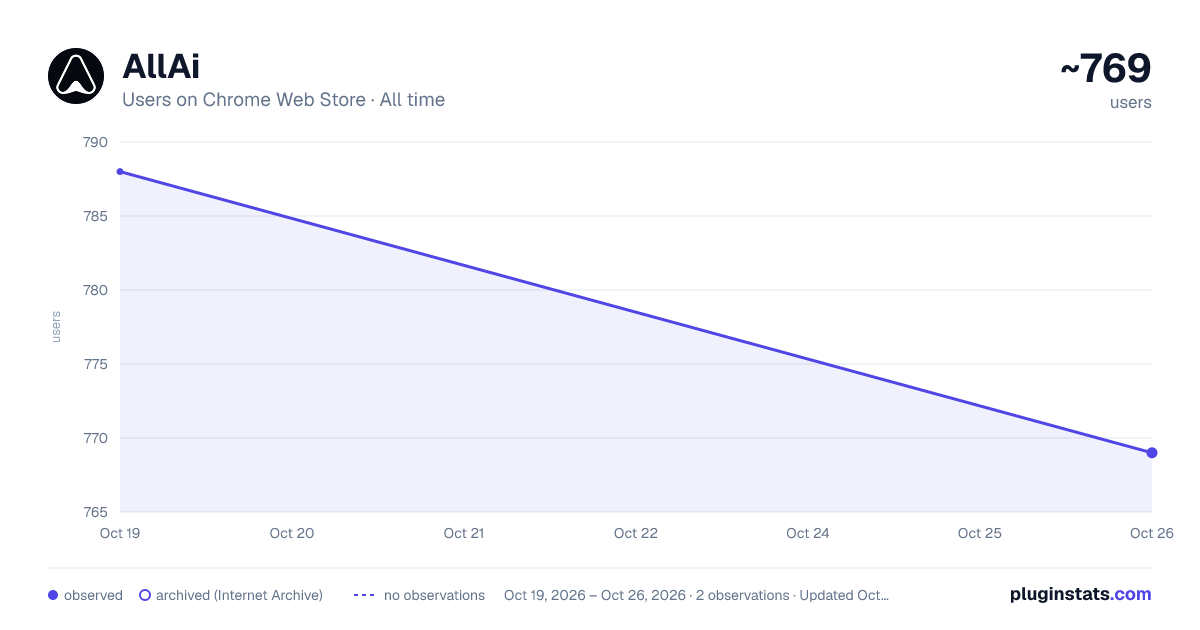
AllAi has approximately 788 recorded users on Chrome Web Store.
It ranks #833 of 2,033 tracked Chrome Web Store listings by users.
It is rated 5.0 out of 5 from 9 ratings.
PluginStats has 1 daily observations since Oct 19, 2026; the latest is from Oct 19, 2026.
Rating: 5.00 / 5 from 9 ratings
About AllAi
AllAi, boosting productivity at OSF for Multicloud projects.
AllAi Chrome is a powerful browser extension designed to enhance your Salesforce experience by providing quick and personalized access to AI assistance. Tailored for all roles across all Salesforce clouds, AllAi Chrome is the ultimate companion for individuals seeking expert support and improved productivity.
What is AllAi Chrome?
AllAi Chrome is an innovative extension that brings the power of AllAi directly to your browser. It seamlessly integrates with Salesforce, providing specialized help cloud by cloud. With AllAi Chrome, you can access AI tools and support right within the pages you're browsing, making it easier than ever to get the assistance you need.
Who is it for?
AllAi Chrome is designed for Salesforce users of all roles and across all clouds. Whether you're a developer, marketer, administrator, or any other Salesforce professional, AllAi Chrome is tailored to meet your specific needs. It provides specialized support for Salesforce Marketing Cloud, offering tailored prompts and assistance for each specific language on SFMC.
Benefits of AllAi Chrome:
1. Save Time: AllAi Chrome streamlines your daily efficiency by providing quick access to an AI assistant. Instead of switching between tabs and applications, you can get instant support and answers to your tasks and questions, saving you valuable time.
2. Perform at Your Best: AllAi Chrome improves your work quality by giving you expert assistance. With personalized prompts and tailored support, you can perform at your best and achieve optimal results in your Salesforce tasks.
3. AllAi Chrome Side Panel: With the extension, you get access to AllAi Chrome in a convenient Google Chrome side panel. This allows you to seamlessly interact with the AI assistant while browsing, without interrupting your workflow.
4. Context Bubble: AllAi Chrome instantly captures selected text from any webpage, making it available for AI assistance. You can ask questions and utilize one-click prompts that are context-aware and can change based on your selection or the page you're on.
Features of AllAi Chrome:
1. SFMC Specialization: AllAi Chrome is specially designed to cater to Salesforce Marketing Cloud users. It provides specialized prompts and assistance on SFMC pages, ensuring personalized and tuned help for your current tasks.
2. One-Click Prompts: Whenever you select text on any webpage, AllAi Chrome offers context help with one-click prompts. These prompts are tailored to the selected text and can change based on the page you're on, providing instant assistance and guidance.
3. SFMC Role Specialization: AllAi Chrome allows you to choose your role and customize your experience. By selecting your specific role within Salesforce Marketing Cloud, you can further personalize the AI assistance and prompts to align with your unique needs.
AllAi Chrome is the ultimate AI assistant extension for Salesforce users. It provides quick and personalized access to AI assistance, saving you time, improving your work quality, and enhancing your overall productivity. With specialized support for Salesforce Marketing Cloud and customizable features, AllAi Chrome empowers you to perform at your best in your Salesforce tasks. Try AllAi Chrome today and unlock the full potential of your Salesforce experience.
Description from the Chrome Web Store listing.
Where AllAi sits in the listing
Each band is one page of 20. Users on a log scale. Placement is projected from users, so it can differ from the marketplace's own sort order. Hover a dot to see the listing.
Charts
Images: 30d · 1y · all time · 1600×900 dark
Adoption over time
7/30/90-day growth
Filled points are observed values; hollow points come from Internet Archive snapshots of the listing page. Dashed segments span periods with no observations — values between points are not interpolated.
Recent observations
Full history (1)Similar Chrome Web Store Tools plugins




Data source
User counts are read from public Chrome Web Store listing pages. Google displays rounded user counts (and caps the display at 10,000,000+), so small changes may not be visible. Rating counts above 1,000 are rounded (e.g. 1.6K).
Listing: https://chromewebstore.google.com/detail/allai/hjgihbafbmigpoghiigbnkemcfkipkip. First seen Oct 19, 2026; last successful collection Oct 19, 2026. See the methodology.