 PluginStats
Notebooklm Web Importer users statistics
Use Notebooklm Web Importer to save links, YouTube videos and Shorts straight to the notebooklm podcast with just one click!
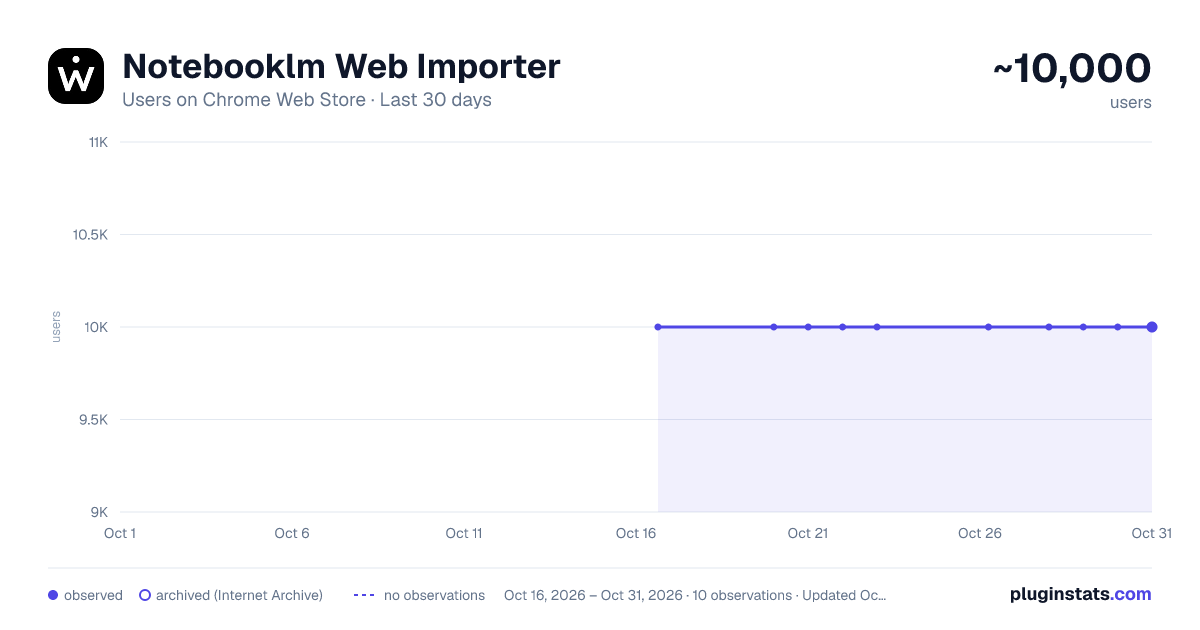
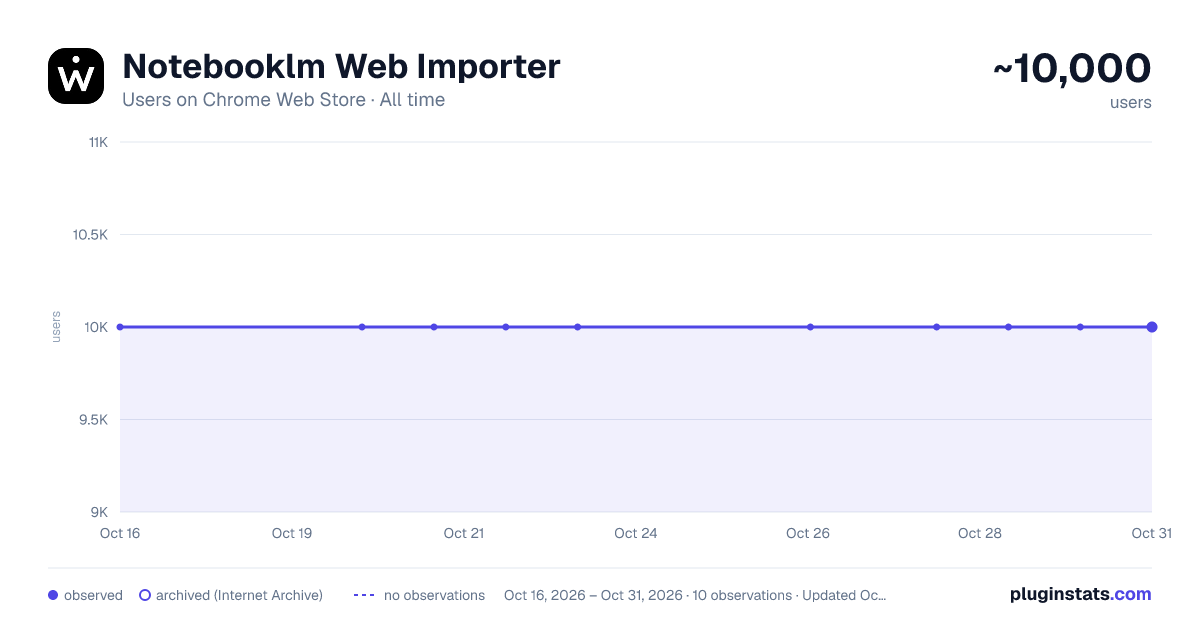
Notebooklm Web Importer has approximately 10,000 recorded users on Chrome Web Store.
It ranks #170 of 1,556 tracked Chrome Web Store listings by users.
It is rated 4.9 out of 5 from 18 ratings.
PluginStats has 1 daily observations since Oct 16, 2026; the latest is from Oct 16, 2026.
Rating: 4.90 / 5 from 18 ratings
About Notebooklm Web Importer
Use Notebooklm Web Importer to save links, YouTube videos and Shorts straight to the notebooklm podcast with just one click!
🌟 Notebooklm Web Importer is the essential side panel tool Chrome Extension that lets you collect, manage, and enrich web content directly into your workspace — without disrupting your browsing flow. It’s designed for fast-paced thinkers, researchers, and content creators who use note ai to organize, summarize, and voice their ideas. ☀️ Unlike traditional extensions, Notebooklm Web Importer works inside your browser as a side panel. No need to switch tabs, copy links, or manage new windows. One click, and your research is structured, searchable, and synced.
🛠️ Quick Start Guide for Notebooklm Importer Sidepanel Extension: 1. Install the extension by clicking 'Add to Chrome' from Google Chrome Store 2. Click the icon in the top right corner of the browser tab. 3. Start creating or adding sources to your projects effortlessly!
🧠 Why Notebooklm Web Importer? With Notebooklm Web Importer, capturing a web link becomes part of your thinking process — not an interruption.
1️⃣ Save the current page to your notebook in one click 2️⃣ Add YouTube videos, shorts, and playlists 3️⃣ Capture screenshots or images directly into note 4️⃣ Export or import your account data effortlessly with notebooklm web importer 5️⃣ Bulk-delete multiple links from any notes 6️⃣ Instantly jump into a selected note for focused editing 7️⃣ Enter link collection mode and switch between tabs freely 8️⃣ Use fast notebook search by typing just the first few letters 9️⃣ Find any saved link instantly — partial word match supported
📌 Core Use Cases for Notebook lm Importer • Build structured research collections for your deep dive • Gather references for your next podcast episode • Capture job-related links while working on your notebooklm resume builder • Quickly add visual assets or images to use in a notebooklm mind map • Move fluidly from one tab to another while keeping Notebooklm Web Importer open
🧩 How It Enhances Notebook lm Importer 🌈 Notes ai excels when it has clean, relevant, well-tagged content. With Notebooklm Web Importer, your web sources are added precisely where they belong. This improves summarization, enhances Q&A accuracy, and boosts the reliability of tools like: 🔷 tutorial scripting 🔷 notebooklm ai podcast generator workflows 🔷 podcast feature preparation 🔷 Voice-ready content for text to speech 🔷 Community workflows inside discord
🎙️ For Podcast Creators and Writers Planning a podcast script? With Notebooklm Web Importer, you can: ▸ Grab show notes from articles, transcripts, and news ▸ Import YouTube videos to use with text to speech ▸ Map ideas visually with mind map ▸ Structure episodes using prompt best practices ▸ Store reference clips using podcast feature
🌤️ This way, your browser becomes a direct extension of your content workflow.
🔍 Built-in Intelligence ➤ Smart search helps you locate projects fast ➤ Link search means no more scrolling — type a few letters and go ➤ Side panel interface means Notebooklm Web Importer is always ready, but never in the way ➤ Auto-sync ensures a smooth connection between browser, Notebooklm Web Importer, and AI
🛠️ Power for Students, Teams, and Professionals
🔰 Whether you’re: 🔶 A student doing a deep dive for class 🔶 A recruiter updating a candidate resume builder 🔶 A content creator working on your next create podcast 🔶 A researcher sharing insights via reddit or discord 🔶 Notebooklm Web Importer gives you a fast, efficient, and intelligent way to manage content while staying in the browser.
📄 More Than Just Links
Notebooklm Web Importer is also designed to support: ❇️ Adding any image or screenshot from your tab ❇️ Downloading full PDF copies of your Notebooklm sessions ❇️ Managing your account with full import/export support ❇️ Switching notebooks mid-research, without reloading the page ❇️ Expanding your saved content with YouTube, articles, visuals, and more
❓ FAQ ❓ ❓ What is Notebook lm? Notebook lm is Google’s AI-based research and note organization platform. It allows users to upload, organize, and query information across documents, links, and notes. With features like notebooklm ai, notebook lm text to speech, and notebooklm podcast, it transforms raw data into structured, insightful outputs.
❓ How do I use Notebook lm? Start by creating a note and adding content — either manually or using tools like Notebooklm Web Importer. You can then ask AI questions about your content, summarize it, create podcasts using the ai podcast generator notebooklm, or structure thoughts visually with notebook lm mind map.
❓ How do I use Notebooklm Web Importer? Install it from the Chrome Web Store. Open the side panel, pick your notebook, and click "Save" to capture the current tab. Activate "collect mode" to gather multiple links as you browse. You can also add images, YouTube content (including shorts and playlists), and even screenshots — all stored in your notebook with no disruptions.
Description from the Chrome Web Store listing.
Where Notebooklm Web Importer sits in the listing
Each band is one page of 20. Users on a log scale. Placement is projected from users, so it can differ from the marketplace's own sort order. Hover a dot to see the listing.
Charts
Images: 30d · 1y · all time · 1600×900 dark
Adoption over time
7/30/90-day growth
Ranking history
Filled points are observed values; hollow points come from Internet Archive snapshots of the listing page. Dashed segments span periods with no observations — values between points are not interpolated.
Recent observations
Full history (1)Similar Chrome Web Store Tools plugins




Data source
User counts are read from public Chrome Web Store listing pages. Google displays rounded user counts (and caps the display at 10,000,000+), so small changes may not be visible. Rating counts above 1,000 are rounded (e.g. 1.6K).
Listing: https://chromewebstore.google.com/detail/notebooklm-web-importer/jcnahjejlakfnapaldiddimmjbllpjan. First seen Oct 16, 2026; last successful collection Oct 16, 2026. See the methodology.