 PluginStats
Form Recover users statistics
Essential form recovery for websites. Locally saves form data in real-time and restores it after crashes.
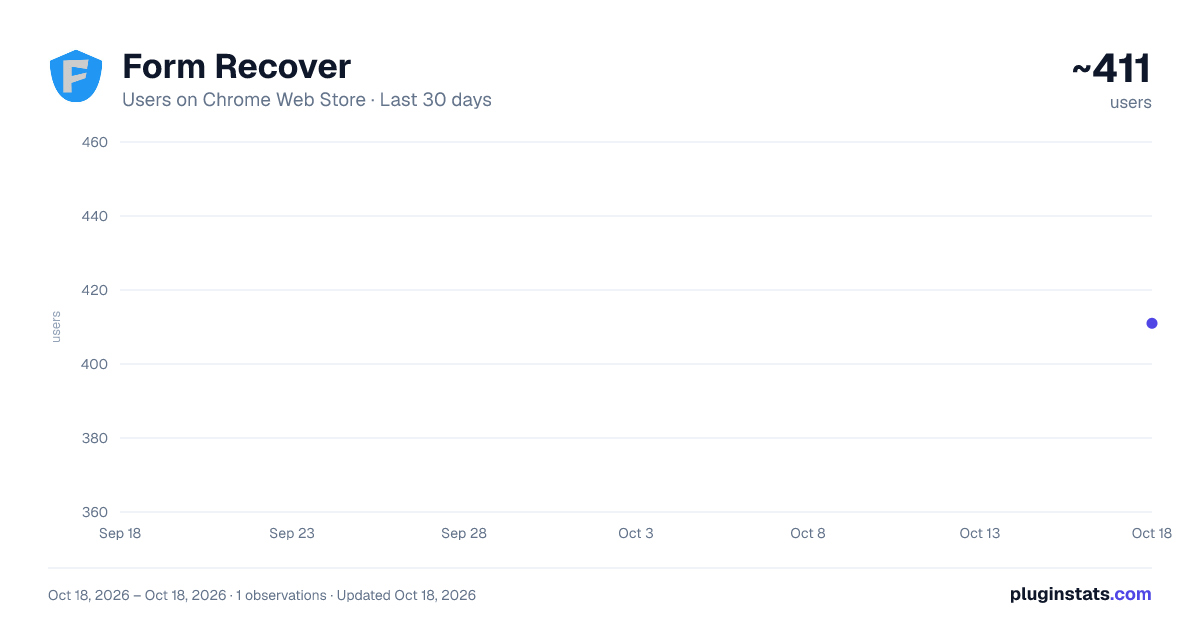
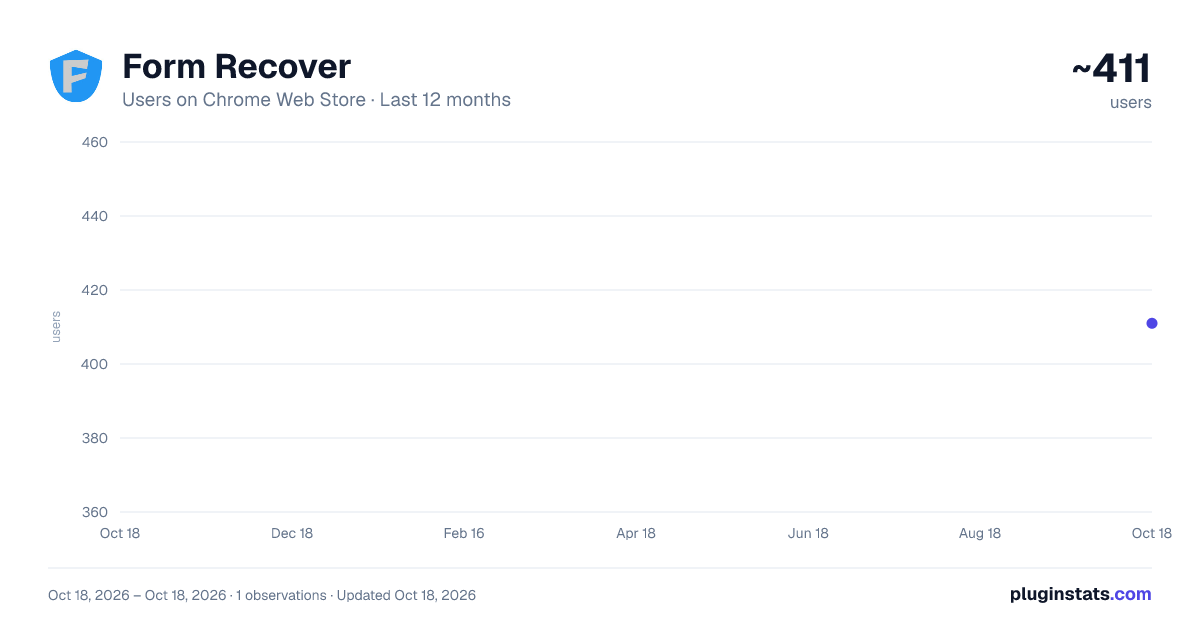
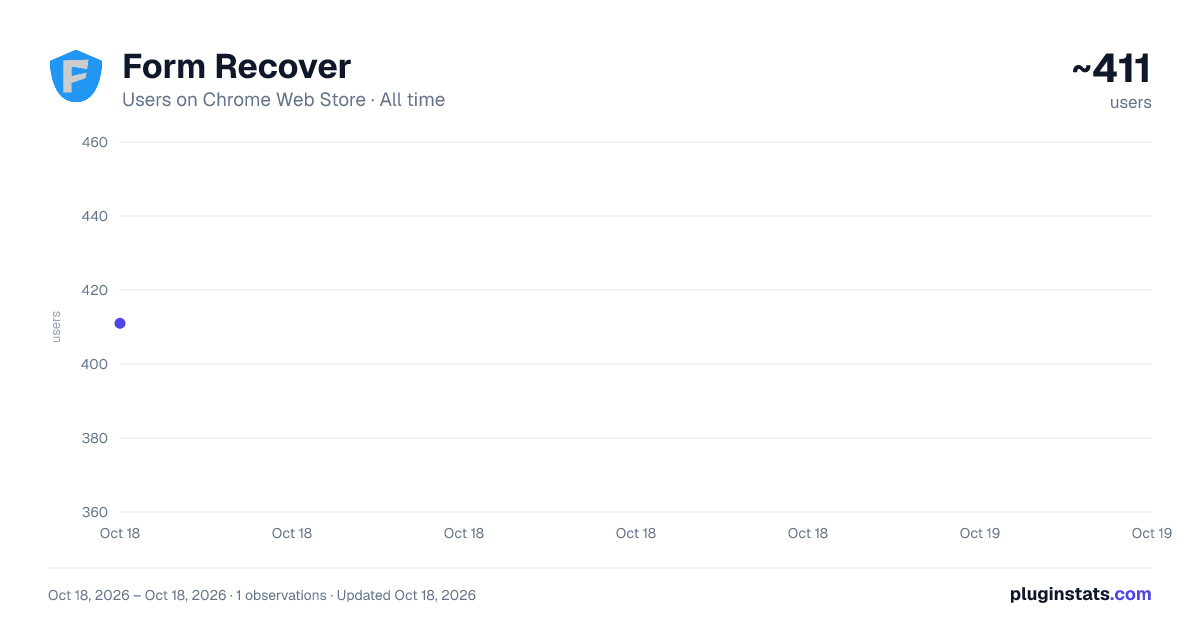
Form Recover has approximately 411 recorded users on Chrome Web Store, ranking #1360 of 2,495 tracked listings.
Rating: 4.20 / 5 from 5 ratings
About Form Recover
Essential form recovery for websites. Locally saves form data in real-time and restores it after crashes.
Stop losing your work mid-sentence.
Form Recover is the airbag for your browser. It quietly saves what you type, so when a tab refreshes, a browser crashes, or a session expires, your work is still there. By default, it works locally, no setup, no accounts required.
KEY FEATURES: 🛡️ Reliable Auto-Save: Saves form inputs as you type, designed to handle modern Single Page Applications (SPAs) and complex dashboards. 👻 Contextual Restore: A subtle recovery icon appears only when a draft is available — never distracting. 🕒 Adaptive History: Smart versioning that keeps your history clean and meaningful. 🔒 Local & Private by Default: Drafts are stored locally in your browser and encrypted at rest. ⚡ Lightweight by Design: Built for stability and performance, without blocking your browser’s main thread. 🌐 Broad Editor Support: Designed to work with React-based apps, common rich-text editors (TinyMCE, CKEditor, Quill), and standard HTML forms.
Form Recover follows a LOCAL-FIRST design by default.
- No centralized servers required for core recovery Drafts stay in your browser unless you explicitly enable optional features.
- Encrypted at rest Drafts are encrypted before being written to local storage.
- Privacy Lock (optional) Protect the extension UI with a password when using shared devices.
HONEST BOUNDARIES
Form Recover is built to prevent data loss, not to defend against a compromised device.
- Like every browser extension, it cannot protect you from malware or a compromised operating system.
- Anyone with full access to your browser profile or your device may be able to reach local data.
- Encryption at rest protects against casual inspection and accidental exposure — it is not a substitute for disk encryption.
We would rather tell you what a browser extension can and cannot do than let you assume more than it delivers.
FREQUENTLY ASKED QUESTIONS - (FAQ)
-
Question: What is Form Recover used for? Answer: Form Recover is a browser extension that automatically saves your form entries as you type, so you can recover your text if a page refreshes, crashes, or closes unexpectedly.
-
Question: Does Form Recover send my data to a server? Answer: No, by default. Drafts are encrypted and stored locally in your browser. Core recovery does not require accounts or servers.
-
Question: Will it work on dynamic sites or social media? Answer: Form Recover is designed to work with modern Single Page Applications (SPAs) and common rich-text editors used across publishing platforms and web apps.
-
Question: Does it save my passwords or payment details? Answer: No. Form Recover automatically ignores sensitive fields such as password inputs, hidden fields, and common payment fields. It is designed to save your content, not your credentials.
-
Question: What does "Active Sites (##/30)" mean, and does Form Recover stop saving at 30? Answer: It is how many different websites currently have drafts in your vault, out of the 30 kept at once. It counts sites, not drafts, and it is a description of what is stored rather than a restriction.
Reaching 30 does not stop anything. Your newest site is always protected: Form Recover makes room by letting go of the site you have not visited in longest. That site's drafts are removed, so if some of them matter, pin it - open All Vault and star any site to protect it permanently, up to 10. Pinned sites are never replaced.
- Question: Why is there a limit, and will it be removed? Answer: Everything is stored in your own browser, so an unbounded vault would slowly eat disk space and slow down searching, for sites you may have visited once months ago. The limit keeps the vault small and fast - it is not there to hold anything back, which is why reaching it recycles instead of refusing.
It may be raised later, and any increase applies to everyone. We do not plan to sell the site limit: basic protection from losing your work is not something we will put behind a price.
-
Question: Does it slow down my browser? Answer: No. The engine uses passive event listeners and smart debouncing to minimize overhead and avoid blocking the main thread.
-
Question: How do I restore my text? Answer: If a draft exists, focus the empty form field. A subtle recovery icon will appear, click it to restore. You can also open the extension popup to browse and copy drafts.
-
Question: Is my data secure? Answer: Drafts are encrypted and stored locally on your device. This protects against casual inspection and accidental exposure.
Form Recover is not a password manager or full-disk encryption tool — its goal is reliable recovery after browser issues.
-
Question: Will my drafts survive a browser crash or restart? Answer: Yes. Drafts are saved locally with persistent keys, allowing them to survive crashes, reloads, and restarts without requiring sign-in.
-
Question: Why do I sometimes see multiple history versions? Answer: Form Recover uses Adaptive History to keep your timeline clean. A new version is created only when:
- The text context changes significantly, or
- You return after a long break (about 2 hours)
- This avoids clutter while preserving meaningful checkpoints.
ACTIVELY MAINTAINED Form Recover is updated regularly, and every change is documented publicly. Read the full changelog: https://formrecover.com/docs/release-notes/
Description from the Chrome Web Store listing.
README badge
Show your rank in a README or on your website. The badge updates automatically.
Charts
Images: 30d · 1y · all time · 1600×900 dark
Adoption over time
7/30/90-day growth
Ranking history
Ratings over time
Listing placement
Listing placement
Filled points are observed values; hollow points come from Internet Archive snapshots of the listing page. Dashed segments span periods with no observations — values between points are not interpolated.
Each band is one page of 20. Users on a linear scale. Placement is projected from users, so it can differ from the marketplace's own sort order. Hover a dot to see the listing.
Recent observations
Full history (1)Similar Chrome Web Store Tools plugins
All 20 Form Recover alternatives



Data source
Covers every Chrome Web Store extension with at least 100 users, found through the store's public sitemap. User counts are read from public listing pages. The 10% most-used extensions are refreshed daily, the next 40% weekly and the next 40% monthly; the least-used 10% are not refreshed. Google displays rounded user counts (and caps the display at 10,000,000+), so small changes may not be visible. Rating counts above 1,000 are rounded (e.g. 1.6K).
Listing: https://chromewebstore.google.com/detail/form-recover/bfljnfaebdgaioklhiiocnhodcnpecob. First seen Oct 18, 2026; last successful collection Oct 18, 2026. See the methodology.