 PluginStats
Screenshot to Text(OCR) - Image text extractor users statistics
By Auro · Chrome Web Store · Tools
Optical Character Recogition(OCR). Extract text from screenshot with 1 click. Export text from images, PDFs, etc.
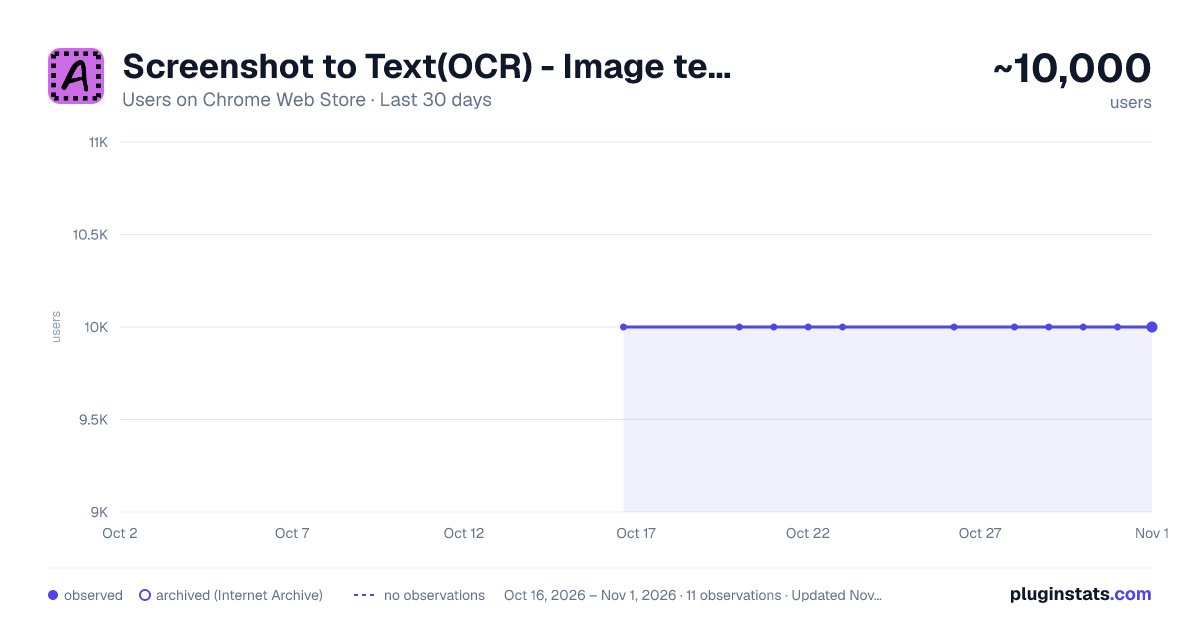
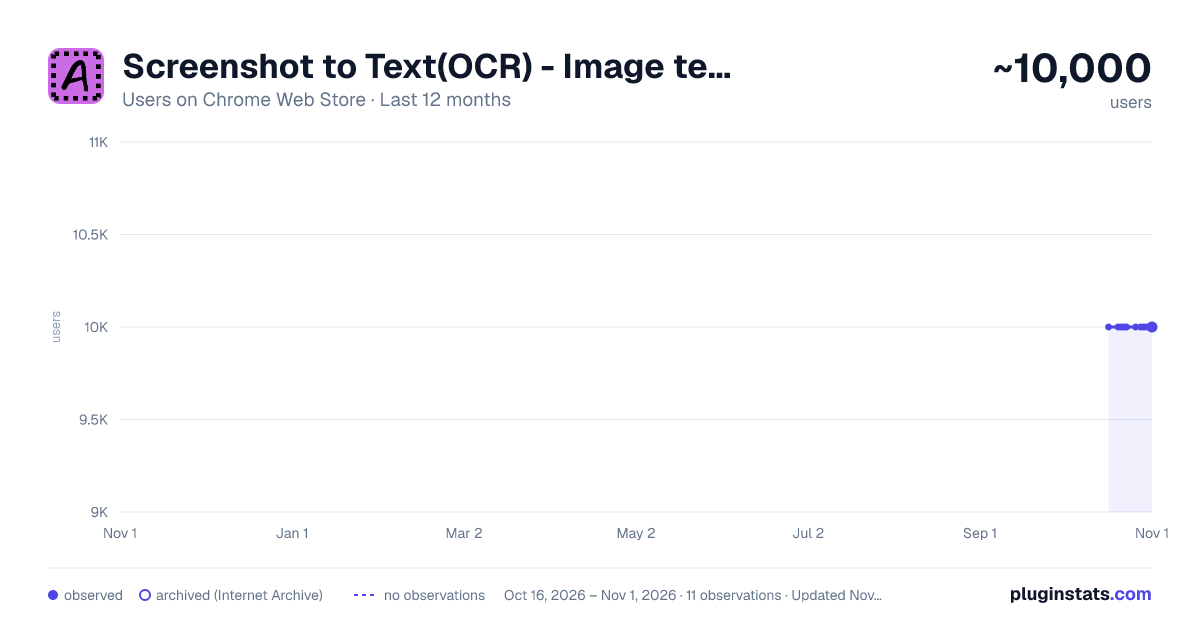
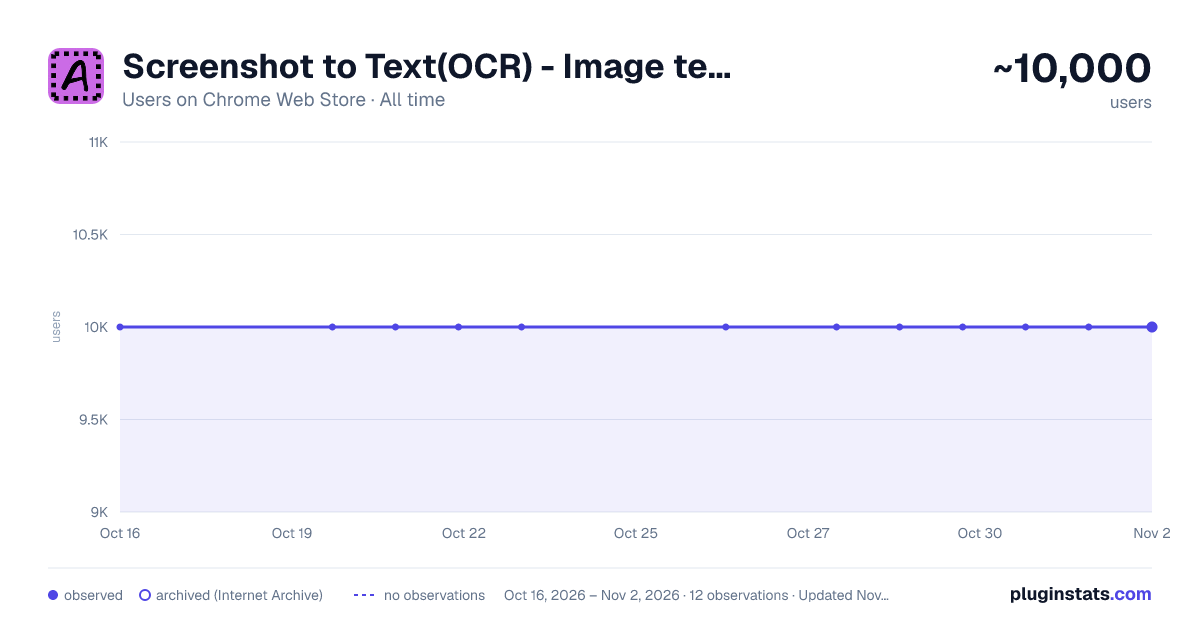
Screenshot to Text(OCR) - Image text extractor has approximately 10,000 recorded users on Chrome Web Store.
It ranks #172 of 1,556 tracked Chrome Web Store listings by users.
It is rated 3.4 out of 5 from 62 ratings.
PluginStats has 1 daily observations since Oct 16, 2026; the latest is from Oct 16, 2026.
Rating: 3.40 / 5 from 62 ratings
About Screenshot to Text(OCR) - Image text extractor
Optical Character Recogition(OCR). Extract text from screenshot with 1 click. Export text from images, PDFs, etc.
Screenshot to Text (OCR) is a tool for extracting text from images, allowing you to effortlessly grab text from any webpage with just a few clicks. Simply take a screenshot of the desired portion of the webpage, and the tool will recognize and extract the text from the image.
**Features:**
1. **Simple Interface**: Screenshot to Text (OCR) boasts a sleek and intuitive interface, making it incredibly easy for users to select and capture specific areas of a webpage.
2. **OCR Technology**: Powered by cutting-edge Optical Character Recognition (OCR) technology, this extension accurately converts captured images into editable text.
3. **Customizable Capture**: Tailor your text extraction experience by selecting the exact portion of the webpage you want to capture. Whether it's a paragraph, a headline, or a snippet of text, Screenshot to Text (OCR) delivers precise results every time.
4. **Instant Clipboard Copy**: Once the text is extracted, Screenshot to Text (OCR) automatically copies it to your clipboard, saving you valuable time and effort.
5. **Efficient Workflow**: Streamline your workflow and boost productivity with this seamless text extraction tool. Whether you're conducting research, compiling notes, or simply need to save snippets of information, Screenshot to Text (OCR) has you covered.
**How to Use:** 1. Install Screenshot to Text (OCR) from the Chrome Web Store. 2. Pin the extension, click the extension icon. 2. Select the area of the webpage you want to capture. 3. Let Screenshot to Text (OCR) work its magic – sit back and watch as the text is extracted. 4. Paste the extracted text wherever you need it – it's that simple!
**Why Choose Screenshot to Text (OCR)?** - **Efficiency**: Say goodbye to manual transcription and hello to effortless text extraction. - **Accuracy**: With advanced OCR technology, Screenshot to Text (OCR) ensures precise and reliable results. - **Convenience**: Seamlessly copy extracted text to your clipboard for easy pasting into documents, emails, and more.
Experience the power of Screenshot to Text (OCR) and revolutionize the way you extract text from webpages. Download now and unleash the full potential of your browsing experience!
Feel free to contact us at hi-ocr@iamheretoassistyou.cc if you have any issues or feature requests!
Description from the Chrome Web Store listing.
Where Screenshot to Text(OCR) - Image text extractor sits in the listing
Each band is one page of 20. Users on a log scale. Placement is projected from users, so it can differ from the marketplace's own sort order. Hover a dot to see the listing.
Charts
Images: 30d · 1y · all time · 1600×900 dark
Adoption over time
7/30/90-day growth
Ranking history
Filled points are observed values; hollow points come from Internet Archive snapshots of the listing page. Dashed segments span periods with no observations — values between points are not interpolated.
Recent observations
Full history (1)Similar Chrome Web Store Tools plugins




Data source
User counts are read from public Chrome Web Store listing pages. Google displays rounded user counts (and caps the display at 10,000,000+), so small changes may not be visible. Rating counts above 1,000 are rounded (e.g. 1.6K).
Listing: https://chromewebstore.google.com/detail/screenshot-to-textocr-ima/mpfhimfooelblffmiddjmpnpndeldikg. First seen Oct 16, 2026; last successful collection Oct 16, 2026. See the methodology.