 PluginStats
Gloomp: Web Annotation and Drawing Tool users statistics
By Pradeep Jadhav · Chrome Web Store · Tools
Annotate webpages with pen, brush, highlighter, text highlighter, shapes, laser tools, shortcuts, and Sticky/Fixed drawing modes.
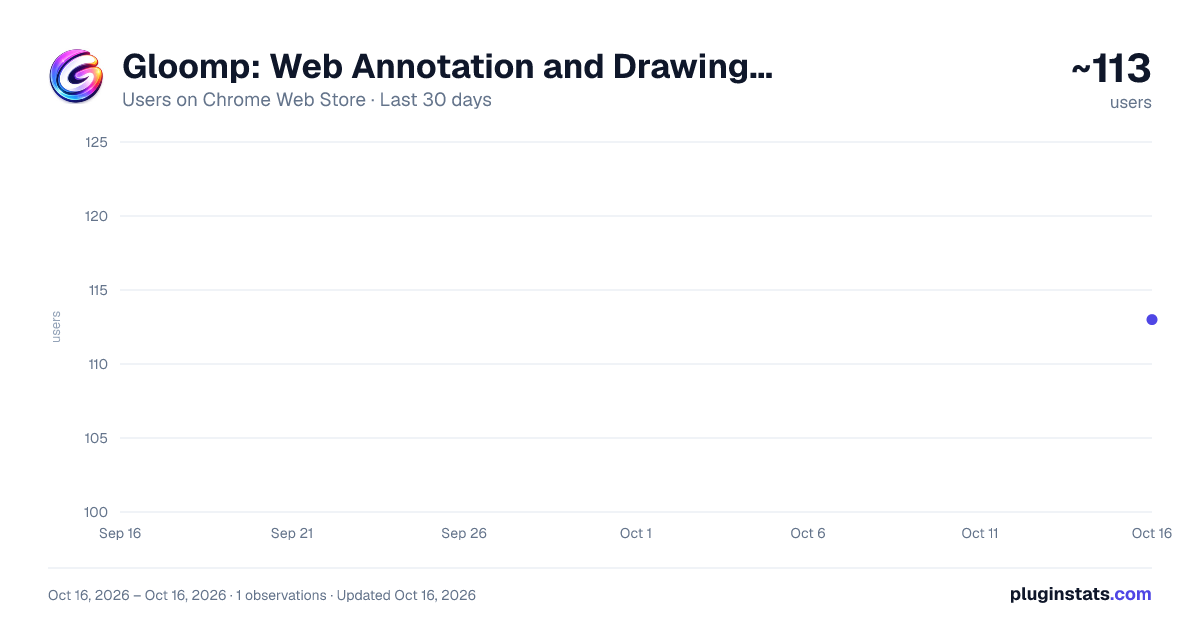
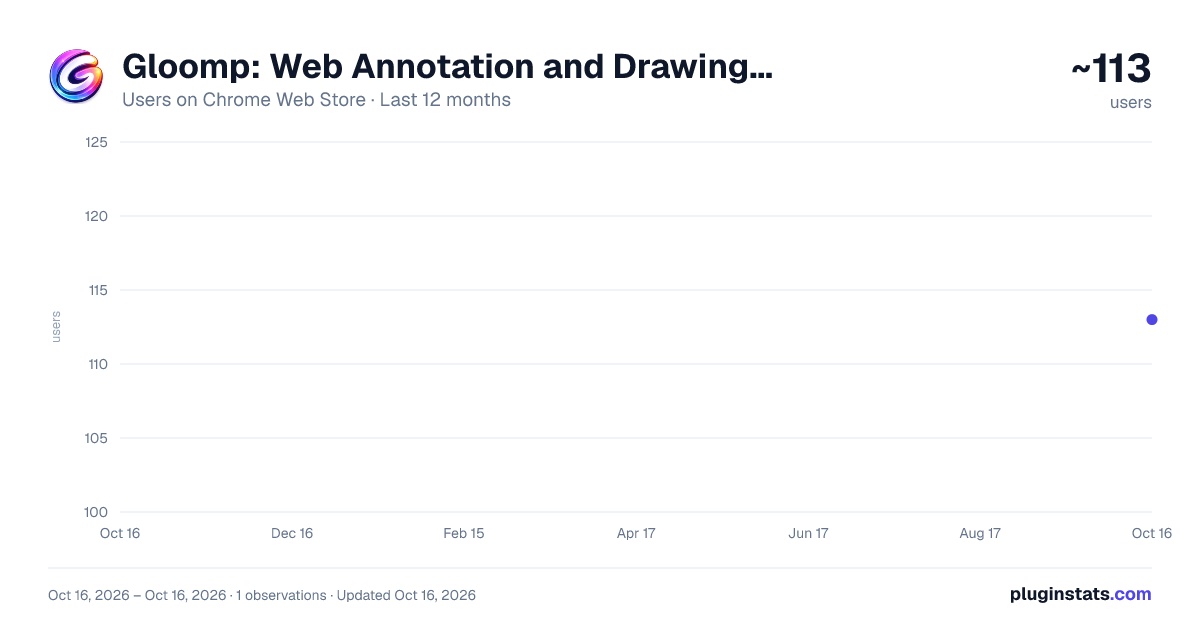
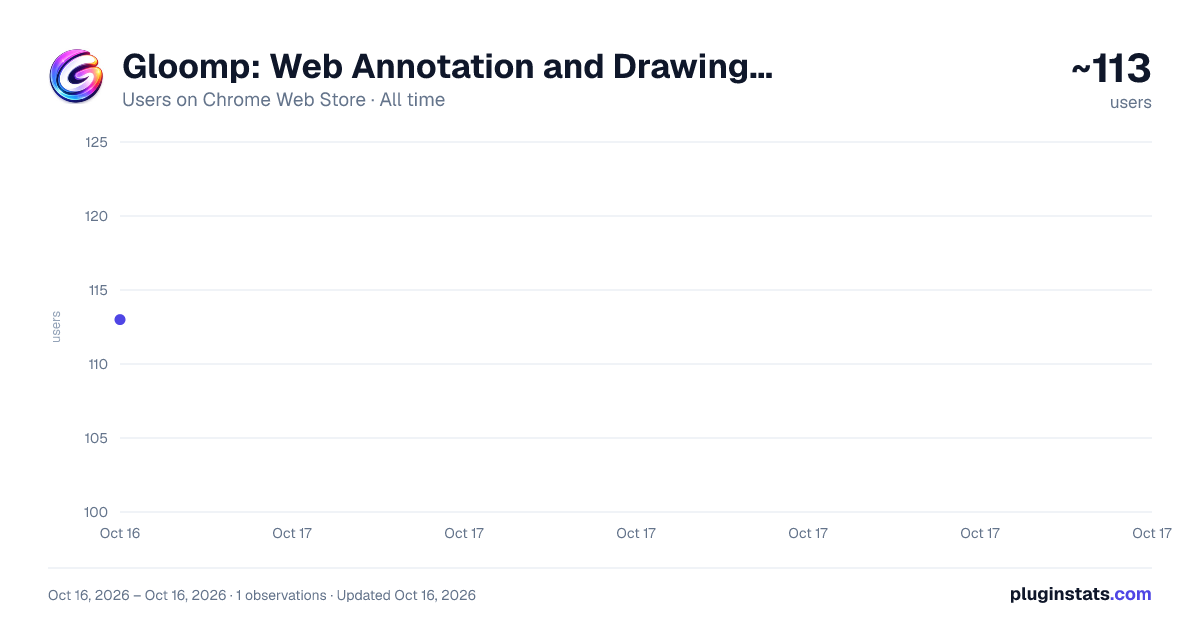
Gloomp: Web Annotation and Drawing Tool has approximately 113 recorded users on Chrome Web Store.
It ranks #1496 of 1,556 tracked Chrome Web Store listings by users.
It is rated 5.0 out of 5 from 7 ratings.
PluginStats has 1 daily observations since Oct 16, 2026; the latest is from Oct 16, 2026.
Rating: 5.00 / 5 from 7 ratings
About Gloomp: Web Annotation and Drawing Tool
Annotate webpages with pen, brush, highlighter, text highlighter, shapes, laser tools, shortcuts, and Sticky/Fixed drawing modes.
Draw, highlight, and annotate directly on any website with a fast, privacy-first annotation toolbar. No registration required. No payment required. Completely free!
Gloomp turns any webpage into an interactive canvas so you can explain ideas visually, review designs, teach, and share feedback without leaving the page.
✨ Key Features
✓ Powerful Drawing & Annotation Tools Use Pointer, Pen, Brush, Highlighter, Text Highlighter, Text, Shapes, Eraser, Laser, and Laser Pen for smooth, precise markup.
✓ Full Shape Toolkit Quickly draw 15 shapes: lines, arrows, rectangles, circles/ellipses, triangles, rounded rectangles, hearts, zigzags, stars, hexagons, pentagons, semicircles, cubes, and cylinders.
✓ Flexible Drawing Position Modes Choose how your annotations behave while scrolling: • Sticky mode keeps drawings aligned with webpage content. • Fixed mode keeps drawings pinned to the viewport.
✓ Select, Move & Resize Annotations Click any drawing or shape with the Pointer tool to select it — then drag to move, drag a corner handle to resize, or delete it. All edits support full undo/redo.
✓ Smart Toolbar Experience • Move the toolbar anywhere on the page • Switch between horizontal and vertical layouts • Expand or minimize based on your workflow • Use one compact Laser toolbar slot to switch between Laser and Laser Pen
✓ Color, Opacity & Thickness Control Use the customization toolbar to quickly adjust color, opacity, and stroke thickness for the drawing and shape tools.
✓ Undo/Redo and Reliable Editing Quickly fix mistakes, erase precisely, and continue working without breaking your flow.
✓ Show or Hide Annotations Anytime Temporarily hide drawings for clean viewing, then bring them back instantly.
✓ Local Storage with Full Privacy Your annotations stay on your device and persist across refreshes. No data is sent to external servers.
✓ Cross-Tab Annotation Availability Use annotation tools across open tabs with consistent toolbar and canvas access.
✓ Screenshot & Capture Capture any area of the page — including your annotations — as a JPG or PNG image. Copy to clipboard or download with one click.
✓ Advanced Settings and Customization Use the full Settings page to manage global behavior, tool visibility, toolbar size, and keyboard shortcut keys.
✨ What's new in v1.12.0
• Added a compact Laser toolbar that lets you switch between Laser and Laser Pen from one main-toolbar slot. • General bug fixes.
✨ What's new in v1.11.0
• Fixed the Text tool and Screenshot tool so it opens reliably from the main toolbar. • Fixed shape selection and resize so shapes can be selected reliably with the Pointer tool and resize handles appear as expected. • Fixed cases where switching from Shapes to Pointer could still start drawing a new shape on the page. • Fixed selected shape bounding boxes so dragging a selected annotation no longer clicks links or other page elements underneath.
✨ What's new in v1.10.0
• Added a Text annotation tool — click anywhere on the page to place a text box, type your content, and commit it as a drawing. Supports font, size, bold, italic, strikethrough, alignment, color, and opacity per text box. • Added Select & Edit Mode — use the Pointer tool to click any drawing or shape, drag to move it, drag a corner handle to resize it, or delete it with the on-canvas button or keyboard. All edits support undo/redo. • Added a Gloomp theme setting (Light / Dark / Auto) in the popup and Settings page. Lock the theme to always Light or always Dark, or use Auto to follow the website and OS preference. • Improved Highlighter with a larger default stroke size and wider thickness range for more natural web text highlighting. • Fixed eraser leaving ghost strokes visible after erasing on pages with many annotations.
✨ What's new in v1.8.1
• Added a Screenshot tool to capture any selected area of the page, including your annotations, as a JPG or PNG image. Copy to clipboard or download instantly. • Added "Enable/Disable Gloomp" keyboard shortcut (default key Q) to instantly toggle Gloomp on or off from any webpage — even when Gloomp is currently disabled. • Significantly improved drawing smoothness on pages with many annotations. Strokes stay responsive even with many drawings on the page. • User interface label improvements across the popup and Settings page.
✨ What's new in v1.7.3
• Added a new Advanced settings section in Settings. • Added Toolbar size options (Small, Medium, Large) to resize toolbar controls based on your preference. • Added drawing-focus visibility options to hide the toolbar or color palette during active drawing. • Added Shift-key shape constraints so supported shapes lock to square bounds and line-based shapes snap to standard angles while drawing. • Added a new customization toolbar with Opacity and Thickness controls for supported drawing and shape tools. • Added global sync options for opacity and thickness in Advanced settings, alongside per-tool style persistence. • Fixed an issue where keyboard shortcuts are not shown in options.
✨ What's new in v1.4.2
• Added the new Text Highlighter tool to highlight real webpage text directly. • Added keyboard shortcuts for faster tool switching. • Added a dedicated Settings page to manage Gloomp settings, tool visibility, and shortcut keys. • Added quick access to Settings directly from the popup. • Added a new Drawing Position setting with Sticky and Fixed options. • Improved popup and settings page loading speed. • Improved sticky drawing performance and scrolling smoothness on very large webpages. • Fixed toolbar visibility consistency when toggling enable/disable.
✨ What's new in v1.0.0…
Description from the Chrome Web Store listing.
Where Gloomp: Web Annotation and Drawing Tool sits in the listing
Each band is one page of 20. Users on a log scale. Placement is projected from users, so it can differ from the marketplace's own sort order. Hover a dot to see the listing.
Charts
Images: 30d · 1y · all time · 1600×900 dark
Adoption over time
7/30/90-day growth
Ranking history
Filled points are observed values; hollow points come from Internet Archive snapshots of the listing page. Dashed segments span periods with no observations — values between points are not interpolated.
Recent observations
Full history (1)Similar Chrome Web Store Tools plugins




Data source
User counts are read from public Chrome Web Store listing pages. Google displays rounded user counts (and caps the display at 10,000,000+), so small changes may not be visible. Rating counts above 1,000 are rounded (e.g. 1.6K).
Listing: https://chromewebstore.google.com/detail/gloomp-web-annotation-and/jcjeadkmbepodobpdbnppklheidlbmjd. First seen Oct 16, 2026; last successful collection Oct 16, 2026. See the methodology.