 PluginStats
YouTube Speed Controls users statistics
Chrome Web Store · Workflow & Planning
Click ` (backtick) to toggle between normal (1x) and 2x speed, or Ctrl + ` to play at 3x speed.
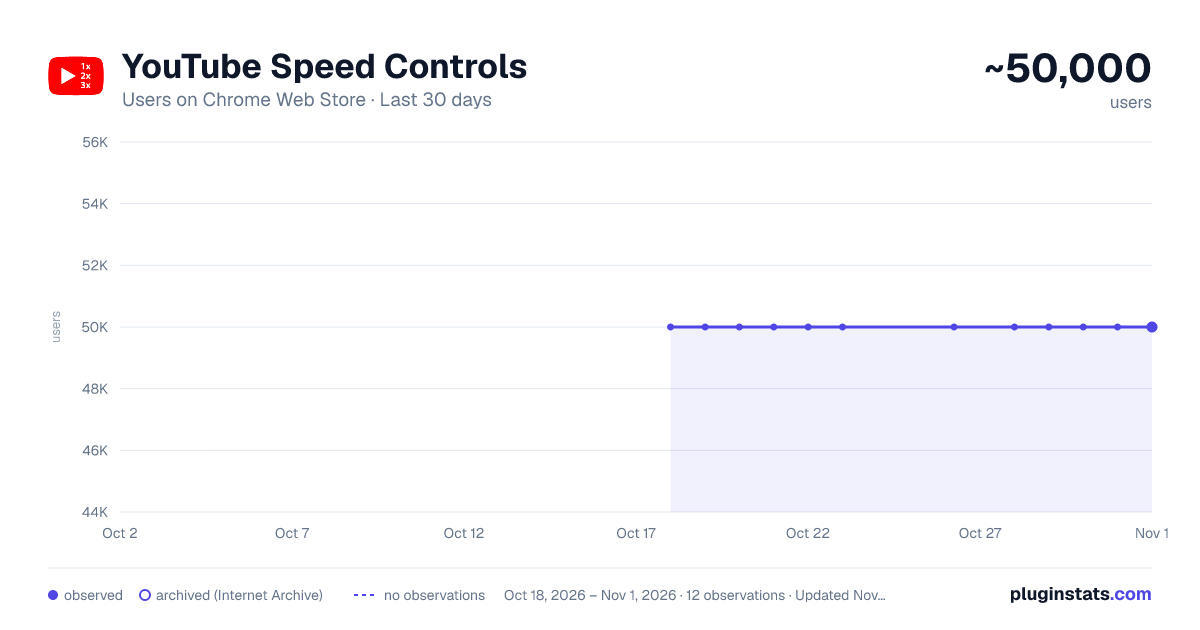
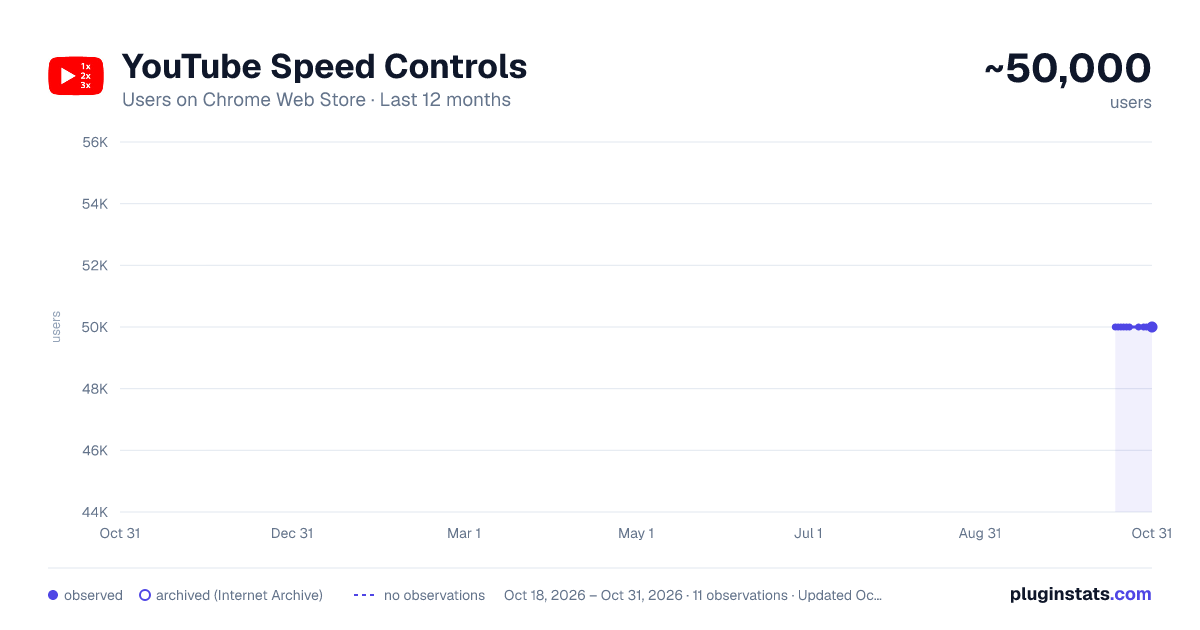
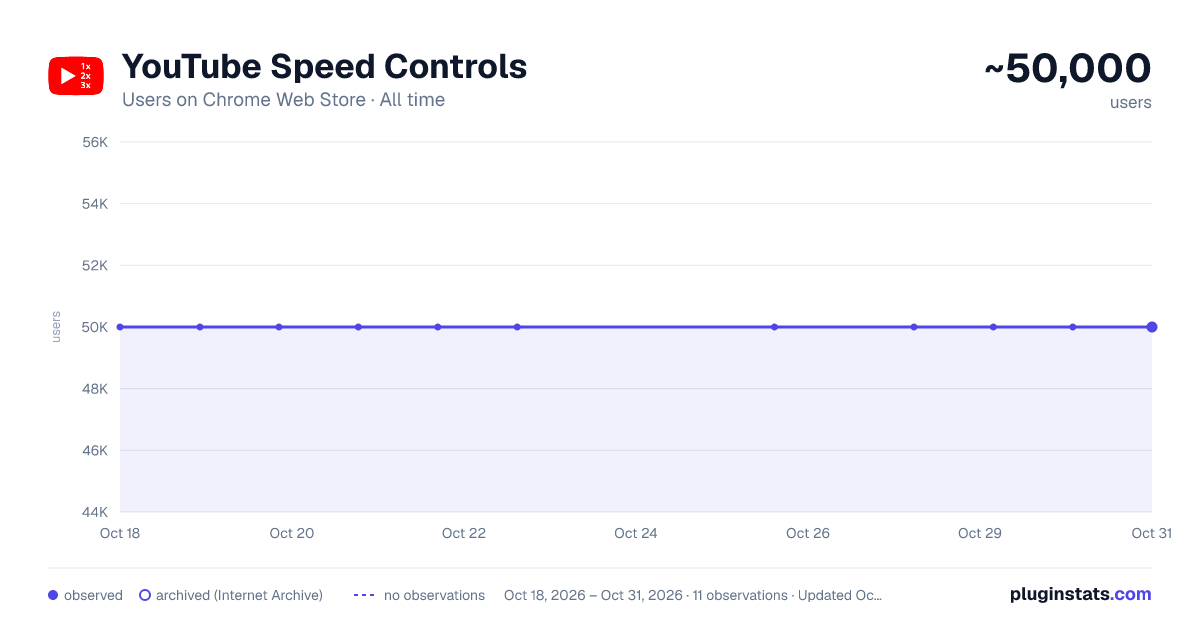
YouTube Speed Controls has approximately 50,000 recorded users on Chrome Web Store.
It ranks #110 of 1,556 tracked Chrome Web Store listings by users.
It is rated 3.8 out of 5 from 166 ratings.
PluginStats has 1 daily observations since Oct 18, 2026; the latest is from Oct 18, 2026.
Rating: 3.80 / 5 from 166 ratings
About YouTube Speed Controls
Click ` (backtick) to toggle between normal (1x) and 2x speed, or Ctrl + ` to play at 3x speed.
Please Note: - After initial installation, you may need to reload any open YouTube pages (this is only after initial install). - On US English keyboards, control the speed of YouTube videos using the ` (backtick) key. - For other (non-US English) keyboard layouts, see the "Non-US English Keyboard Usage" section below.
General: Click ` to toggle between normal (1x) and 2x speed. Increase the speed to 3x, 4x, or 5x by using the corresponding shortcut combinations listed in the usage information below.
Alternative Toggle Keys: - On US English keyboards, the " (quotation mark) or ' (apostrophe) or @ or ` (backtick) keys can be used interchangeably for any of the shortcuts. Note: keys like " and @ may require pressing Shift (e.g. Shift + 2 produces @ on many US English keyboards).
Windows Usage (US English Keyboard): - 1x/2x Toggle: Press ` - 3x Speed: Press Ctrl + ` - 4x Speed: Press Windows + ` - 5x Speed: Press Alt + `
Mac Usage (US English Keyboard): - 1x/2x Toggle: Press ` - 3x Speed: Press Control + ` - 4x Speed: Press Command + ` - 5x Speed: Press Option + `
Non-US English Keyboard Usage:
An inexhaustive list of suggested keys to try for toggling between normal (1x) and 2x speed.
- US-International English: @ (i.e. Shift + 2) - UK English: ` - Japanese: @ - Turkish: " - India: ` (General) or ॊ (Devanagari) or ॥ (Bengali) or ञ (Nepali) - German: ö - French: @ or ' or ù - Chinese: ` - Spanish: ñ - Portuguese: ' - Polish: ` - Russian: ё - Arabic: > or ذ - Hebrew: ; - Korean: ` - Vietnamese: ` - Italian: ò - Dutch: ù or @ (i.e. Shift + 2)
For higher speeds, use the appropriate modifier key (e.g. Ctrl, Windows, Alt, Control, Command, Option) along with the toggle key. For example:
- 3x speed on Windows (US English): Ctrl + ` - 3x speed on Mac (US English): Control + ` - 3x speed on Windows (Japanese): Ctrl + @ - And so on.
If you have any issues, please log a support query (or a GitHub issue on the repo) - please also specify the language and keyboard layout you're using and what you've tried. I'll try get back to you within the same year :)
Description from the Chrome Web Store listing.
Where YouTube Speed Controls sits in the listing
Each band is one page of 20. Users on a log scale. Placement is projected from users, so it can differ from the marketplace's own sort order. Hover a dot to see the listing.
Charts
Images: 30d · 1y · all time · 1600×900 dark
Adoption over time
7/30/90-day growth
Ranking history
Filled points are observed values; hollow points come from Internet Archive snapshots of the listing page. Dashed segments span periods with no observations — values between points are not interpolated.
Recent observations
Full history (1)Similar Chrome Web Store Workflow & Planning plugins




Data source
User counts are read from public Chrome Web Store listing pages. Google displays rounded user counts (and caps the display at 10,000,000+), so small changes may not be visible. Rating counts above 1,000 are rounded (e.g. 1.6K).
Listing: https://chromewebstore.google.com/detail/youtube-speed-controls/naalfmaaomhjpbndelnlijacdniggpjn. First seen Oct 18, 2026; last successful collection Oct 18, 2026. See the methodology.