 PluginStats
Screenana — Record, Share & Annotate users statistics
Record your screen or tab, annotate in real-time, and share instantly. Free recorder with camera overlay, drawing tools & cloud.
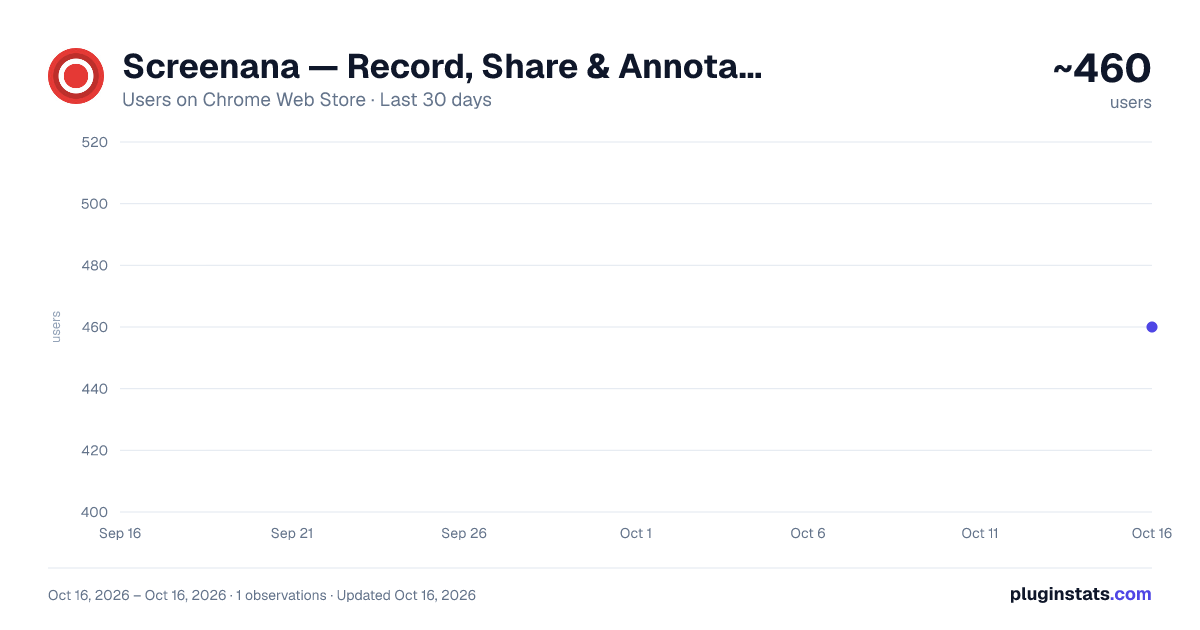
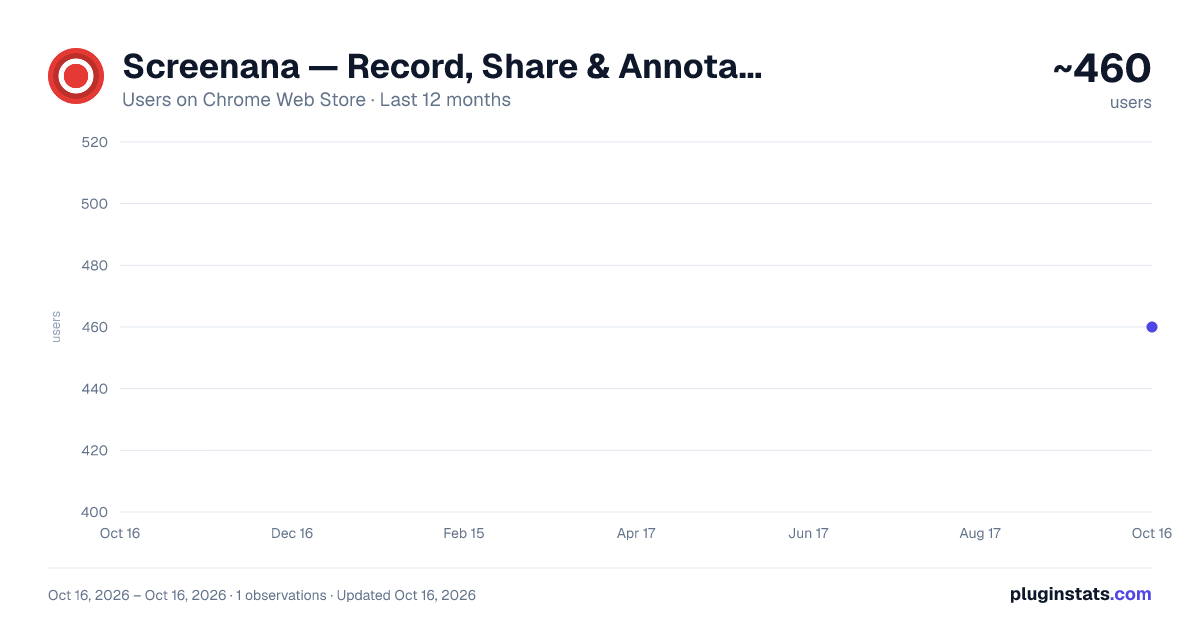
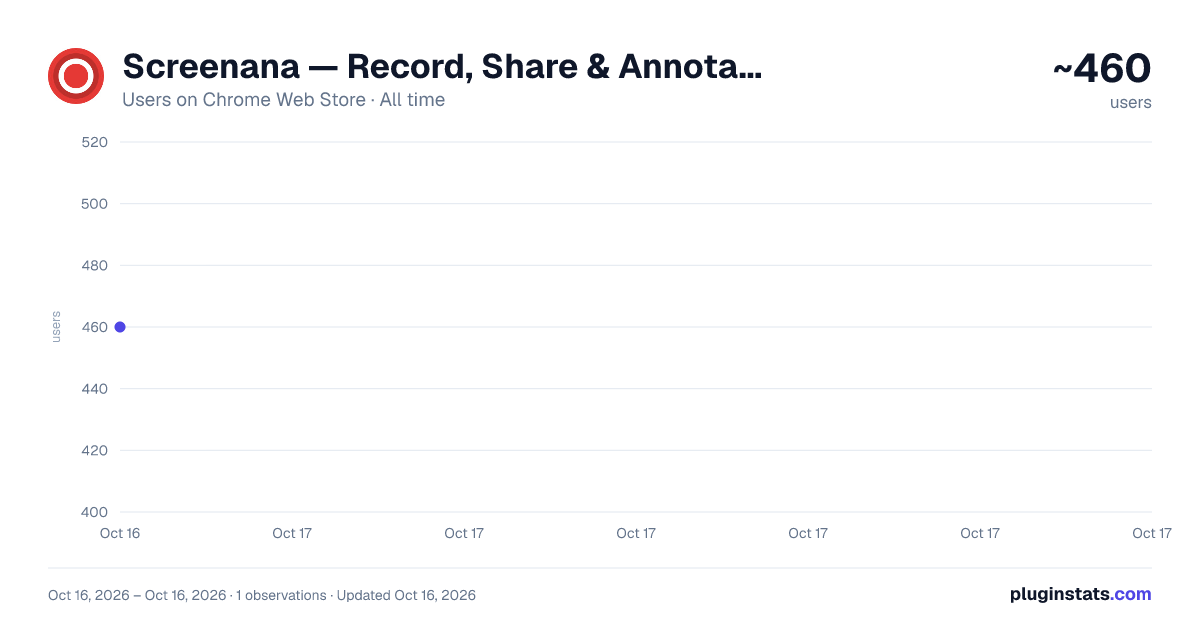
Screenana — Record, Share & Annotate has approximately 460 recorded users on Chrome Web Store.
It ranks #813 of 1,556 tracked Chrome Web Store listings by users.
PluginStats has 1 daily observations since Oct 16, 2026; the latest is from Oct 16, 2026.
About Screenana — Record, Share & Annotate
Record your screen or tab, annotate in real-time, and share instantly. Free recorder with camera overlay, drawing tools & cloud.
Screenana — Record, Share & Annotate
🎬 The ultimate screen recorder for Chrome. Capture your screen or browser tab, add real-time annotations, overlay your camera, and share videos instantly with a single link — all from your browser.
Whether you're creating a quick tutorial, reporting a bug, giving async feedback, or recording a presentation — Screenana makes it effortless.
━━━━━━━━━━━━━━━━━━━━━━━━━━━━
🚀 WHY SCREENANA?
Unlike other screen recorders, Screenana gives you professional-grade tools without the bloat. No watermarks on paid plans, no forced sign-ups to start recording, and your videos are stored securely in the cloud with instant sharing.
✅ Record your entire screen or a single browser tab ✅ Camera overlay — show your face while you record ✅ Real-time annotations — draw, highlight, add arrows and shapes ✅ Instant cloud upload — share with one link ✅ No desktop app needed — works 100% in Chrome
━━━━━━━━━━━━━━━━━━━━━━━━━━━━
🎥 RECORDING FEATURES
📺 Screen & Tab Recording Record your entire screen (all monitors supported) or capture a specific browser tab. Perfect for tutorials, demos, presentations, and bug reports.
🎙️ Microphone & System Audio Record your voice with microphone support, capture system audio from the tab, or combine both for the perfect narration.
📷 Camera Overlay Add a draggable, resizable camera bubble to your recordings. Show your face while walking through a presentation or demo. Works in both screen and tab recording modes.
⏱️ Countdown Timer Optional 3-second countdown before recording starts, so you have time to prepare.
🎨 Quality Options Choose between 720p, 1080p, or 4K recording quality depending on your plan.
━━━━━━━━━━━━━━━━━━━━━━━━━━━━
✏️ ANNOTATION TOOLS
Draw and annotate directly on your screen while recording — perfect for tutorials, walkthroughs, and visual feedback.
🖊️ Pen — Freehand drawing in any color 🔆 Highlighter — Semi-transparent highlighting ➡️ Arrow — Point to specific areas ▭ Rectangle — Draw boxes around elements ⭕ Circle — Circle important areas 📝 Text — Add text labels anywhere ↩️ Undo & Clear — Quickly fix mistakes
The annotation toolbar appears during recording and stays out of your way until you need it. All annotations are rendered directly into the video.
━━━━━━━━━━━━━━━━━━━━━━━━━━━━
☁️ CLOUD STORAGE & SHARING
Every recording is automatically uploaded to the cloud. No manual file management, no emailing large files, no waiting for uploads to finish.
🔗 Instant Share Links — Copy a link and share your video with anyone 🌍 Access Anywhere — Watch your recordings from any device, any browser 💾 Auto-Save — Never lose a recording again 📥 Download — Download your videos as MP4 files anytime
━━━━━━━━━━━━━━━━━━━━━━━━━━━━
🏠 DASHBOARD
Manage all your recordings from a beautiful web dashboard at screenana.com:
📁 View, organize, and delete your videos 🔗 Copy share links with one click ✂️ Edit video titles and descriptions 🎨 Video player with custom branding (Business plan) 🔒 Password-protect your videos (Business plan) 📊 View analytics for each video (Business plan)
Description from the Chrome Web Store listing.
Where Screenana — Record, Share & Annotate sits in the listing
Each band is one page of 20. Users on a log scale. Placement is projected from users, so it can differ from the marketplace's own sort order. Hover a dot to see the listing.
Charts
Images: 30d · 1y · all time · 1600×900 dark
Adoption over time
7/30/90-day growth
Ranking history
Filled points are observed values; hollow points come from Internet Archive snapshots of the listing page. Dashed segments span periods with no observations — values between points are not interpolated.
Recent observations
Full history (1)Similar Chrome Web Store Tools plugins




Data source
User counts are read from public Chrome Web Store listing pages. Google displays rounded user counts (and caps the display at 10,000,000+), so small changes may not be visible. Rating counts above 1,000 are rounded (e.g. 1.6K).
Listing: https://chromewebstore.google.com/detail/screenana-—-record-share/mplpacmnekibmbmpknmfbklejdeinjck. First seen Oct 16, 2026; last successful collection Oct 16, 2026. See the methodology.