 PluginStats
WPoptic | WordPress Theme Detector and Plugins Detector users statistics
Chrome Web Store · Developer Tools
Instantly detect WordPress plugins and themes used on any website.
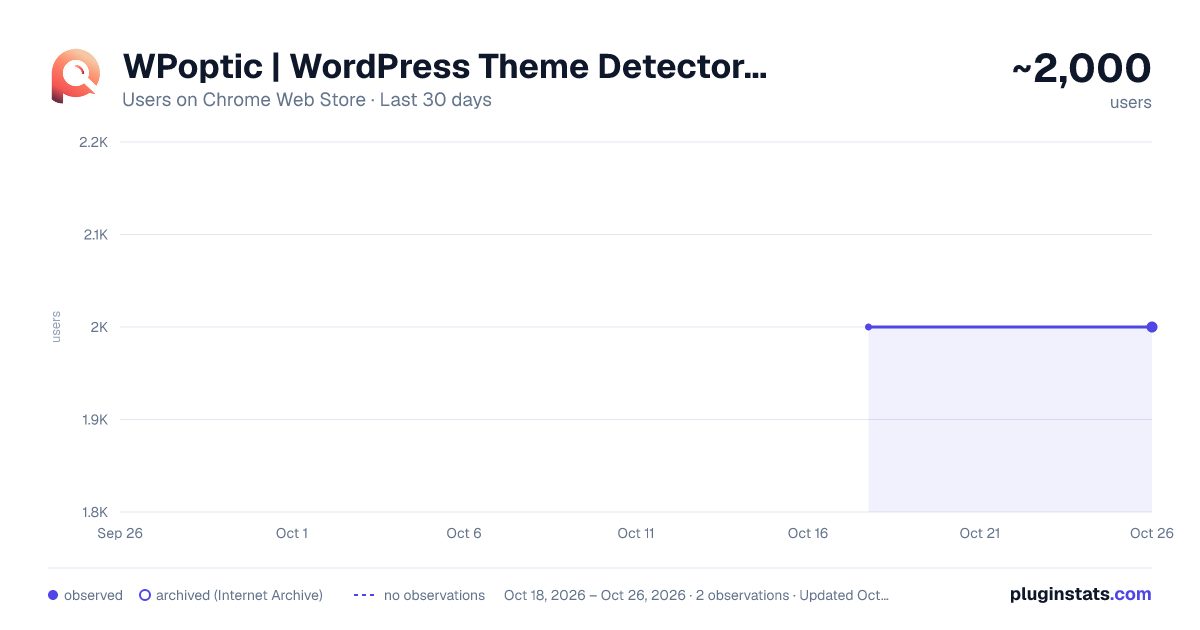
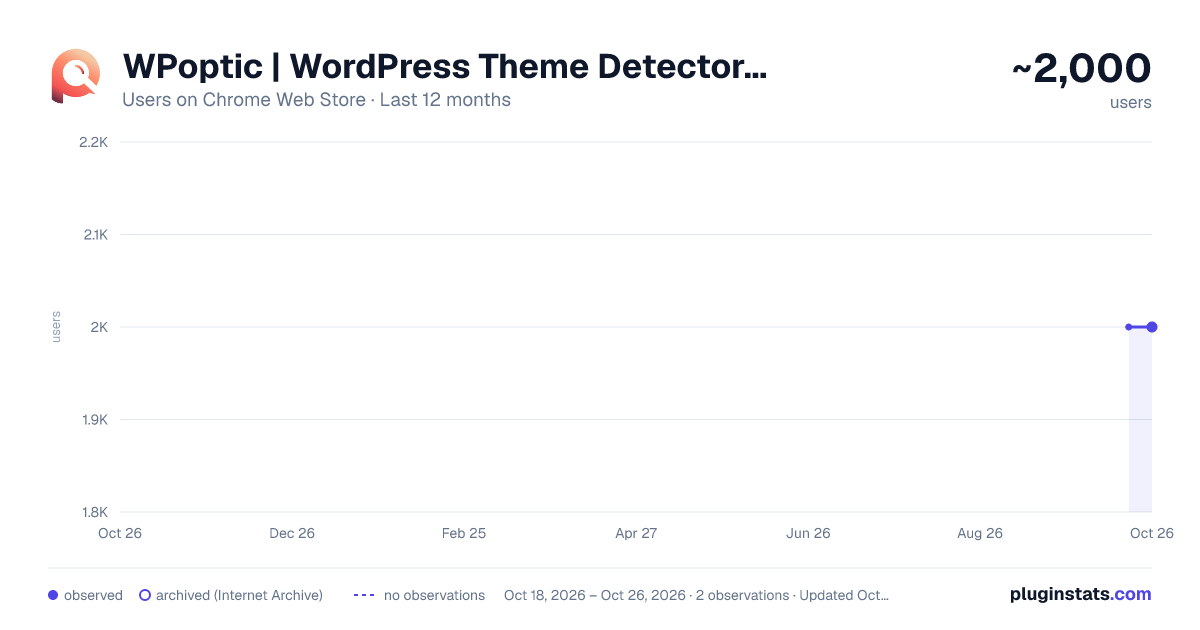
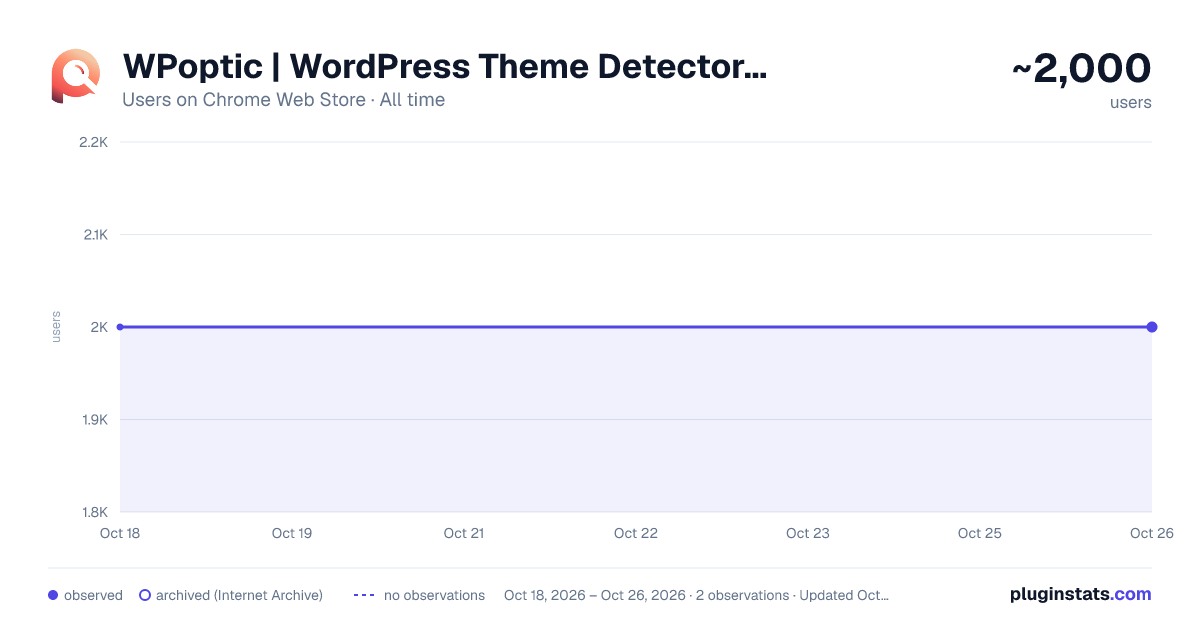
WPoptic | WordPress Theme Detector and Plugins Detector has approximately 2,000 recorded users on Chrome Web Store.
It ranks #412 of 1,556 tracked Chrome Web Store listings by users.
It is rated 4.6 out of 5 from 11 ratings.
PluginStats has 1 daily observations since Oct 18, 2026; the latest is from Oct 18, 2026.
Rating: 4.60 / 5 from 11 ratings
About WPoptic | WordPress Theme Detector and Plugins Detector
Instantly detect WordPress plugins and themes used on any website.
Instantly detect WordPress plugins & themes on any website!
WPoptic is the ultimate WordPress plugin and theme detector, built for developers, marketers, and WordPress enthusiasts. Whether you're analysing a competitor’s setup, troubleshooting a site, or just curious about how a WordPress-powered site is built, WPoptic makes it effortless.
With WPoptic, you can instantly:
- Identify all active WordPress plugins and the WordPress theme on any website. - View version numbers of WordPress themes and plugins - Detect child and parent themes - Access a database of WordPress plugins, including both free and premium plugins. - Get instant results, no waiting, no page reloads. - Discover plugins for SEO, security, eCommerce, performance, forms, caching, analytics, and more. - JS libraries used by any plugin. - Gain insight into site customisation and optimisation strategies.
PERFECT FOR:
✅ WordPress developers looking to understand plugin setups. ✅ Digital marketers analysing competitors’ tools. ✅ Website owners researching new plugin solutions. ✅ Anyone curious about how WordPress sites are built!
POWERFUL FEATURES
- Instantly detect WordPress themes & plugins - Fast & lightweight, results appear instantly, no slowdowns. - One-click detection, simply visit a website and click the WPoptic icon. - Works across all WordPress-powered sites - Great for SEO & performance analysis, see what tools power top-ranking sites. - Completely free to use, no sign-up required.
HOW IT WORKS
1: Install WPoptic from the Chrome Web Store. 2: Visit any WordPress-powered website. 3: Click the WPoptic icon to instantly see the complete list of detected WordPress plugins & themes.
It’s that simple! No loading time, no extra steps, just instant results.
WHY WPOPTIC?
Compared to other WordPress plugin detectors, WPoptic stands out with: - Instant results, no waiting for slow scans. - One-click usability, just visit a site & click. - No performance impact, lightweight & fast.
Install WPoptic now and start discovering WordPress plugins instantly!
Description from the Chrome Web Store listing.
Where WPoptic | WordPress Theme Detector and Plugins Detector sits in the listing
Each band is one page of 20. Users on a log scale. Placement is projected from users, so it can differ from the marketplace's own sort order. Hover a dot to see the listing.
Charts
Images: 30d · 1y · all time · 1600×900 dark
Adoption over time
7/30/90-day growth
Ranking history
Filled points are observed values; hollow points come from Internet Archive snapshots of the listing page. Dashed segments span periods with no observations — values between points are not interpolated.
Recent observations
Full history (1)Similar Chrome Web Store Developer Tools plugins




Data source
User counts are read from public Chrome Web Store listing pages. Google displays rounded user counts (and caps the display at 10,000,000+), so small changes may not be visible. Rating counts above 1,000 are rounded (e.g. 1.6K).
Listing: https://chromewebstore.google.com/detail/wpoptic-wordpress-theme-d/nadojlfnkladkokhgiplplgnbifnjlib. First seen Oct 18, 2026; last successful collection Oct 18, 2026. See the methodology.