 PluginStats
Timesheet app - work hours calculator users statistics
Chrome Web Store · Workflow & Planning
Track your working day by job types, projects and customers (employers).
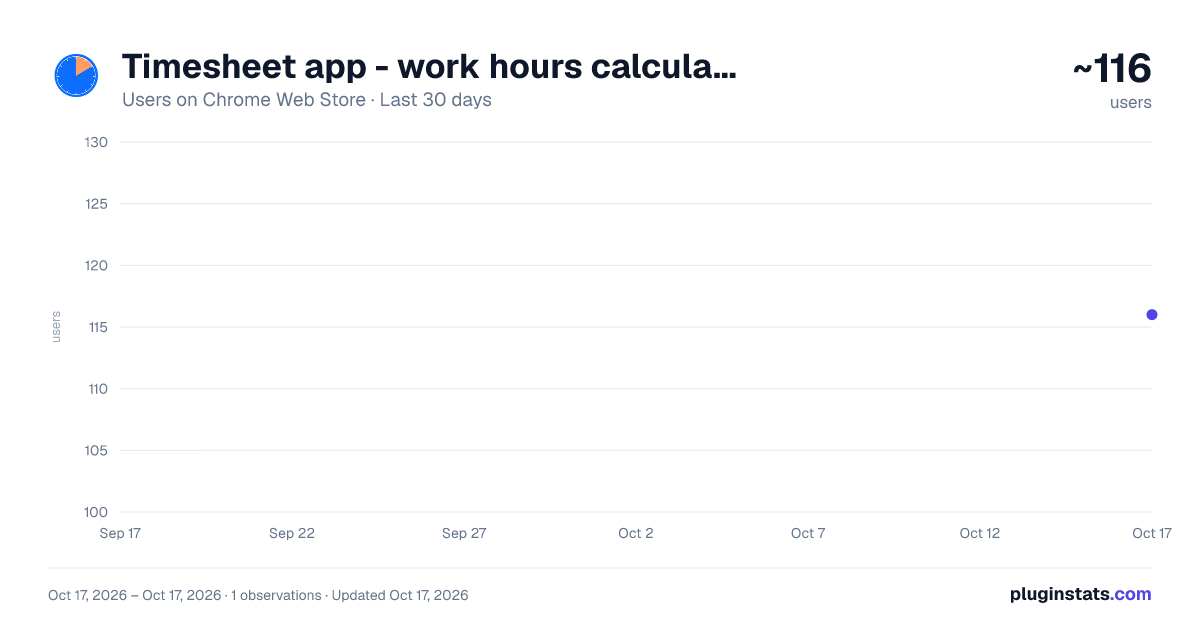
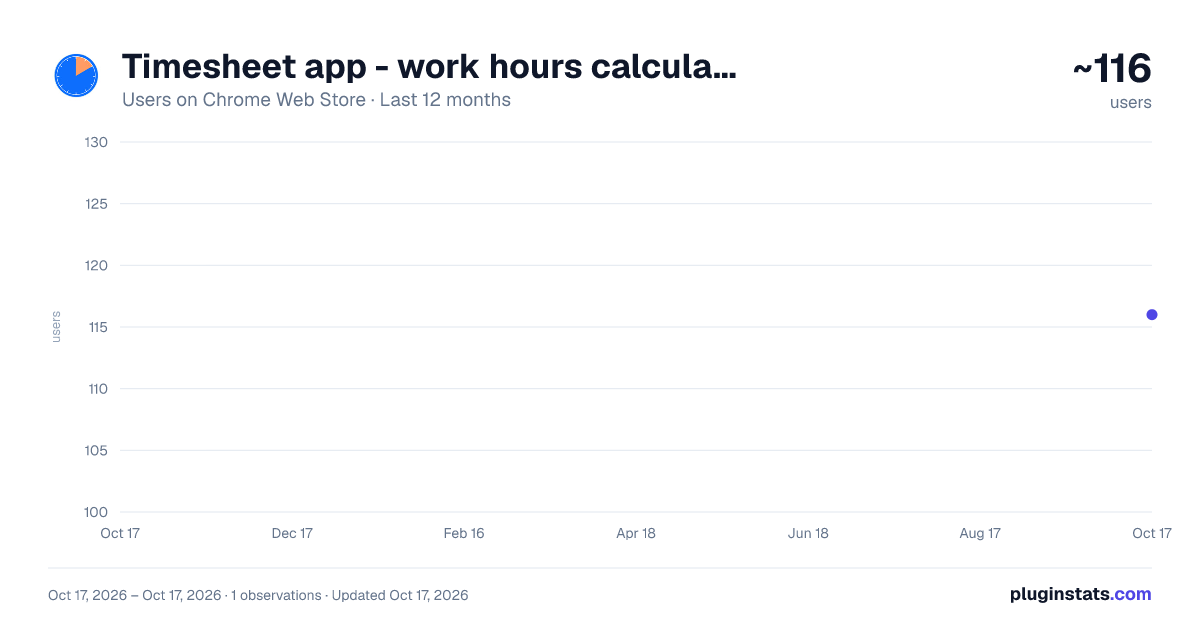
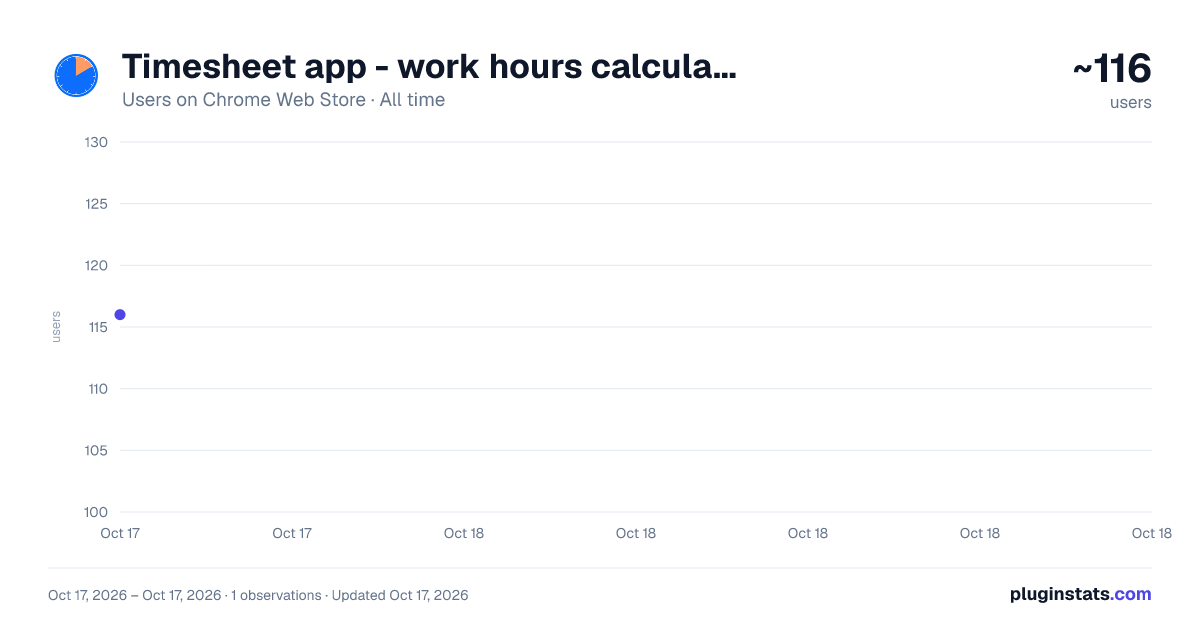
Timesheet app - work hours calculator has approximately 116 recorded users on Chrome Web Store, ranking #2347 of 2,495 tracked listings.
About Timesheet app - work hours calculator
Track your working day by job types, projects and customers (employers).
Simple solution to keep track of working hours and wages. Write down your working day by hours. My timesheet emphatically replaces a paper or spreadsheet. The work can be detailed by types, projects and organizations (customers or employers).
🔥 The timesheet data is stored locally on your computer - in the browser database. 🔥 Each cell of timesheet table contains detailed information about your workday. 🔥 There are no any difficult settings and you can start using the app right now.
Work with app easily: 1️⃣ Fill out the catalogs (“Settings” button). • Job types. Enter for each job - hourly rate if needed (it will be used to calculate the amount of performed work), timesheet code and color. • Projects. Fill it out if you need to control the work time by projects. • Organizations. Enter your customers or employers.
2️⃣ Record your workday in the timesheet. Click the cell in the table of time sheet and fill out the opened form. Enter more timesheet records within the day by clicking “Additional job types” section. The amount for the work is calculated automatically if the hourly rate is specified in the Job Types catalog.
3️⃣ Control and analyze the pivot data in the reports (“Reports” button). Reports can be generated for any time period of work log app. Each report’s record can be detailed. For example, in the Job types report each job can be detailed by project; or in the Projects report each project can be detailed by jobs. Enter your personal data in the settings to display in the reports if needed.
Real-World Benefits: ✅ Powerful timesheet cells – contain detailed data of working day. ✅ Quick timesheet data entry. The data is stored in structured catalogs, there is no need to enter job types, projects or organizations every time. ✅ Automatic calculation of the amount for completed work for hourly jobs. ✅ Absences tracking by customizable types (business trip, leaves and etc.). ✅ A set of summary reports for analyzing and control working hours. ✅ Quick access from the browser panel. ✅ Switch the timesheet view – compact or detailed form. ✅ Colorized timesheet cells. ✅ Simple app interface with dark theme mode.
Online timesheet for construction and installation organizations - write down the working day by the hours and projects, generate pivot report of any construction project. The timesheet app is more convenient than spreadsheet: • The data is organized stored in the catalogs, one- click to fill out the time log cell. • A set of analytical reports. • Keep track of work hours on behalf of multiple organizations.
Frequently Asked Questions: ❔ Which hours format is using in the reports? The working time displays in the ‘hours:mins’ format by default. Turn on the setting “Display (additionally) hours in reports in the format 00.000” to display converted hours.
❔ Is it possible to use the extension on multiple devices? Yes, it’s possible, but your data will be stored in separated databases. Write us to info@irisoffice.com, if you need to use shared databased with timesheet calculator app.
❔ Is it possible to keep track of working hours by employees? No. Write us to info@irisoffice.com to get more information.
❔Is it possible to display the name of jobs in the time cards? Yes, switch the view button to the right (near the “Reports” button)
❔ How can I quickly switch to a few months ago in my timesheet? Click the month name in the selection box and choose the month you needed.
❔ How can I enter multiple jobs within the working day? Click the cell in the timesheet to open record form. Click “Additional job types” section and ‘+’ button.
❔ Is the project required field in the timesheet record? No, enter the projects if needed.
❔ How can I display personal information in the reports? Fill out the field “Your data for display in reports (name, organization...)” in the settings of time recording app.
❔ Can I increase the cell width? Fill out the field “Width of timesheet cell” in the settings of time keeper app.
Description from the Chrome Web Store listing.
README badge
Show your rank in a README or on your website. The badge updates automatically.
Charts
Images: 30d · 1y · all time · 1600×900 dark
Adoption over time
7/30/90-day growth
Ranking history
Ratings over time
Listing placement
Listing placement
Filled points are observed values; hollow points come from Internet Archive snapshots of the listing page. Dashed segments span periods with no observations — values between points are not interpolated.
Each band is one page of 20. Users on a linear scale. Placement is projected from users, so it can differ from the marketplace's own sort order. Hover a dot to see the listing.
Recent observations
Full history (1)Similar Chrome Web Store Workflow & Planning plugins
All 20 Timesheet app - work hours calculator alternatives



Data source
Covers every Chrome Web Store extension with at least 100 users, found through the store's public sitemap. User counts are read from public listing pages. The 10% most-used extensions are refreshed daily, the next 40% weekly and the next 40% monthly; the least-used 10% are not refreshed. Google displays rounded user counts (and caps the display at 10,000,000+), so small changes may not be visible. Rating counts above 1,000 are rounded (e.g. 1.6K).
Listing: https://chromewebstore.google.com/detail/timesheet-app-work-hours/mbhjdfeaplamnhlndiabkmlangcbcaie. First seen Oct 17, 2026; last successful collection Oct 17, 2026. See the methodology.