 PluginStats
Smart Bookmark Manager - Linqlist users statistics
By admin · Chrome Web Store · Workflow & Planning
Smart bookmark manager to end clutter. Visually organize, sync, find fast & share collections easily across all devices.
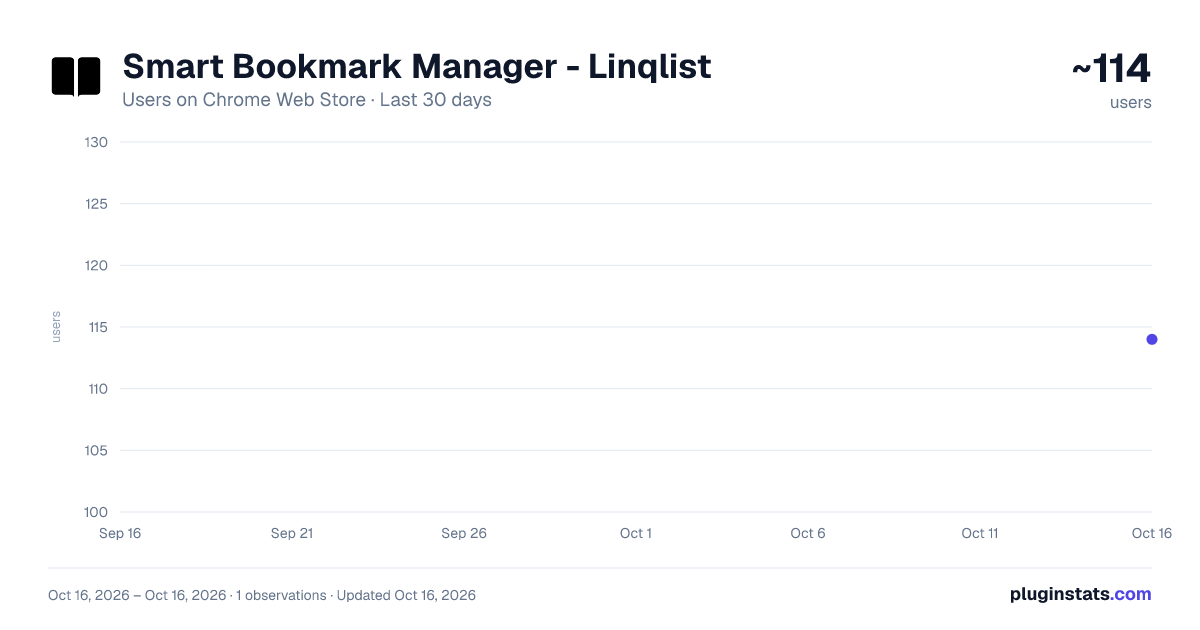
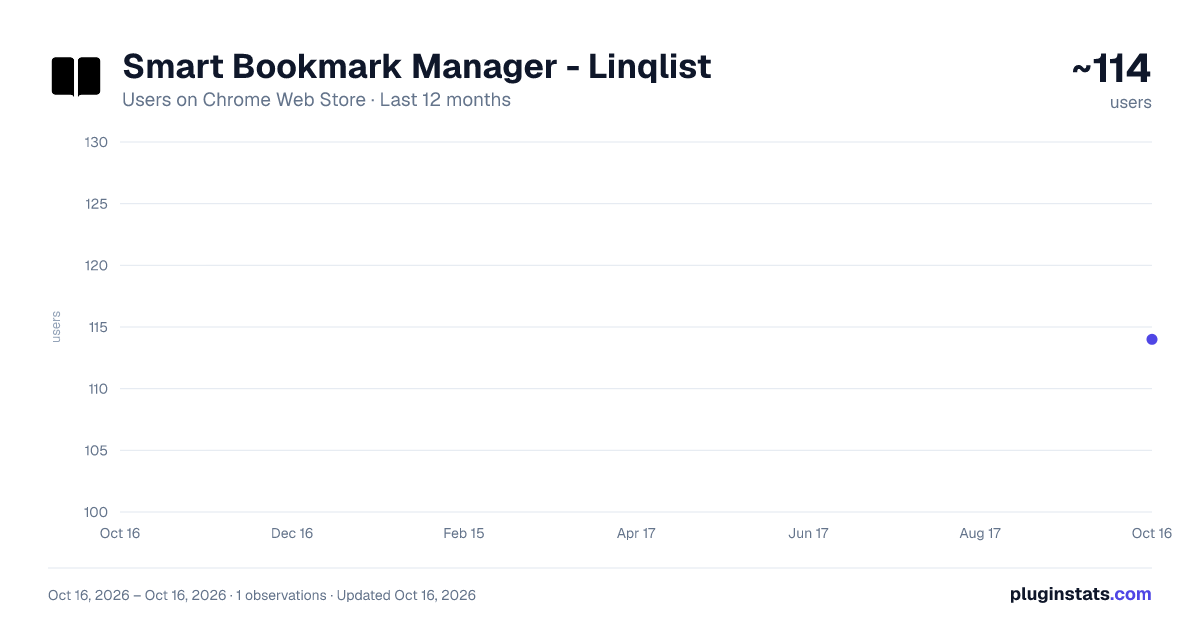
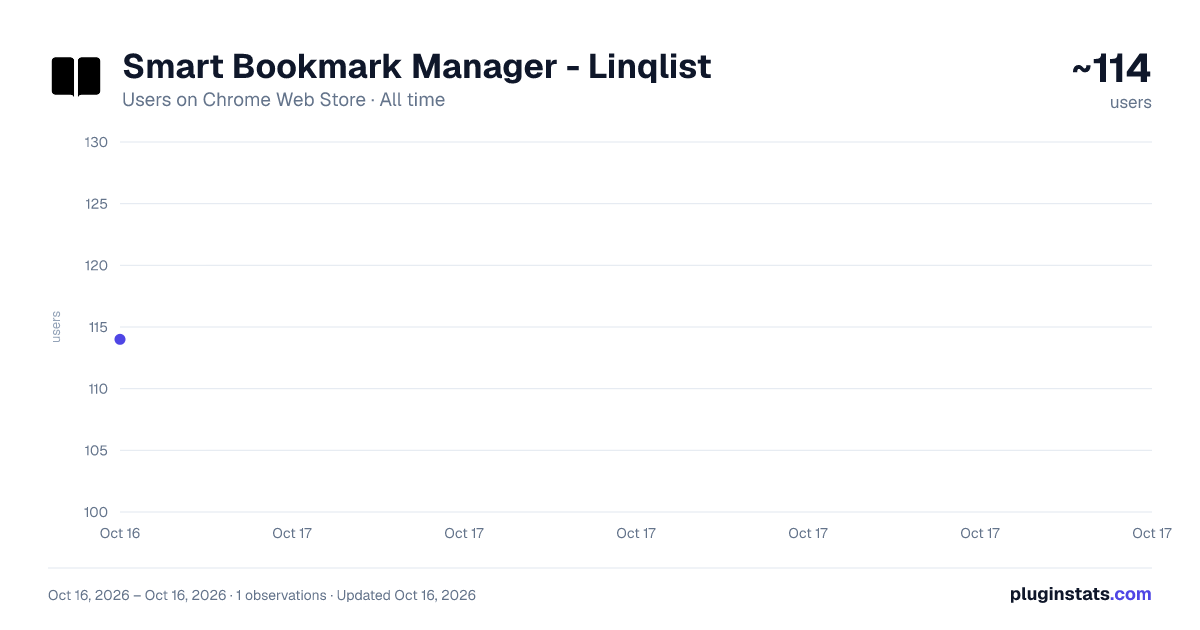
Smart Bookmark Manager - Linqlist has approximately 114 recorded users on Chrome Web Store.
It ranks #1490 of 1,556 tracked Chrome Web Store listings by users.
It is rated 3.7 out of 5 from 3 ratings.
PluginStats has 1 daily observations since Oct 16, 2026; the latest is from Oct 16, 2026.
Rating: 3.70 / 5 from 3 ratings
About Smart Bookmark Manager - Linqlist
Smart bookmark manager to end clutter. Visually organize, sync, find fast & share collections easily across all devices.
Your Powerful Chrome Extension for Smart Bookmarking with Seamless Web Access
Tired of bookmark chaos in Chrome? Meet Linqlist, the smart bookmark manager that revolutionizes how you organize, access, and share your web links. While Linqlist enhances your bookmarking directly within Chrome, you can also enjoy a consistent experience and access most of its features and the same familiar look and feel across different browsers by logging into the Linqlist website at linq-list.com.
With Linqlist, you unlock powerful features including:
★ Intuitive Organization within Chrome's Visual Environment: Transform your Chrome bookmarks into visual 'Smart Collections' and custom boards. Utilize the easy drag-and-drop interface to categorize links for projects, research, hobbies, and more, all within your Chrome browser.
★ Access Your Organized Bookmarks Across Browsers via linq-list.com: Seamlessly access and manage the bookmarks you've organized in Chrome from any other browser by logging into your account on linq-list.com. Enjoy a consistent look and feel and access to most of the features you love in the Chrome extension.
★ Smart Search – Find Links Quickly in Chrome and Online: Instantly locate saved links within your Chrome collections using our fast search. This powerful search functionality is also available when you access your bookmarks through the linq-list.com website, ensuring you can always find what you need, no matter the browser.
★ Effortless Sharing and Collaboration from Chrome & the Web: * Share Boards Easily: Share specific boards created in Chrome with others via a simple link, whether they are Linqlist users or not. This sharing capability extends to accessing and sharing via the linq-list.com website. * Collaborate on Collections: Invite others to view or edit your bookmark collections, fostering seamless collaboration on projects and shared interests, both within Chrome and through the linq-list.com web interface.
Key Features Accessible in Chrome & on linq-list.com:
✔ Visual Organization: Enjoy the same intuitive visual layout for your bookmark collections whether you're in the Chrome extension or on the website. ✔ Powerful Search: Find your bookmarks quickly and efficiently across both platforms. ✔ Sharing & Collaboration: Easily share and collaborate on your organized links. ✔ Effortless Importing: Quickly import your existing bookmarks to get started. These will then be accessible on the web as well in chrome extension. ✔ Public Board Discovery: Explore and follow interesting public collections created by other Linqlist users. ✔ User-Friendly Interface: Experience a consistent and easy-to-navigate design on both the Chrome extension and the web platform.
Linqlist provides you with the best of both worlds: the convenience of a dedicated Chrome extension for seamless bookmarking within your primary browser and the flexibility of web access to manage and utilize your organized links from any device and browser.
Ready to revolutionize your bookmarking? Add the Linqlist Chrome extension today and access your organized world on linq-list.com!
Description from the Chrome Web Store listing.
Where Smart Bookmark Manager - Linqlist sits in the listing
Each band is one page of 20. Users on a log scale. Placement is projected from users, so it can differ from the marketplace's own sort order. Hover a dot to see the listing.
Charts
Images: 30d · 1y · all time · 1600×900 dark
Adoption over time
7/30/90-day growth
Ranking history
Filled points are observed values; hollow points come from Internet Archive snapshots of the listing page. Dashed segments span periods with no observations — values between points are not interpolated.
Recent observations
Full history (1)Similar Chrome Web Store Workflow & Planning plugins




Data source
User counts are read from public Chrome Web Store listing pages. Google displays rounded user counts (and caps the display at 10,000,000+), so small changes may not be visible. Rating counts above 1,000 are rounded (e.g. 1.6K).
Listing: https://chromewebstore.google.com/detail/smart-bookmark-manager-li/mbfdbpaoiddkmehfockpipeigbnmebkg. First seen Oct 16, 2026; last successful collection Oct 16, 2026. See the methodology.