 PluginStats
Leading2Lean Chrome Extension users statistics
By filimon35 · Chrome Web Store · Tools
Leading2Lean Chrome Extension
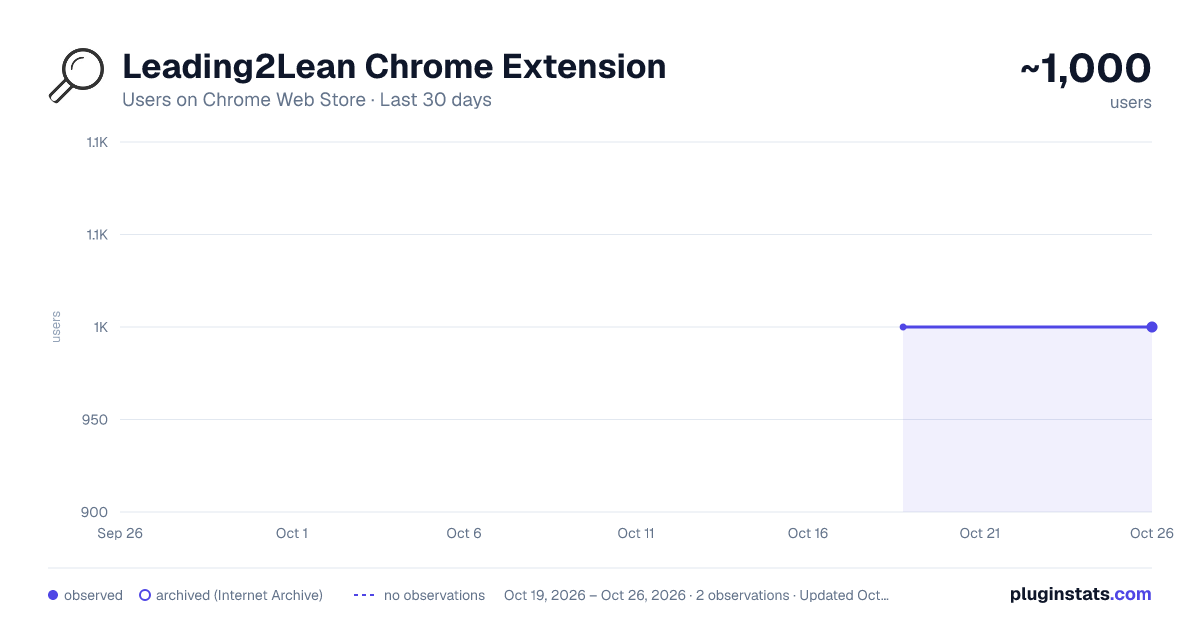
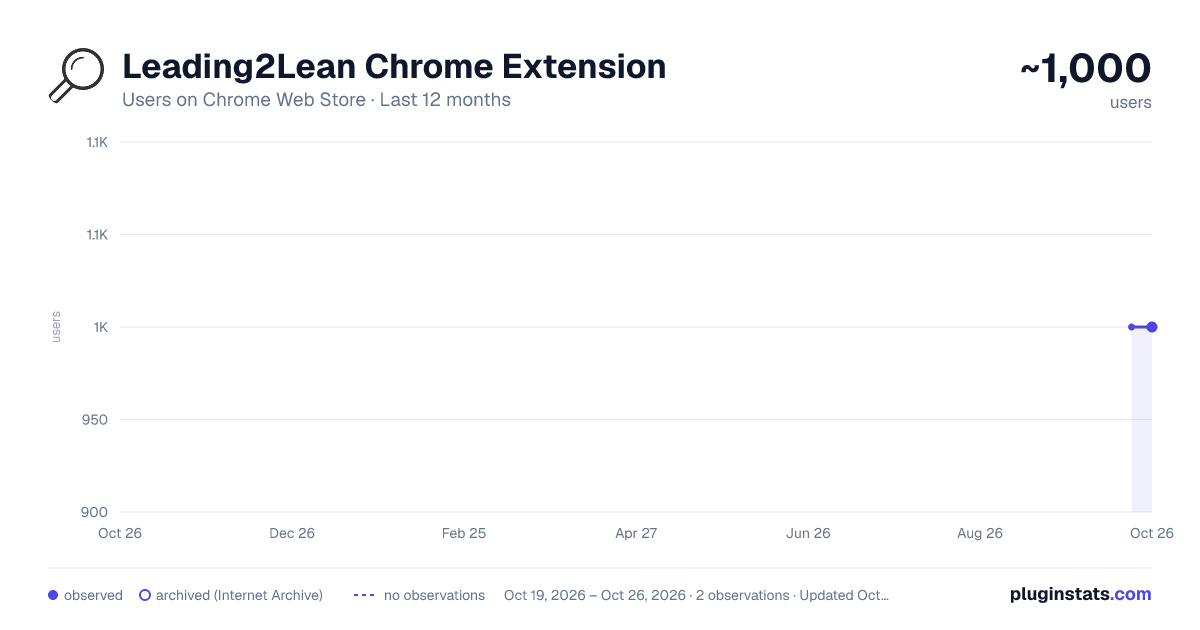
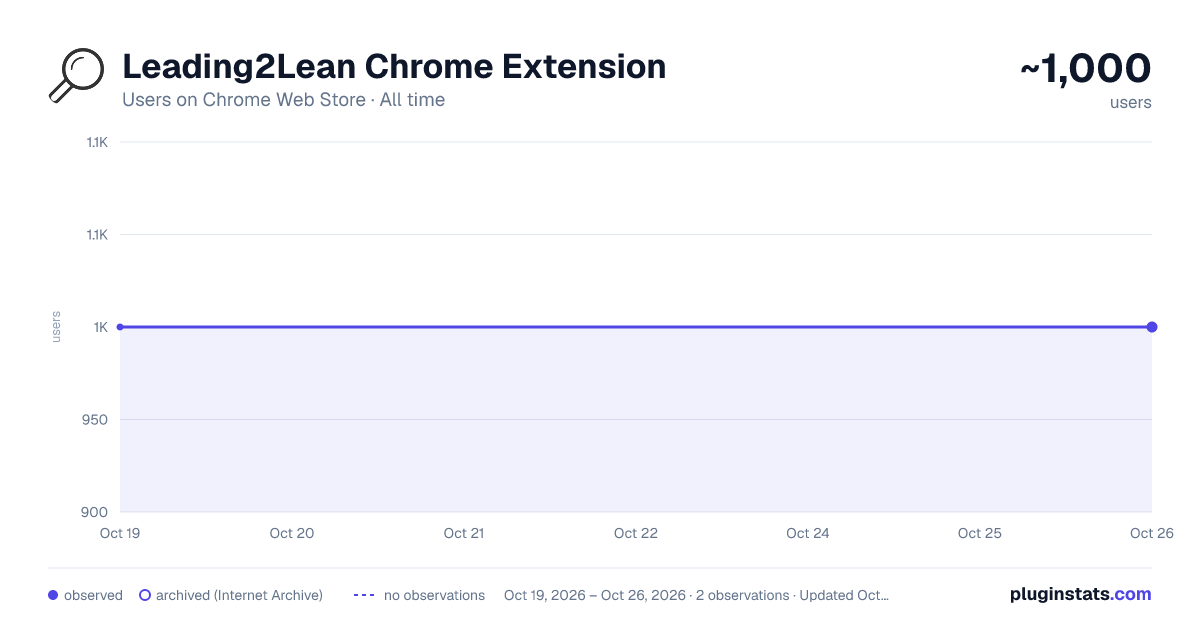
Leading2Lean Chrome Extension has approximately 1,000 recorded users on Chrome Web Store.
It ranks #721 of 2,033 tracked Chrome Web Store listings by users.
PluginStats has 1 daily observations since Oct 19, 2026; the latest is from Oct 19, 2026.
About Leading2Lean Chrome Extension
Leading2Lean Chrome Extension
This extension adds an extra filter for Leading2Lean skill matrix table. It allows the user to hide unwanted columns from the table. v1.1 now also remove the general station from scrap declaration v1.2 remove redundant permissions v1.3 modified default dispatch screen v1.4 modified dispatch screen again v1.5 fixed a few bugs that were affecting the wrong elements v1.6 fixed general station going missing when is shouldn't v1.7 small date fix when requesting scrap data v1.8 small bug fix for lines with more than 30 stations v1.9 new clock in feature, after skill training v1.91 fixed a small bug related to scrap v2.0.0 Major update, made available for multiple divisions v2.0.1 Small workaround for station selection v2.02 Corrected a very small bug v2.03 Corrected a very small bug v2.04 Fixed a bug where users images would not be displayed correctly v2.05 Reworked skills page into a, hopefully, more user-friendly layout v2.06 Changed the way skills button behaves in the new table, it now opens an iframe with the selected skill instead of navigating to the skills page and then back. v2.07 Added auto click on edit button in skills page v2.08 Added "Operator count" and "Scrap count" KPI cards to "line side display" dashboard v2.09 Added "Current target" pill to "line side display" dashboard v2.11 Fixed some style bugs, and machine selection filtering v2.12 Added current target to demand card on current target view, and recalculating efficiency based on that target v2.13 Fixed a bug where having two line side displays opened in separate tabs caused the second to overwrite the first v2.14 Fixed a small bug where efficiency would be NaN instead of 0 if line didn't work v2.15 Modified l2l efficiency calculation when on demand tab and made shift downtime green if value is 0 v2.16 Added two-way filtering of quicktext and stations based on selection v2.17 Added auto-login feature to delmia v2.18 Added delmia auto-login feature toggle v2.19 Added security feature, modified machine technology codes to accept more than on technology per machine v2.20 Small change to the way delmia login works, now the extension stops if the password or user is wrong; added more options to turn on or off features v2.21 Small change to manifest v2.22 Added another plant v2.23 Added auto-login for a specific division app v2.24 Updated due to breaking changes introduced by operator portal update v2.26 Updated due to breaking changes introduced by checklist edit update v2.27 Fixed a small bug on lineside display, that caused months to get calculated incorectly v2.29 Added monaco editor script for thingworx composer v2.29.1 New feature added: hiding clockout this user only button v2.29.11 Fixed a bug where some styles overwrote native ones v2.29.12 Fixed a bug introduced in 2.29.11 where the css for the new tab didn't load anymore v.29.13 Hiding clockout this user only button is now removed regardless of language v.2.29.14 Fixed a small bug where the extension kept removing the first button from the checkout dialog, even if the first button wasn't "check out this user only" v.2.29.15 Feature: after operator certification agreement, the clock in will have the same parameters as the previous clock in v.2.2.16 Changed permisions to include different LES site v2.2.17 Fixed a small bug introduced in 2.2.16 v2.2.18 Fixed (hopefully) the certification re-checkin (had to delay to relog with one minute, otherwise it wouldn't take v2.2.19 Feature: remove add scrap detail container v2.3.19 Feature: added line name and production area to line side display (this is separate from other line side display modifications) v2.3.20 Fixed: line name didn't check properly if it is enabled or not v2.3.21 Fixed: line side display wasn't working correctly; l2l changed the localstorage variable names v2.3.22 Changed: line side display now takes areas and lines from indexeddb v2.3.23 Fixed: forgot to turn on the feature checking, was left default on v2.3.24 Fixed: small issue that was causing the extension to not work on edge v2.3.25 Changed: moved api key request v2.3.26 Changed: turned lsdbn on by default for edge v2.3.27 Changed how the features checking works; now if_enabled is checked via the service worker v2.3.28 Changed all feature to work like in 2.3.27 v2.3.29 same as 28 v.2.3.30 Fixed: import statements v2.3.31 Fixed: delmia autologin v2.3.32 Fixed: leading2lean changes led to broken layout v2.3.33 Fixed: the previous fix; when changing line status, leading2lean resets the line description v2.3.40 Fixed lineside display again, and added a new, fullscreen, opt-in experimental version that hides the native DOM and replaces it with custom dashboard visuals v2.3.41 Fixed uri vs url v2.3.42 Fixed url parsing for clockin, and wrong division interpretation on autologin v2.3.43 Fixed leading2lean site parsing v2.3.44 Added a gate for skill_search; will no longer be on by default
Description from the Chrome Web Store listing.
Where Leading2Lean Chrome Extension sits in the listing
Each band is one page of 20. Users on a log scale. Placement is projected from users, so it can differ from the marketplace's own sort order. Hover a dot to see the listing.
Charts
Images: 30d · 1y · all time · 1600×900 dark
Adoption over time
7/30/90-day growth
Ranking history
Filled points are observed values; hollow points come from Internet Archive snapshots of the listing page. Dashed segments span periods with no observations — values between points are not interpolated.
Recent observations
Full history (1)Similar Chrome Web Store Tools plugins




Data source
User counts are read from public Chrome Web Store listing pages. Google displays rounded user counts (and caps the display at 10,000,000+), so small changes may not be visible. Rating counts above 1,000 are rounded (e.g. 1.6K).
Listing: https://chromewebstore.google.com/detail/leading2lean-chrome-exten/oaabbfincgdffkebihhiccepicbmlkco. First seen Oct 19, 2026; last successful collection Oct 19, 2026. See the methodology.